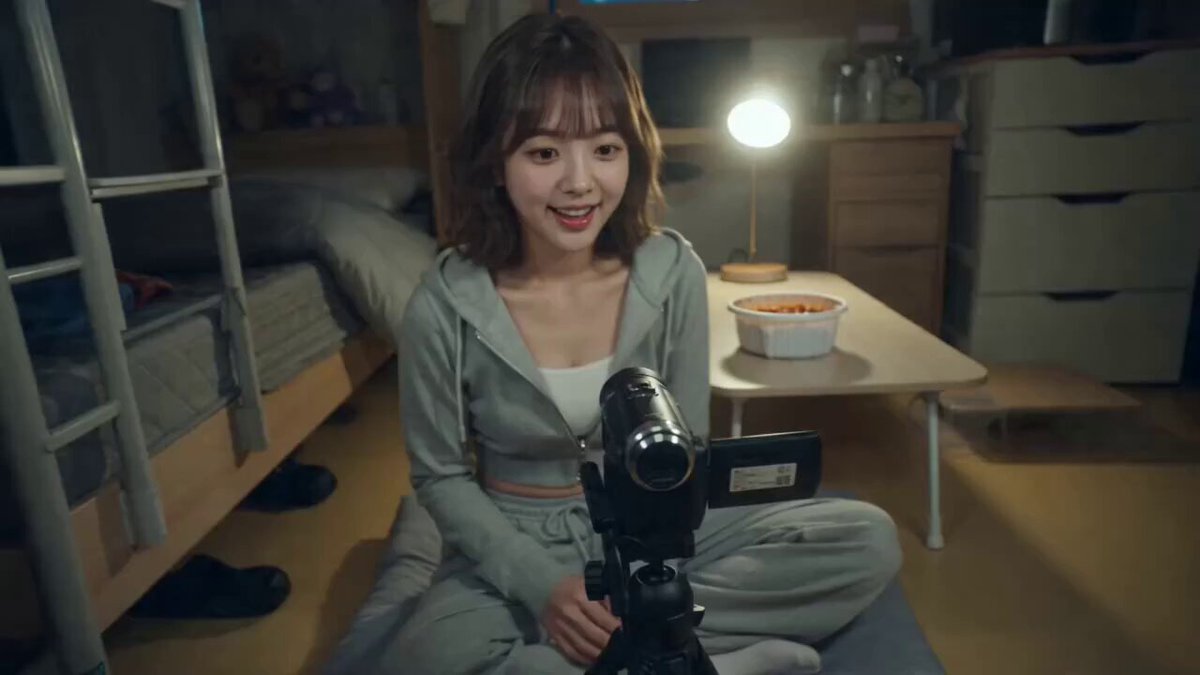
Generated ASMR scene
Mukbang ASMR
Focus on food texture, utensil sounds, and a relaxed close-up tasting sequence.
Use the AI ASMR video generator to create close-up sensory videos with synchronized cutting, cooking, craft, unboxing, eating, or automotive sounds. Choose a reviewed preset, edit the prompt, and control the model and output settings.
Examples show previous AI-generated results. Sound timing, material behavior, hands, and object details can vary with the prompt, model, duration, and reference image.
Choose a sensory format built around real actions and recognizable sound cues. Each preset fills the prompt while leaving the generation settings editable.
Focus on food texture, utensil sounds, and a relaxed close-up tasting sequence.
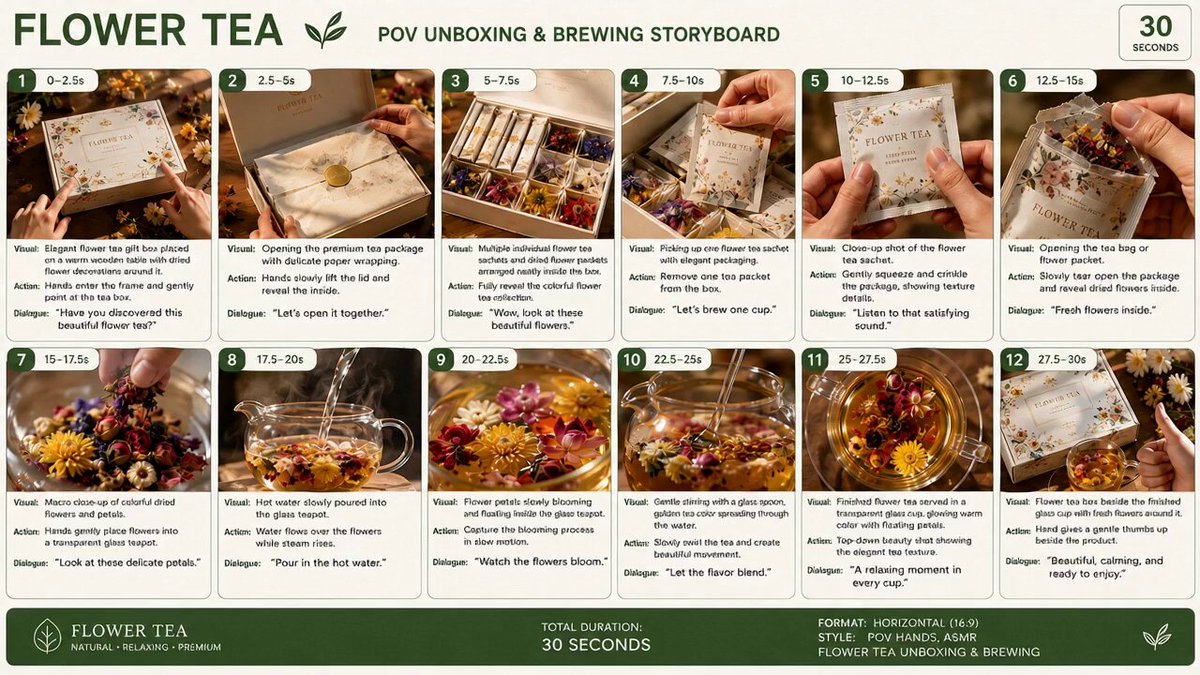
Open layered packaging with crisp paper, box, seal, and product sounds.
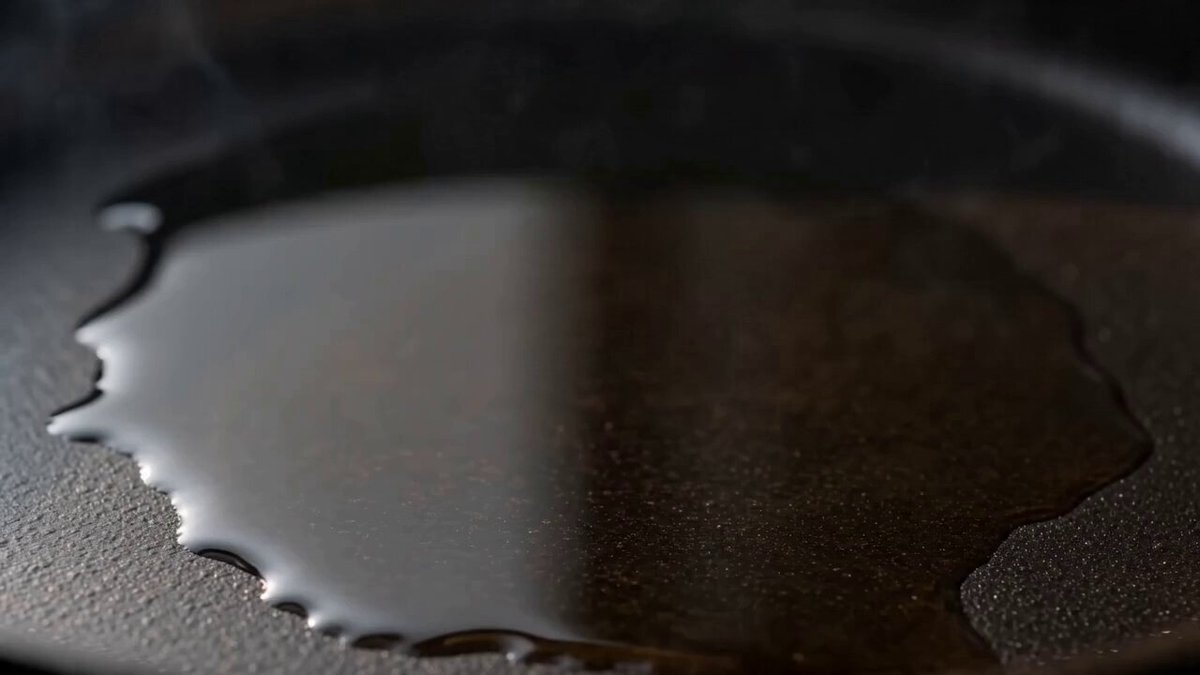
Turn chopping, sizzling, stirring, and plating into a polished sensory recipe sequence.
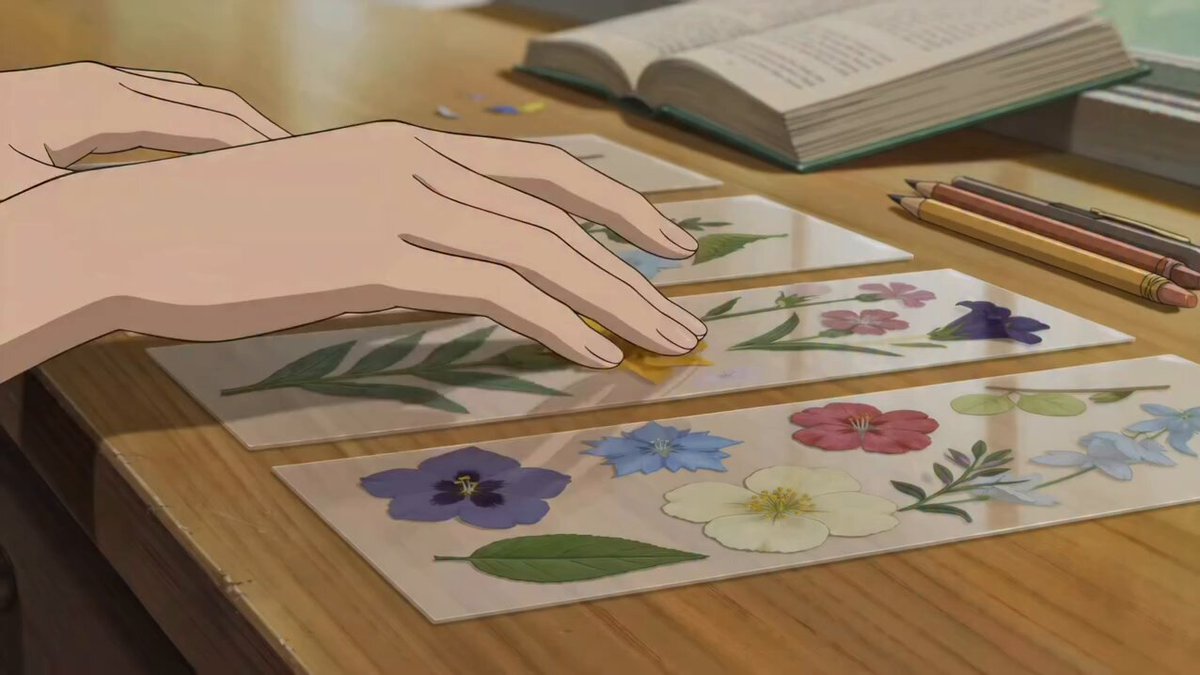
Arrange, press, trim, and finish a delicate handmade object at a quiet desk.
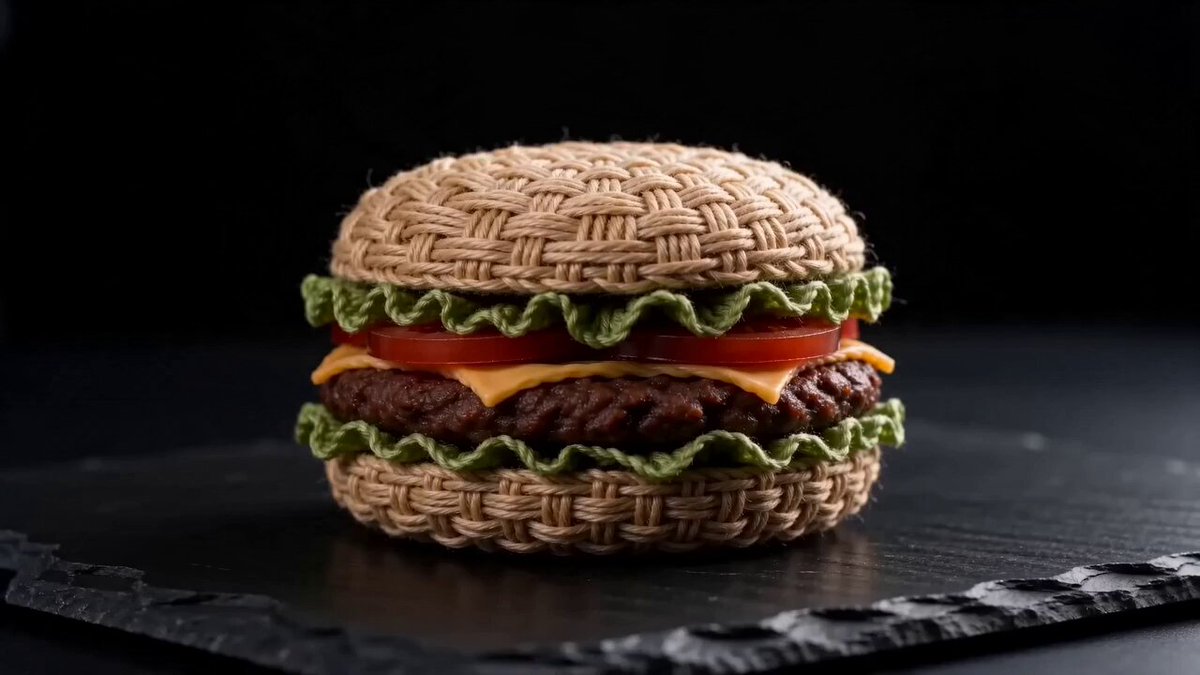
Slice a textured handmade object with clean resistance and sharp synchronized sound.
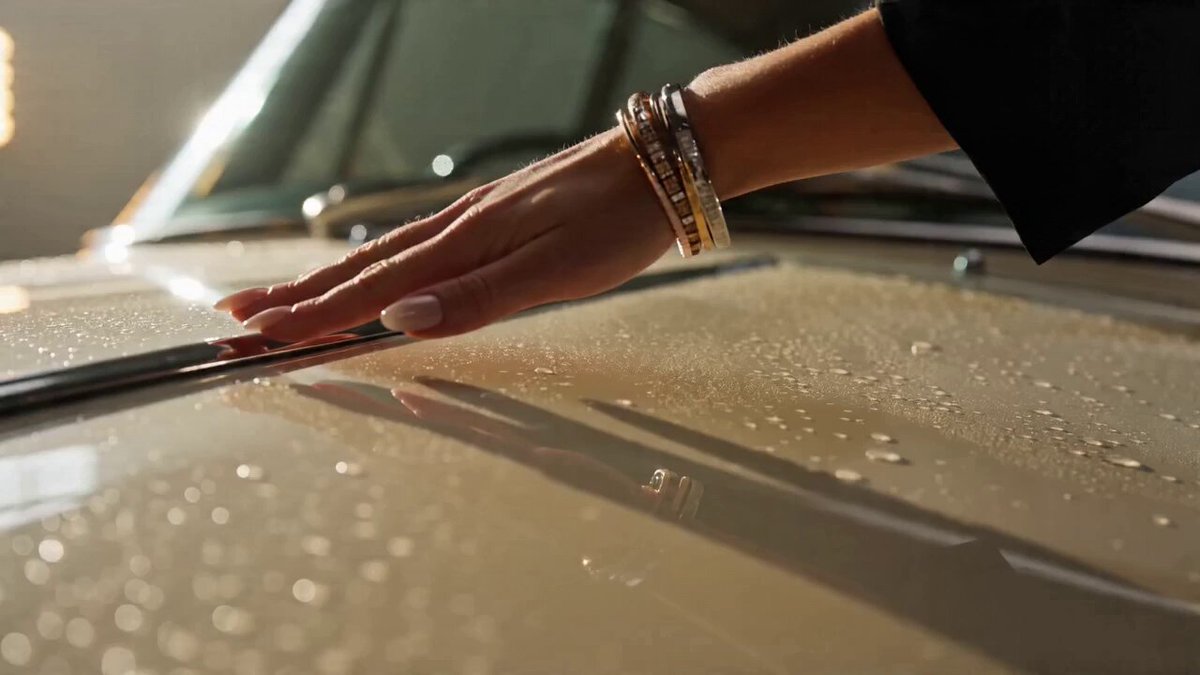
Capture polished metal, leather, switches, doors, and engine details through tactile sound.
The AI ASMR video generator works best when the prompt centers on a small number of materials and actions. Close framing, a stable work surface, visible tools, and a simple action order make both motion and sound easier to read.
Describe the food, product, craft, material, or vehicle. Add an optional close-up image when you want to guide its appearance and composition.
Choose Unboxing, Mukbang, Cooking, Craft, Cutting, or Car ASMR. Edit the actions, materials, camera, pace, and sound cues in the filled prompt.
Generate the video and check whether each sound matches its visible action. Simplify the action sequence or adjust timing when sound and motion need a cleaner rhythm.
Describe the subject, material, tool, action order, camera distance, tempo, room tone, and exact tactile sounds. Keep the sound source visible whenever possible.
Use these sensory structures as a starting point, then replace the object, material, actions, surface, and sound palette.
A translucent fruit is sliced slowly on a cool stone surface.
Create a locked macro ASMR shot of a translucent crystal citrus fruit on dark slate. A clean steel knife taps the surface, presses through with believable glass-like resistance, and separates three precise slices. Synchronize delicate chimes, crisp fractures, blade contact, and small pieces settling. No music or text.
Layered paper, seals, glass bottles, and soft product taps drive the sound.
Create a premium skincare ASMR unboxing on a warm neutral table. Hands lift a rigid box lid, unfold tissue paper, peel a paper seal, remove two glass bottles, turn the caps, and arrange the products. Use detailed paper rustle, adhesive peel, glass taps, cap clicks, and quiet room tone. No music or captions.
Precise cuts reveal layered shapes with dry granular sound.
Create an overhead macro ASMR video of layered kinetic sand pressed into a clean geometric block. A thin blade makes slow parallel cuts, lifts each slice, and reveals contrasting inner layers. Synchronize dry granular crumble, soft blade scrape, and pieces landing on the tray. Keep the hands and tool stable. No music.
An AI ASMR video generator creates close-up motion and sound around tactile actions such as opening, cutting, cooking, tapping, folding, pouring, or handling detailed materials.
No. You can generate from text alone. An optional image can guide the product, food, object, surface, or composition when you need a more specific visual starting point.
Keep each sound source visible, write actions in order, name the material and tool, and avoid too many rapid cuts. Short, concrete sound cues are easier to synchronize.
Yes. A preset fills the prompt only. You can change the subject, material, action order, sound, camera, and pace while selecting model and output settings separately.
Yes. The presets explicitly request tactile sound, room tone, and no background music. Generated audio can still vary, so another generation may be needed when unwanted music appears.
Close-up hand and tool interactions require precise geometry across frames. Fewer objects, slower actions, a stable camera, and clear references generally produce cleaner results.
 Image to VideoAnimate a product, food, craft, or scene from a still image.
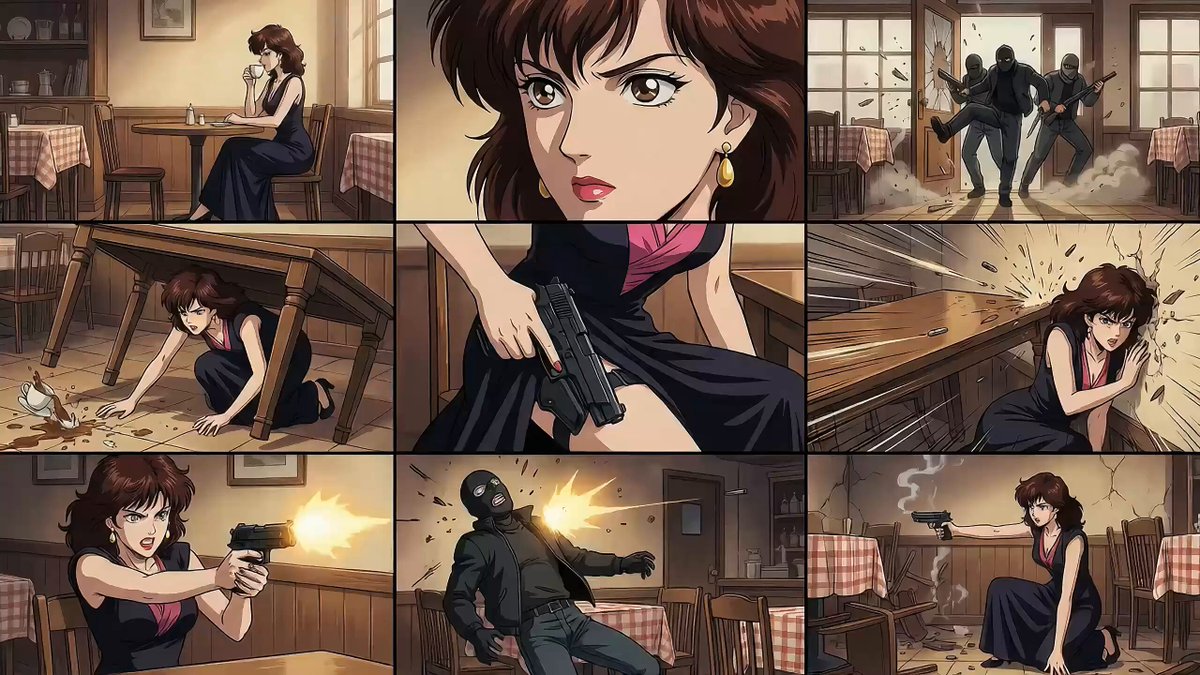 Text to VideoCreate a complete video from a written visual and audio description.
 AI Video Transition GeneratorConnect sensory scenes with match cuts, wipes, and morphs.
 AI Transformation Video GeneratorTransform objects and materials with selectable effect presets.
 AI Catwalk Video GeneratorGenerate fashion walks and product-focused runway scenes.
 AI Camera Orbit Video GeneratorCreate controlled circular camera moves around products and scenes.
Choose a sensory style, describe the material and action order, and generate a close-up video with synchronized tactile sound.
Generate ASMR video