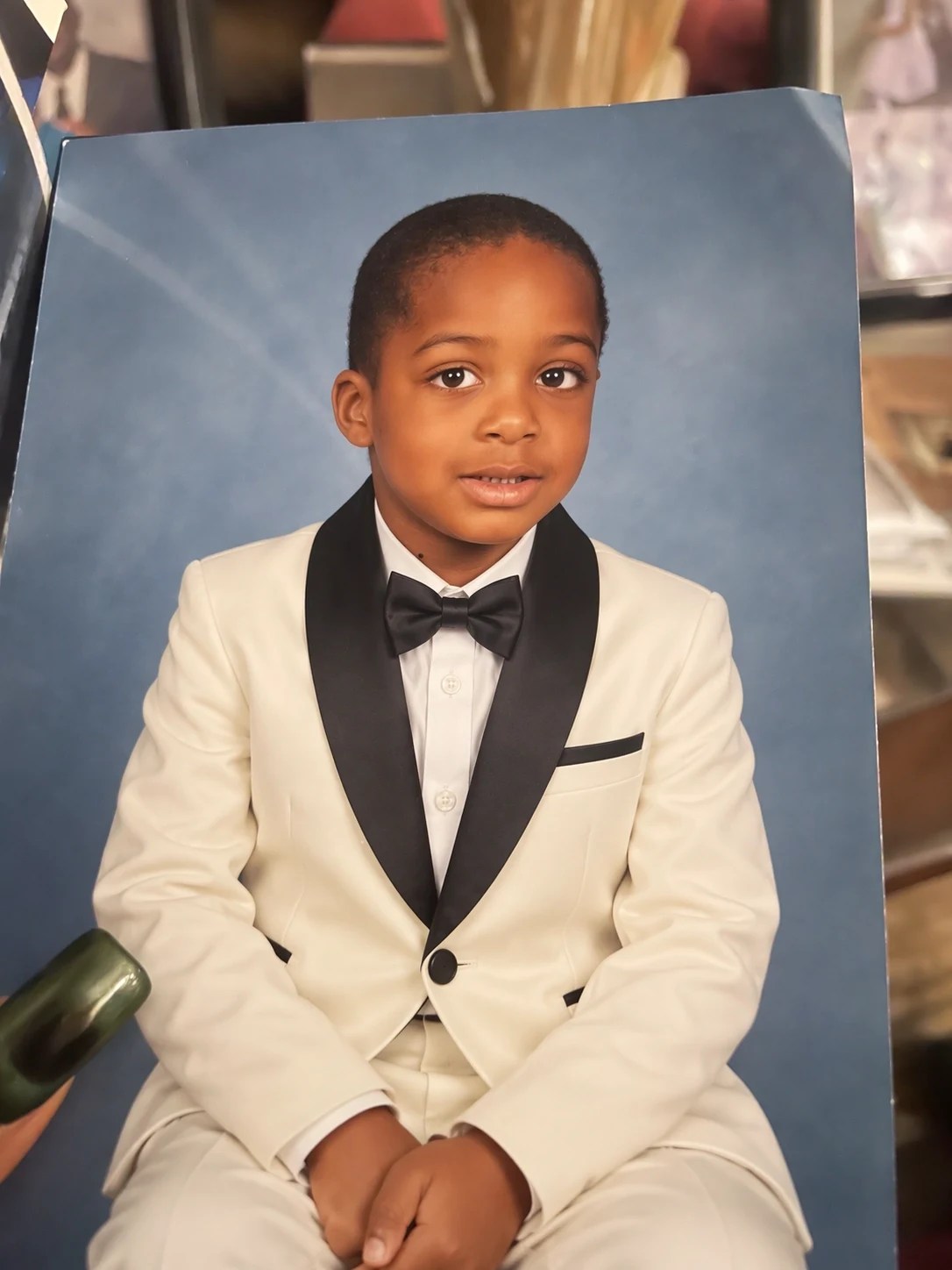
Preserve a recognizable subject
Keep identity, expression, pose, clothing or product form stable while changing the environment. Name protected details first.
Create with GPT Image 2.5 SunburstUse GPT Image 2.5 Sunburst for polished visuals, demanding references and edits where small details matter. OpenAI's precision-focused GPT Image 2.5 model is built for tighter control, stronger subject consistency and premium creative work that justifies a longer generation time.
Write a precise brief that separates preserved details from requested changes. Assign a role to each reference, choose the final dimensions and file format, and use higher quality when the asset needs close inspection or premium finishing.
GPT Image 2.5 Sunburst is preselected. The model switcher remains unlocked so you can compare the same brief with Flare, GPT Image 2 or another image model.
GPT Image 2.5 Sunburst is intended for workflows where reference fidelity, editing precision and the finish of the selected result matter more than the shortest possible wait.
OpenAI describes GPT Image 2.5 Sunburst as the option for extra precision and tighter editing control. Its recommended uses include premium campaign creative and polished product imagery, where a small change to a face, package, texture, object position or line of text can determine whether the asset is usable. Sunburst takes longer to generate than Flare because it is aimed at a more exact final result.
The wider GPT Image 2.5 family improves subject and reference preservation, complex visual instruction following, lighting, texture, layout and multi-turn editing consistency. Those capabilities are especially relevant to Sunburst workflows: preserving a recognizable subject while changing the setting, combining several reference roles without losing the hero object, or refining one element while keeping the rest of the composition stable.
ReelCine gives Sunburst a full production control set. Add up to 16 references, request one to four outputs, select 1K, 2K or 4K resolution, use 15 preset aspect ratios or specify exact supported pixel dimensions, and export PNG, JPEG or WebP. Quality ranges from Low through Max with Auto available, and the background can be automatic, opaque or transparent when the output format supports it.
Sunburst is selected automatically on this page. The embedded generator exposes the same complete GPT Image 2.5 control set while the model focuses on precision.
Use separate references for identity, product form, composition, materials, color and details that must remain stable.
Request one carefully controlled result or compare a small set of polished directions from the same brief.
Choose one of 15 preset ratios or enter a supported custom width and height before generation.
Increase the quality tier when fine materials, typography, reference details or a final placement justify the added cost.
These four capabilities focus on briefs where preserving, arranging and refining details is more valuable than maximizing generation speed.
Keep identity, expression, pose, clothing or product form stable while changing the environment. Name protected details first.
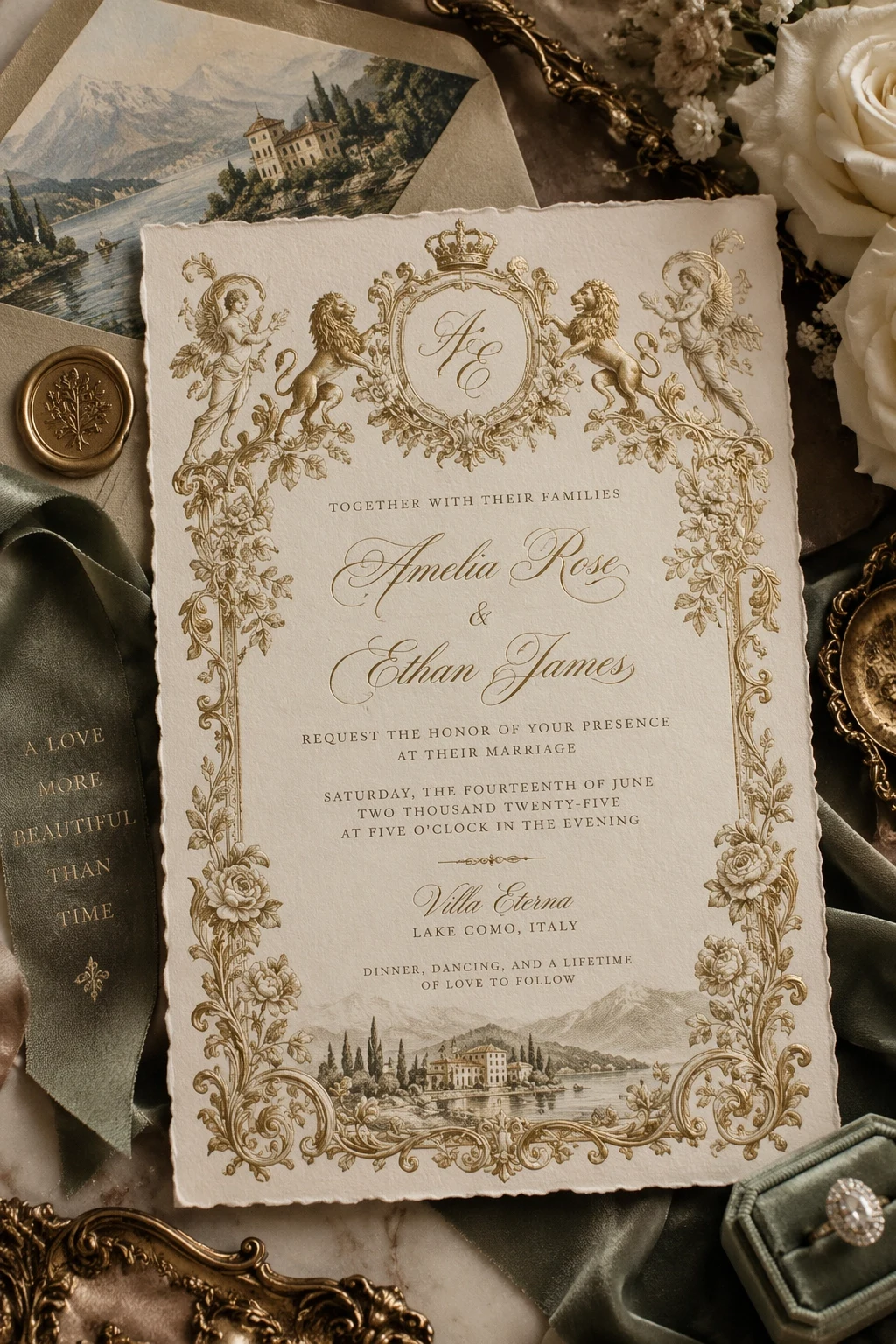
Create with GPT Image 2.5 SunburstSpecify exact copy, hierarchy, spacing and print style for invitations, posters and brand concepts. Proofread every word.
Create with GPT Image 2.5 Sunburst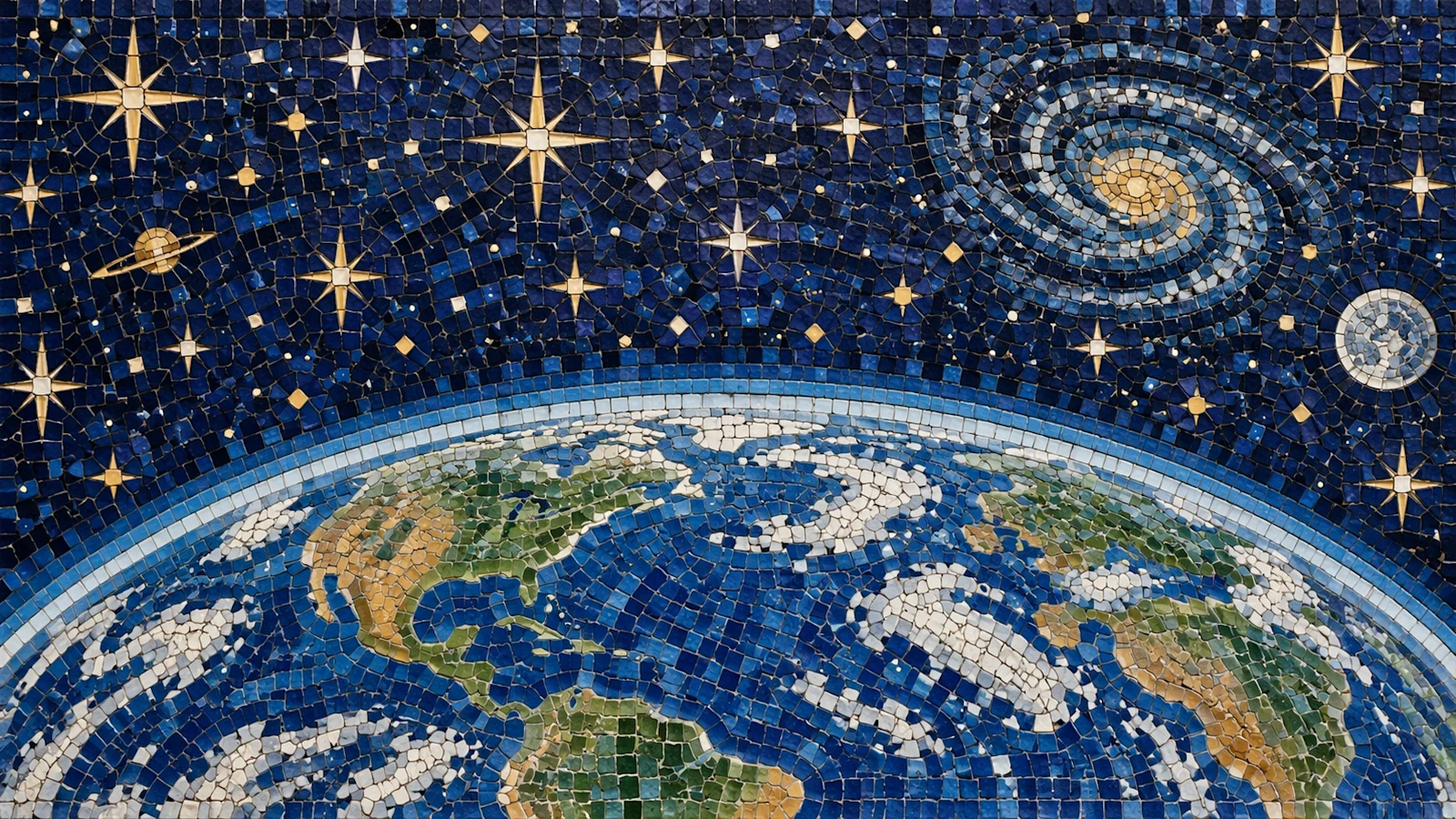
Define surface, scale, edge treatment and lighting when packaging, textiles or product finishes must hold up at larger sizes.
Create with GPT Image 2.5 Sunburst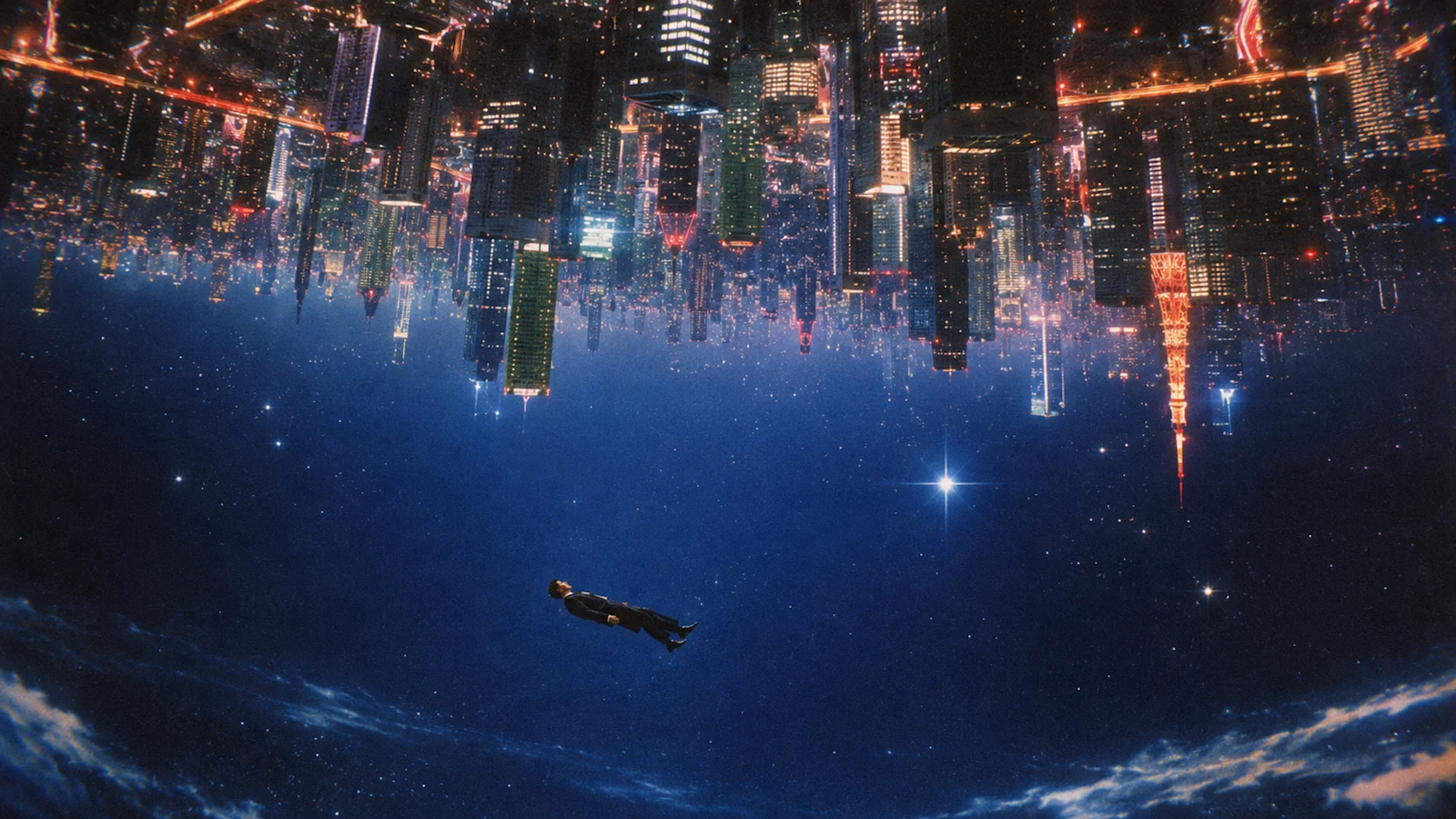
Combine specific traditions, environments and narrative ideas. Concrete spatial instructions make complex concepts easier to assess.
Create with GPT Image 2.5 SunburstA controlled Sunburst edit starts with a preservation list. Define the face, pose, product shape, camera angle or layout that cannot move, then describe only the intended transformation.
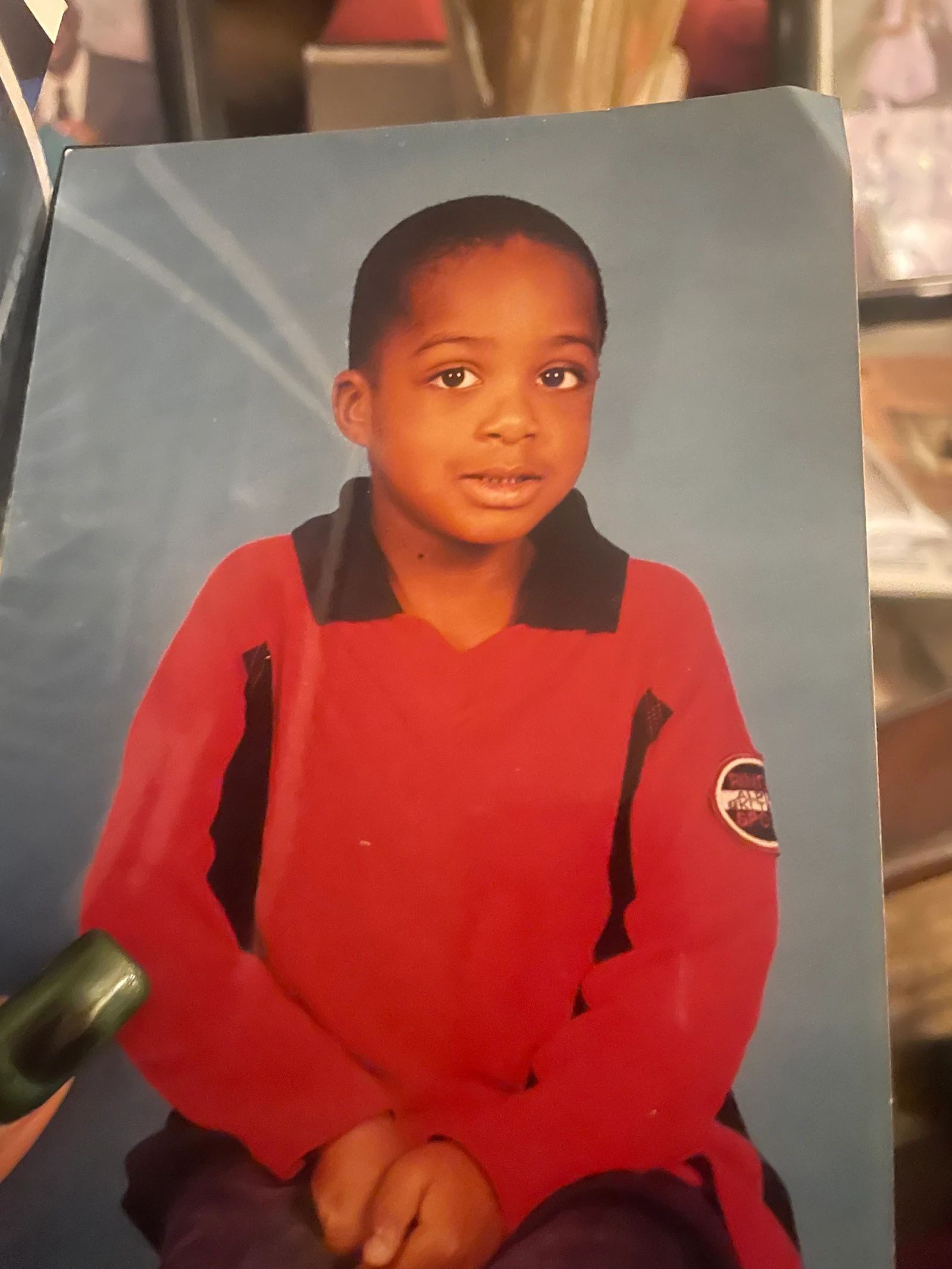
Preserve the child's identity, expression, seated pose, framing, studio backdrop and natural skin texture. Replace the red polo with a formal white tuxedo, black lapels and a black bow tie. No extra people, no text, no change to facial features.
Use Sunburst for selected assets where brand details, information structure and polish carry more value than producing the largest number of drafts.
Develop hero invitations, posters and launch artwork with explicit copy, layout, material and finish requirements.
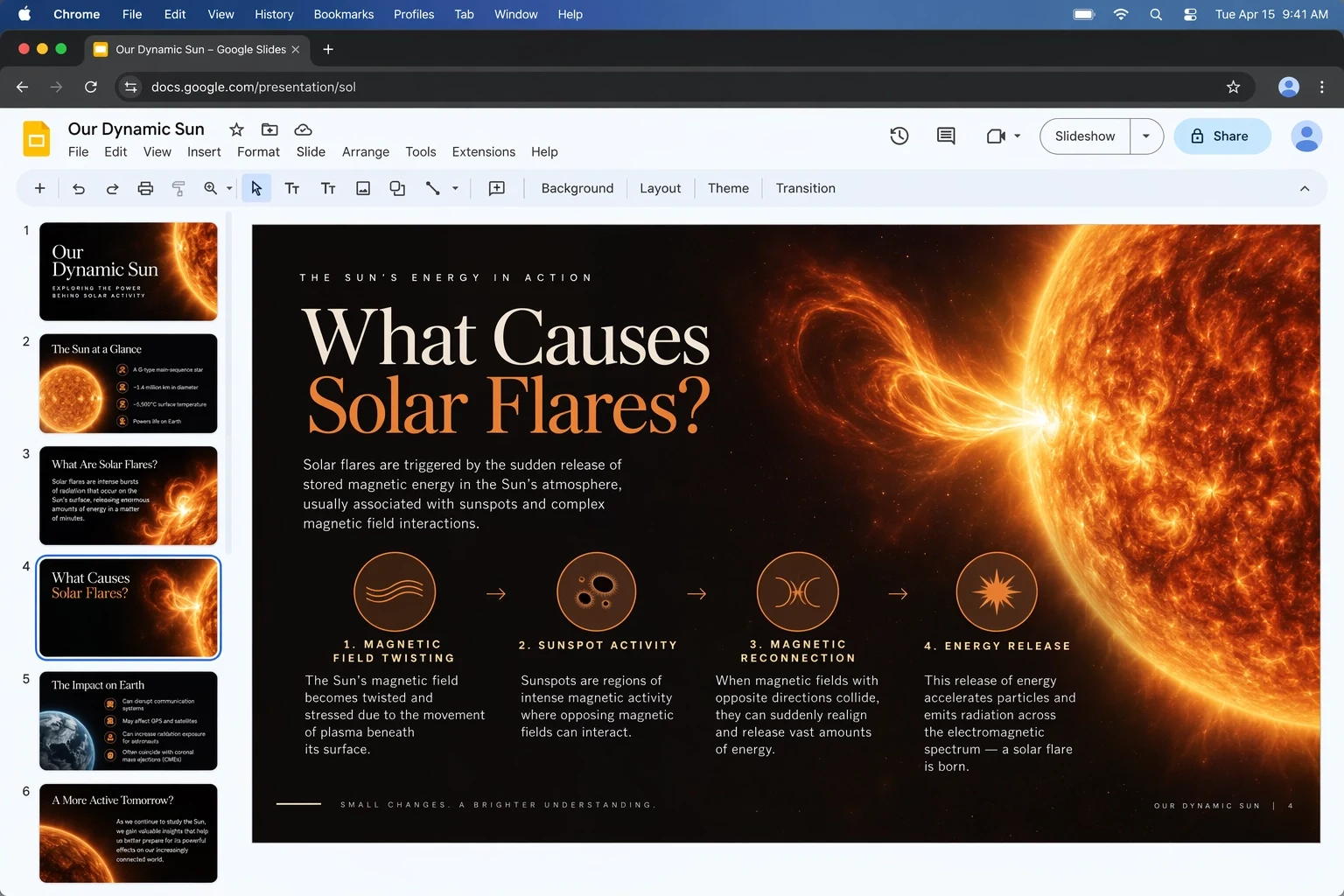
Combine a product or technical subject with labels and visual hierarchy while references protect the core design.
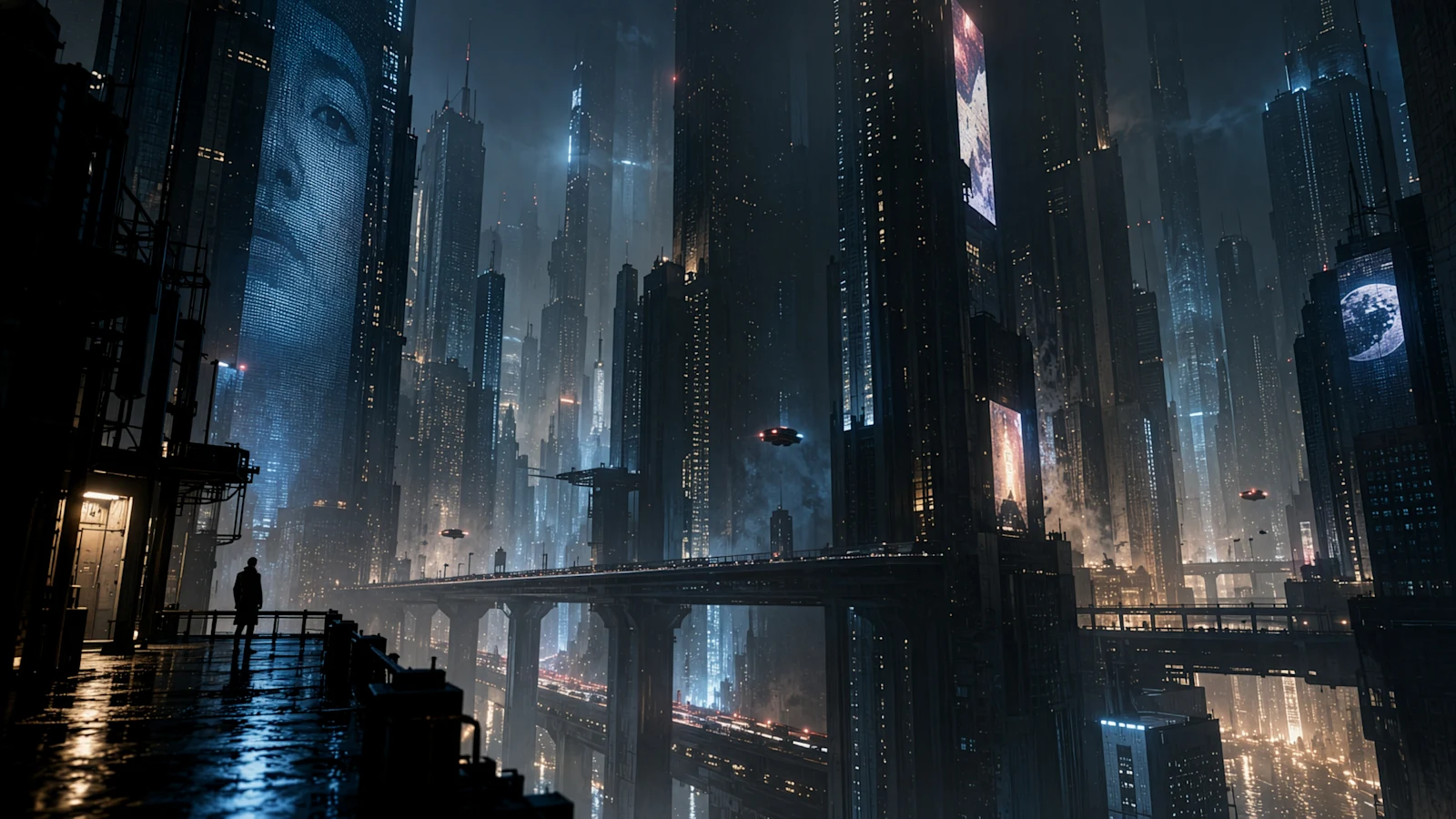
Hold lighting, palette, camera and hero details together, then refine one variable at a time.
Precision improves when the brief distinguishes mandatory details, flexible choices and forbidden changes. Write the prompt in that order.
Final deliverable + protected details + requested changes + composition and camera + exact text + materials and lighting + output constraints + exclusions
Using reference 1 for the exact perfume bottle shape and label, reference 2 for the pale green marble surface, and reference 3 for the lighting mood, create a 4:5 luxury campaign image. Preserve the bottle proportions, cap, logo placement and the exact label text "VERDANT No. 07". Place the bottle upright in the center with two fresh fig leaves behind it and a narrow beam of morning light from the left. Editorial still-life photography, realistic glass refraction, restrained ivory and sage palette, generous negative space above, no extra bottles, no duplicate leaves, no added copy.
List the identity, product geometry, label, camera or composition that must remain unchanged before describing the edit.
Number uploads and explain each role. Avoid blending them equally when one controls identity and another lighting.
Request a narrow correction to copy, material, scale or placement while repeating the details that cannot move.
Prepare a precise brief, generate at an economical setting when appropriate and reserve the highest quality for the selected final direction.
Define the deliverable, what must be preserved, what should change and which choices remain flexible.
Assign reference roles and select the actual ratio, pixel size, background, format and output count.
Review identity, text, packaging and reflections at full size. Correct the weakest element without reopening settled decisions.
The upstream GPT Image 2.5 service uses token-based billing. ReelCine estimates credits from size, quality and output count and displays the current total before you generate.
| Control | Available values | How to choose |
|---|---|---|
| Reference images | Up to 16 | Use fewer, clearly assigned inputs when they fully define the subject and direction. |
| Output count | 1, 2, 3 or 4 images | One suits a controlled edit; several help compare final directions. |
| Resolution | 1K, 2K or 4K | Choose 2K or 4K when surface detail and the final placement need close inspection. |
| Dimensions | 15 ratios or exact pixels | Compose for the real placement instead of generating a generic frame. |
| Quality | Auto, Low, Medium, High, XHigh, Max | Higher quality uses more tokens and credits; apply it after the direction is settled. |
| Format and background | PNG, JPEG or WebP | Choose background behavior by format; JPEG and WebP also support compression. |
The two models share the provider's GPT Image 2.5 pricing table in ReelCine. Choose between them according to the amount of control and iteration speed the job requires.
| Decision | GPT Image 2.5 Sunburst | GPT Image 2.5 Flare |
|---|---|---|
| Primary goal | Extra precision, tighter editing control and polish for selected final assets. | Faster creation and iteration for everyday or high-volume generation. |
| Reference sensitivity | Prefer when identity, product form and small protected details are central to the brief. | Prefer when references guide a faster exploration and several directions need review. |
| Typical output | Premium campaign creative, polished product imagery and demanding edits. | Social concepts, creator content, prototypes, search experiences and broad variant sets. |
| Time tradeoff | Accept a longer generation time when a narrower, more controlled result has higher value. | Minimize waiting when quick feedback and repeated generation drive the workflow. |
Sunburst can give the model a more demanding assignment, but the final responsibility for text, facts, rights and brand accuracy remains with the creator.
GPT Image 2.5 Sunburst is OpenAI's precision-focused model for extra editing control and polished work such as premium campaign assets and product imagery.
Sunburst prioritizes precision and can take longer. Flare prioritizes speed, iteration and volume. Both share ReelCine controls and provider pricing logic.
GPT Image 2.5 improves subject preservation. Identify every stable feature, assign each reference a role and compare the result directly against the source.
ReelCine accepts up to 16 references. More inputs help only when their roles are clear; conflicting references can make the brief harder to follow.
Yes. Select one to four outputs. Estimated credits update before generation according to output count, size and quality.
Choose 1K, 2K or 4K, one of 15 aspect ratios or supported exact pixel dimensions. Set the destination frame before generation.
Yes. Select a transparent background with a compatible format, then inspect fine edges such as hair, glass, smoke and soft shadows.
Sunburst has no fixed per-image price. ReelCine estimates credits from upstream token usage based on resolution, quality and output count and displays it first.
Use XHigh or Max after the direction is approved and fine texture or typography needs close inspection. Lower settings are more economical for exploration.
No image model guarantees perfect text or identical reference reproduction. Names, numbers, identity and brand details still require human inspection.
Sunburst positioning and GPT Image 2.5 capability claims come from OpenAI's official launch and API documentation. ReelCine controls and billing behavior reflect the current APIMart-backed integration. Images are published family examples and are not labeled as Sunburst-only benchmarks.
Define the protected details, assign each reference a role and generate at the actual delivery size. Raise quality when the selected direction is ready for final inspection.
Create with GPT Image 2.5 Sunburst