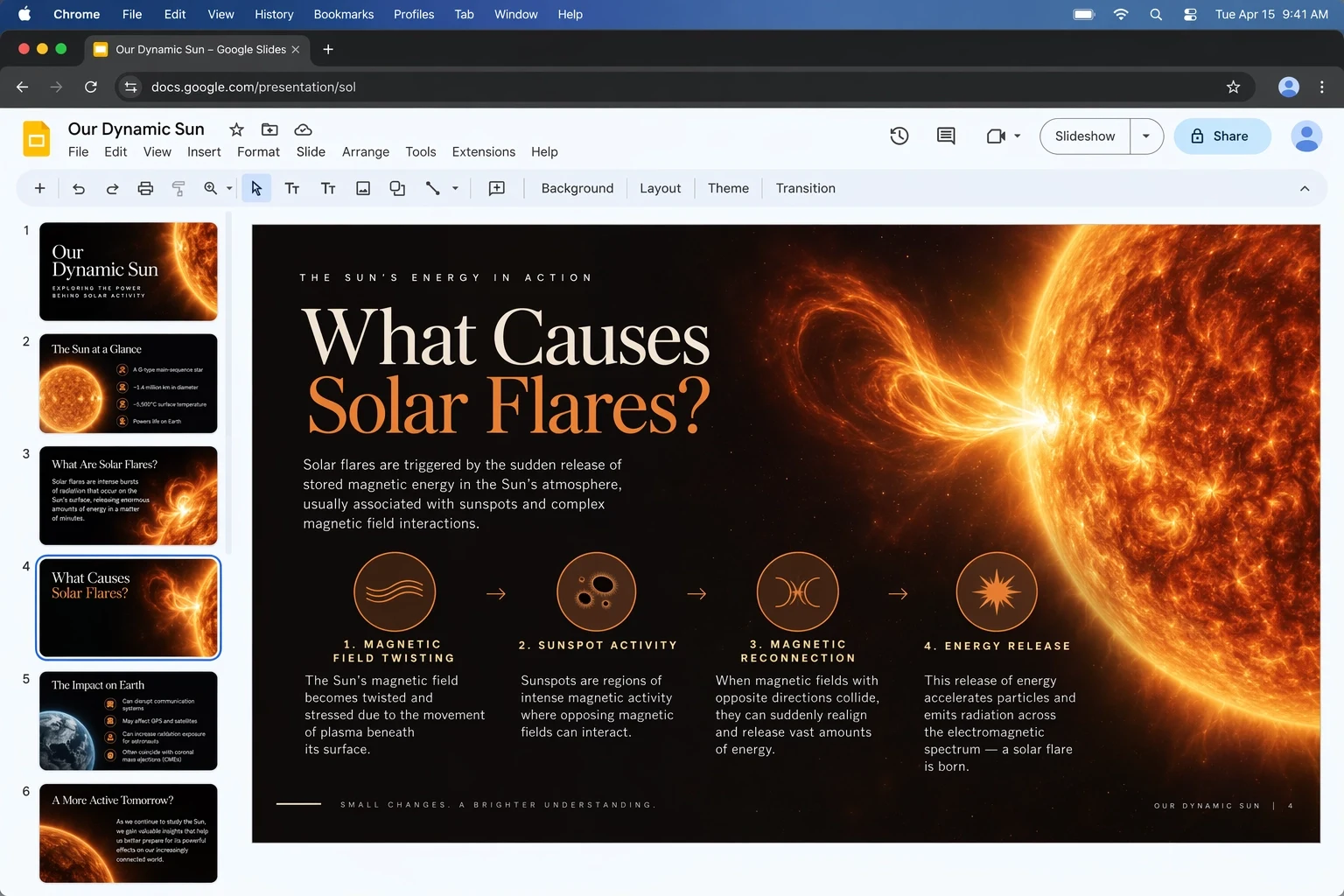
Follow layered visual briefs
Coordinate layout, labels, diagrams, color and presentation structure in one request. Clear hierarchy and quoted copy create concrete constraints.
Create with GPT Image 2.5 FlareTurn detailed briefs into polished visuals with GPT Image 2.5 Flare, OpenAI's speed-focused GPT Image 2.5 model. Generate from text, edit with references, render up to four variations in one run and move from an initial idea to usable campaign, product and social assets with less waiting.
Describe the finished image, its destination, required text, composition and visual finish. Add references only when they have a clear job, then choose the number of outputs, dimensions, quality, format and background you need.
GPT Image 2.5 Flare is preselected. The model switcher remains available so you can compare the same brief with Sunburst, GPT Image 2 or another image model.
GPT Image 2.5 Flare is designed for workflows where strong image quality and iteration speed must coexist: social concepts, product exploration, creator tools, visual search and rapid prototyping.
OpenAI positions GPT Image 2.5 Flare as the default model for most applications in the GPT Image 2.5 family. The official announcement says it delivers higher quality than GPT Image 2 with 50% lower latency. That makes Flare the practical first choice when a team expects to try several compositions, produce multiple channel variants or serve image generation inside an interactive product experience.
Speed does not remove the family improvements that matter in production. OpenAI highlights more natural lighting, richer textures, better preservation of subjects and references, improved visual instruction following, stronger layout handling, transparent backgrounds and more consistent multi-turn editing across GPT Image 2.5. Flare packages those advances for frequent, responsive use.
The ReelCine integration exposes more than a simple prompt box. You can combine a prompt with up to 16 references, request one to four outputs, choose 1K through 4K resolution, select 15 common aspect ratios or enter exact pixel dimensions, and export PNG, JPEG or WebP. Quality ranges from Low to Max with Auto available, while background and compression controls help prepare the result for its destination.
Flare is selected when this page opens. These are the current controls available in the embedded ReelCine generator.
Start from text or assign references to identity, product shape, composition, palette and editing constraints.
Create one focused result or request several directions without submitting the brief again.
Choose one of 15 aspect ratios or enter a supported custom width and height for the destination.
Use economical settings for exploration and increase quality after the composition is working.
These capabilities combine OpenAI's documented Flare positioning with visible examples published for the GPT Image 2.5 family.
Coordinate layout, labels, diagrams, color and presentation structure in one request. Clear hierarchy and quoted copy create concrete constraints.
Create with GPT Image 2.5 Flare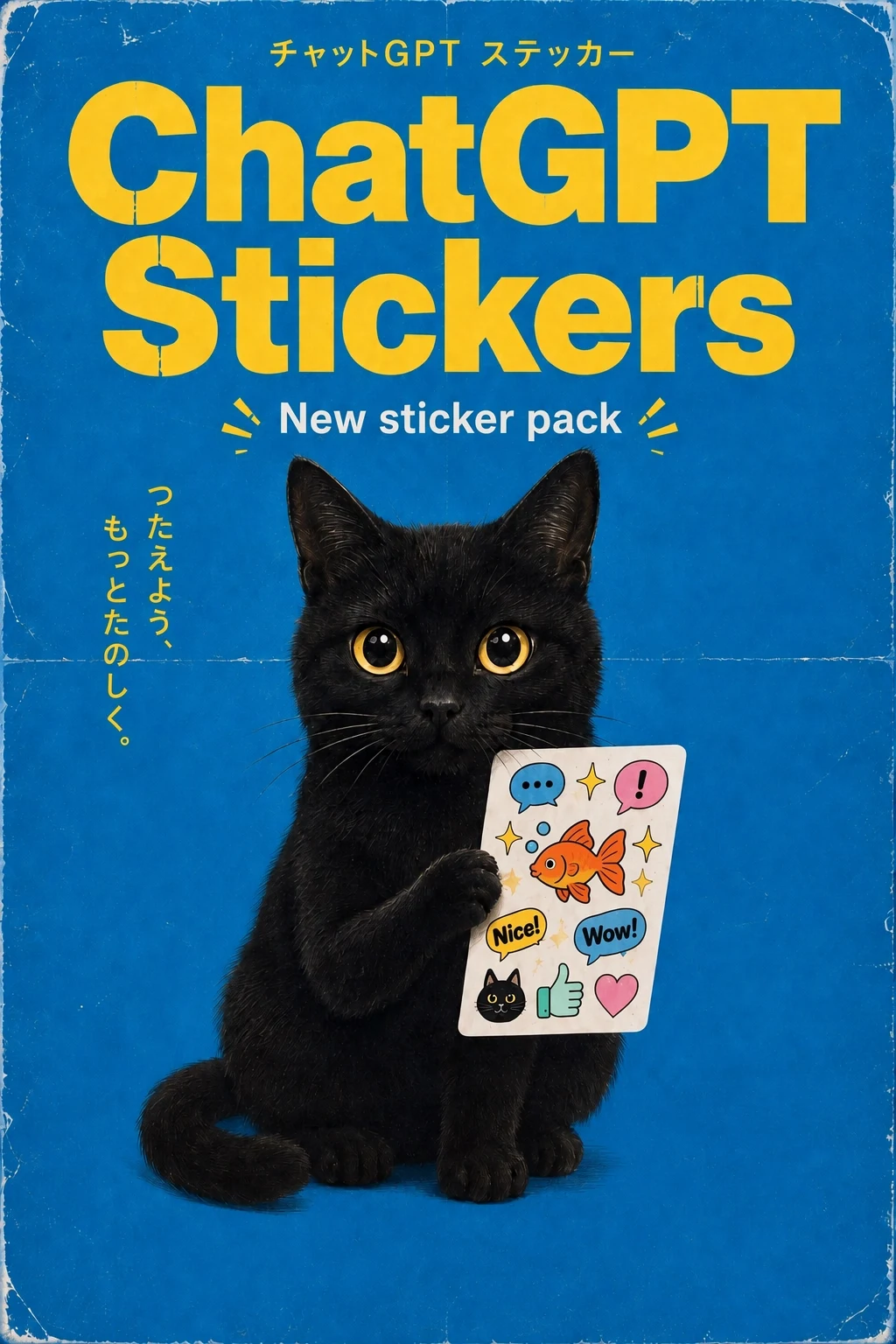
Generate related stickers, icons or social elements around one visual language, with up to four options from the same brief.
Create with GPT Image 2.5 Flare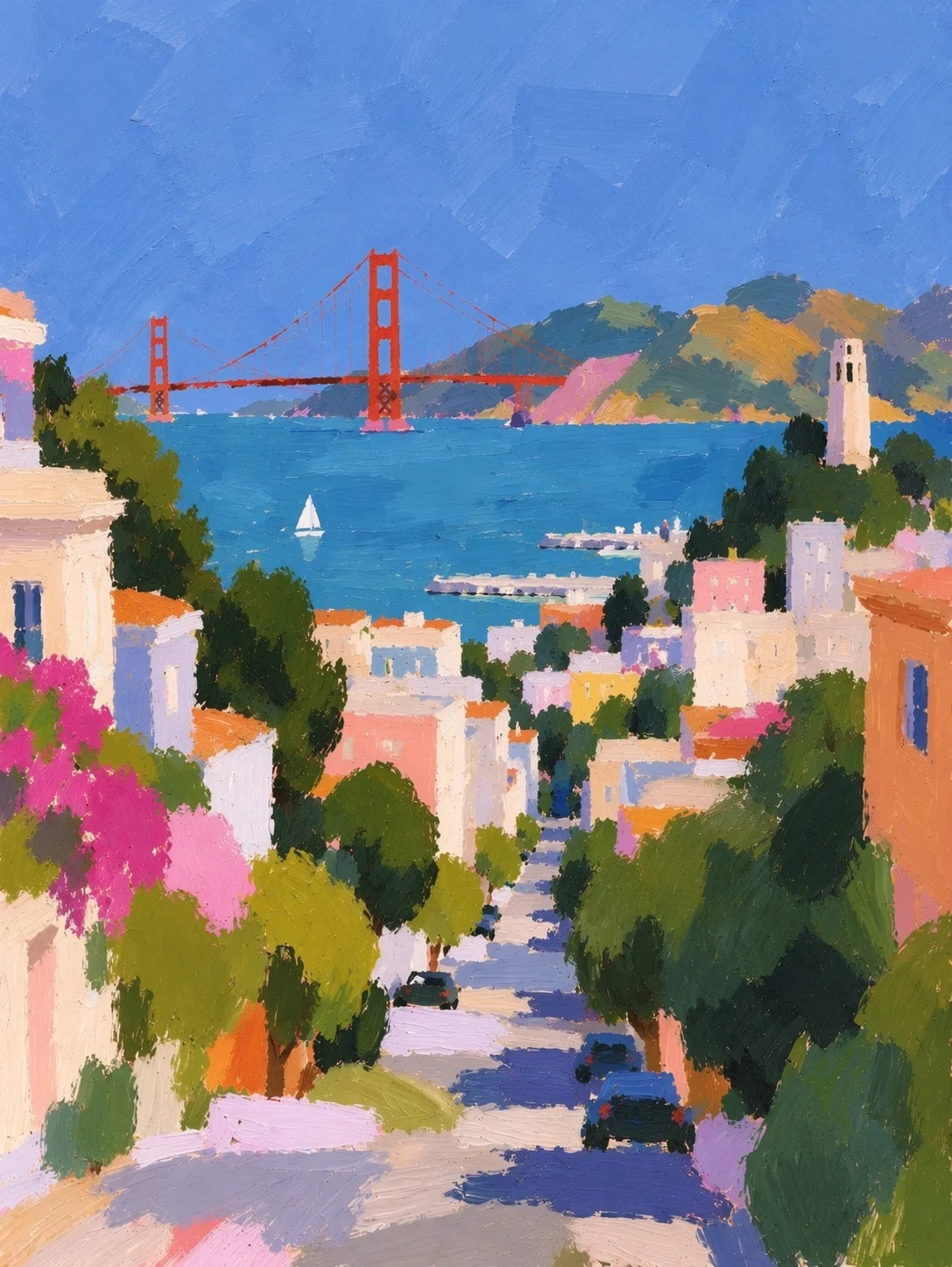
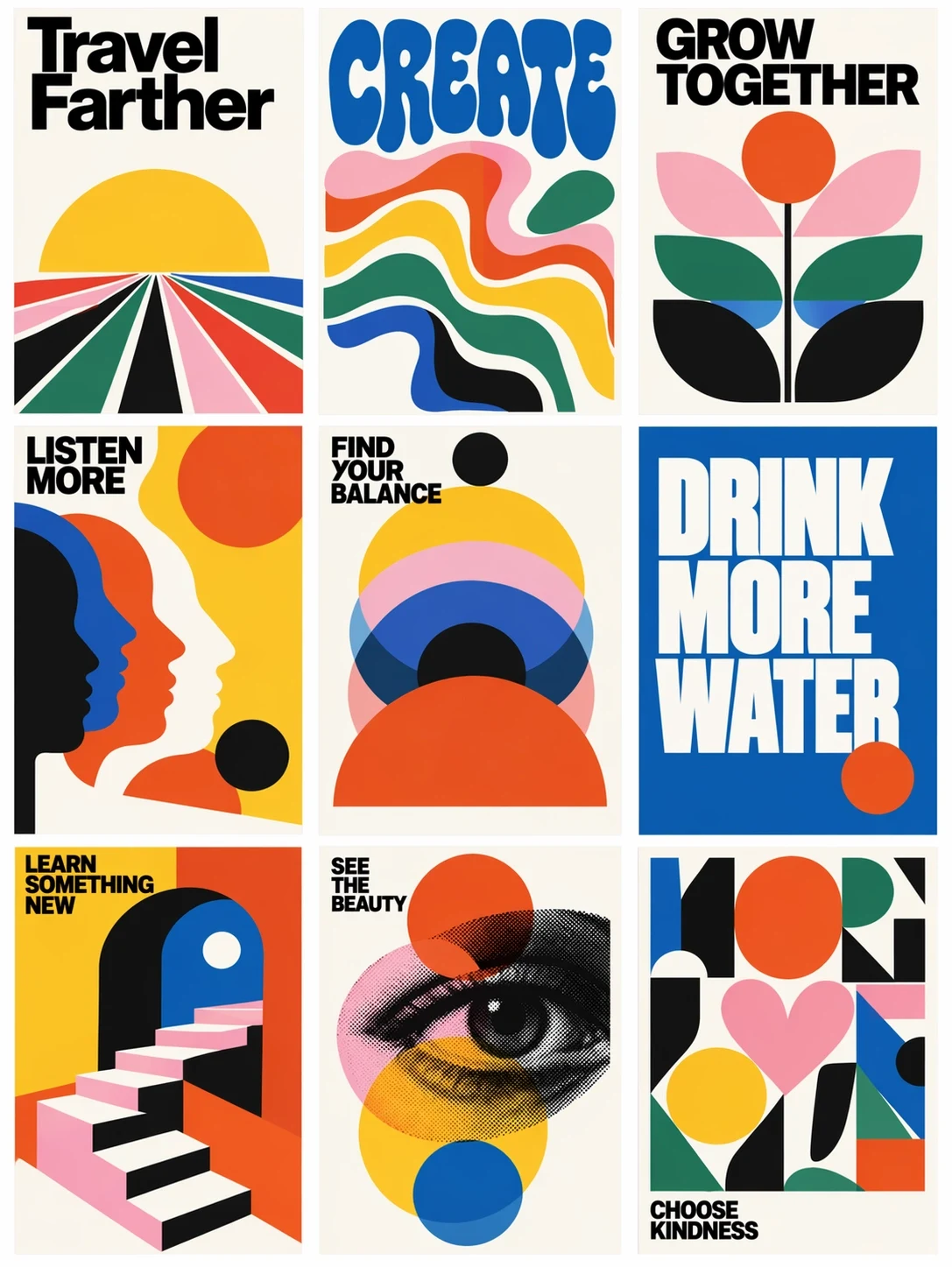
Compare photographic, illustrated, print and painterly treatments quickly. OpenAI positions Flare for fast creative iteration and high-volume applications.
Create with GPT Image 2.5 Flare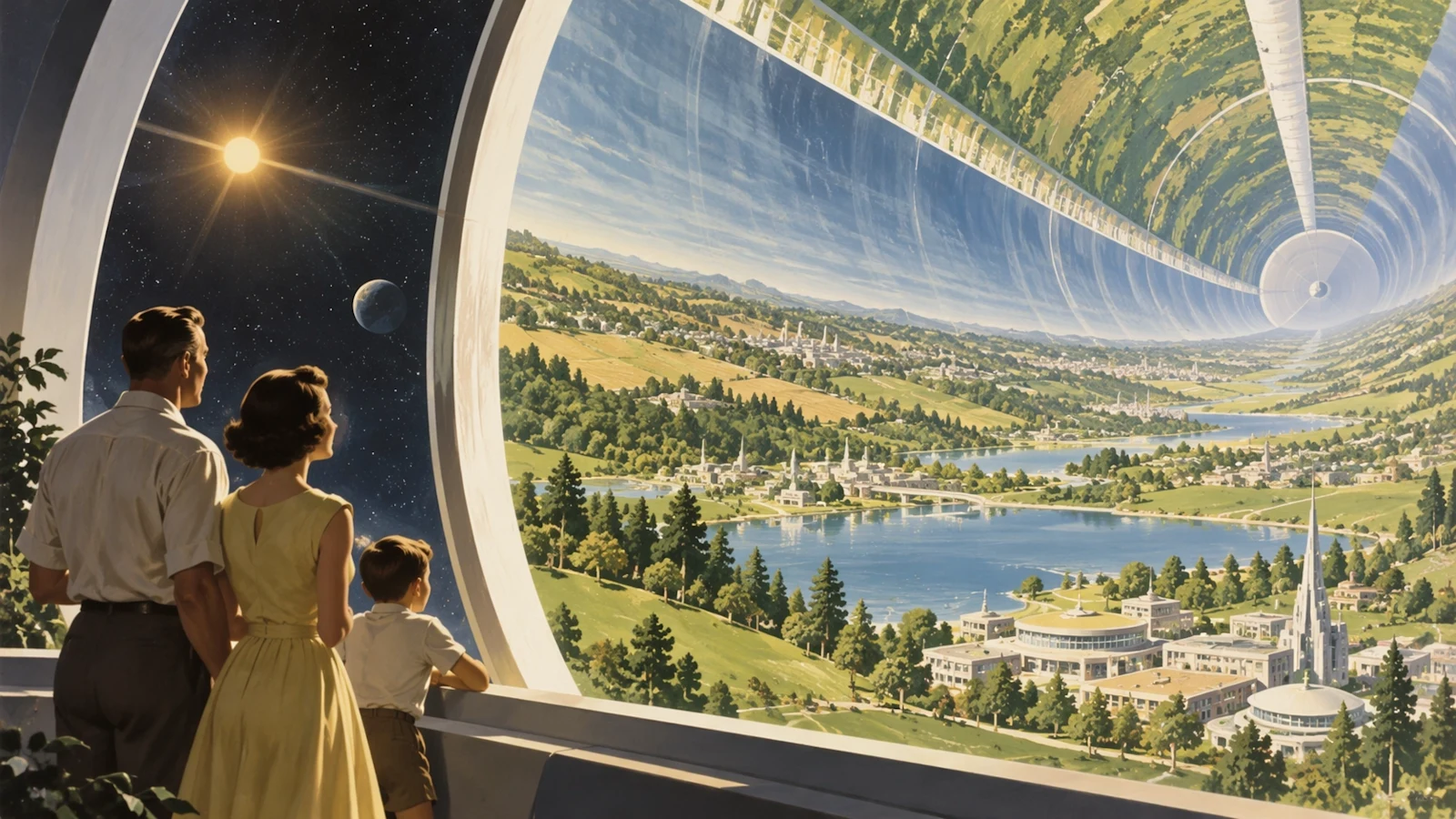
Define the focal subject, environment, camera, lighting and story beat separately so a complex scene remains assessable.
Create with GPT Image 2.5 FlareGPT Image 2.5 improves subject and reference preservation. For a controlled edit, state what must remain unchanged before describing the new styling, background or detail.
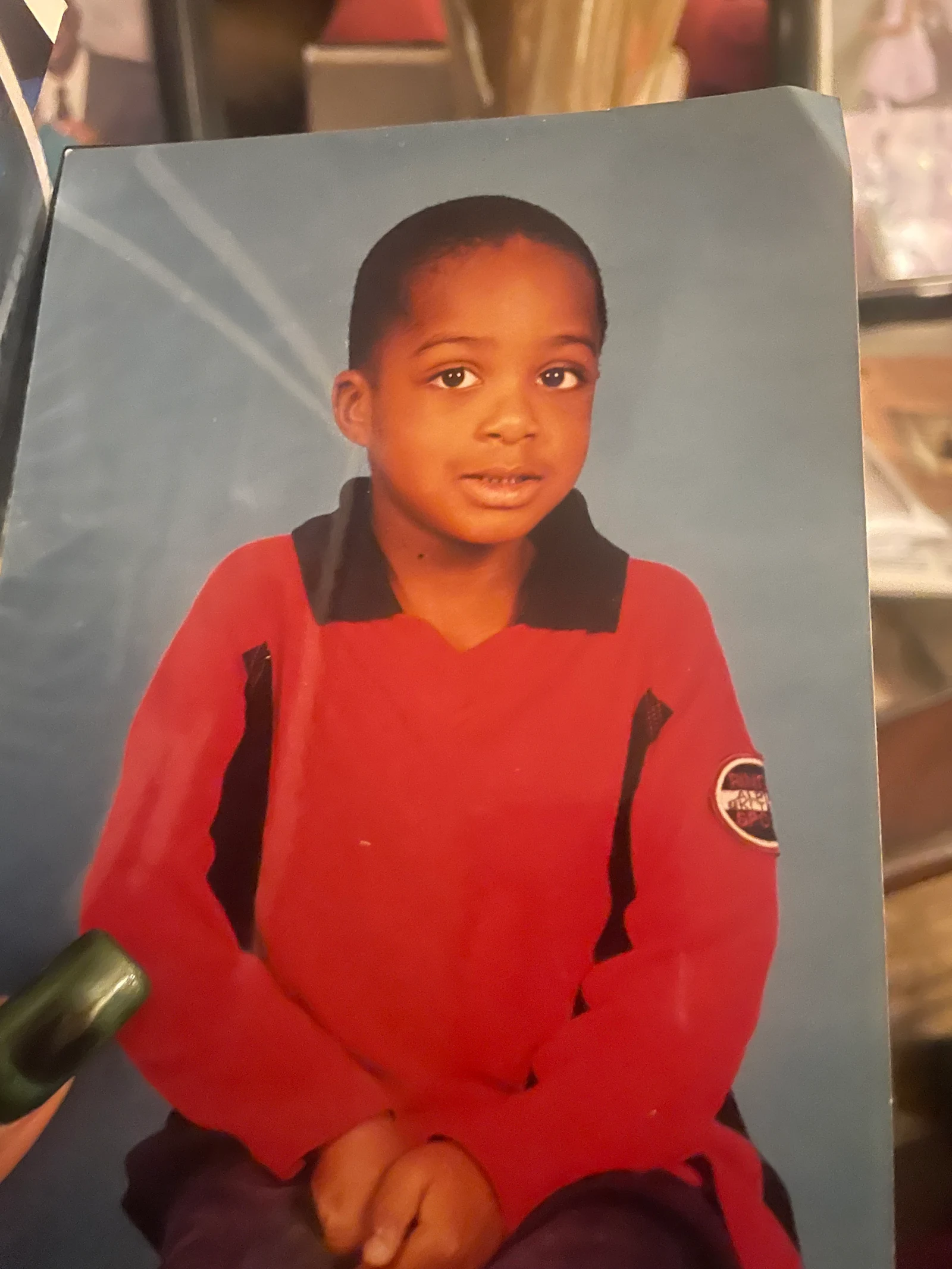
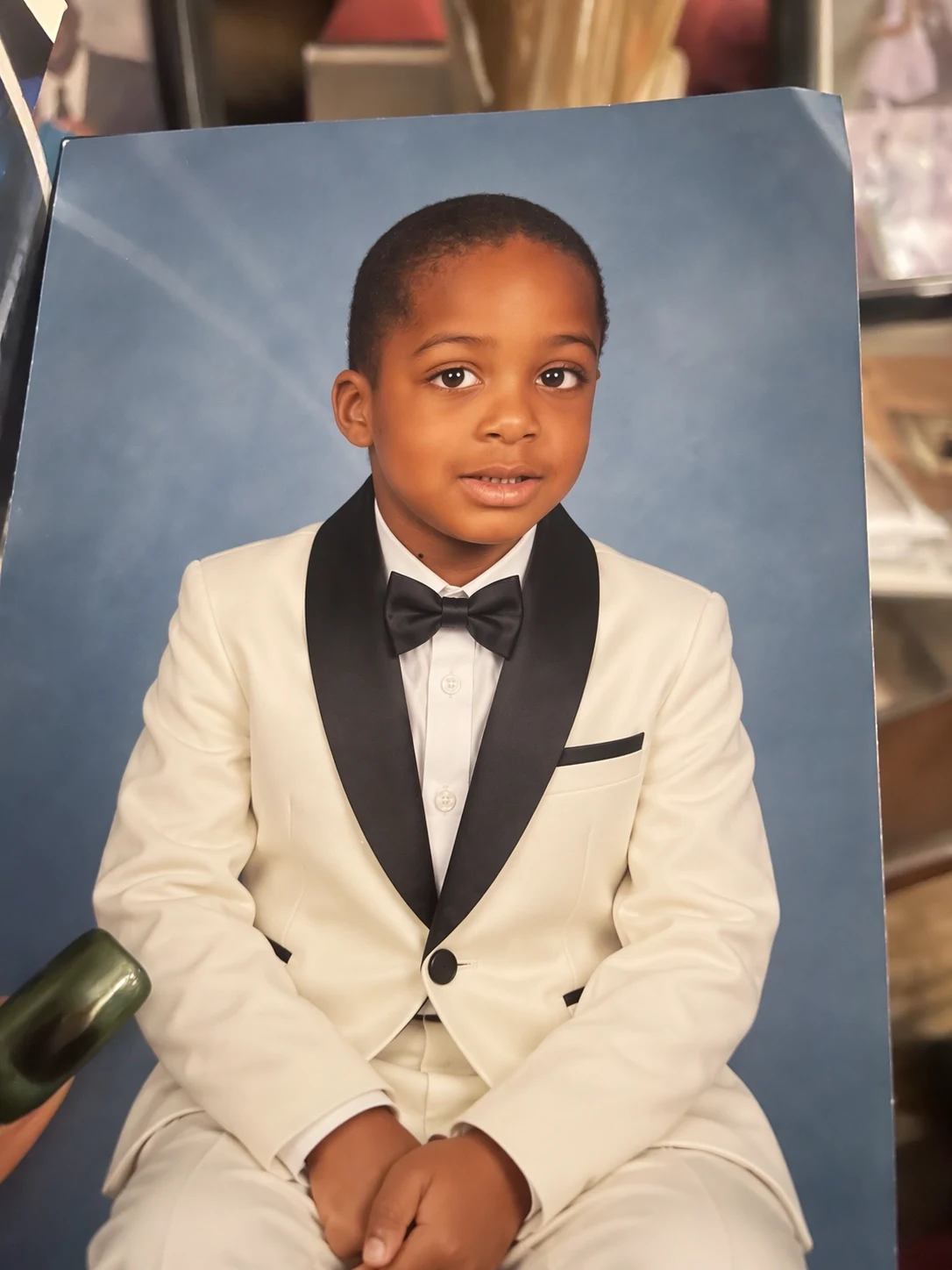
Keep the child's identity, expression, seated pose, framing and studio backdrop recognizable. Replace the red polo outfit with a formal white tuxedo, black lapels and a black bow tie while retaining natural skin texture. No extra people, no text.
Choose Flare when responsiveness and repeated generation are part of the product or production workflow.
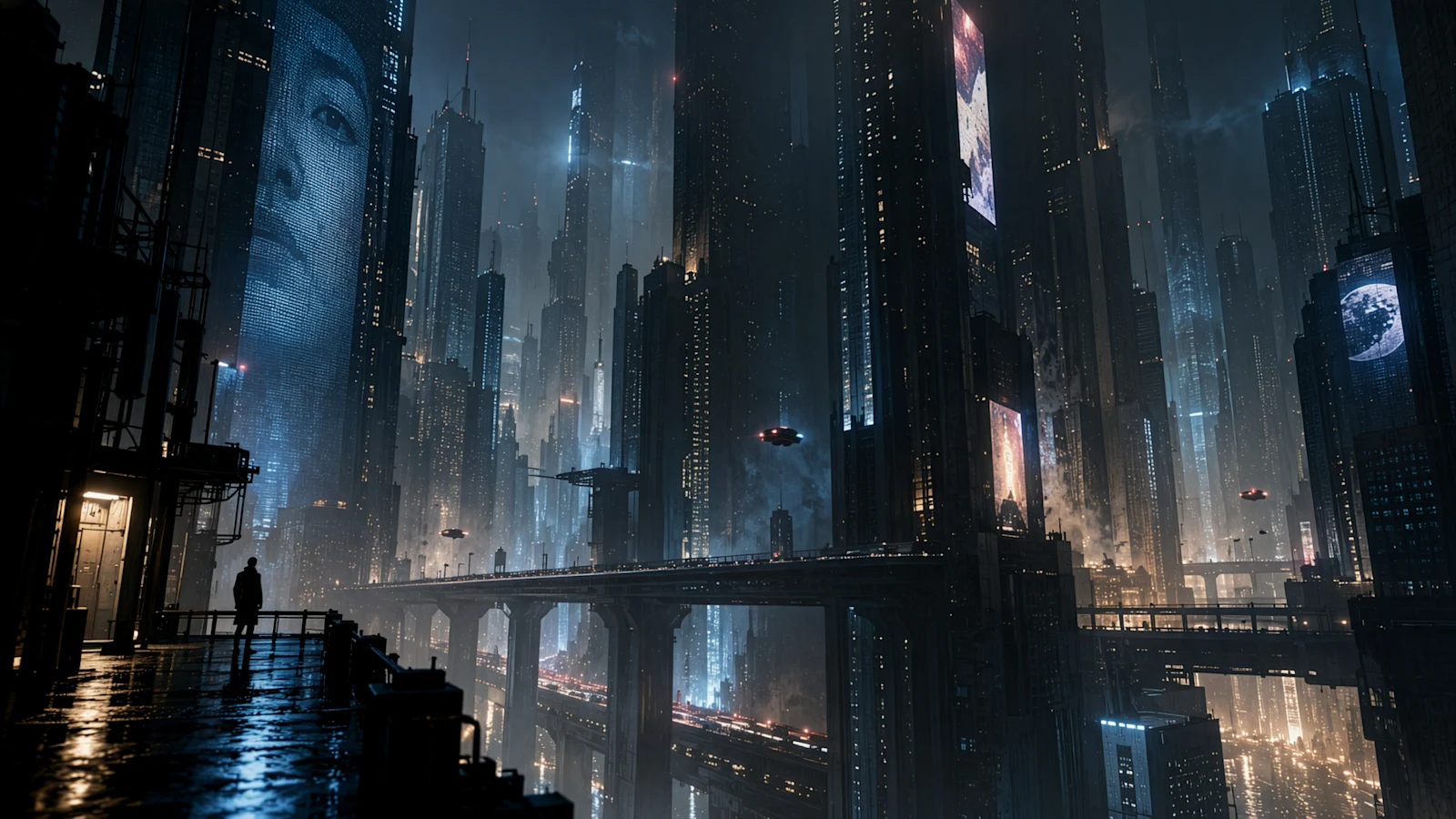
Draft thumbnails, campaign concepts and channel art, then request multiple directions for quick review.
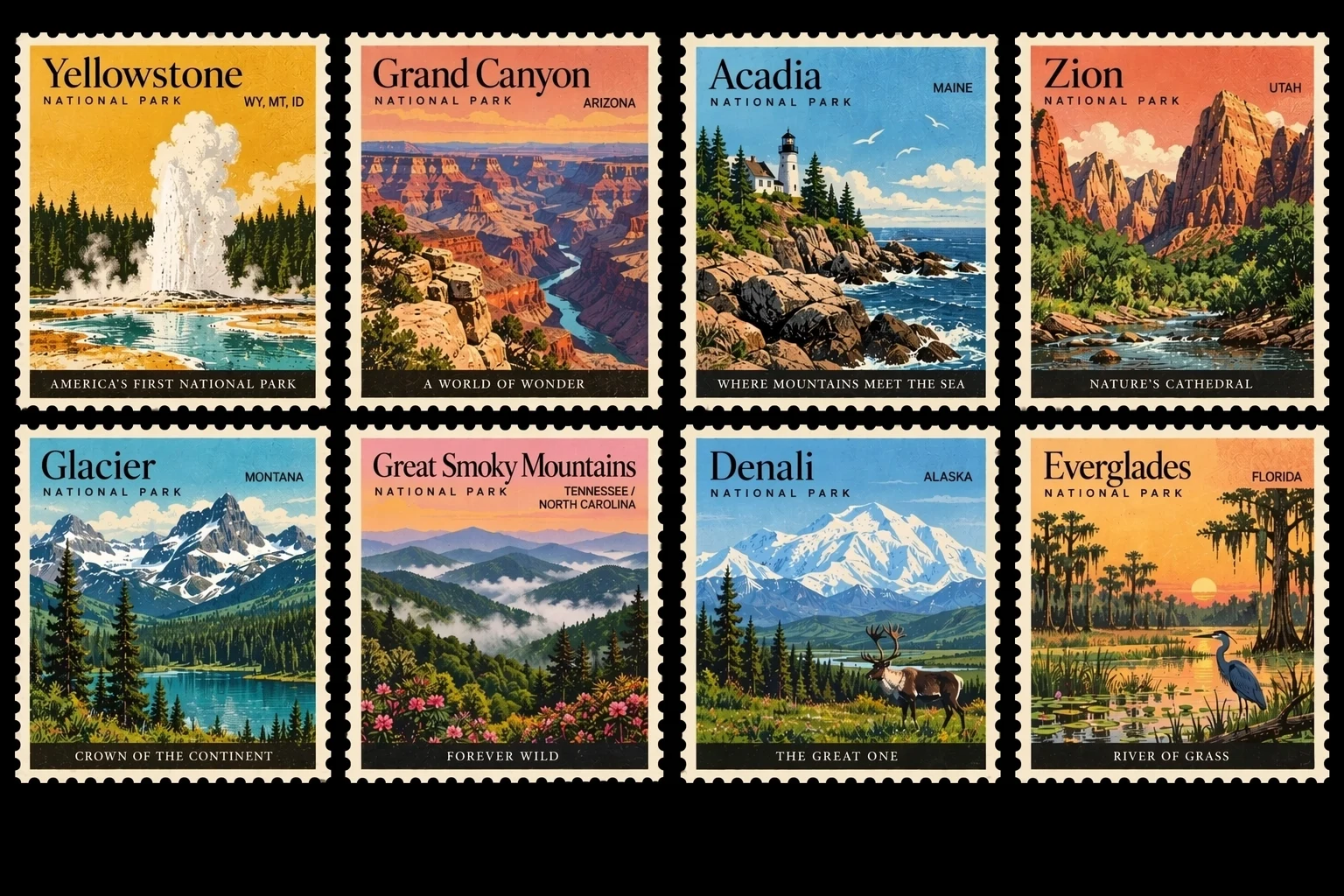
Adapt one concept across regions, seasons and placements. Set the real ratio or pixel size to reduce later cropping.
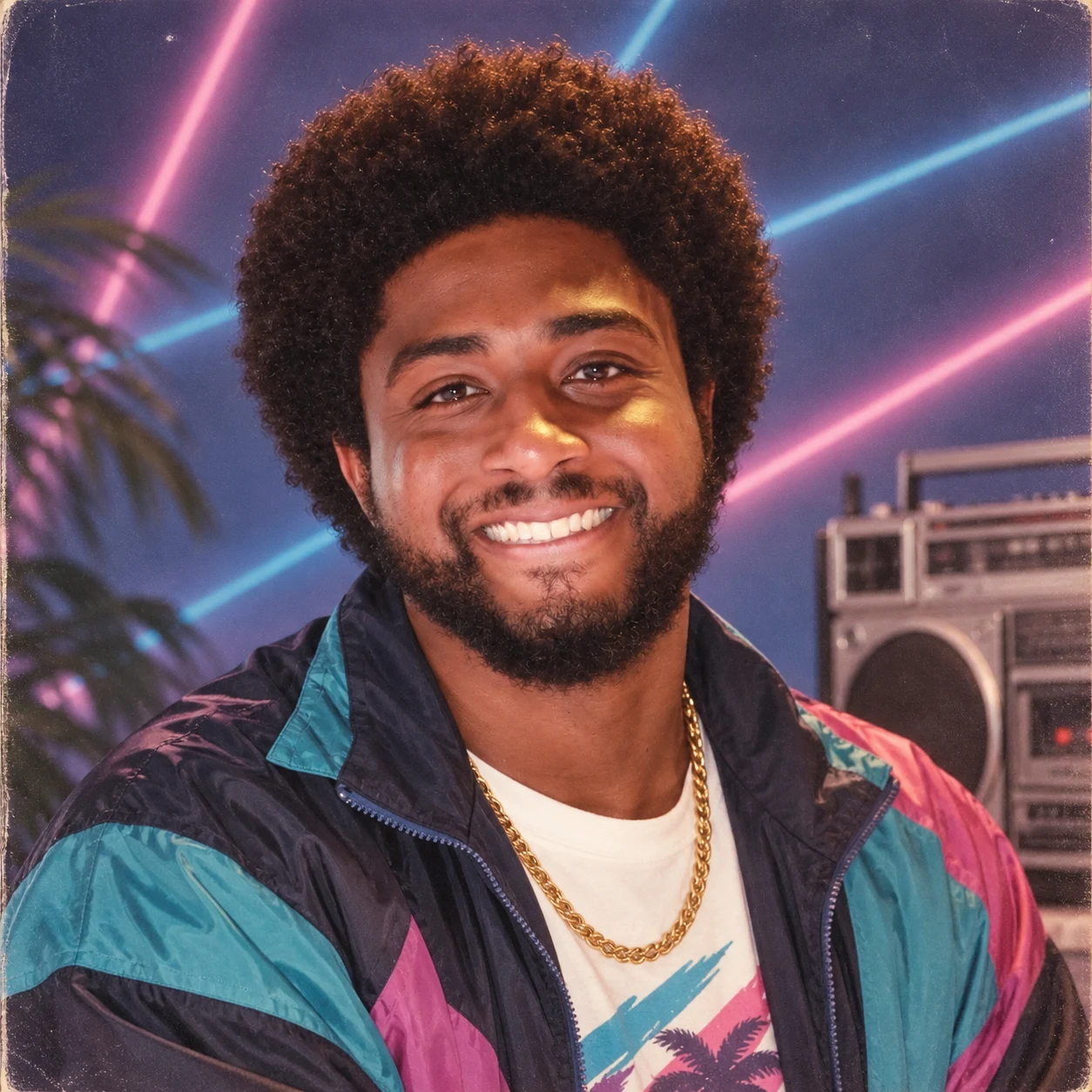
Explore personas, styling, product moods and interface imagery while creative decisions remain open.
A useful prompt reads like a compact creative brief. Describe visible facts in priority order so each variation answers the same decision.
Deliverable + subject and action + composition + exact text + materials and style + lighting and camera + output constraints + details to avoid
Create a 4:5 social launch poster for a sparkling tea called "SOLAR SIP". Center a chilled amber can on pale coral stone, with sliced blood orange and a sharp noon shadow. Place the exact headline "BRIGHT BY NATURE" above the can and "0% added sugar" below it. Bold modern editorial photography, warm orange and cream palette, generous negative space, label facing the camera, no extra logos, no extra copy. Generate four distinct compositions that keep the same product and wording.
When comparing layout, keep product, wording and palette fixed. When comparing style, keep camera and composition fixed.
Identify which upload defines the person, product, composition, palette or texture. Numbered reference roles reduce ambiguity.
Quote every headline and label. Proofread each result and use a focused edit when one line needs correction.
Use a lower-cost pass to find the direction, then spend more only when the brief and composition are ready.
State the destination, dimensions, focal subject, required copy and the creative decision this run should answer.
Assign roles to useful references, select one to four outputs and set the real ratio or exact dimensions.
Inspect text, faces, reflections and product details. Refine the weakest element, then raise quality for the final pass.
GPT Image 2.5 uses token-based upstream billing. ReelCine calculates the product-credit total from the selected size, quality and number of outputs and shows it before submission.
| Control | Available values | How to choose |
|---|---|---|
| Output count | 1, 2, 3 or 4 images | Use one for a focused edit and several when comparing creative routes. |
| Resolution | 1K, 2K or 4K | Draft at 1K; increase resolution when detail or a larger placement requires it. |
| Dimensions | 15 ratios or exact pixels | Set the destination frame first so the model composes for it. |
| Quality | Auto, Low, Medium, High, XHigh, Max | Higher settings use more tokens and credits; reserve them for selected finals. |
| Format | PNG, JPEG or WebP | Use PNG for transparency, JPEG for compatibility and WebP for efficient web delivery. |
| Background and compression | Auto, opaque or transparent | JPEG and WebP support compression; transparency requires a compatible format. |
Both GPT Image 2.5 variants share the same ReelCine controls and provider pricing table. The main difference is the model behavior OpenAI designed them to prioritize.
| Decision | GPT Image 2.5 Flare | GPT Image 2.5 Sunburst |
|---|---|---|
| Primary goal | Faster everyday generation, iteration and responsive product experiences. | Extra precision, tighter edit control and polished premium outputs. |
| Typical workload | Social assets, creator tools, product exploration, visual search and high-volume variants. | Campaign finals, demanding reference work and edits where small details carry more weight. |
| Iteration style | Explore more directions quickly, then refine the strongest option. | Spend longer on a narrower set of carefully controlled results. |
| Pricing controls | The same size, quality and output-count pricing logic is shown before generation. | The same provider token table applies; model choice alone does not change the displayed calculation. |
Fast generation helps teams test more ideas, but each result still needs a human review before publication or commercial use.
GPT Image 2.5 Flare is OpenAI's speed-focused GPT Image 2.5 model. It is positioned for creator tools, social and product experiences, visual search, prototyping and high-volume generation.
Flare prioritizes speed and everyday iteration. Sunburst is designed for extra precision and tighter editing control, with longer generation times. Both share the same ReelCine controls and provider pricing logic.
Yes. Upload references, state what must remain unchanged and describe the requested change. Focused edit instructions usually provide a clearer target than rewriting the whole scene.
ReelCine accepts up to 16 references for GPT Image 2.5. Give each one a role such as identity, product shape, composition, palette or style.
Yes. Request one to four images per run. The displayed credit total updates with output count, size and quality before submission.
ReelCine offers 1K, 2K and 4K, 15 preset aspect ratios and supported exact pixel dimensions. Choose the destination frame before generation.
Export PNG, JPEG or WebP with an automatic, opaque or transparent background when supported. JPEG and WebP also expose compression control.
There is no fixed credit price. ReelCine estimates credits from upstream token usage based on size, quality and output count, then shows the amount before generation.
Use Low or Medium to explore, then raise quality for a selected final. Higher settings use more output tokens and credits; Auto lets the provider choose.
Flare is newer, and OpenAI reports higher quality than GPT Image 2 with 50% lower latency. GPT Image 2 remains available for existing workflows and comparisons.
Model positioning and capability claims come from OpenAI's official launch and API pages. Controls and billing behavior reflect the current ReelCine integration and APIMart documentation. Page images are published GPT Image 2.5 family examples and are not presented as Flare-only benchmark results.
Start with the real delivery size and an economical quality setting, compare up to four directions, then refine and increase quality when the winning composition is clear.
Create with GPT Image 2.5 Flare