Sketch-aware generation
Use hand drawings, digital line art, storyboard panels, doodles, or painted concepts as the visual foundation of a clip.
The sketch to video AI generator turns a drawing or storyboard frame into an animated concept. Upload your artwork, describe how it should move, and explore the idea without redrawing every frame.
Upload your sketch in the first image slot. Cleaner silhouettes and explicit motion prompts generally produce more controlled results.
Compare published source drawings with their sketch to video AI generator results to see how line work, shapes, characters, and composition carry into motion.
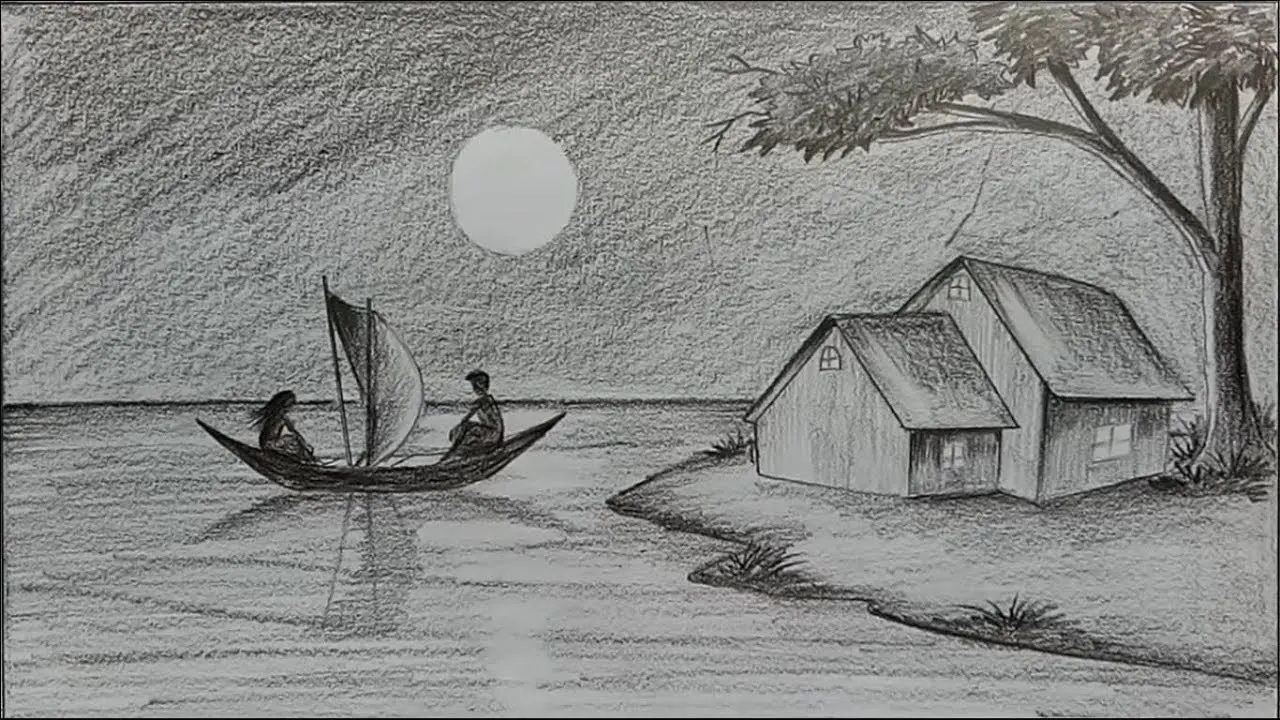 Uploaded sketch
Use the sketch to video AI generator for blocking, camera movement, mood, and timing, then iterate on the generated clip before committing to a full production workflow.
Seedance 2.0 Mini is the accessible default, while every compatible sketch to video AI generator model below offers a different balance of image fidelity, cinematic motion, stylization, and frame control.
Use the sketch to video AI generator to preserve the core composition of a drawing while adding motion, depth, atmosphere, and a sense of time.
Use hand drawings, digital line art, storyboard panels, doodles, or painted concepts as the visual foundation of a clip.
Describe character action, environmental motion, camera behavior, and pacing instead of relying on a generic animation.
Keep the drawn look or prompt toward anime, 3D, cinematic realism, stop motion, illustration, or another visual treatment.
Test scene ideas and presentation beats before spending time on detailed assets, keyframes, or traditional animation.
The sketch to video AI generator workflow starts with readable artwork, adds focused motion direction, and produces a result you can refine like a moving concept frame.
Choose a drawing with a clear subject and composition. Strong silhouettes and visible separation between elements help the model interpret the scene.
Specify subject action, camera motion, background movement, desired style, and which parts of the sketch should stay stable.
Review the motion, then adjust the wording, reference image, duration, or model to improve fidelity and timing.
A sketch to video AI generator turns early visual thinking into moving concepts that collaborators, clients, and audiences can immediately understand.
Test gestures, expressions, costume movement, and personality from a single character drawing.
Turn an industrial design or packaging concept into a moving presentation before 3D production.
Add camera and subject motion to storyboard frames for pitches, previz, and sequence planning.
Animate posters, editorial art, comics, album artwork, and social illustrations into short loops.
Explore atmosphere, blocking, and cinematic movement from rough production-design sketches.
Demonstrate how an initial drawing evolves into a generated moving image and explain the decisions along the way.
These sketch to video AI generator examples combine real paired drawings with official Adobe and PixVerse workflow material selected for this exact function.
Use sketch to video AI generator credits for quick motion tests, multiple style directions, or polished higher-resolution versions of selected concepts.
It uses a drawing as the visual starting point for an AI-generated video, adding motion, camera behavior, depth, and optional style changes from a text prompt.
You can use pencil drawings, ink line art, digital sketches, storyboards, doodles, concept paintings, character sheets, and other readable static artwork.
It supports image-guided video and provides a low-cost starting point for fast concept iteration. You can switch models when you need a different motion or fidelity profile.
No, but the main subject and silhouette should be clear. Ambiguous overlapping lines can lead to unexpected objects or movement.
Yes. Ask the model to preserve pencil, ink, marker, watercolor, storyboard, or line-art qualities and avoid unwanted photorealism.
Yes. Describe the intended materials, lighting, environment, lens, and realism while using the drawing to guide composition and subject placement.
Name the moving elements and explicitly identify anything that should remain still. Clear camera instructions also reduce unintended whole-frame motion.
You can animate an individual storyboard frame as a shot concept. For a longer sequence, generate shots separately and edit them together.
The model interprets lines rather than rigging them exactly. Cleaner shapes, stronger prompts, and a model suited to image fidelity can reduce drift.
No. They are sourced from published sketch-to-video cases and official Adobe and PixVerse materials, with source links recorded in the project documentation.
Usage rights depend on your source artwork, selected model, account plan, and applicable provider terms. Confirm those rights before publishing commercial work.
Open the sketch to video AI generator, upload a drawing, direct the action, and turn an early visual thought into a video concept you can share.
Animate a sketch