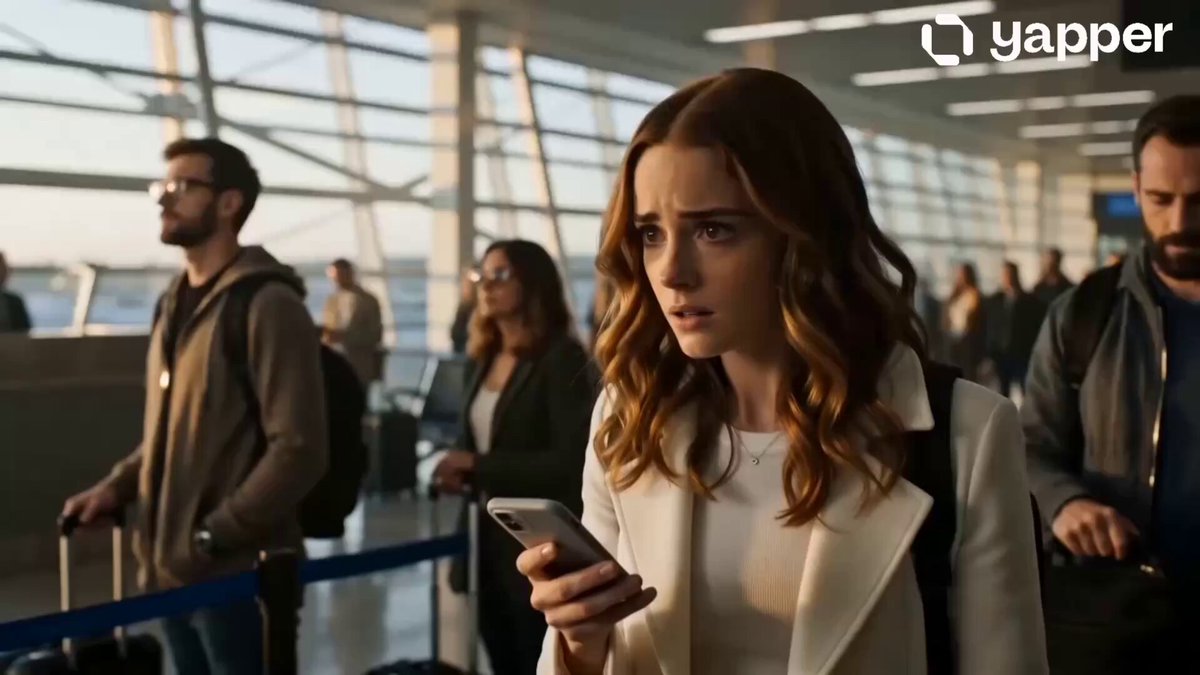
Hug result
Romantic Reunion
A warm airport reunion with a slow approach and emotional embrace.
Use the AI Hug Video Generator to bring people, characters, or a person and pet together in a warm embrace. Add separate identity references, choose a hug style, and edit the approach, emotion, camera, and setting before generating.
Preview each scene, then use the preset and rewrite the relationship, approach, camera, or ending for your references.
Each preset combines a reviewed example with an editable prompt. Selecting a style changes only the prompt and preview.
A warm airport reunion with a slow approach and emotional embrace.
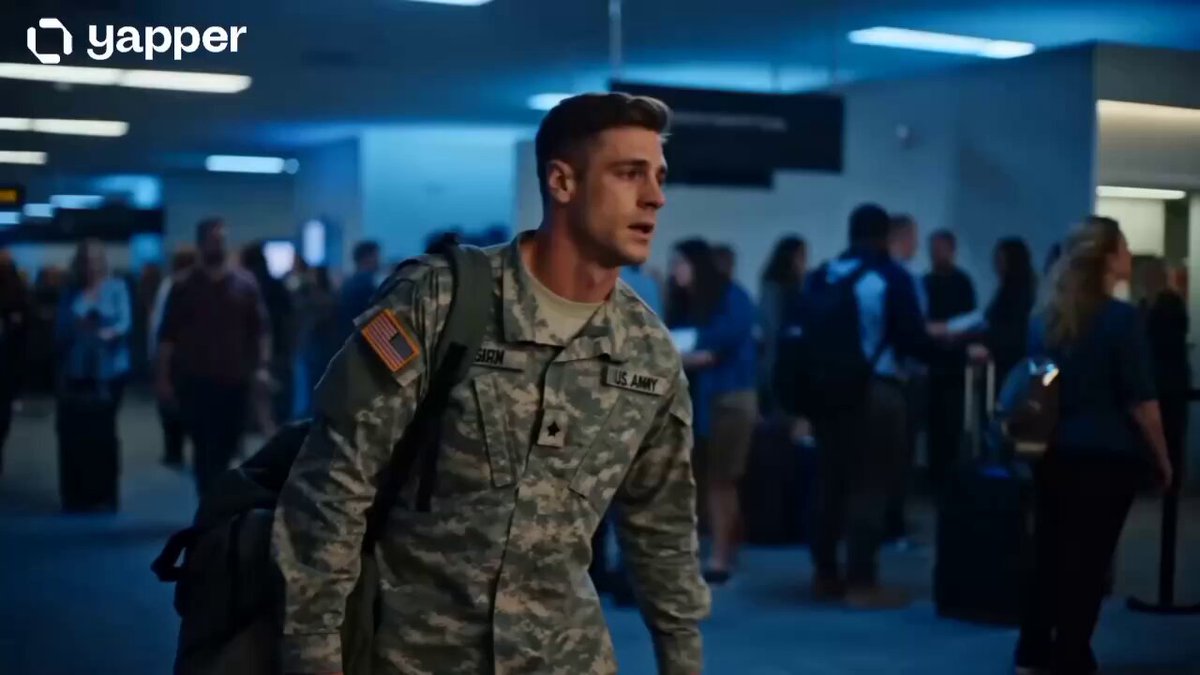
A returning parent kneels into an emotional hug with their child.
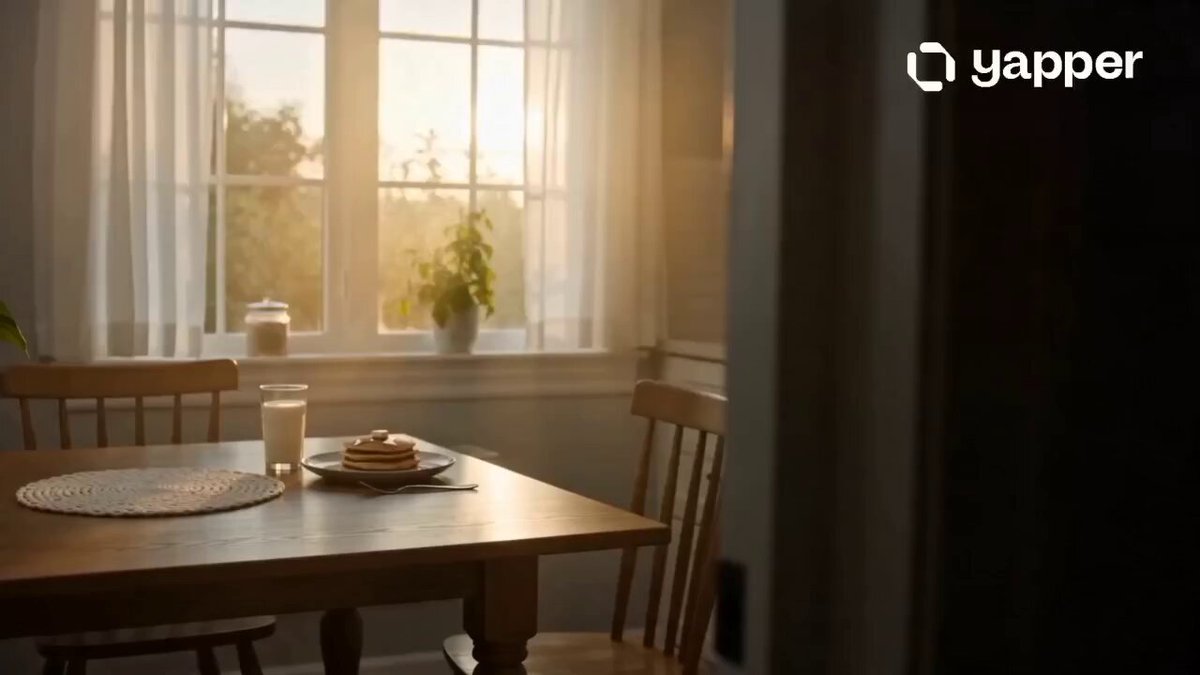
A quiet home moment with soft daylight and an affectionate family embrace.
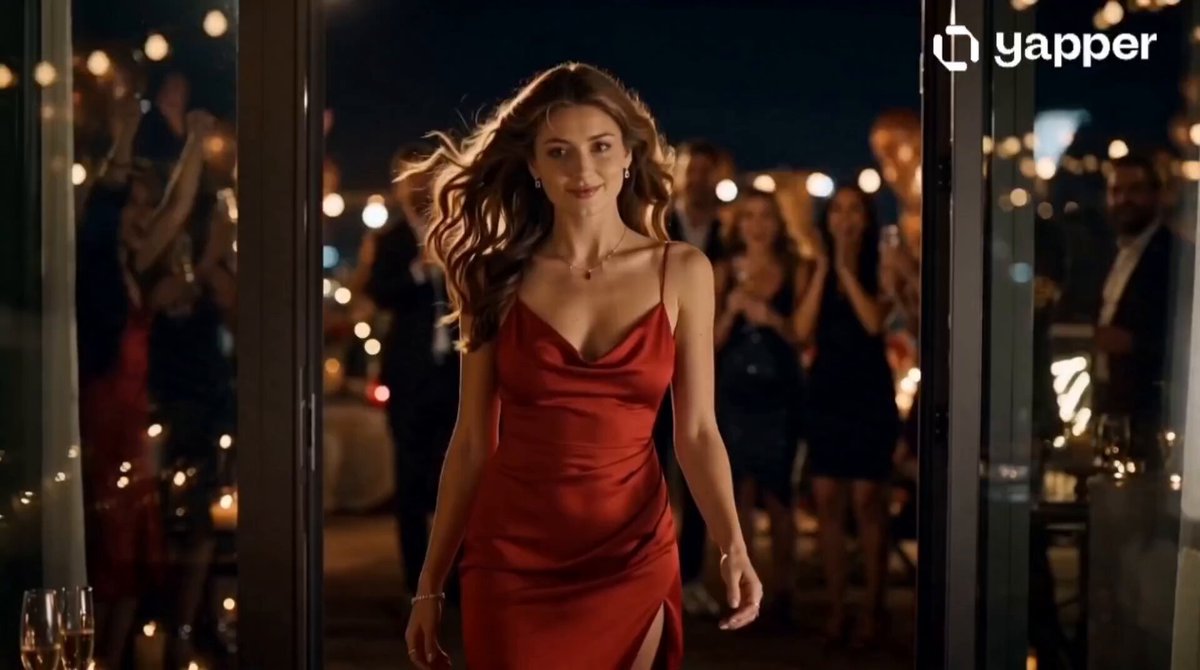
An energetic celebration hug with laughter, lights, and confetti.
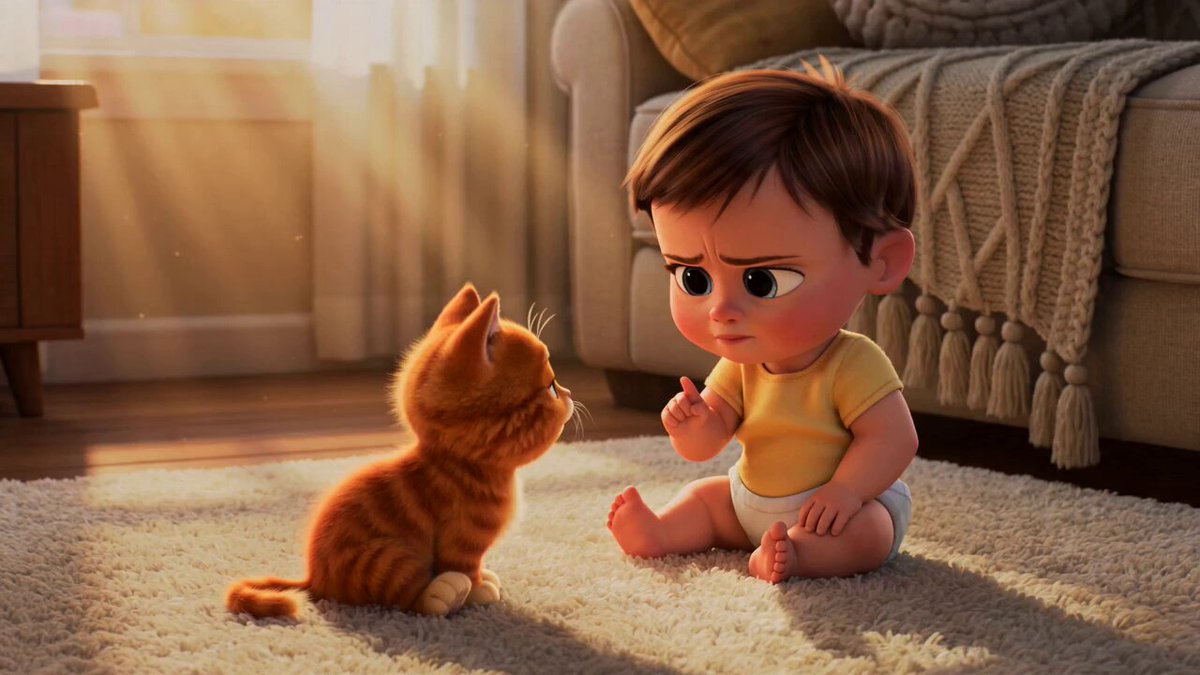
A playful, gentle cuddle between a person and a pet.
A stylized animated embrace with clear silhouettes and warm expression.
Add clear references for the people, characters, or pet that should appear in the hug. Separate portraits are supported, so each identity can be supplied independently. The available number of references follows the selected model.
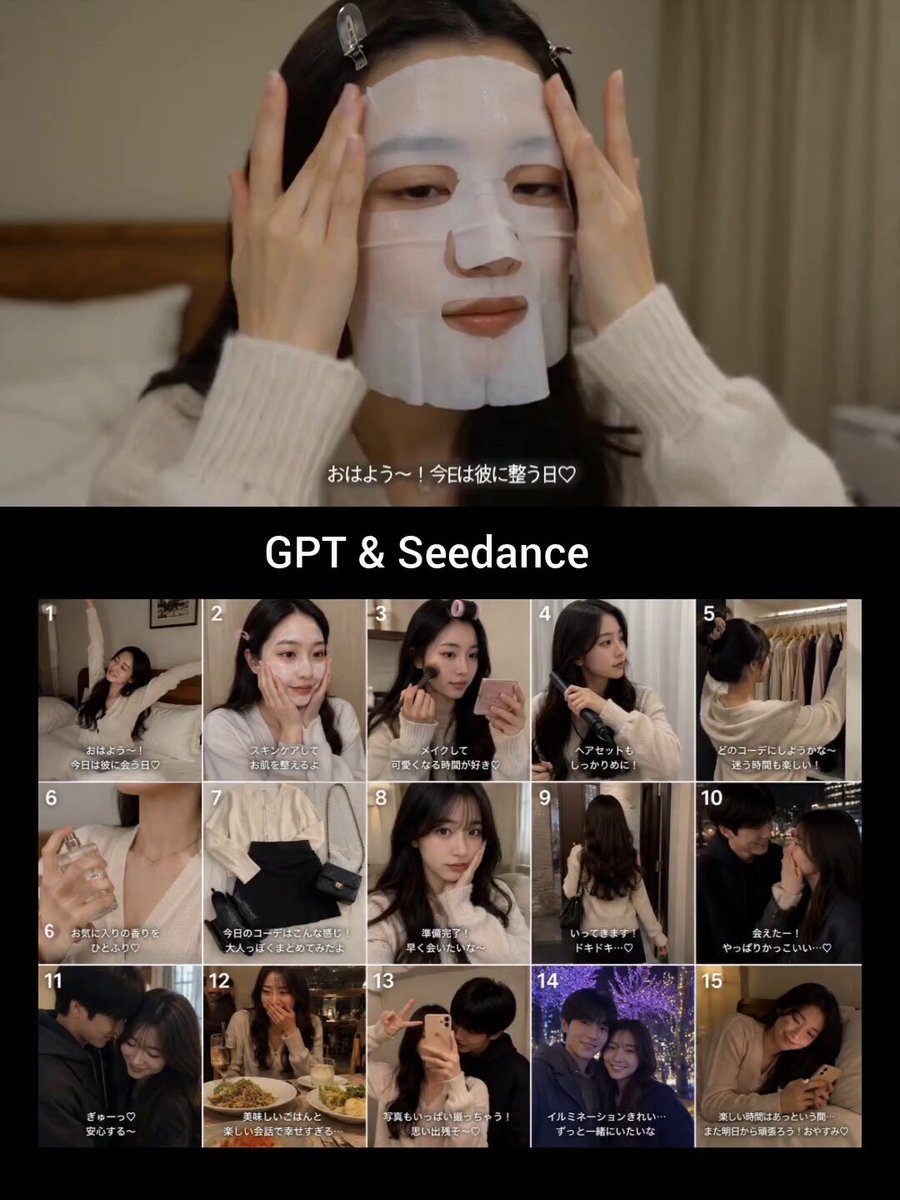 Identity reference
Add clear reference images for the people, characters, or pet you want in the scene. The selected model controls how many references are available.
Choose one of six hug styles. Its prompt fills automatically while the current model and output settings stay in place.
Generate the clip, check both faces and hands during contact, then refine the approach or camera wording if needed.
Each preset fills only the prompt, so the current model and output settings stay in place. Edit how the subjects approach, the emotion, camera, location, or ending before generating. The prompt creates new motion; it does not copy an exact embrace from another video.
Use these complete prompts as starting points, or borrow their approach, camera, emotional beat, and final hold.
A graduate crosses the venue and runs into a proud parent's arms.
Use the attached reference images as identity sources and preserve each subject's recognizable face, hairstyle, clothing, and proportions. At the end of a graduation ceremony, the graduate sees their parent waiting near the aisle, walks quickly toward them, and shares a tearful, joyful hug. Use warm window light, a slow push-in, natural breathing, readable hands, and a short final hold.
A spontaneous embrace after a shared win, filmed like a live reaction.
Use the attached reference images as identity sources and preserve each subject clearly. In a lively stadium crowd, the two people react to a winning moment, turn toward each other laughing, and share a natural celebratory hug. Keep the camera close but steady, let the surrounding crowd move independently, and hold both faces in view.
Two stylized characters discover affection through a small, expressive embrace.
Use the attached reference images as identity sources. Render the referenced subjects as polished 3D animated friends in a warm living room. One character hesitates, opens their arms, and the other steps in for a gentle hug. Use expressive eyes, small secondary motion, soft sunset light, clear silhouettes, and consistent character designs.
The AI Hug Video Generator uses your reference images to establish the subjects, then creates a new scene from the selected editable prompt. Add the people, characters, or pet you want to include, choose a style, and refine the relationship, approach, and setting before generating.
Yes. Add each person as a reference image so the model can use both identities in the generated hug. The number of reference images available follows the video model you select.
Use clear waist-up or full-body references with visible faces and clothing. Separate portraits can work well; similar camera angles and lighting make it easier to combine the subjects naturally.
Yes. The presets are editable prompts. You can change the relationship, expression, approach speed, camera movement, location, lighting, and how long the final hug is held.
The prompt asks the model to preserve each referenced identity, but small facial, hand, clothing, and body details can vary during contact. Review the result before sharing it as a personal memory.
Yes. Add the person and pet, or the animated characters, as references. Choose Pet Hug for smaller, gentler motion or Animated Hug for a more stylized scene.
 Image to video generatorAnimate a photo with a completely custom motion prompt.
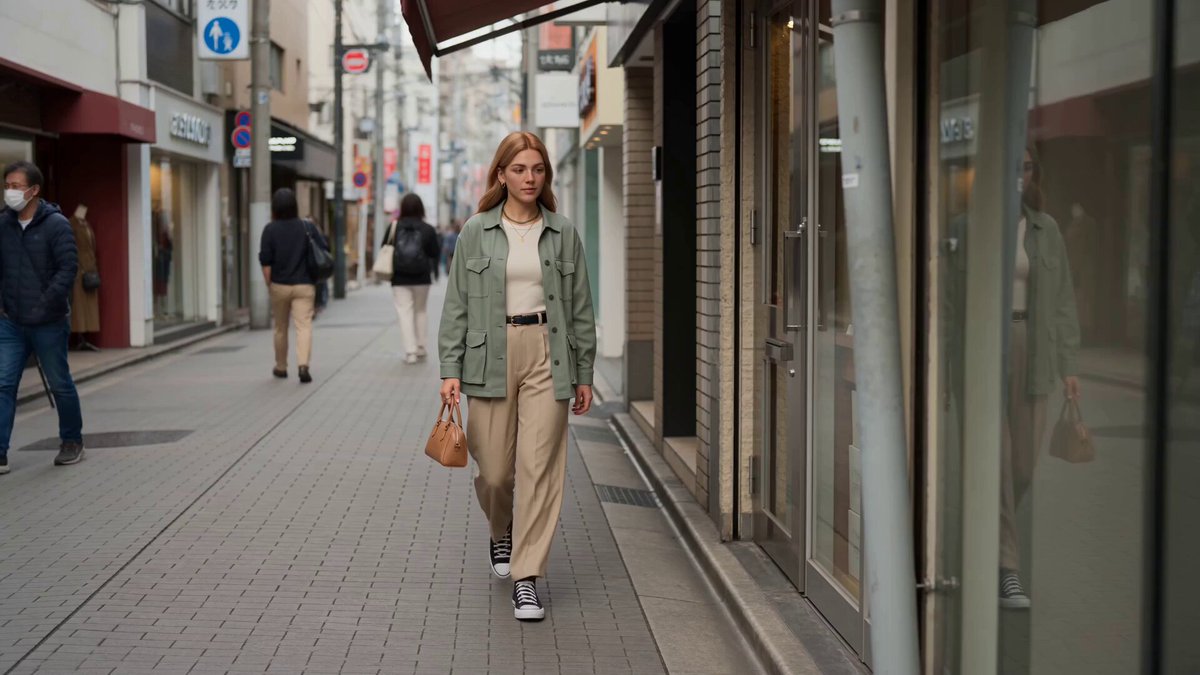 Reference to videoGuide a new shot with separate character, scene, style, or motion references.
 Video to video generatorRestyle an existing memory clip while keeping its movement.
 AI dance video generatorAnimate a person image with prompted dance movement.
 AI transformation video generatorChange a person, object, creature, or vehicle into a new form.
 AI catwalk video generatorTurn a person image into a runway walk with an editable fashion prompt.
Choose a hug style, add clear references for the people, characters, or pet, and edit the approach and mood before generating.
Generate hug video