Generated kiss scene
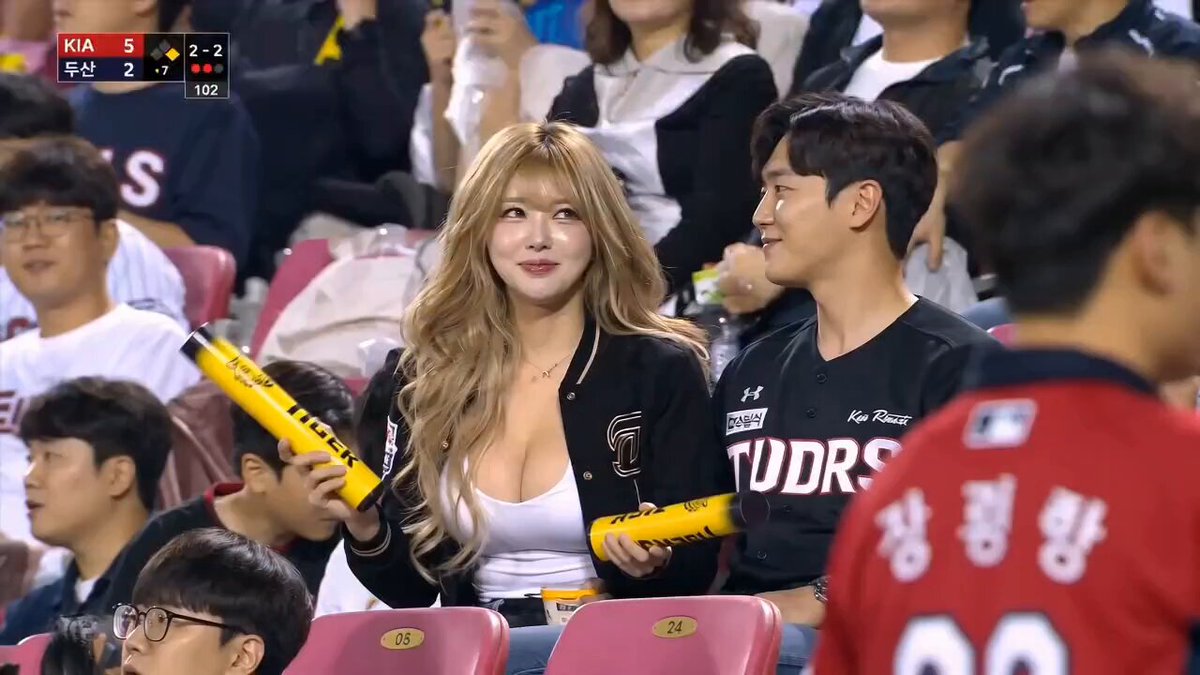
Kiss Cam
A candid stadium kiss followed by a shy reaction to the live camera.
Use the AI kiss video generator to create a brief romantic kiss between two adult subjects from reference images. Choose a kiss cam, wedding, apocalypse, animated, or sci-fi style, then edit the prompt and generation controls.
Examples are previous AI-generated results. Identity consistency, facial motion, timing, and framing vary with the references, prompt, and selected model.
Each preset describes a different setting and camera language while keeping the same core action: two adults approach naturally, share one brief kiss, and separate cleanly.
A candid stadium kiss followed by a shy reaction to the live camera.
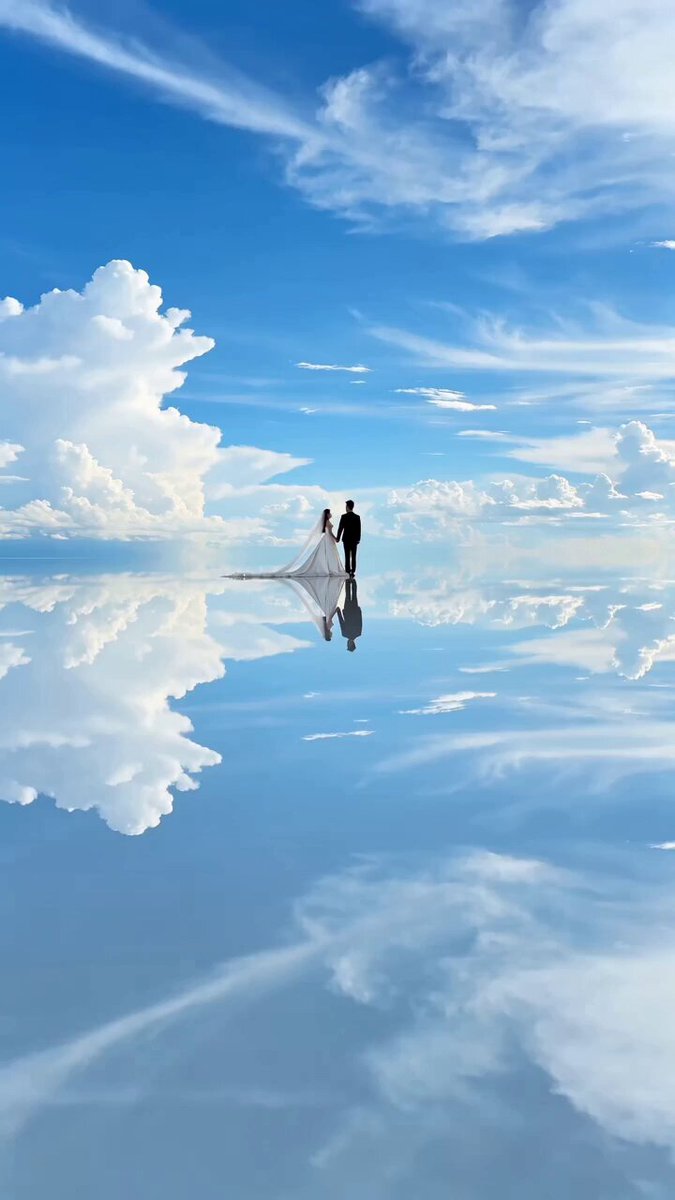
A gentle wedding forehead kiss in a bright reflective landscape.
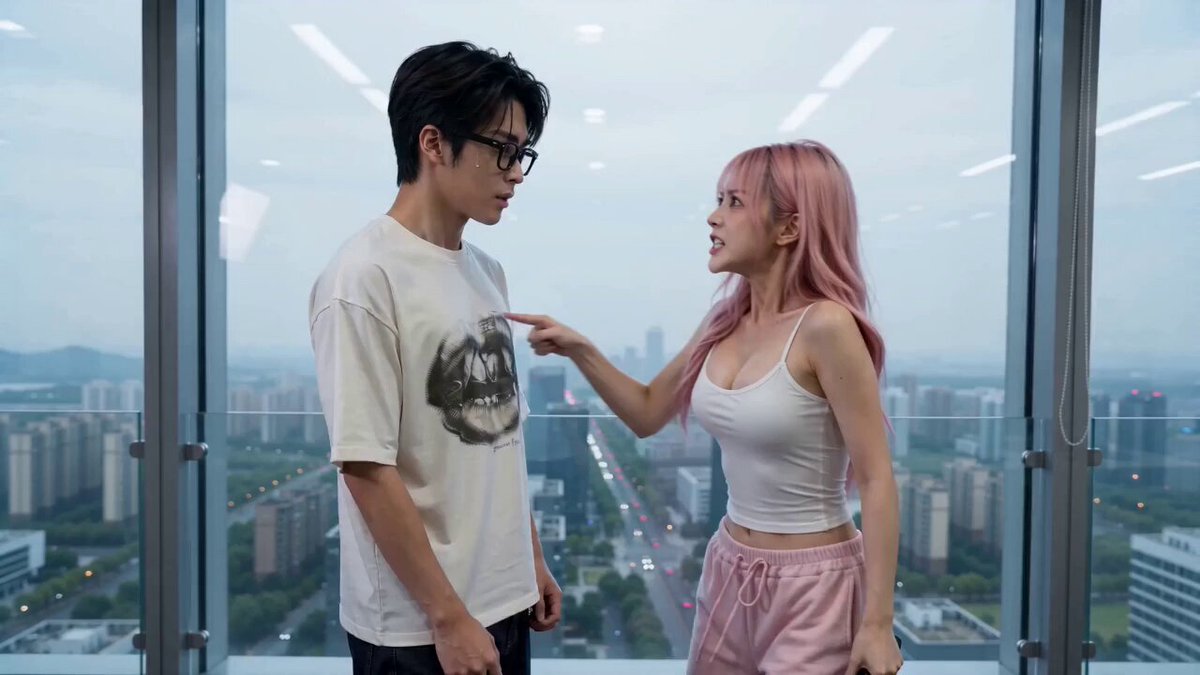
A dramatic office kiss framed by a distant cinematic explosion.
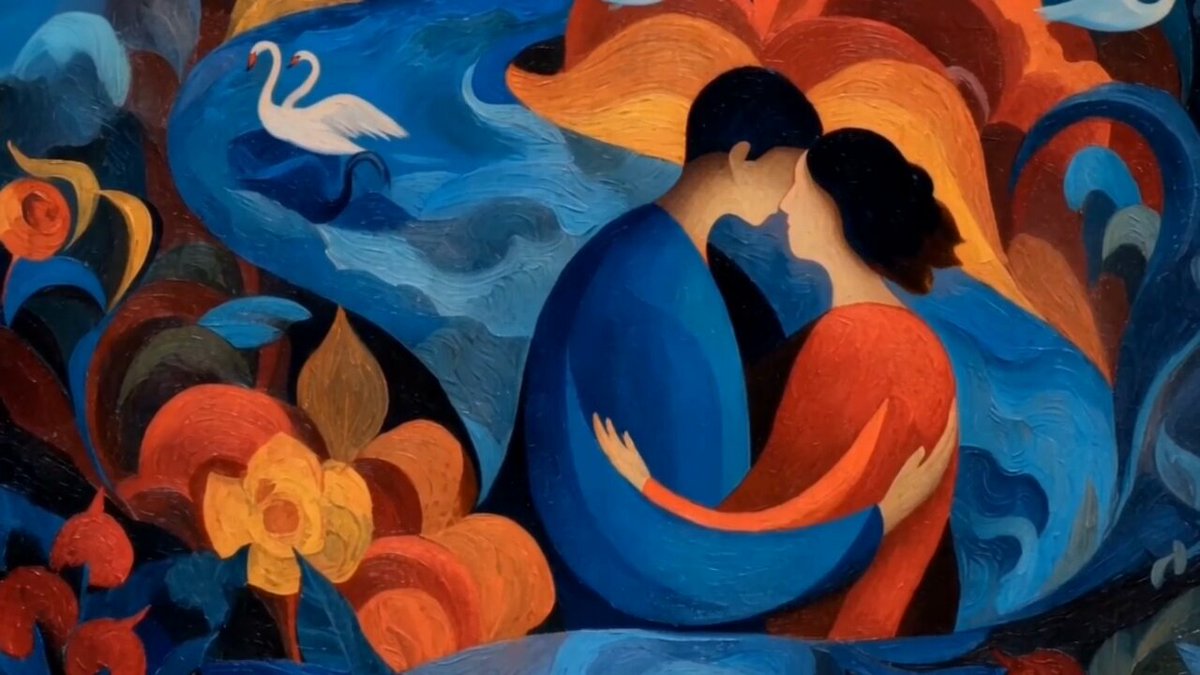
A stylized romantic moment with clean silhouettes and flowing painted motion.
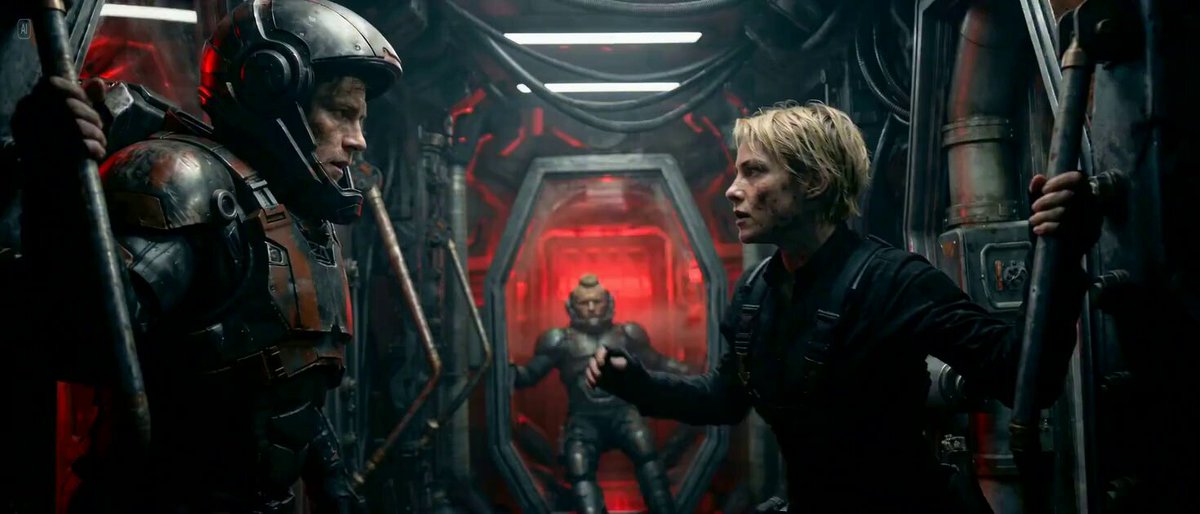
A tense futuristic kiss inside a moving spacecraft with dramatic light.
Reference mode is suited to this effect because each person can have an independent identity source. Similar image quality, compatible viewing angles, and unobstructed faces help the AI kiss video generator keep both adults recognizable.
Upload clear images for the adults you want in the scene. Front-facing or three-quarter portraits with visible facial features work best.
Pick a kiss cam, wedding, apocalypse, animated, or sci-fi preset. The preset fills the prompt without changing your uploaded references or output settings.
Generate the scene, then adjust the approach, camera distance, setting, expression, or duration if the identities or contact need a cleaner result.
Use the editable prompt to set the relationship, environment, eye contact, approach speed, camera distance, kiss duration, reaction, and audio mood.
Use these prompt structures with your own adult references and rewrite the setting, lighting, camera, and emotional tone.
A quiet reunion under warm streetlights and light rain.
Use the attached adult reference images as separate identity sources. On a quiet city street in light rain, the two adults recognize each other, step closer under one umbrella, exchange relieved smiles, and share one brief tender kiss. Use warm streetlights, a slow camera push-in, realistic wet reflections, and natural facial motion.
A restrained ceremony moment with soft daylight and a steady camera.
Use the attached adult reference images as separate identity sources. During a simple outdoor wedding ceremony, the two adults turn toward each other, hold eye contact, and share one short gentle kiss as flower petals move in a soft breeze. Keep both faces recognizable with natural posture and a steady medium shot.
A stylized romantic scene with clean silhouettes and subtle motion.
Use the attached adult reference images as identity guides and translate both subjects into polished animated characters. On a moonlit balcony, they step together and share one soft kiss while fabric and distant lights move gently. Preserve their facial traits, hairstyles, clothing colors, and clear silhouettes.
An AI kiss video generator uses reference images and a motion prompt to create a short scene where two adult subjects approach and share a kiss in a chosen setting and visual style.
Reference mode lets each adult have an independent identity source. This fits a two-person effect better than treating the second upload as an ending frame.
Use clear adult portraits or upper-body images with unobstructed faces, similar viewing angles, and comparable image quality. Avoid crowded group photos and extreme facial expressions.
Yes. Selecting a preset fills the prompt only. You can rewrite the setting, approach, expression, camera, lighting, and timing while keeping model and output controls available.
Reference images guide both identities, but close facial contact is difficult and small details can shift. Clear inputs, a brief action, and a stable camera generally improve consistency.
No. This effect and its prompts are designed only for consenting adults. Use adult reference images that you have permission to use.
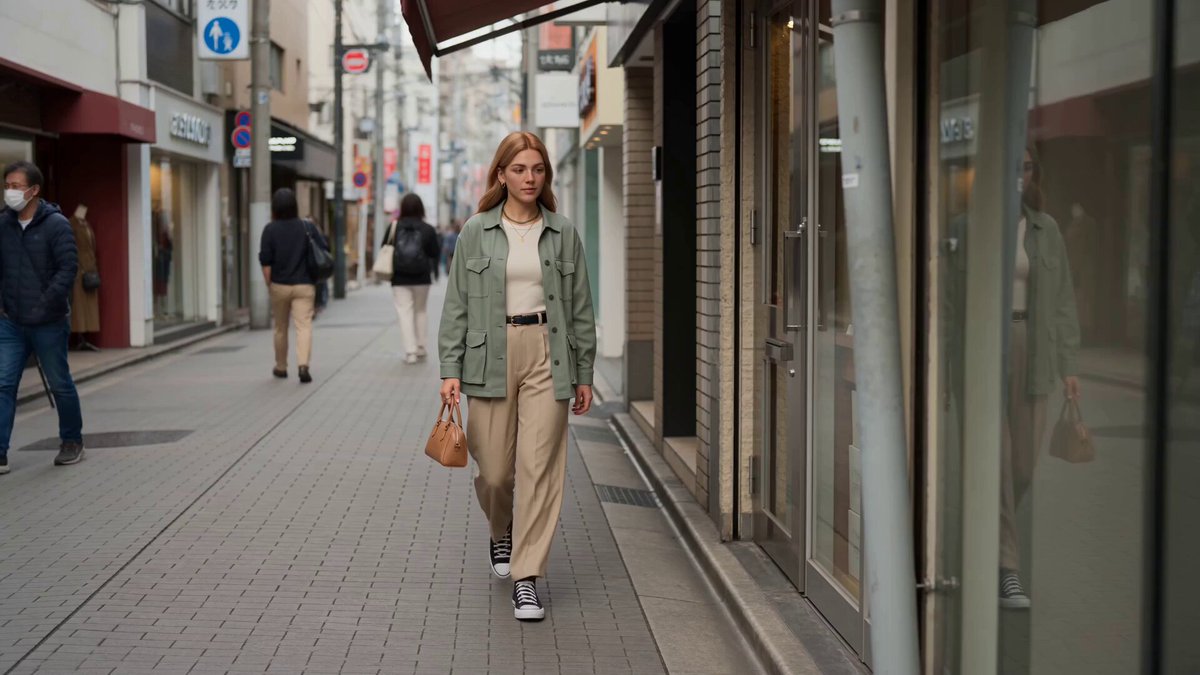 Reference to VideoGuide a video with separate character, object, and style references.
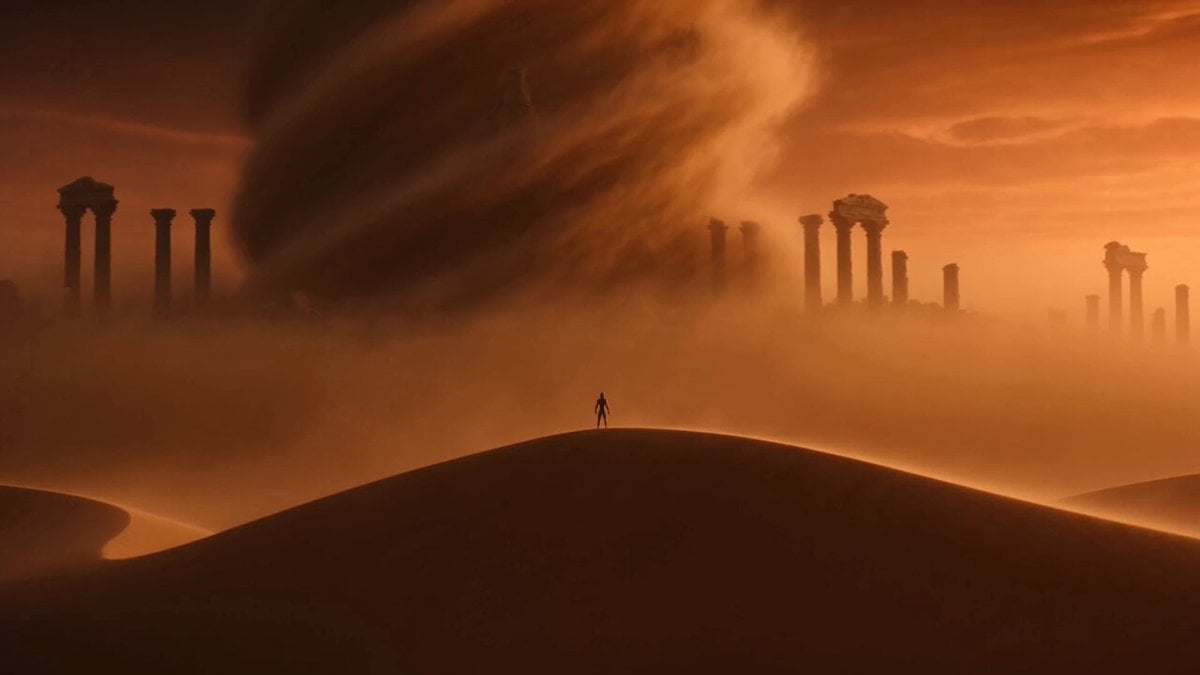 Image to VideoAnimate a single still image with an editable motion prompt.
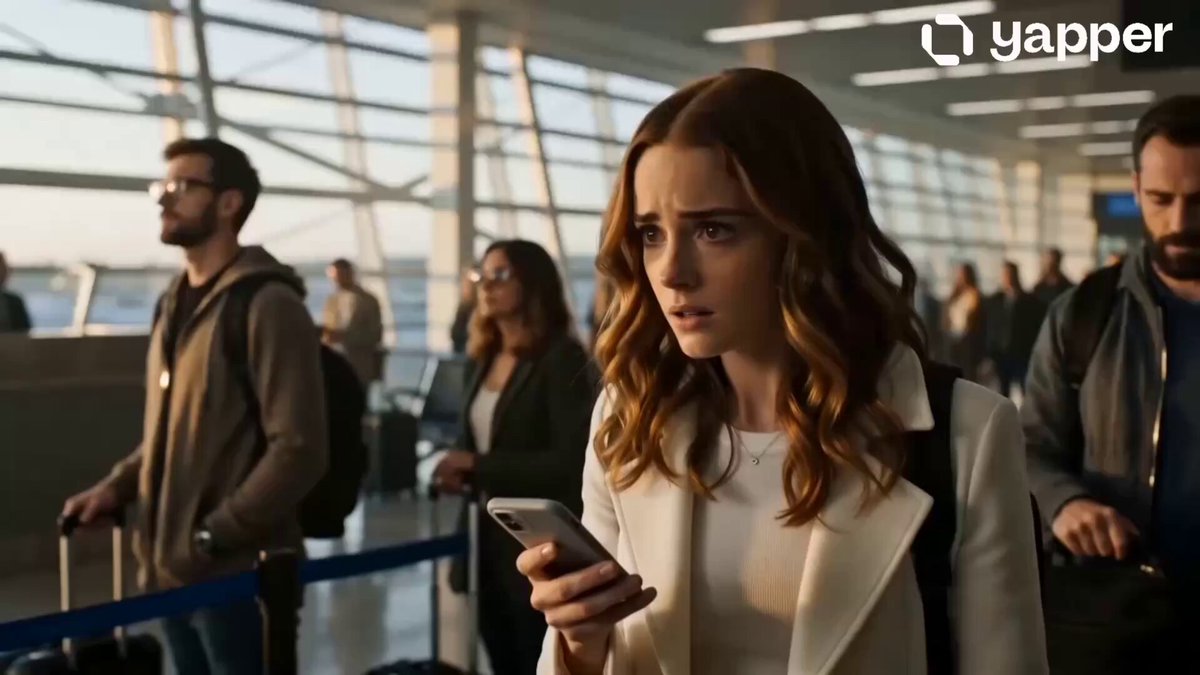 AI Hug Video GeneratorCreate affectionate reunion and embrace scenes from references.
 AI Dance Video GeneratorAnimate a person with selectable dance and choreography presets.
 AI Video Transition GeneratorConnect scenes using match cuts, wipes, morphs, and other transitions.
 AI Camera Orbit Video GeneratorCreate circular camera moves around people and scenes.
Add clear adult references, choose a scene style, and edit the prompt to create a brief romantic moment with the camera and mood you want.
Generate kiss video