Dance
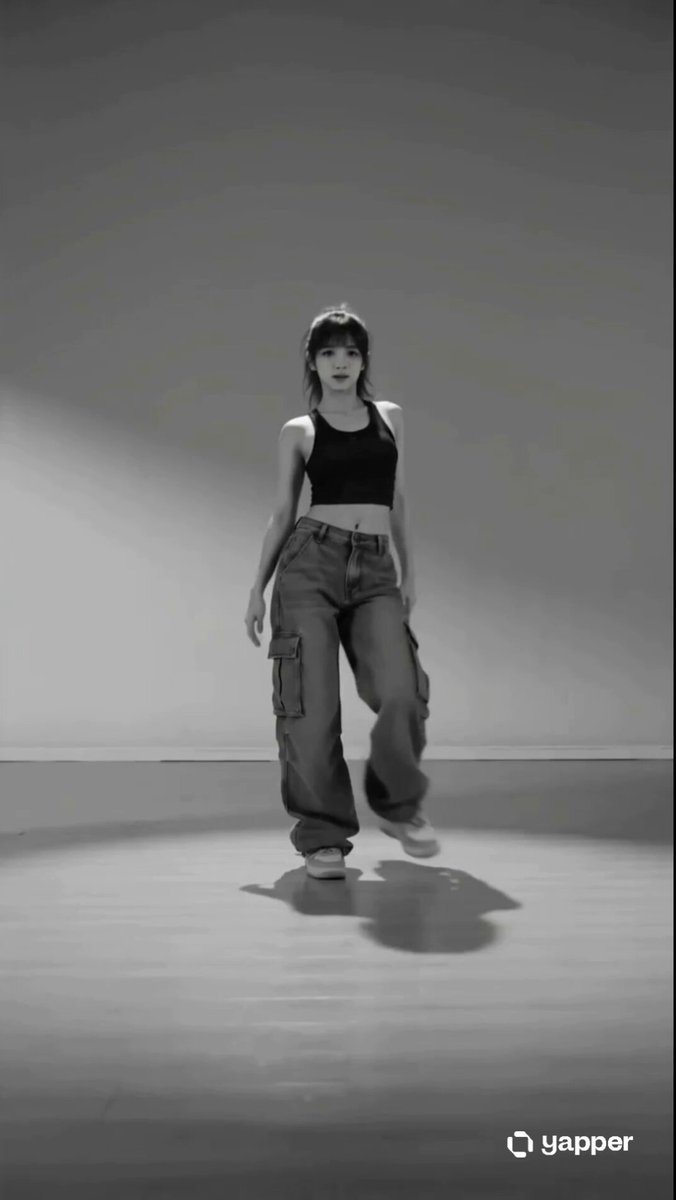
Hip-Hop
Grounded footwork, shoulder pops, and a steady camera.
Use the AI Dance Video Generator to turn a photo into a short dance video. Upload one image, choose a dance style, then edit the movement prompt and output settings before you generate.
Preview the motion, then use your own photo and edit the prompt to make it yours.
Each dance style changes the preview and fills an editable motion prompt.
Grounded footwork, shoulder pops, and a steady camera.
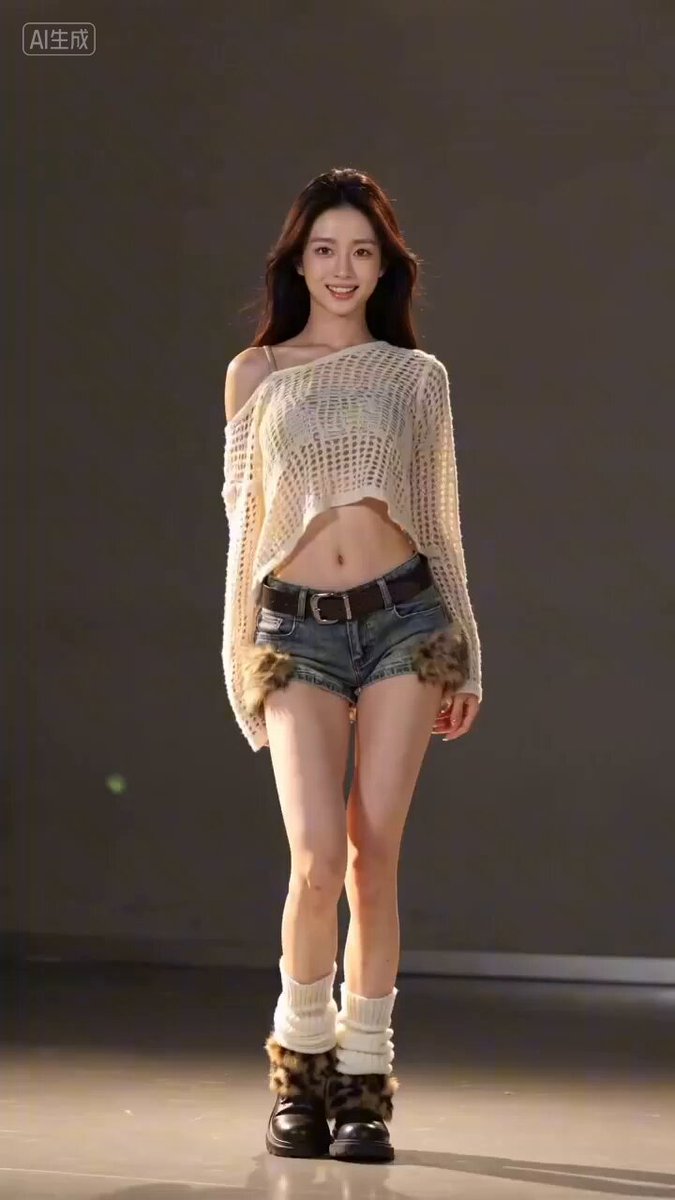
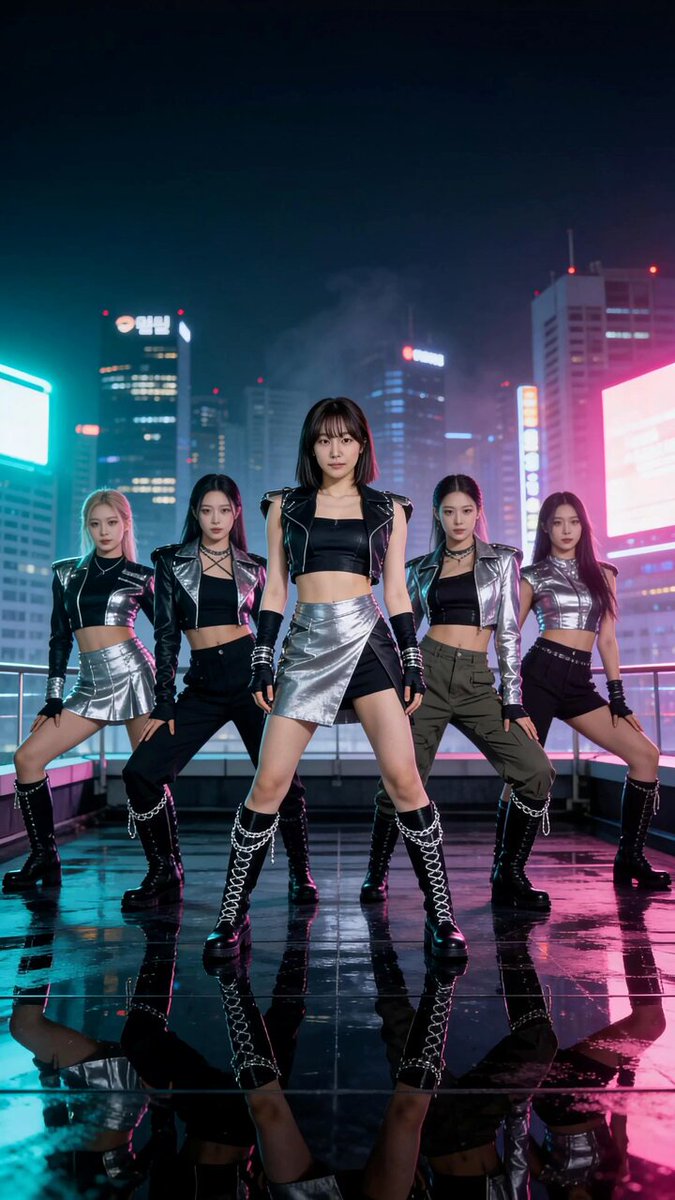
Sharp, beat-led moves with a polished stage feel.
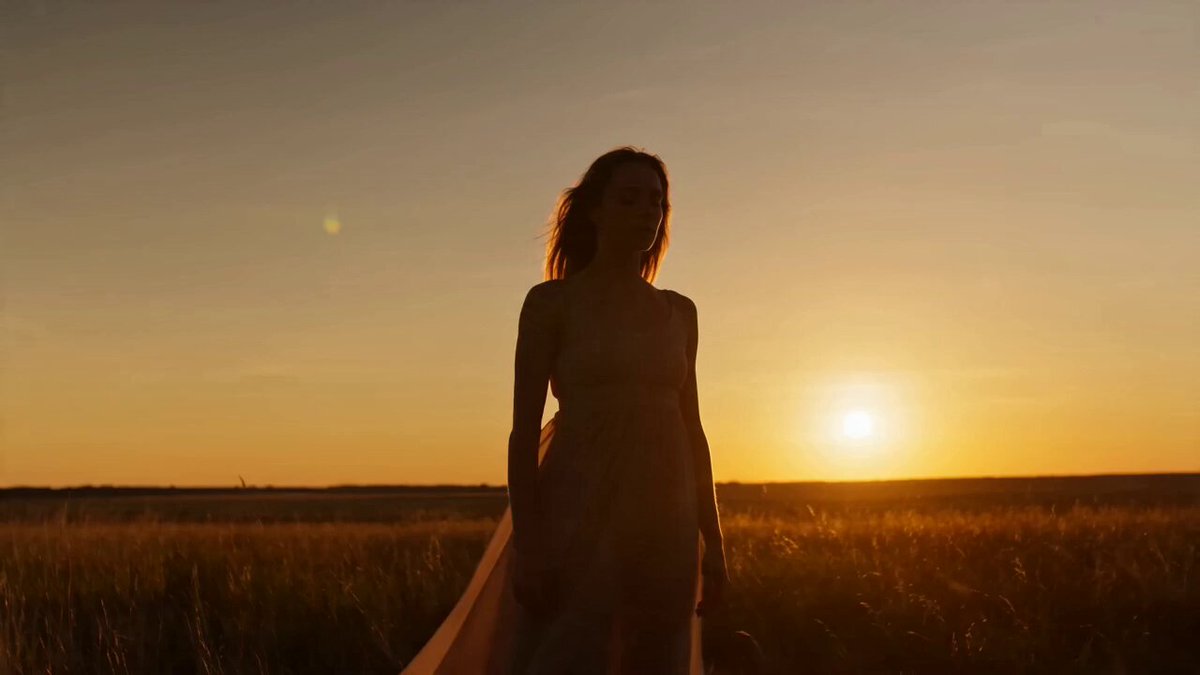
Flowing turns and expressive movement in warm light.
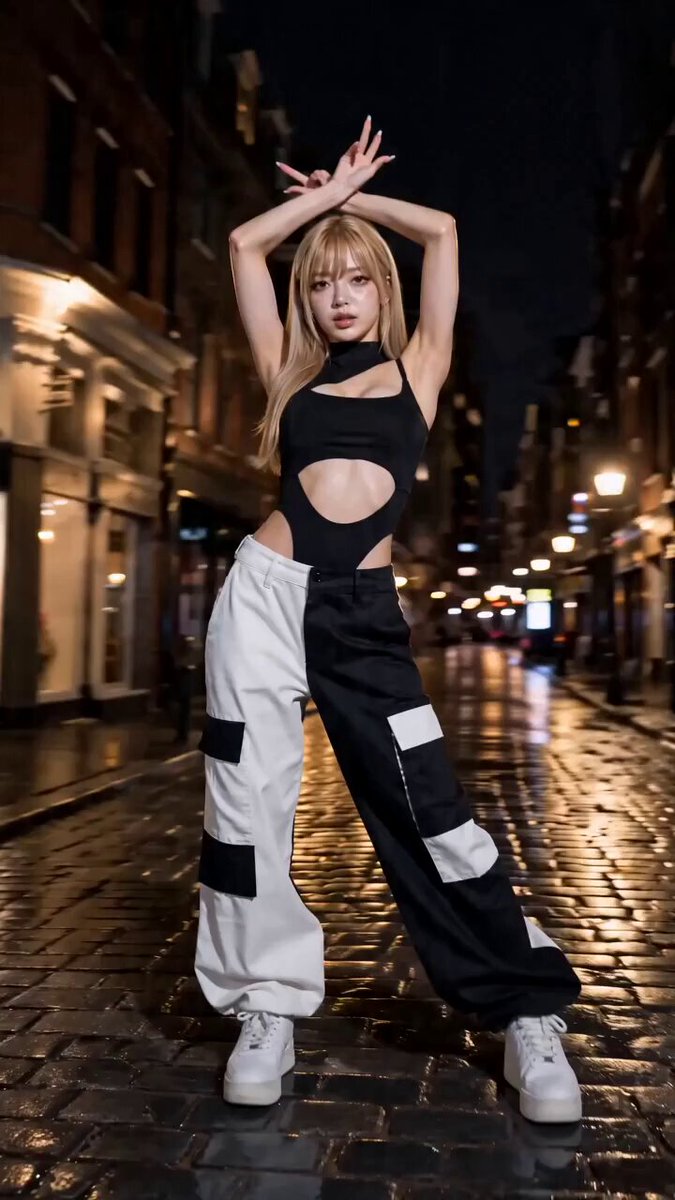
Precise hand shapes, angular poses, and dramatic cuts.
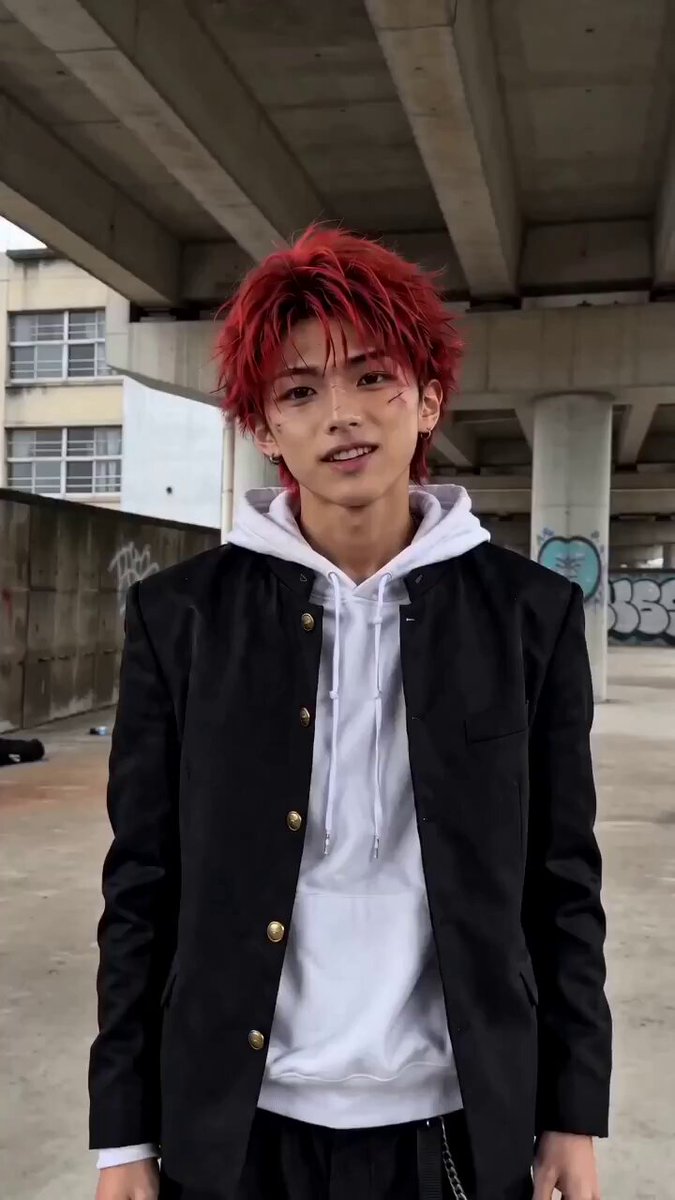
A short, casual routine made for a vertical clip.
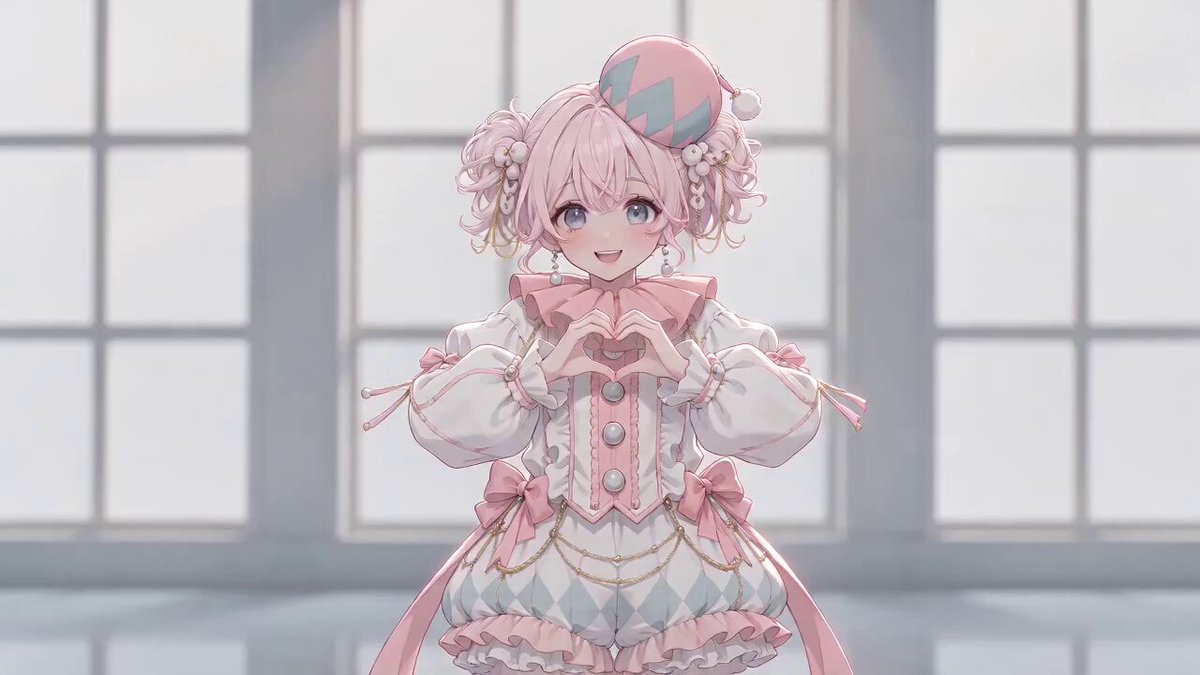
Cute steps with hand-drawn hearts and bright accents.
Use a well-lit image where one person is easy to see. A full-body pose gives the model more information for steps and turns. Leave space around the subject and avoid heavy occlusion of the hands or feet.
 Frame
FrameChoose a clear photo with one person and enough space around their arms and legs.
Select one of 10 dance styles. Its prompt fills in automatically, while your current model and output settings stay in place.
Start the video, follow its progress in My work, and download the result when it is ready.
The style provides a starting prompt. You can describe different moves, change the model or output settings, and see the credit cost before generating. A text prompt guides the movement; it does not reproduce an exact choreography from a source video.
Drop one of these into the generator, then change the setting, camera or ending pose to suit your photo.
Warm backlight and a wide, open background. Forgiving on skin tone and hair detail.
Use the uploaded photo as the exact character reference. Preserve the person's face, hairstyle, outfit, and body proportions. On an open rooftop at golden hour, the person dances a relaxed, rhythmic routine: easy footwork, loose shoulder movement, one slow turn, and a settled final pose. Keep the full body in frame with a slow push-in. Warm low sunlight, natural fabric motion, realistic anatomy, stable facial identity, no extra limbs.
Hard coloured light and a dark background. Strongest when the outfit has clear edges.
Use the uploaded photo as the exact character reference. Preserve the person's face, hairstyle, outfit, and body proportions. On a dark stage lit by saturated neon, the person performs sharp, beat-led moves: angular arm lines, shoulder isolations, a quick pivot, and a held final pose. Keep the full body visible with a steady vertical frame. Crisp rim light, realistic movement, consistent identity, clear hands, no extra limbs.
Casual, slightly imperfect framing. Reads as something filmed rather than rendered.
Use the uploaded photo as the exact character reference. Preserve the person's face, hairstyle, outfit, and body proportions. In an everyday indoor setting, the person dances a short casual routine to camera: small side steps, shoulder bounces, a hand gesture, a turn, and a playful ending. Film it as a handheld phone video with slight natural camera drift and the full body in frame. Natural lighting, continuous motion, consistent identity, no extra limbs.
Yes. Upload one photo of a person, choose a dance style, then generate a short video from the editable prompt.
A full-body photo is recommended for visible footwork, but a clear half-body portrait can work for upper-body dance moves.
Yes. Edit the prefilled prompt before generating. Describe the movement, camera, setting, and ending pose you want.
These styles use text prompts, so they guide the motion rather than copy a reference performance frame by frame.
The available durations depend on the model and settings you select. The AI Dance Video Generator shows the duration options and the credit cost before you submit.
The audio setting depends on the selected model. A prompt can describe the mood and rhythm, but this page does not let you select an exact song or guarantee beat-perfect choreography.
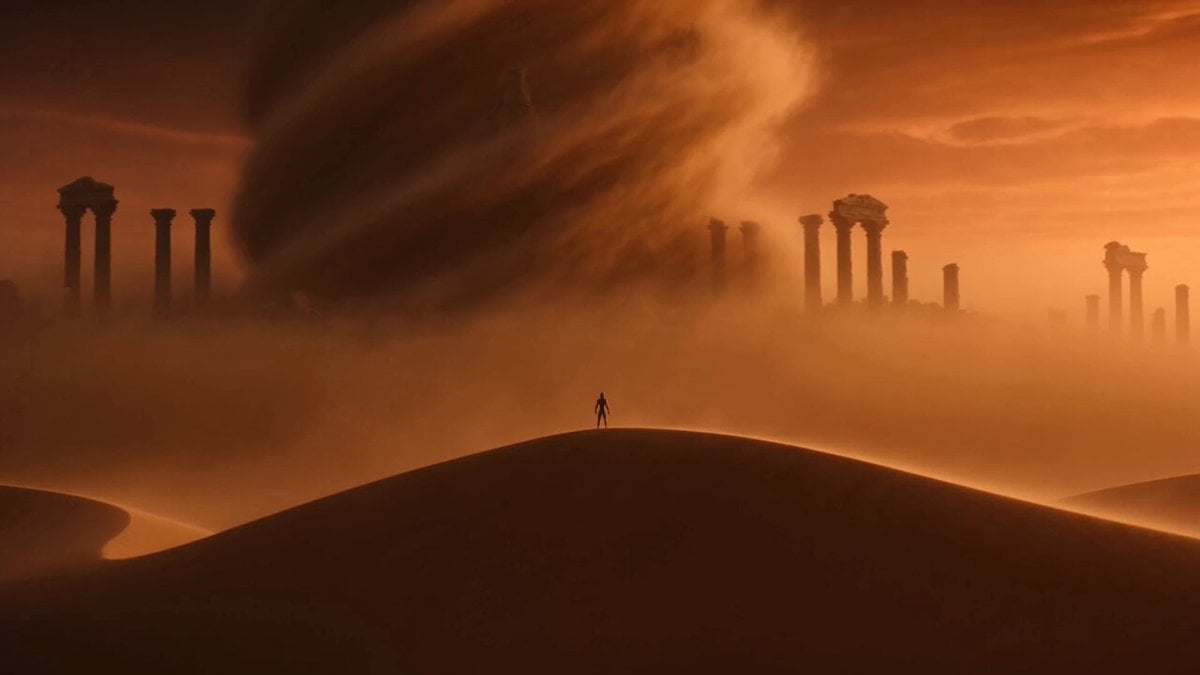 Image to video generatorAnimate a photo with your own motion prompt.
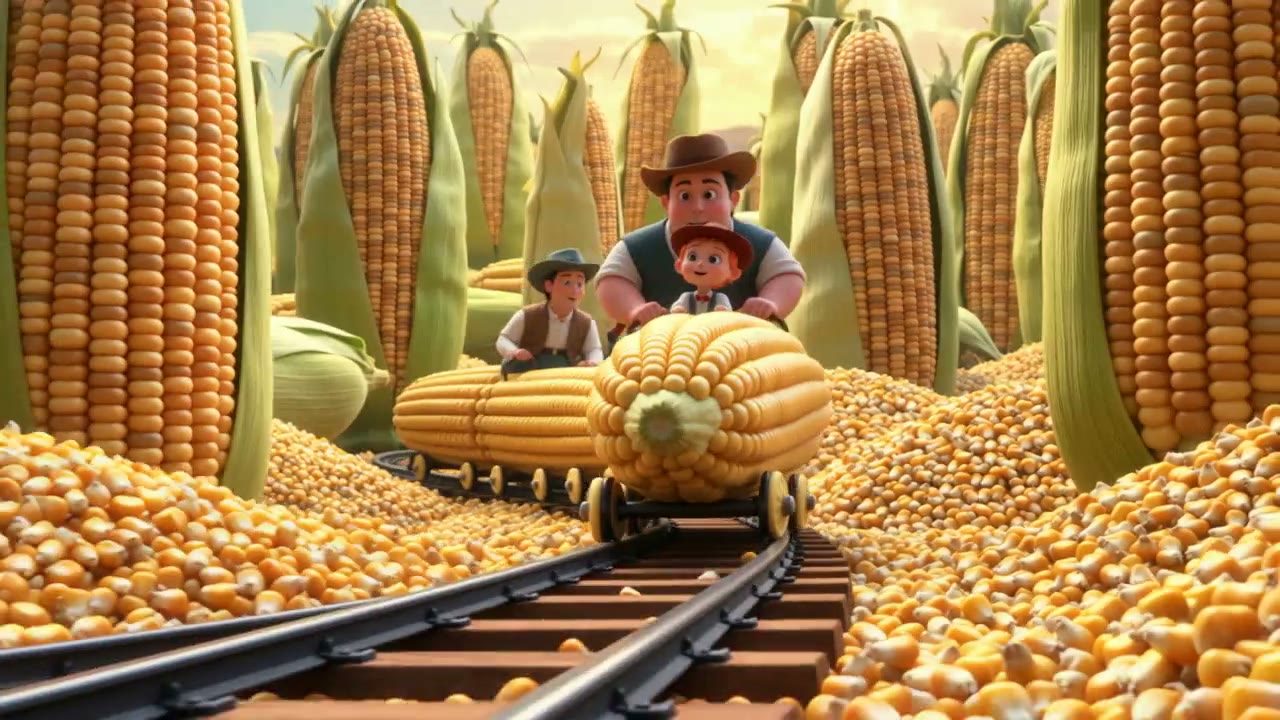 AI animation generatorTurn a character or drawing into a moving animated scene.
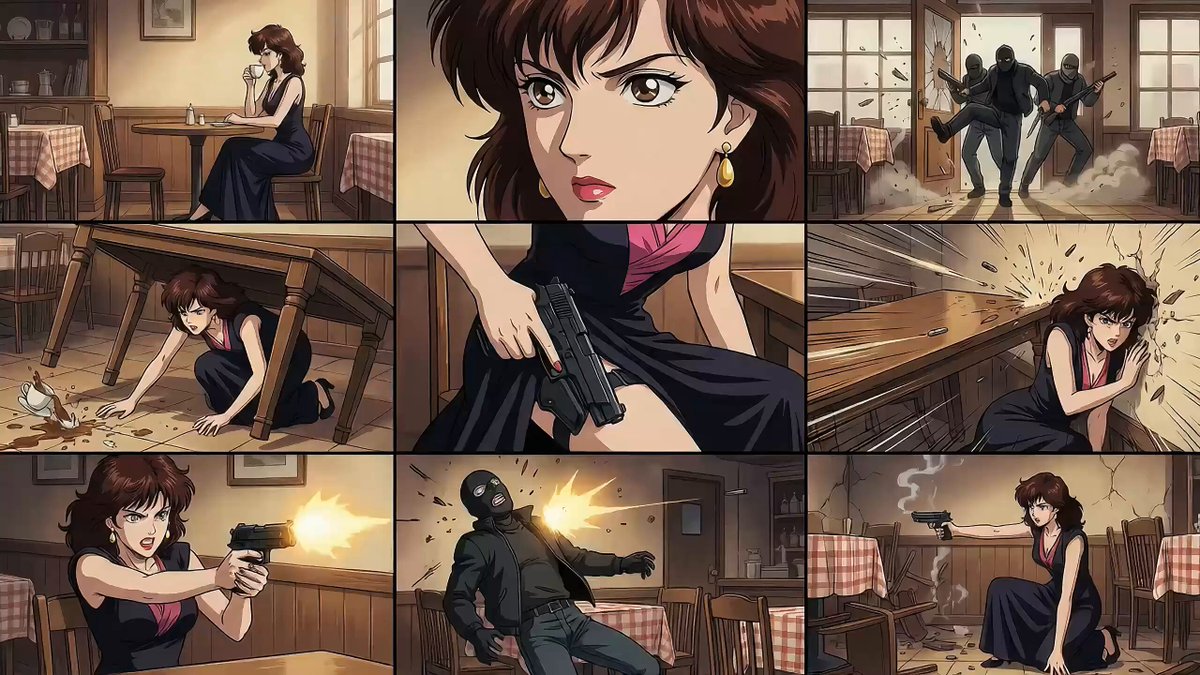 Seedance video promptsExplore prompts for movement, camera, and visual style.
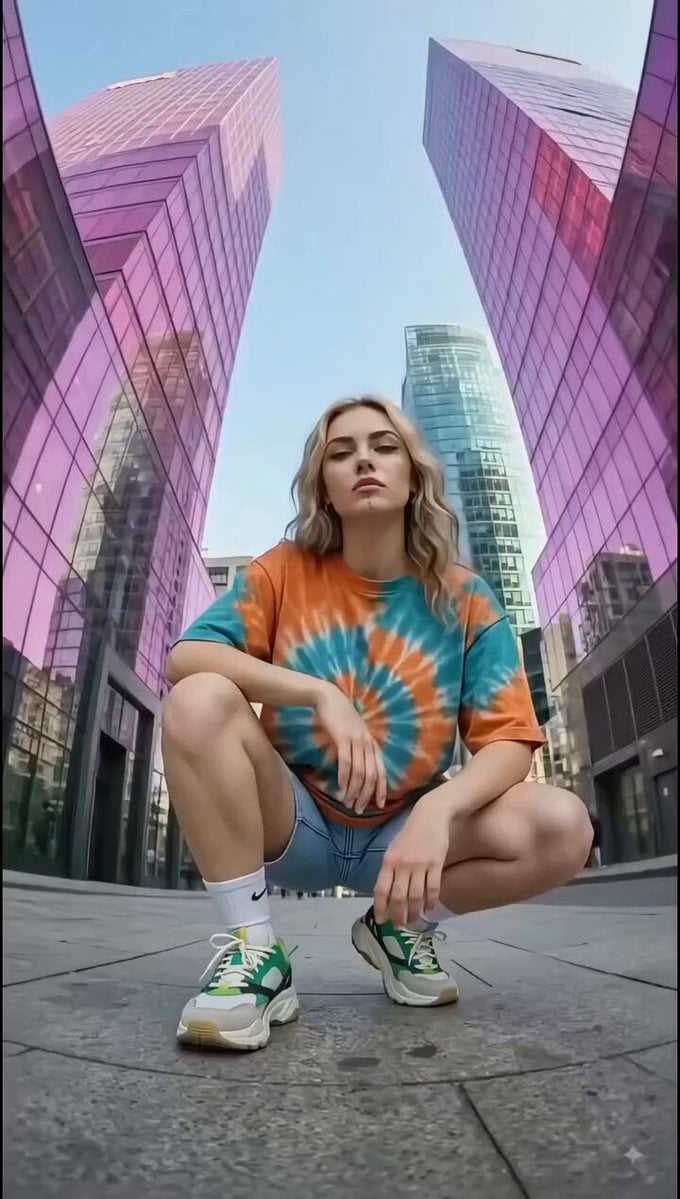 Text to video generatorCreate a dance scene from words without uploading a photo.
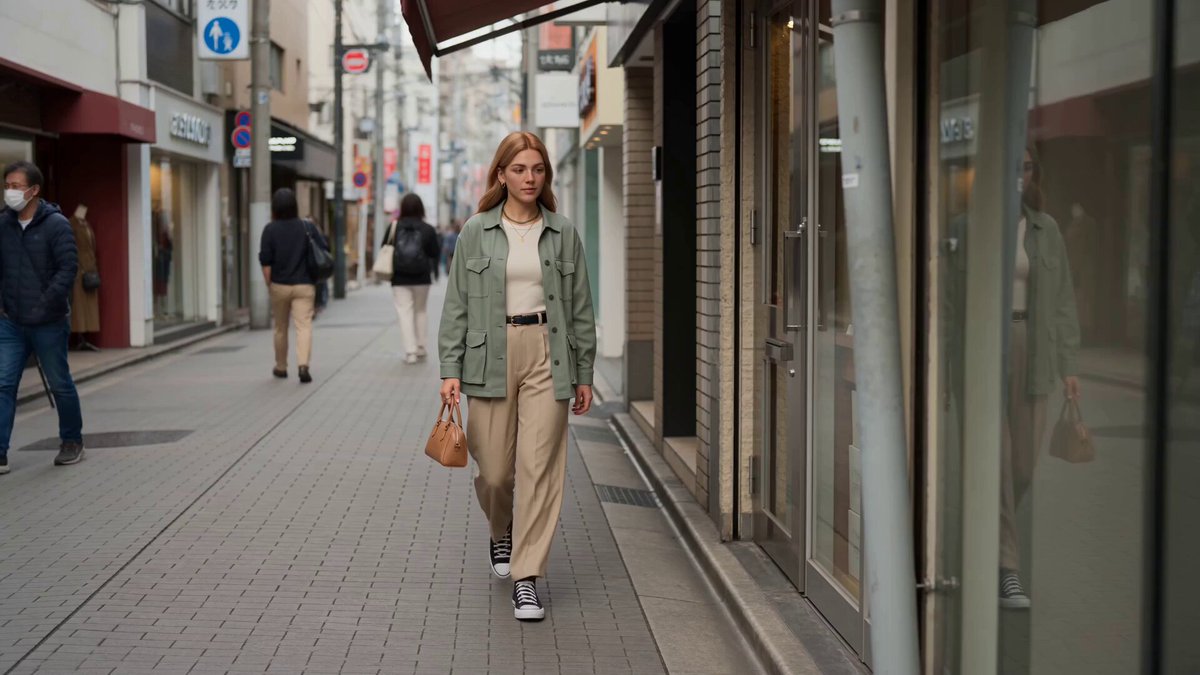 Reference to videoGuide a new clip with character, style, or motion references.
 Video to video generatorRestyle a dance clip you have already recorded.
Pick a dance style, upload one photo, and edit the prompt until the movement is what you want.
Generate dance video