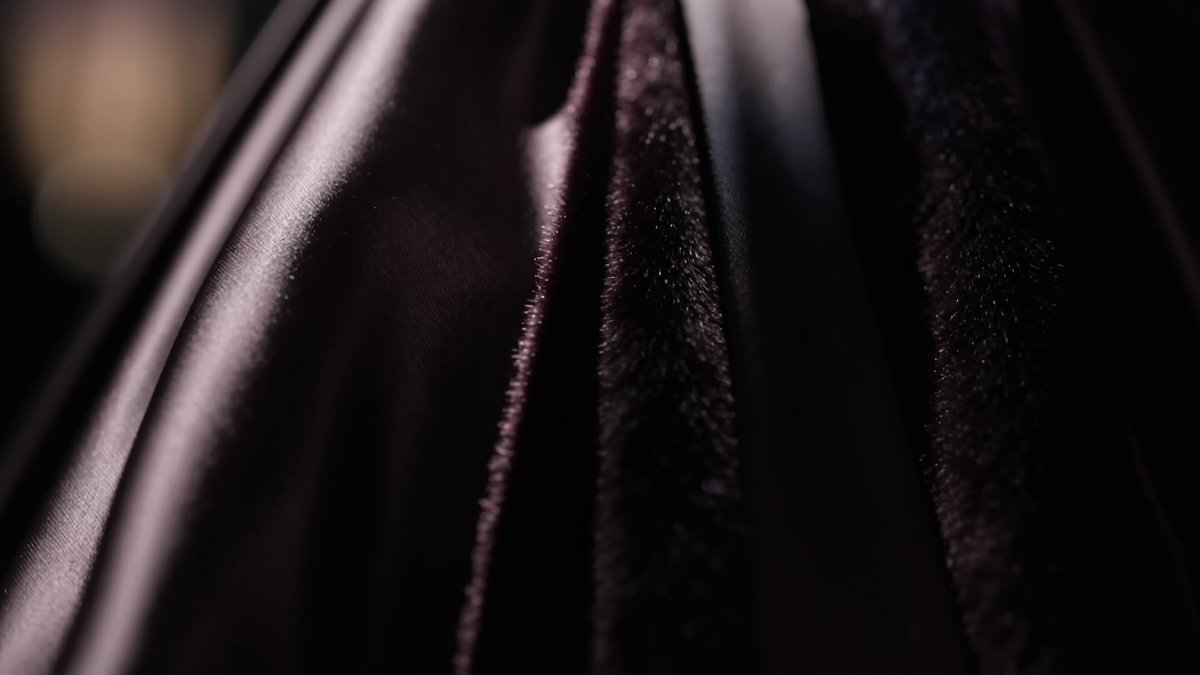
Catwalk result
High Fashion Runway
A polished couture walk under dramatic fashion-show spotlights.
Use the AI Catwalk Video Generator to turn a person image into a fashion runway video. Choose a catwalk style, add an image or supported frames, and edit the walking motion, camera, location, and final pose before generating.
Preview each runway, then use the preset and rewrite the walk, camera, or final pose for your image.
Each preset combines a reviewed runway example with an editable prompt. Selecting a style changes only the prompt and example.
A polished couture walk under dramatic fashion-show spotlights.
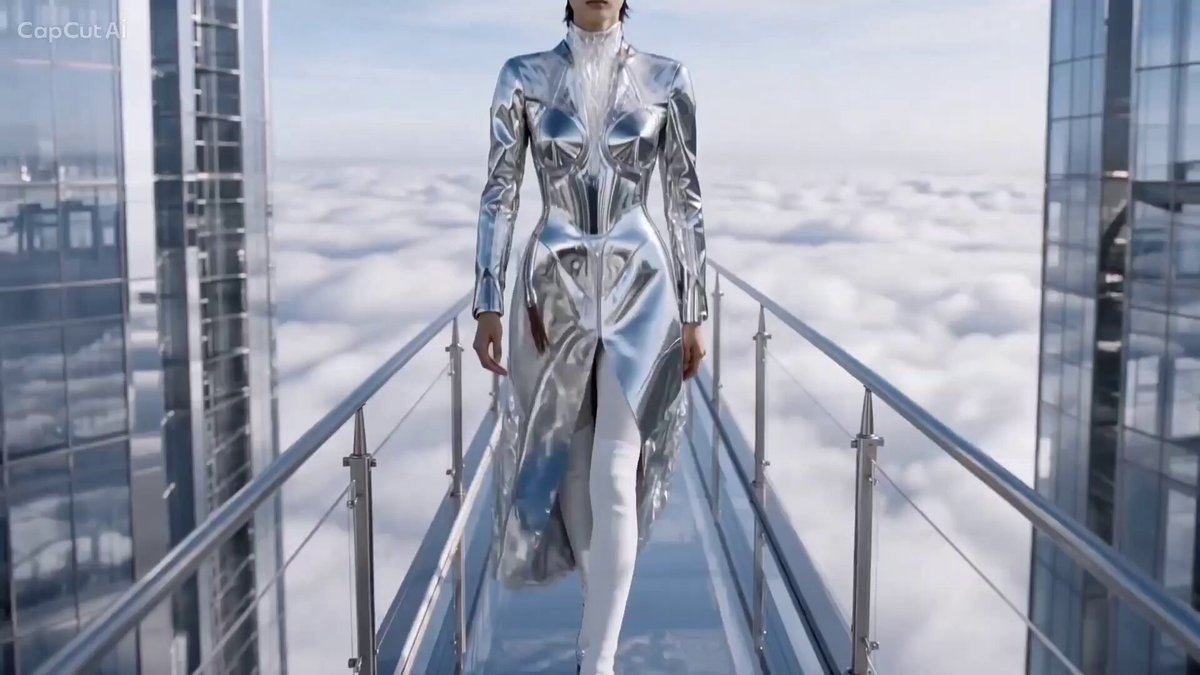
A bright architectural runway above the clouds with reflective styling.
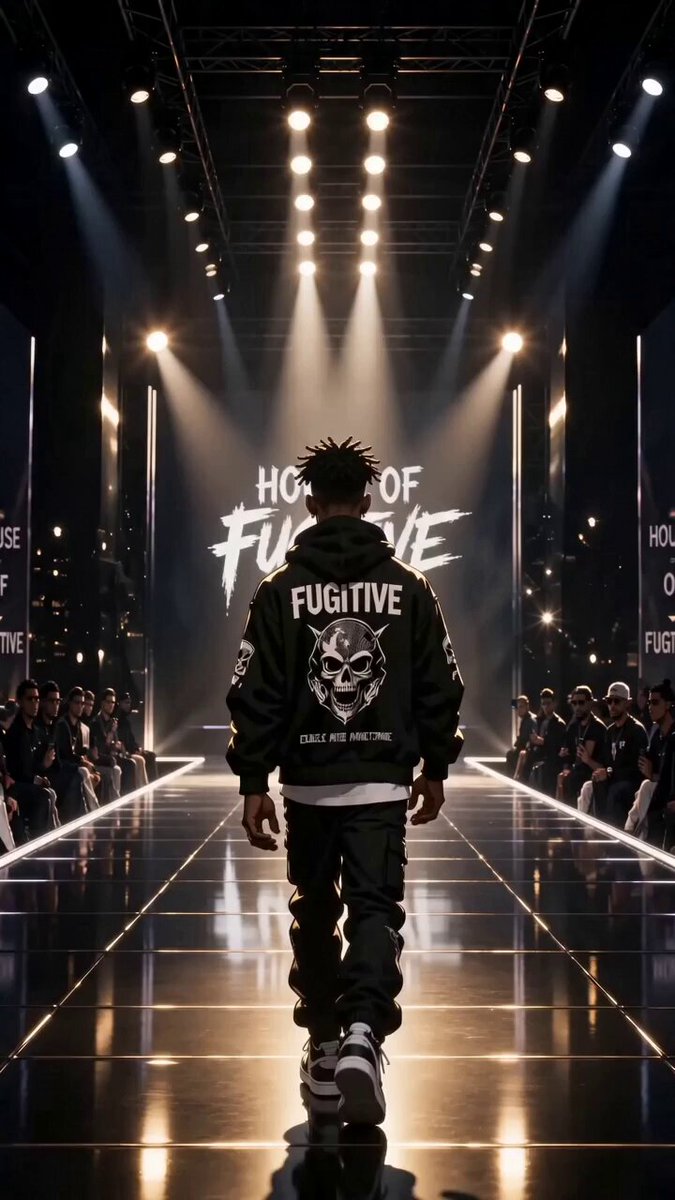
A darker runway with bold streetwear, low angles, and hard light.
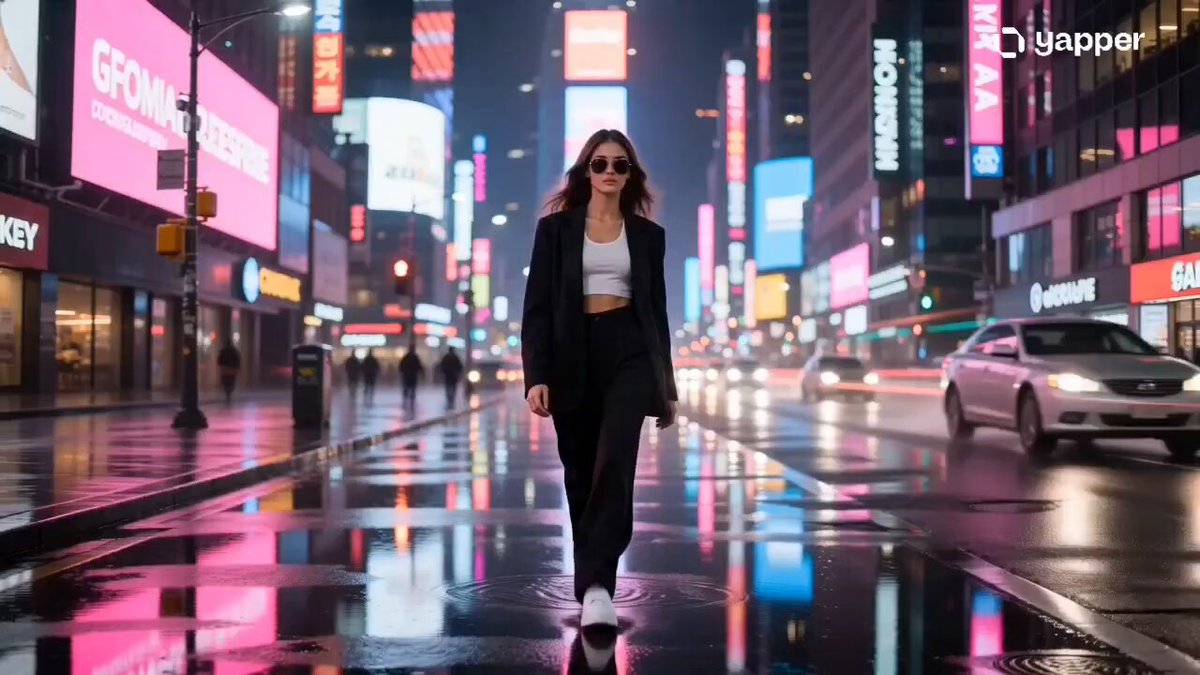
A street becomes the runway with neon reflections and passing traffic.
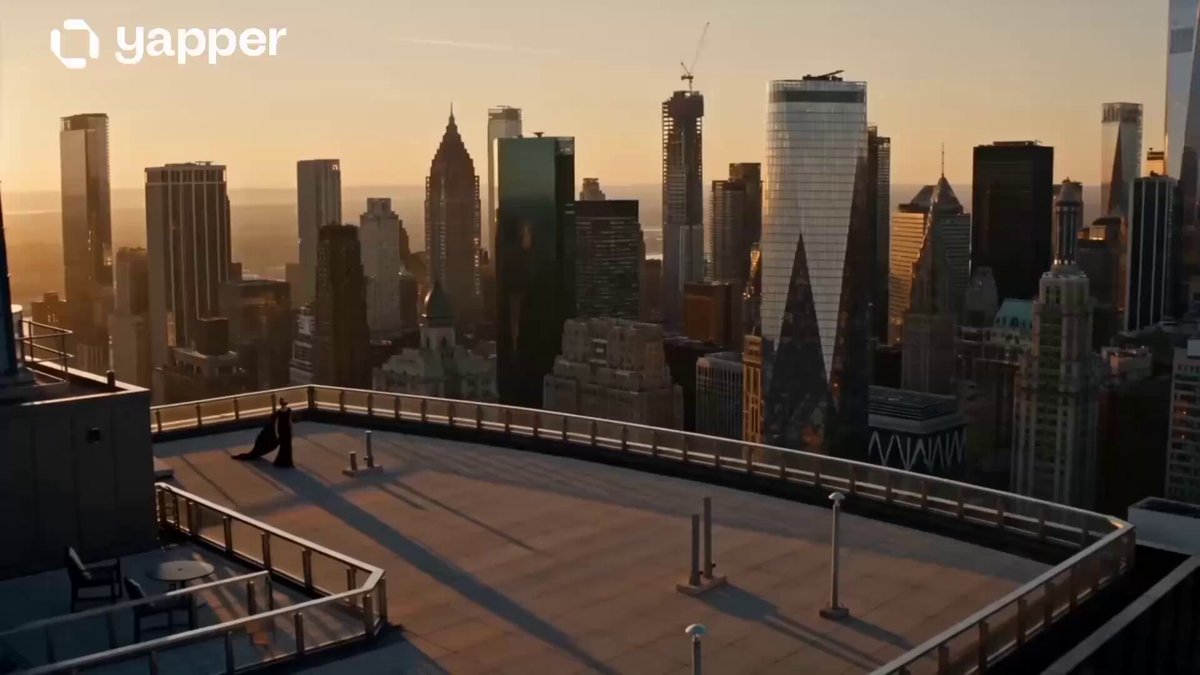
A golden-hour walk with skyline views and fabric moving in the wind.
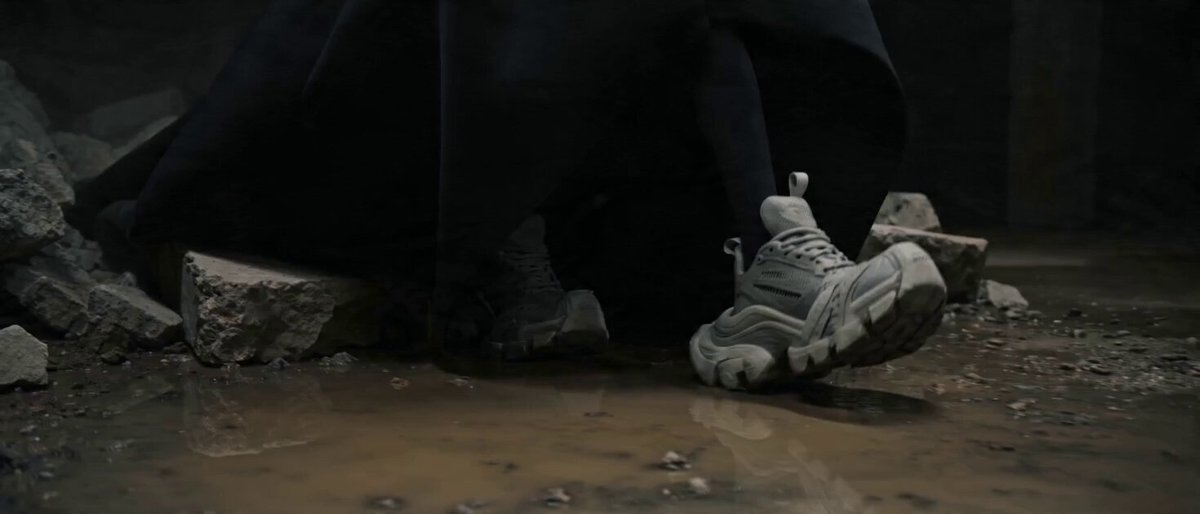
Experimental couture in a stark, industrial runway environment.
A runway video needs a readable person and outfit. Use an image where the face, body line, hem, legs, and shoes are easy to separate from the background. Leave enough space around the subject for a stride or turn.
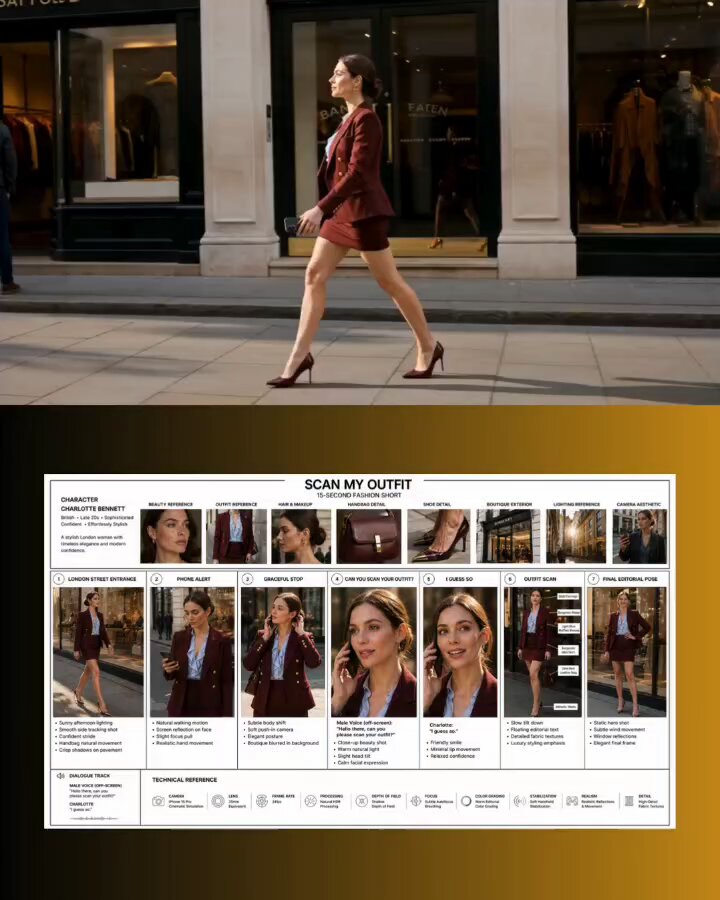 Starting frame
Start from text, add a clear person image, or use start and end frames when the selected model supports them.
Choose one of six runway styles. Its prompt fills automatically while your current model and output settings stay in place.
Generate the video, review the walk and outfit consistency, then refine the motion or camera wording if needed.
Each preset fills only the prompt, so your current model and output settings stay in place. Rewrite the walk, camera, runway, lighting, or final pose before generating. The prompt guides a new motion; it does not copy an exact walk from another video.
Use these complete prompts as starting points, or borrow their walk sequence, camera, and final pose.
A playful city walk where each step and turn lands with a clean sound cue.
Use the uploaded image or frames as the exact person and outfit reference. On a clean urban street, the person begins a relaxed fashion walk toward the camera. Sync each heel strike, shoulder turn, hand gesture, and brief pause to a restrained beat while the camera tracks backward smoothly. Keep the full body visible, the outfit construction stable, and finish on a centered streetwear pose.
A documentary-style arrival through photographers, flashes, and a waiting crowd.
Use the uploaded image or frames as the exact person and outfit reference. The person exits a grand venue into a busy red carpet arrival at night, walks calmly between photographers, pauses for two confident poses, then turns toward the entrance. Film from the crowd with natural handheld movement, camera flashes, realistic footsteps, stable identity, and consistent clothing.
A dramatic stumble becomes a controlled recovery and a stronger final walk.
Use the uploaded image or frames as the exact person and outfit reference. On a bright outdoor runway, the person walks with a strong editorial stride. One shoe catches the runway edge; they lower gracefully to one knee, recover without panic, smooth the outfit, and continue toward the end mark with a confident over-the-shoulder finish. Keep the motion physically believable and the garment intact.
Add a person image or supported frames, choose a runway preset, and generate from the editable prompt. The AI Catwalk Video Generator creates the walking motion and scene around your visual reference.
A clear full-body image gives the model the most information about the outfit, legs, and shoes. A three-quarter crop can still work, but it may produce a tighter fashion shot with less visible walking motion.
No. Create mode keeps the generator's normal input options. You can generate from text, use one image, or add start and end frames when the selected model supports them.
Yes. Each preset is an editable prompt. Describe the stride, attitude, turns, hand movement, camera angle, runway, audience, lighting, and final pose you want.
The prompt asks the model to preserve the visible outfit, but generated motion can change small logos, seams, jewelry, or fabric details. Review the result before using it for product presentation.
No. It creates new runway-style motion from text or visual references. It does not copy the precise body mechanics of a source performance or replace a virtual try-on workflow.
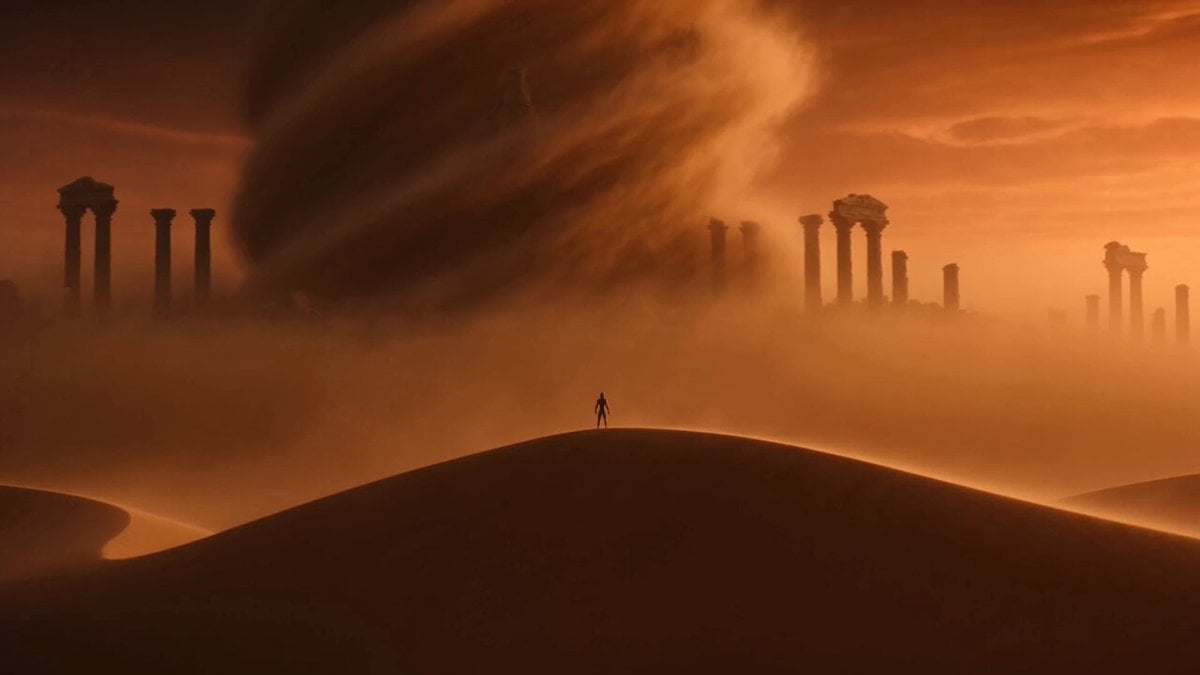 Image to video generatorAnimate an image with a completely custom movement prompt.
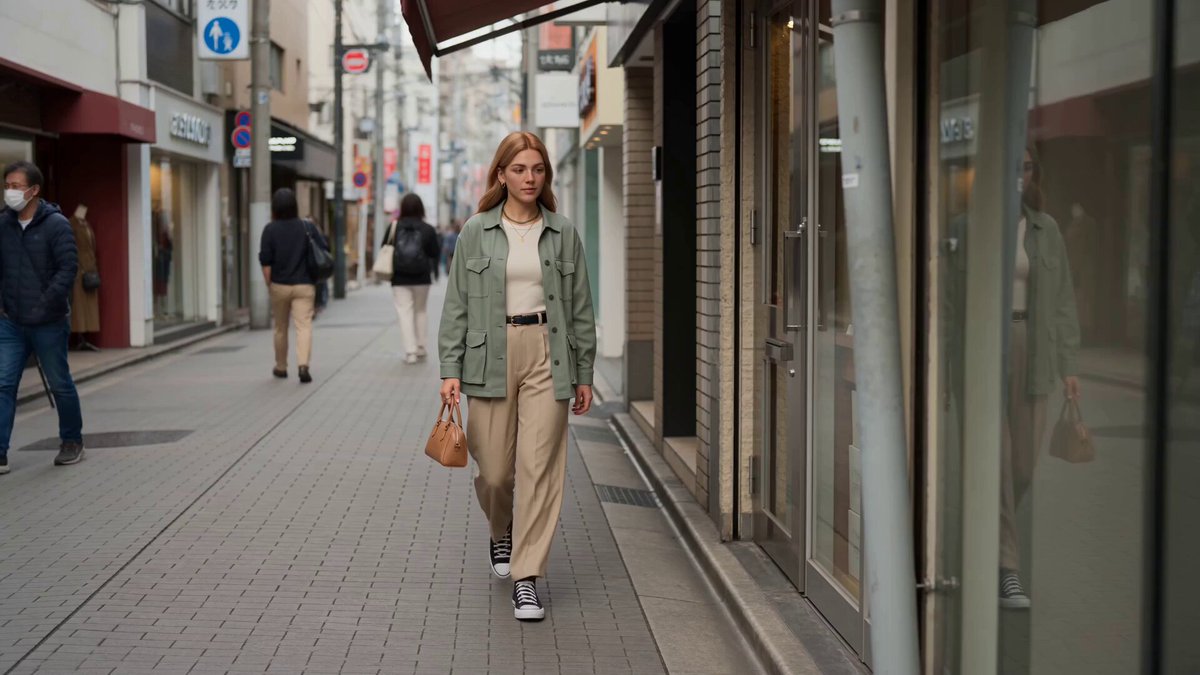 Reference to videoGuide a new fashion shot with character, style, or motion references.
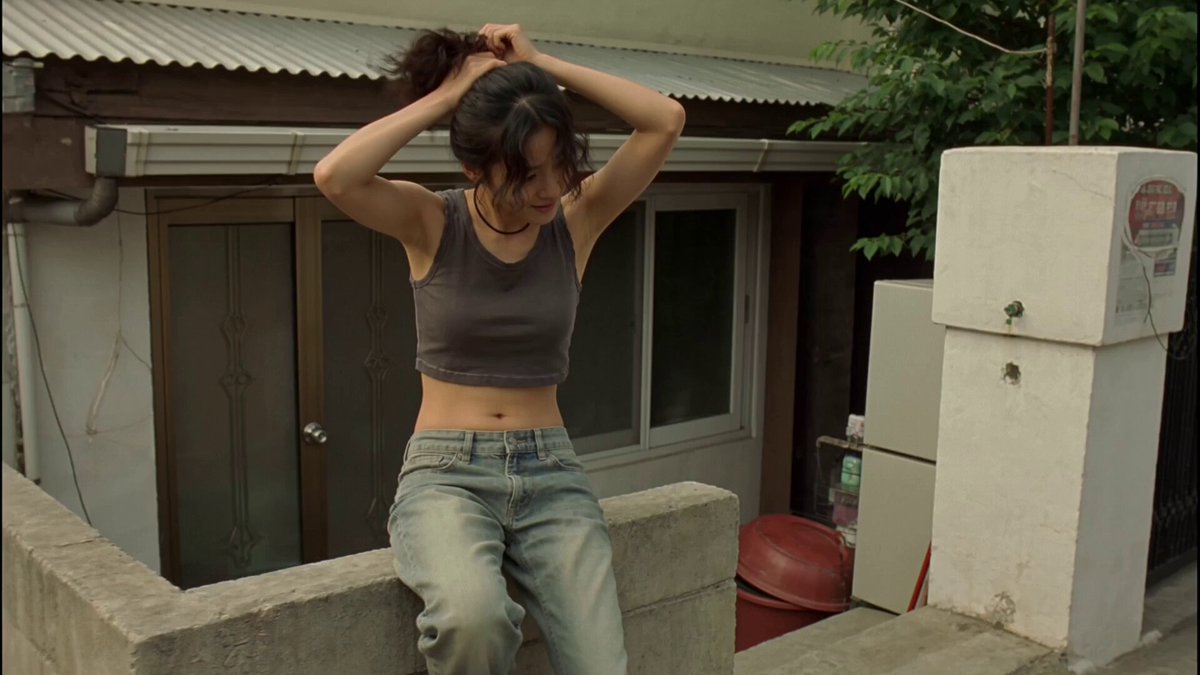 Video to video generatorRestyle a fashion clip while keeping its underlying movement.
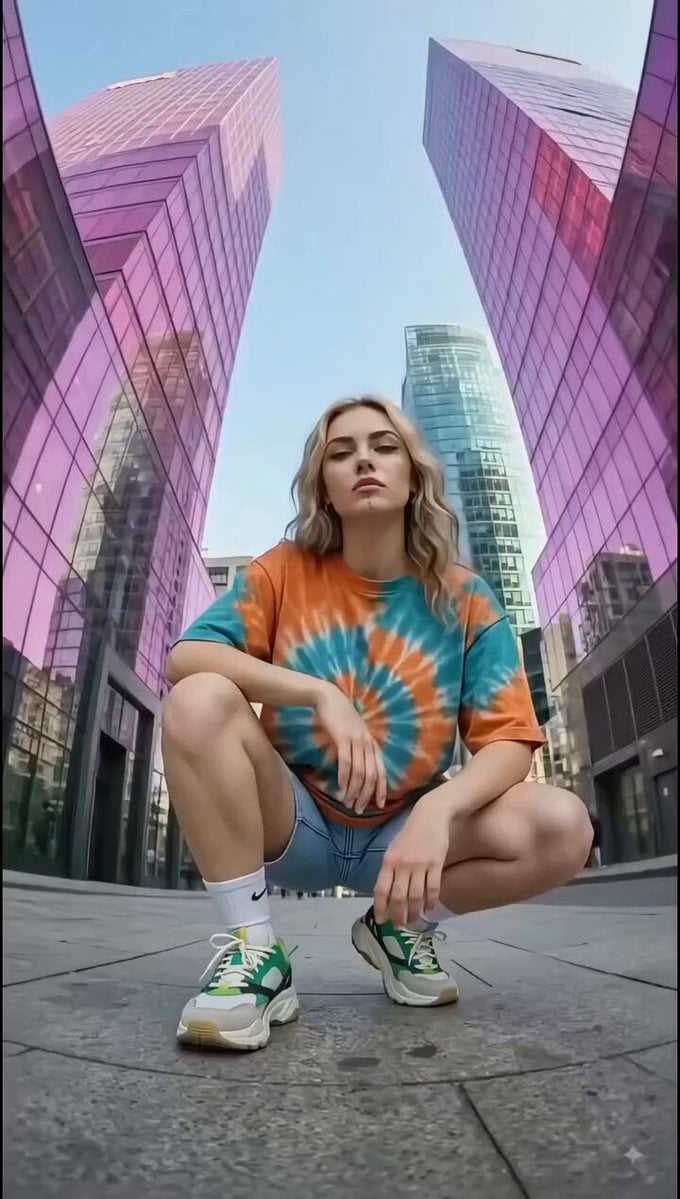 Text to video generatorCreate a runway scene from words without uploading an image.
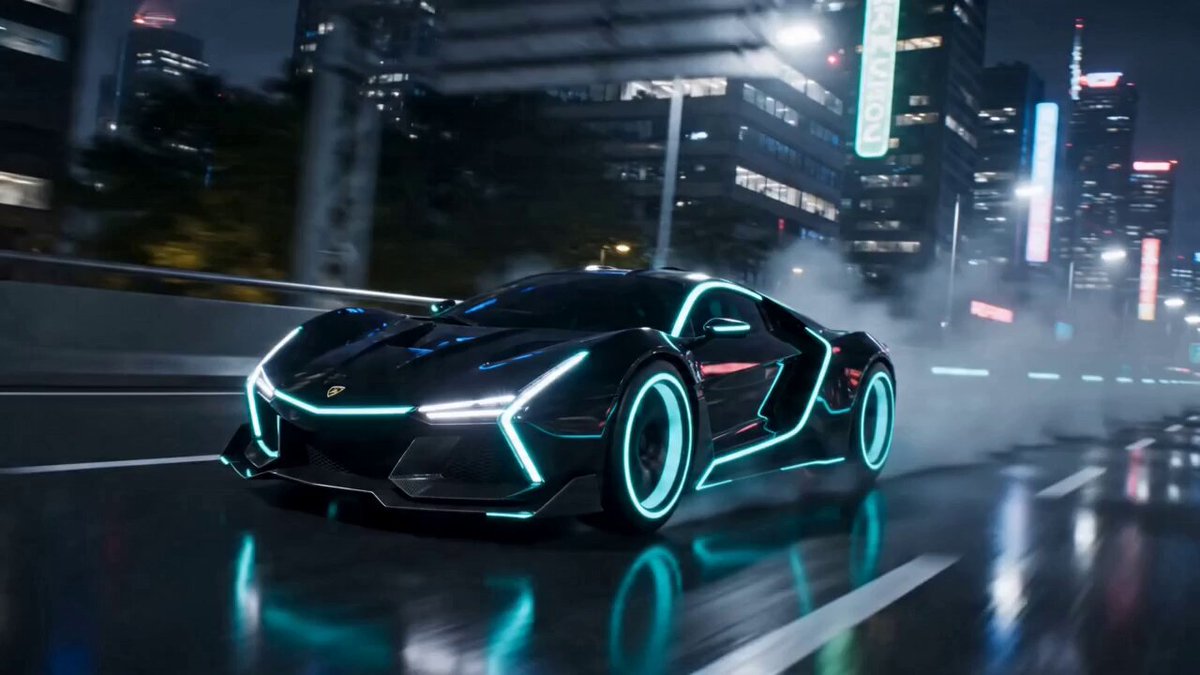 AI transformation video generatorChange a person, outfit, object, or vehicle into a new visible form.
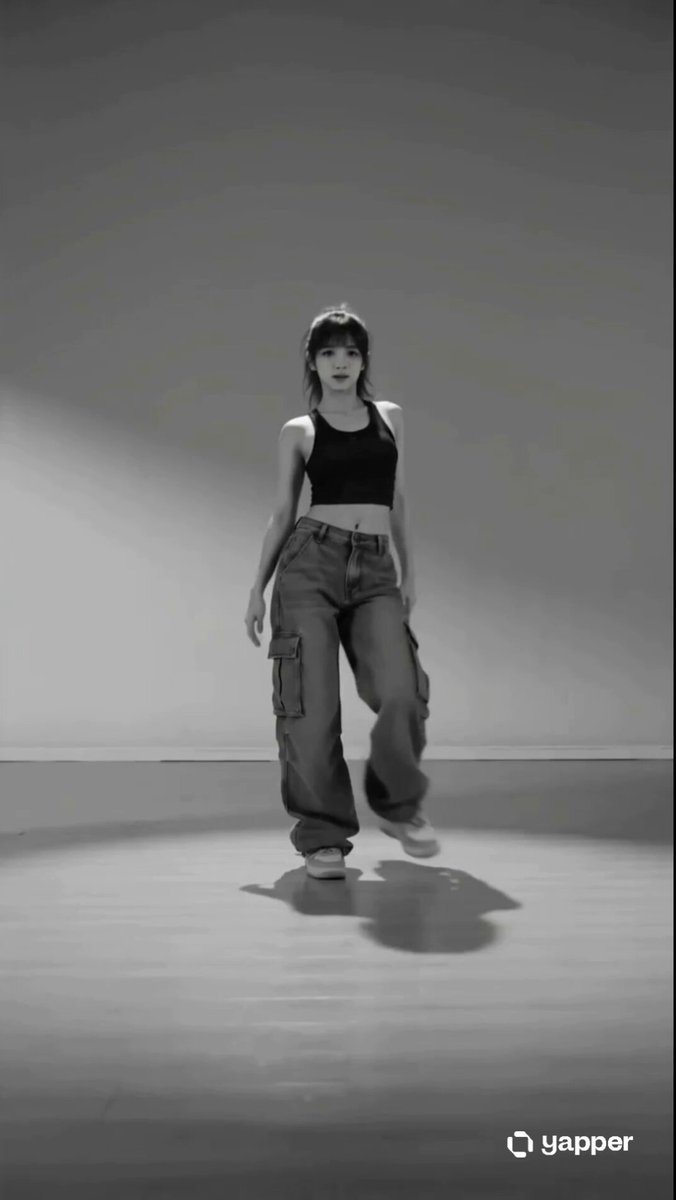 AI dance video generatorTurn a person image into a short dance video with editable motion prompts.
Choose a runway style, add your visual reference, and edit the walk and location before you generate.
Generate catwalk video