Two visual anchors
Define both the opening composition and the intended finishing image instead of leaving the final frame to chance.
The AI start and end frame video generator turns two chosen images into one coherent shot. Upload the opening and closing compositions, then describe the motion that should connect them.
The first image sets the opening frame and the second sets the ending frame. Results vary with image compatibility, prompt detail, duration, and selected model.
See how a start and end frame video generator follows the complete visual path: a defined opening, generated motion, and a deliberate final composition.
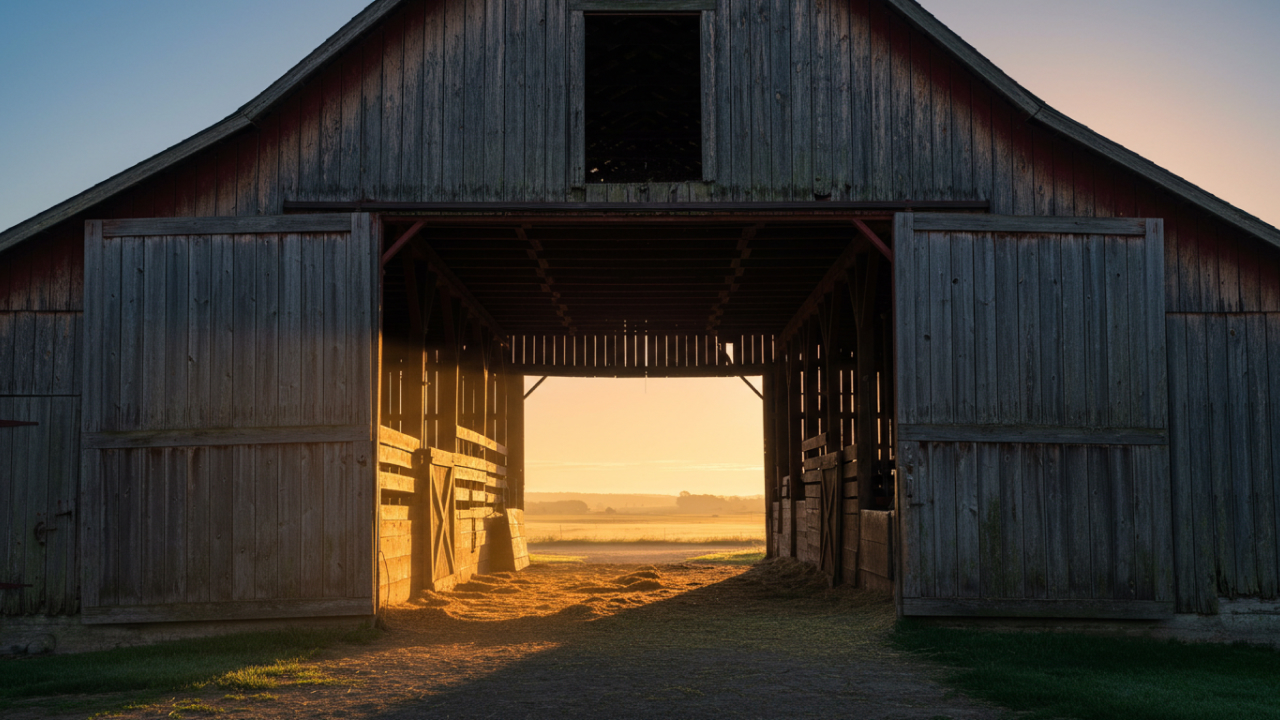
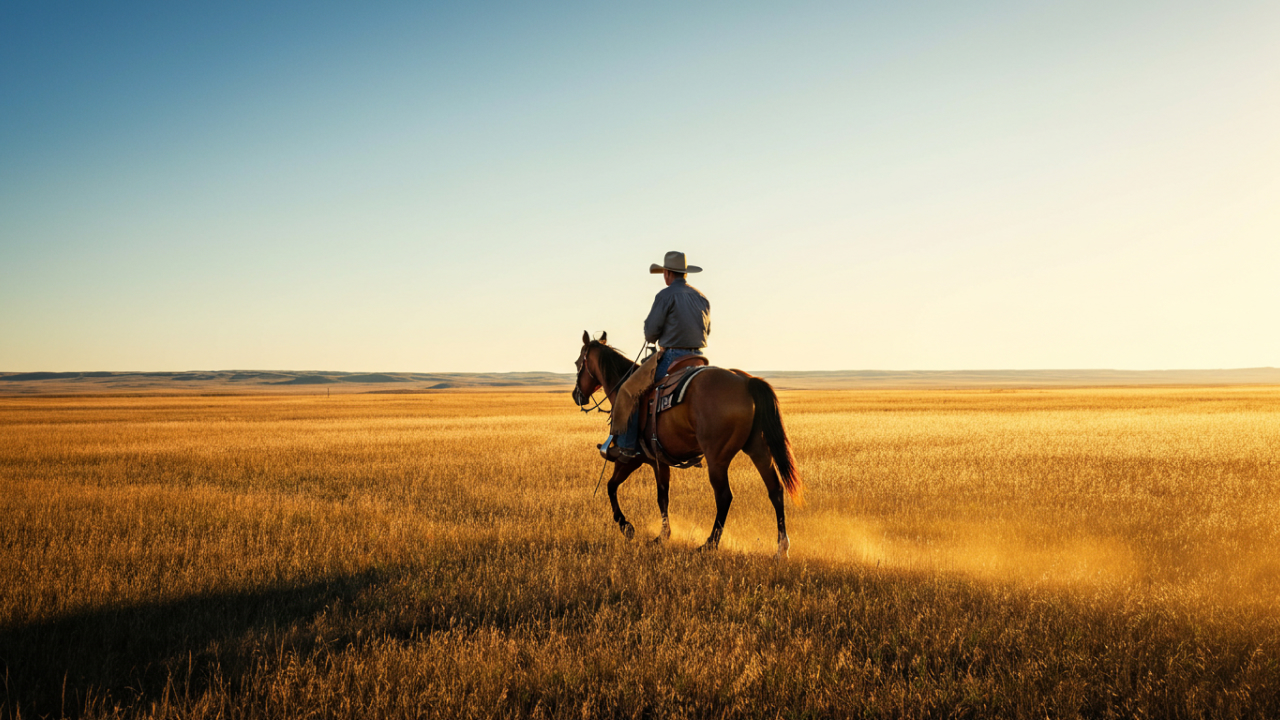
A start and end frame video generator gives the model a visual destination, making reveals, transformations, product shots, and scene changes easier to art-direct than open-ended generation.
Compare every available model in this start and end frame video generator that supports native frames-to-video input, then choose the motion, audio, resolution, and style behavior your shot needs.
Plan both ends of a shot with the start and end frame video generator while AI creates the movement, camera path, and visual continuity in between.
Define both the opening composition and the intended finishing image instead of leaving the final frame to chance.
Describe how the subject, camera, lighting, or scene should evolve between the two supplied images.
Build camera moves, transformations, reveals, morphs, time shifts, and scene-to-scene bridges from the same workflow.
Select duration, aspect ratio, resolution, and audio support according to the capabilities of the model you choose.
The start and end frame video generator needs only a compatible pair of images and a clear instruction describing the visual journey between them.
Choose two images with a relationship the model can connect: matching subjects, related scenes, or a deliberate transformation.
Explain camera movement, subject action, transition style, pace, and what should remain consistent throughout the shot.
Preview the bridge, then adjust the prompt, duration, model, or endpoint images until the transition follows your direction.
Use the start and end frame video generator whenever the final composition matters as much as the first, from product reveals to continuous action shots.
Open on an atmospheric setup and finish on a clean, intentional product hero frame.
Move a subject from one material, era, illustration style, or visual treatment into another.
Direct push-ins, pull-outs, orbit shots, and passage through foreground objects toward a known destination.
Connect different environments with motivated movement, matched shapes, light changes, or cinematic morphs.
Set the start and landing pose for movement such as running, dancing, sports, or staged character action.
Guide a short ident, title reveal, or brand animation toward a precise final graphic composition.
Explore published start and end frame video generator examples from model creators. MiniMax boundary images are transparently extracted from official outputs when original inputs were not published.
Choose a start and end frame video generator credit plan for occasional concept tests, frequent social production, or high-resolution campaign work.
It is an AI video workflow that uses one image as the opening frame and another as the desired final frame, then generates the motion and visual changes between them.
The first upload is treated as the opening composition. The second upload is the target composition at the end of the generated clip.
Veo 3.1 Fast supports native first-and-last-frame input and offers a useful balance of transition quality, speed, resolution choices, and optional audio.
Matching ratios and similar framing usually produce a cleaner bridge. If they differ greatly, crop them to compatible compositions before generation.
Yes. A clear visual relationship, transition instruction, or shared subject helps the model connect different scenes more coherently.
Describe the subject action, camera movement, transition method, pace, lighting evolution, and any details that must stay consistent from start to finish.
Yes. Supply the before and after states as the two frames, then describe how the materials, subject, setting, or style should transform.
The frames guide the endpoints, but generative models may alter fine detail. Strong subject consistency and compatible compositions improve adherence.
Supported models may offer vertical output. Select a 9:16-capable model and use vertical first and last images for the most predictable composition.
No. They are published examples from Google DeepMind and MiniMax. Sources and any local formatting or frame extraction are documented with the assets.
Yes. Reusing a final frame as the first frame of the next generation is a practical way to build longer, visually connected sequences.
Open the start and end frame video generator, choose the beginning and ending, and let the selected model create the visual journey between them.
Generate between frames