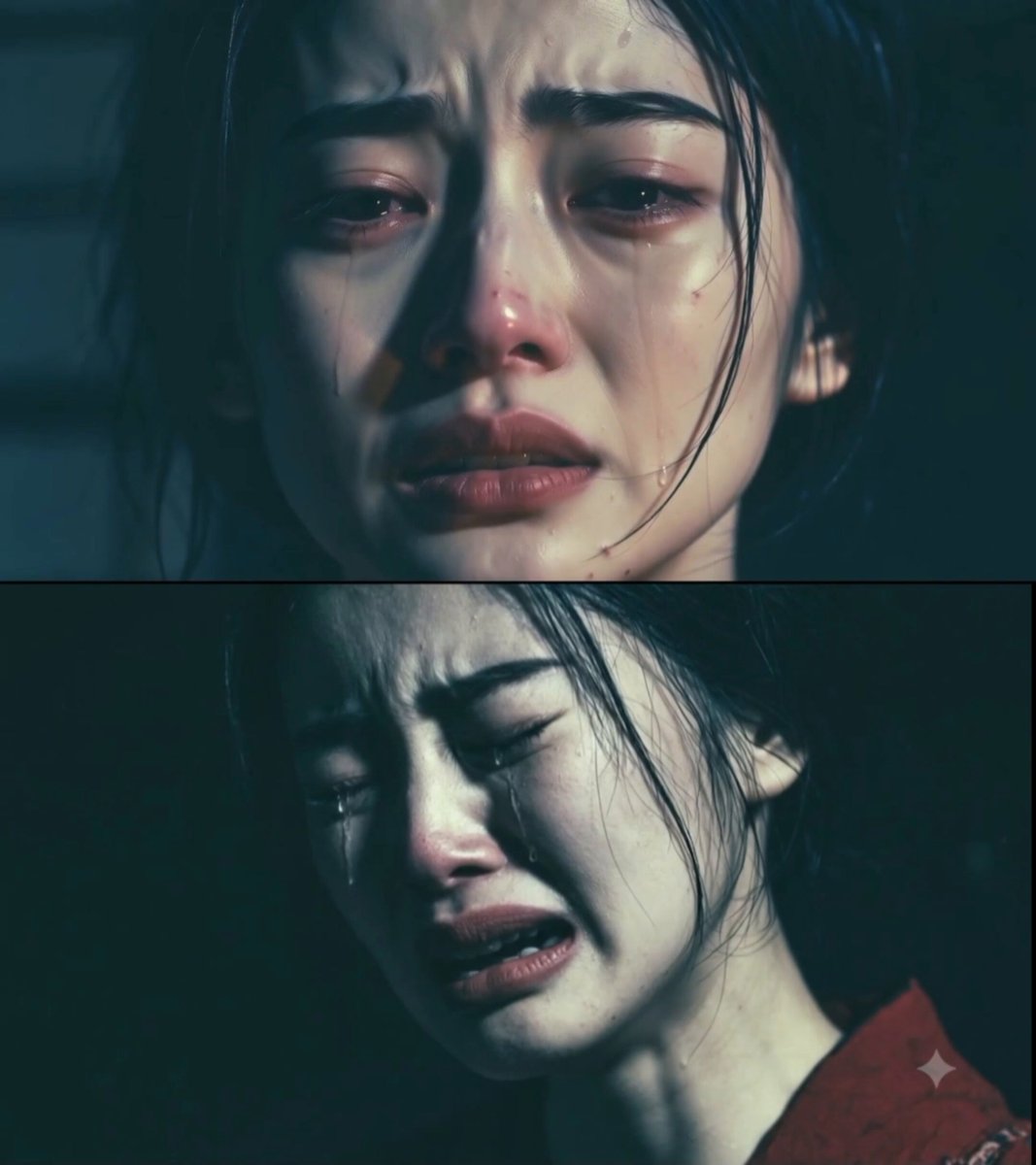
Generated dolly zoom
Dramatic Portrait
Hold the face steady while the room shifts behind an emotional close-up.
Use the AI dolly zoom video generator to turn a still image into a perspective-shifting shot. Choose a reviewed portrait, action, fantasy, creature, car, or horror preset, then edit the prompt and generate.
Examples show previous AI-generated results. The strength of the vertigo effect, subject scale, focus, geometry, and camera path can vary with the source image and model.
Choose a dolly zoom preset for a specific subject and mood. Each style fills the prompt while leaving the generator model and output controls available.
Hold the face steady while the room shifts behind an emotional close-up.
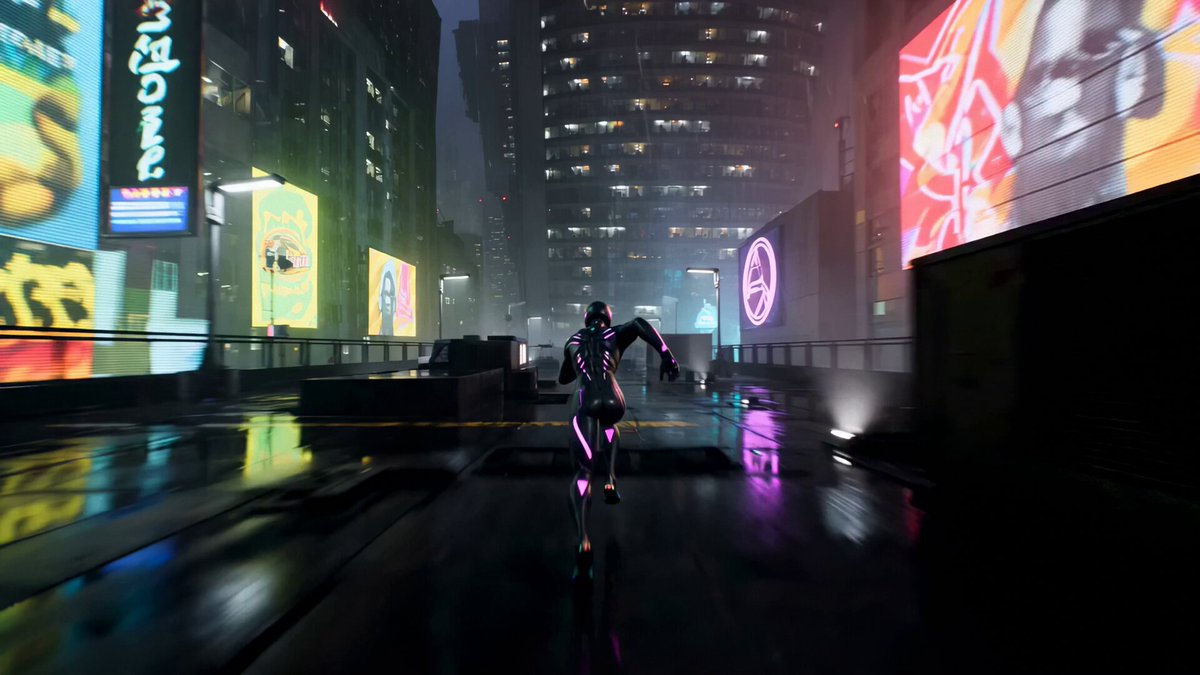
Add a fast perspective surge to a leap, landing, or sudden action beat.
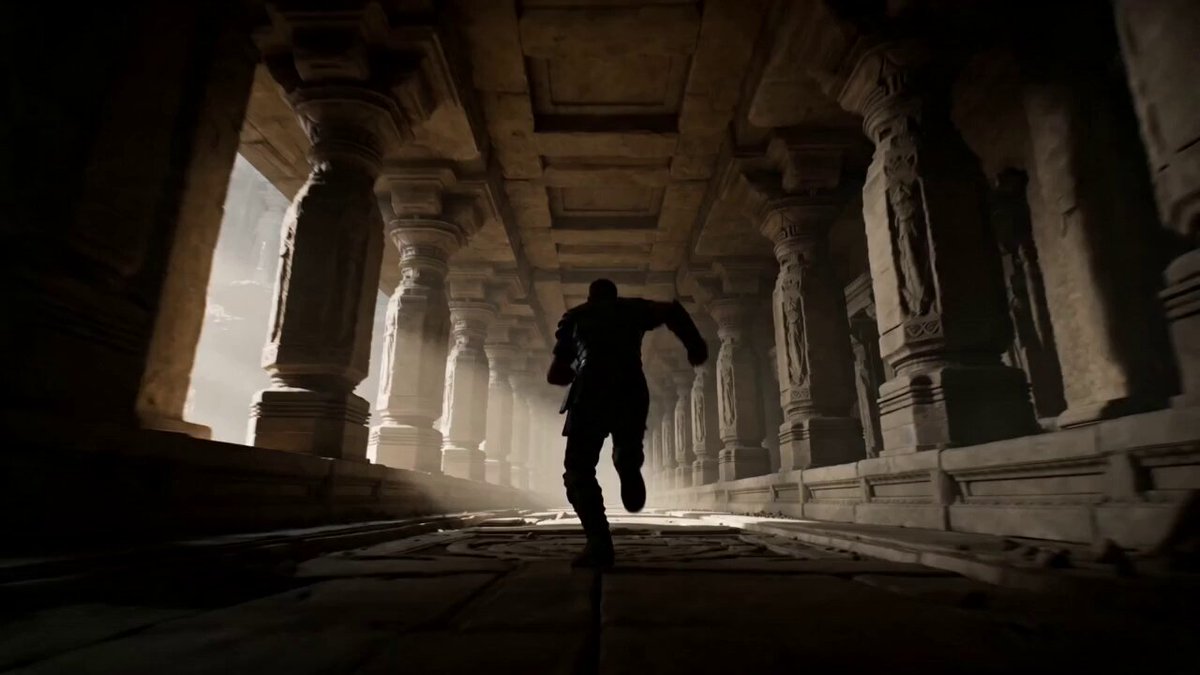
Reveal an impossible fantasy space as the hero remains locked in frame.
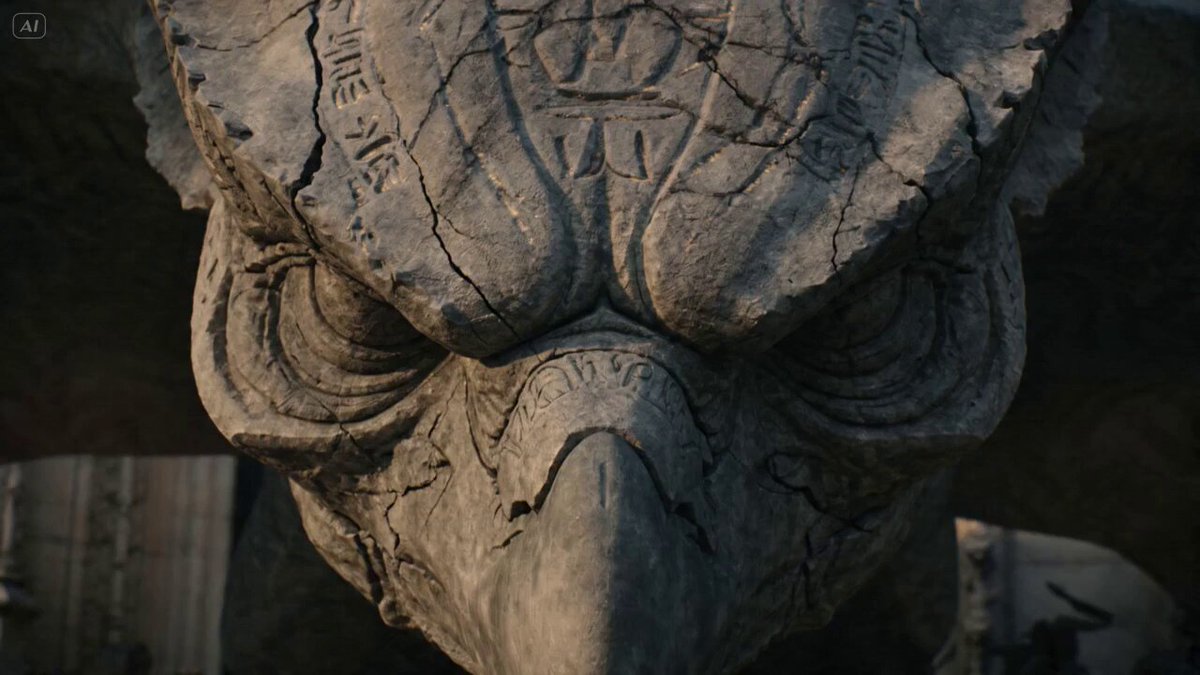
Stretch the environment behind a creature for a large-scale reveal.
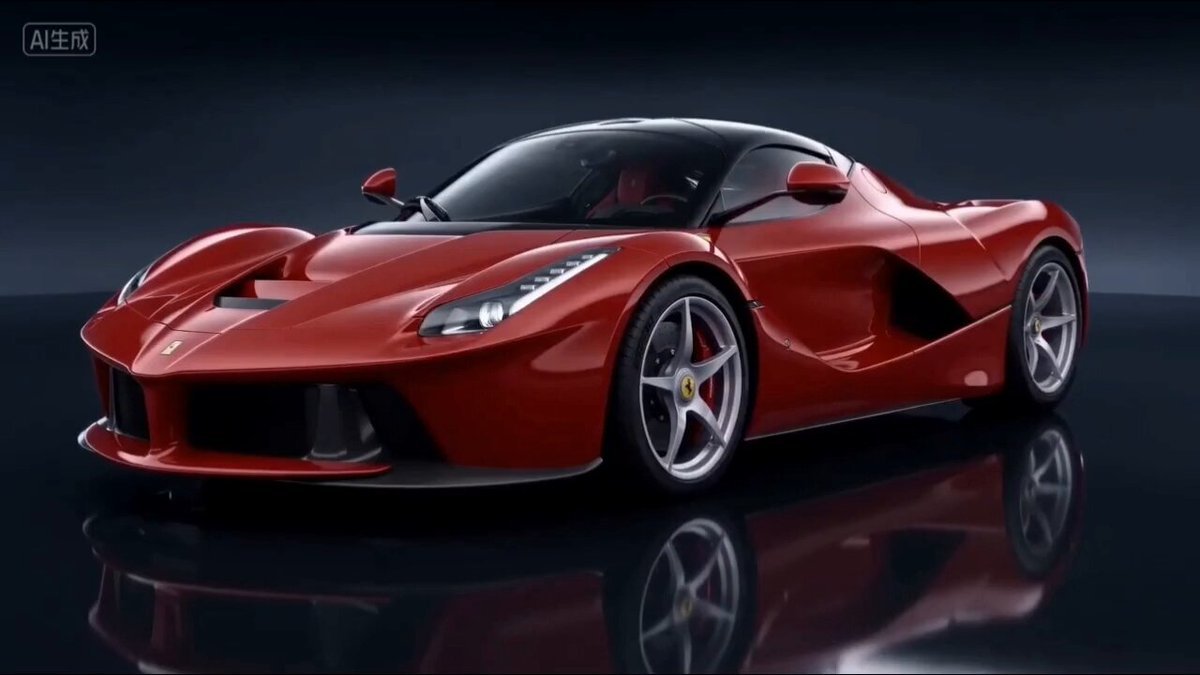
Keep the vehicle dominant while the road or studio depth compresses around it.
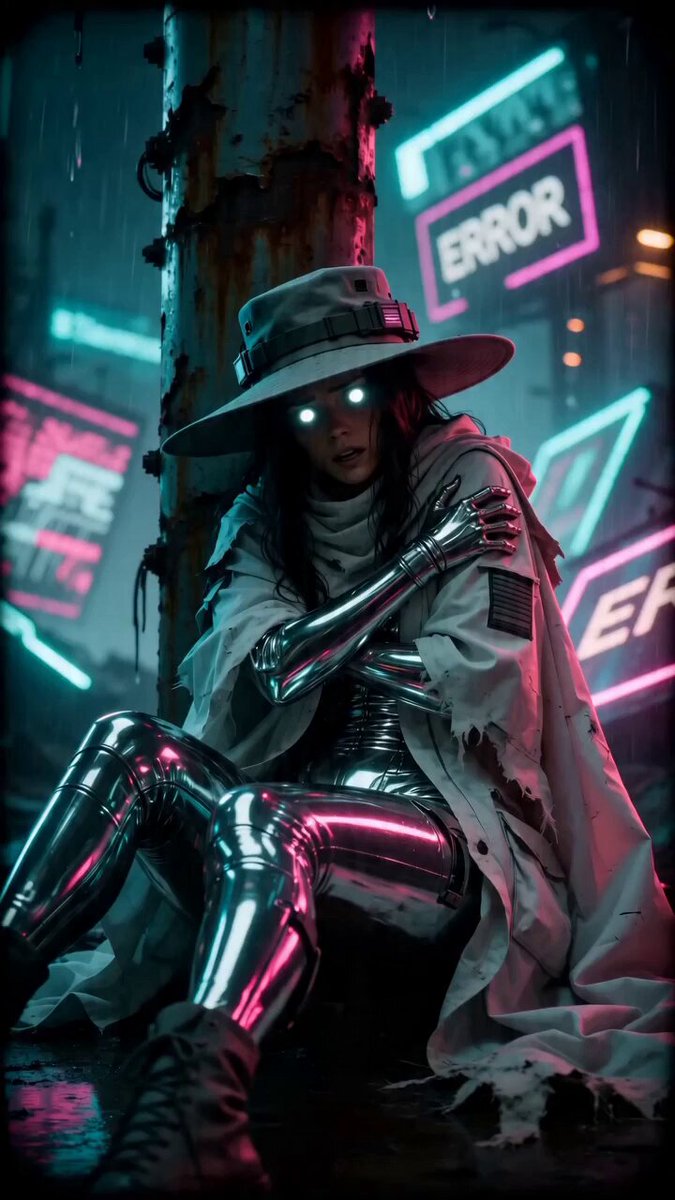
Create a disorienting background pull around a frightened subject.
A dolly zoom depends on parallax and changing perspective. A distinct subject, visible space behind it, and clean edges give the model clearer layers to move while it holds the subject near the same apparent size.
Upload a clear subject in front of a background with readable foreground, middle distance, and far details. Strong depth makes the perspective shift easier to see.
Pick a portrait, action, fantasy, creature, car, or horror preset. The style fills the prompt without changing your image or output settings.
Generate the shot, check whether the subject keeps a stable size, then adjust camera direction, zoom speed, background depth, timing, or emotional beat.
Describe whether the camera moves in or out, the opposite lens zoom, subject scale, speed, focal point, background depth, timing, mood, and final composition.
Start with one of these camera structures, then replace the subject, location, timing, lens direction, and emotional beat.
Stretch a hotel corridor behind a person who hears something approach.
Use the uploaded image as the exact subject and opening composition. Keep the person centered at a stable size. As they notice a sound behind them, move the camera forward while zooming out so the corridor appears to lengthen rapidly. Maintain sharp eyes, straight walls, continuous motion, and one escalating reaction.
Hold a product steady while a studio set compresses behind it.
Use the uploaded object as the exact product reference. Keep the product fixed in size and sharply focused while the camera moves backward and the lens zooms in. Compress the layered studio background, preserve the product shape and materials, and finish on a clean hero composition without text or logos.
Expand a vast landscape behind a still subject at the edge of a cliff.
Use the uploaded image as the exact subject and starting scene. Hold the subject at nearly constant scale while the camera pushes in and the lens zooms out, making the mountains and valley expand behind them. Keep the horizon stable, add subtle wind, and complete the move in one continuous shot.
An AI dolly zoom video generator animates an image with coordinated camera travel and lens zoom. The subject stays close to the same size while the background perspective stretches or compresses.
The camera moves toward or away from the subject while the lens zooms in the opposite direction. This changes the apparent depth of the background while keeping the subject framed at a similar size.
Choose one clear subject and a scene with strong depth cues such as a hallway, street, room, landscape, or layered architecture. Flat backgrounds provide less perspective to transform.
No. Selecting a preset fills the prompt only. Your uploaded images, model, aspect ratio, duration, resolution, and audio controls remain separate.
The prompt asks the model to hold the subject scale, but AI video can drift in framing, face detail, focus, or geometry. A clear subject and a simple continuous move usually produce a more readable result.
Yes. The effect can work with people, characters, products, vehicles, and creatures when the starting image clearly separates the subject from a background with visible depth.
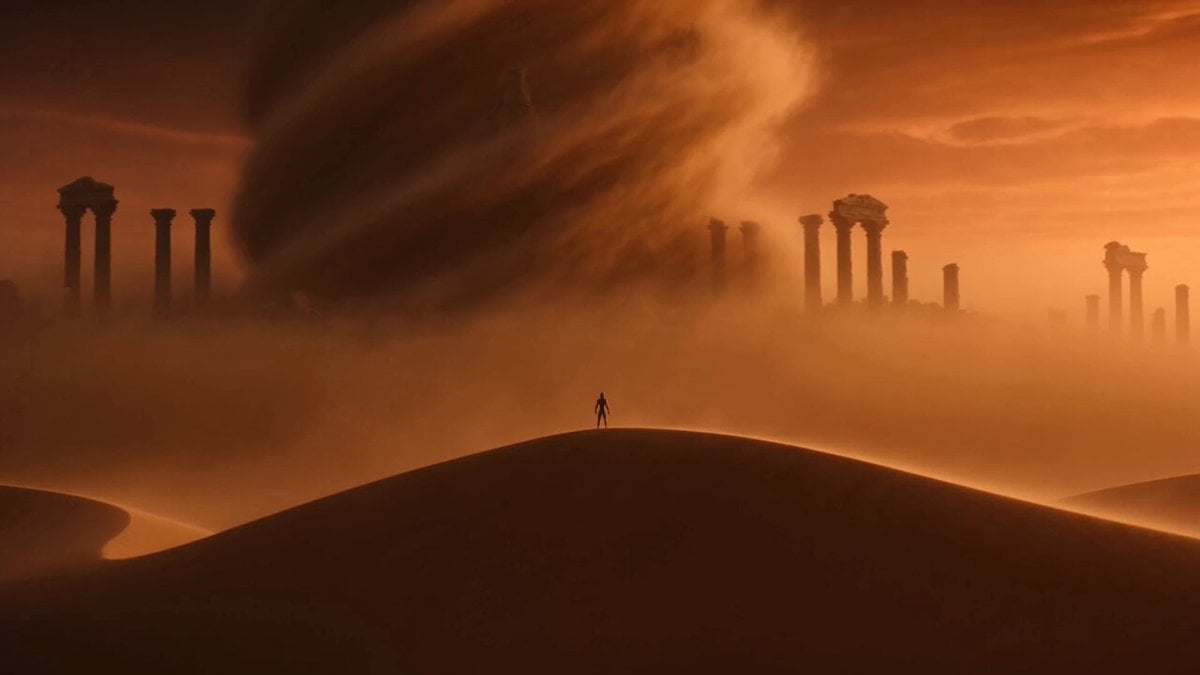 Image to VideoAnimate any still image with your own camera and motion prompt.
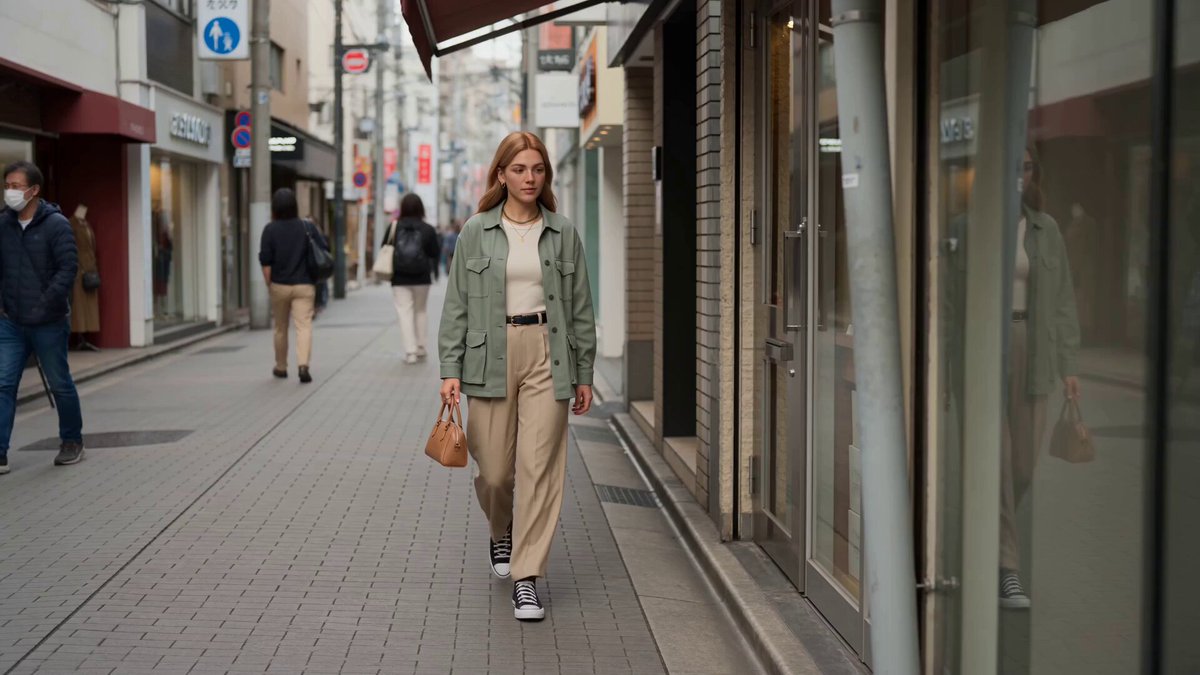 Reference to VideoGuide subjects, objects, and visual style with separate reference images.
 AI Camera Orbit Video GeneratorMove the camera around a person, product, or scene in a smooth arc.
 AI Video Transition GeneratorConnect two visual moments with match cuts, wipes, morphs, and spins.
 AI Transformation Video GeneratorTransform a subject into a new character, machine, material, or creature.
 AI Flying Video GeneratorAnimate a person or character with selectable flight and levitation styles.
Add an image with clear depth, choose a dolly zoom style, and edit the camera direction, speed, subject scale, environment, and mood before generating.
Generate dolly zoom video