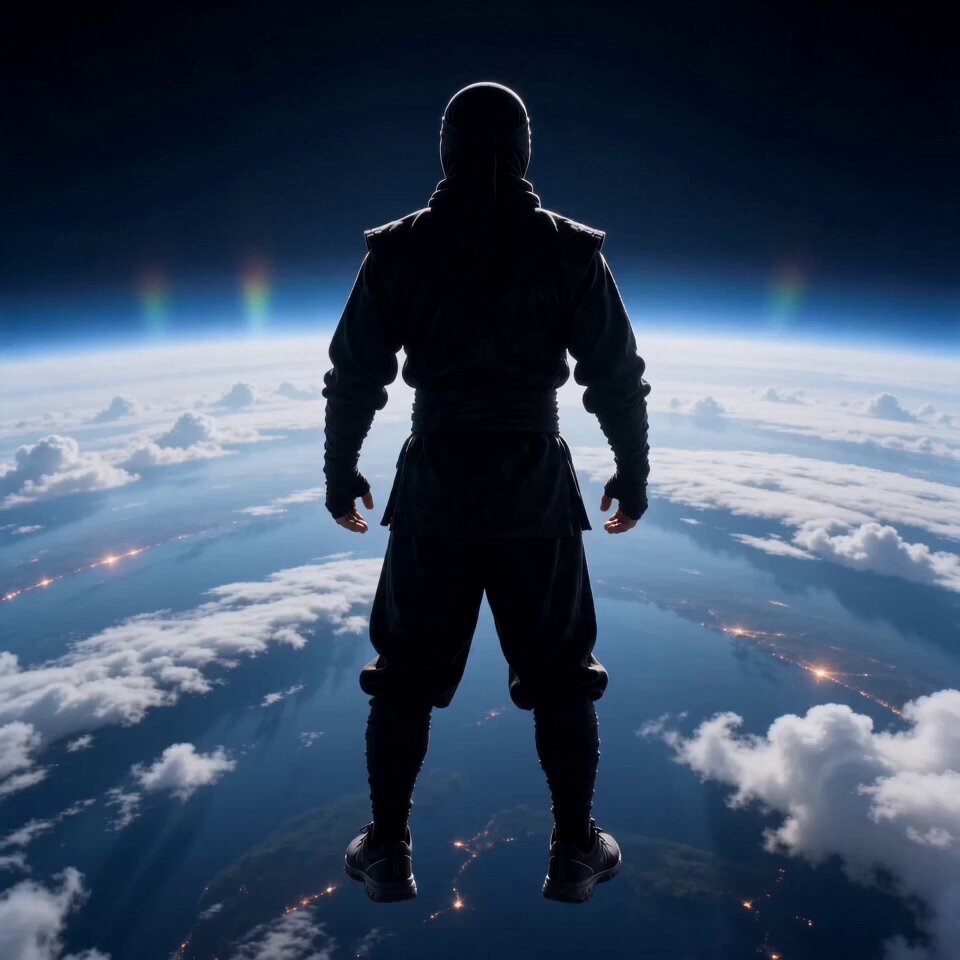
Generated flight
Superhero Flight
Launch above the clouds and accelerate into a powerful cinematic flight.
Use the AI flying video generator to animate a person or character in superhero flight, levitation, skydiving, anime, witch, or wuxia scenes. Choose a reviewed preset, edit the prompt, and keep control of the model and output settings.
Examples show previous AI-generated results. Identity, anatomy, speed, wind, background geometry, and camera motion can vary with the source image and model.
Choose a flight preset built around a distinct body pose, speed, camera path, and world. Each style fills the prompt while leaving generation controls available.
Launch above the clouds and accelerate into a powerful cinematic flight.
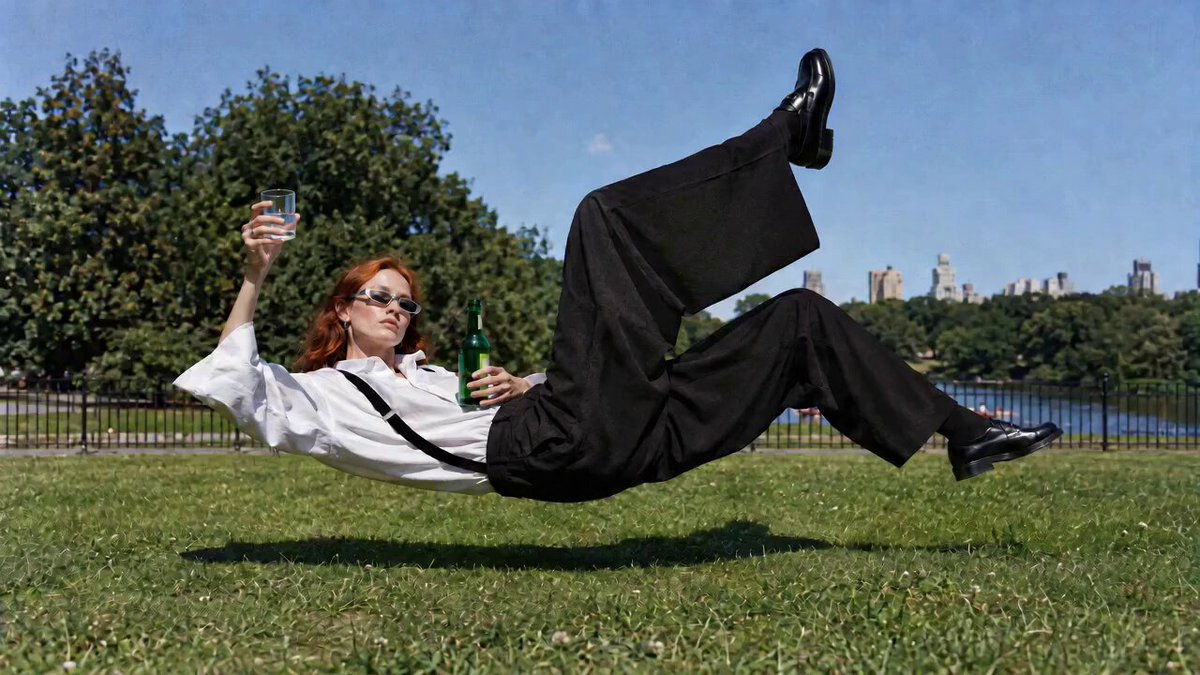
Float gently above the ground with calm anti-gravity motion and a stable camera.
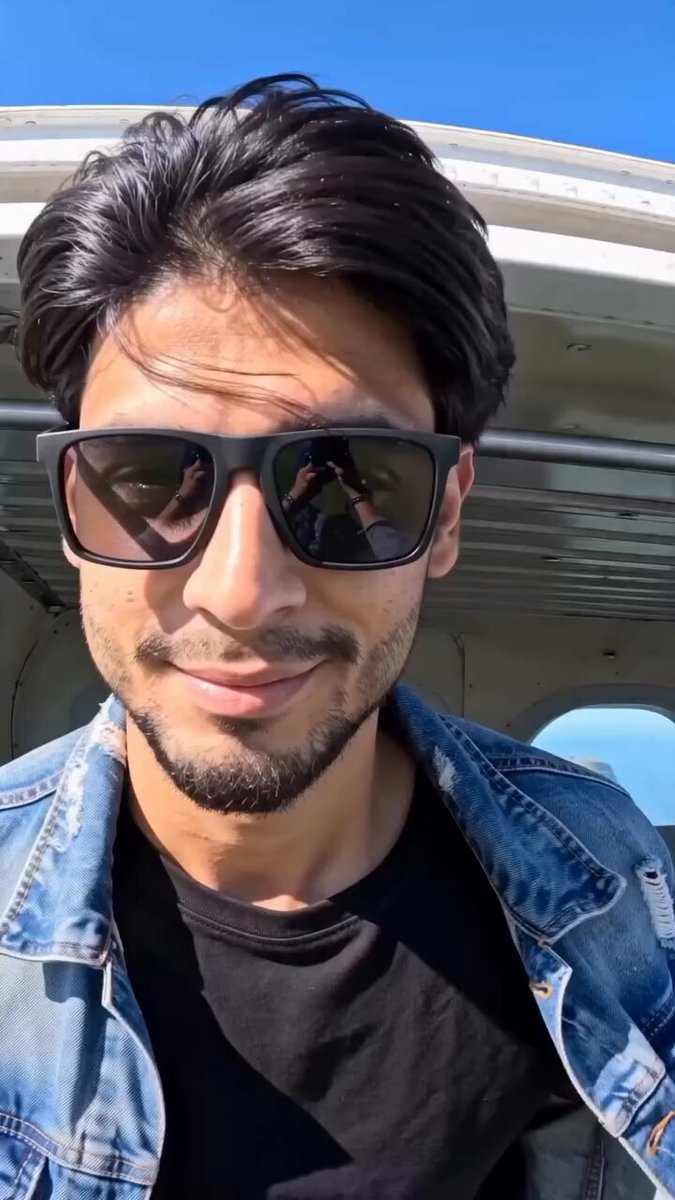
Drop through open sky with stable identity, rushing air, and a parachute finish.
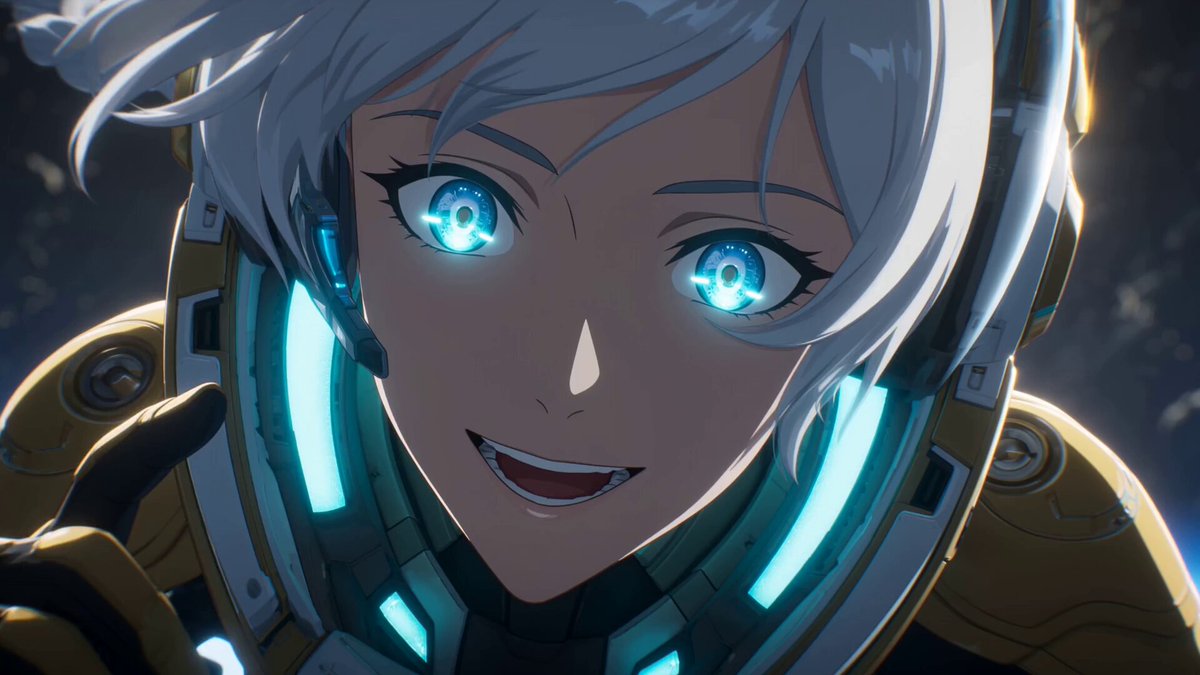
Fly through a high-energy anime sky with luminous propulsion and dynamic angles.
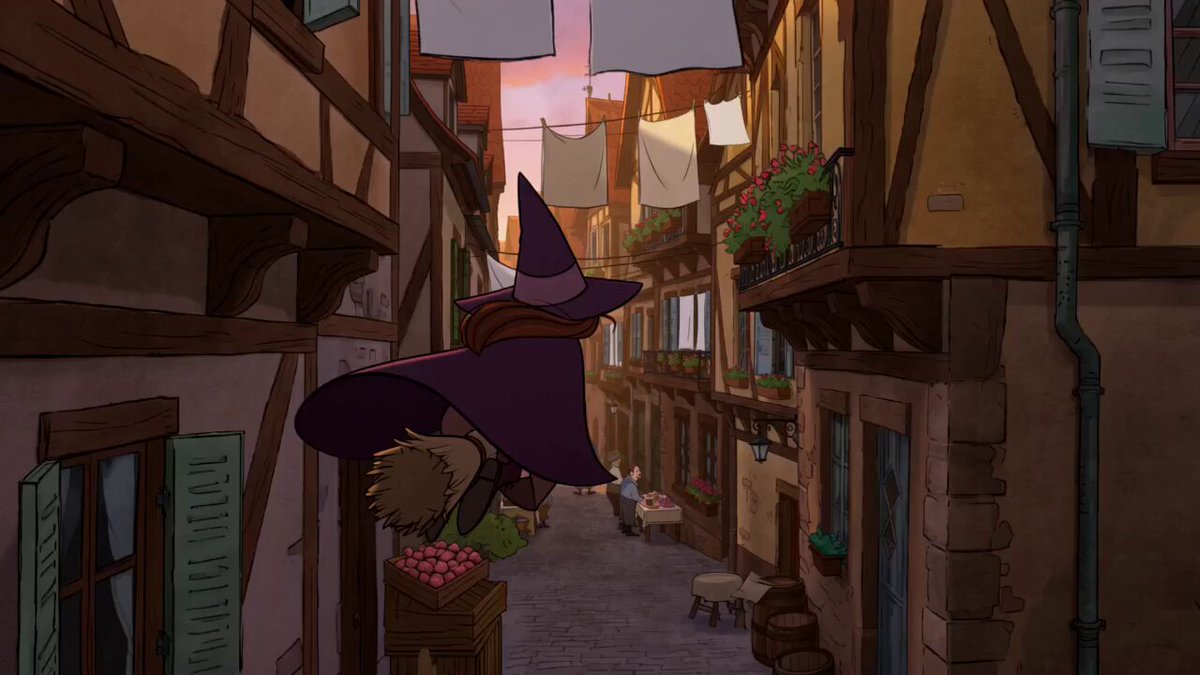
Ride a broom over a warm storybook town with flowing clothes and playful turns.
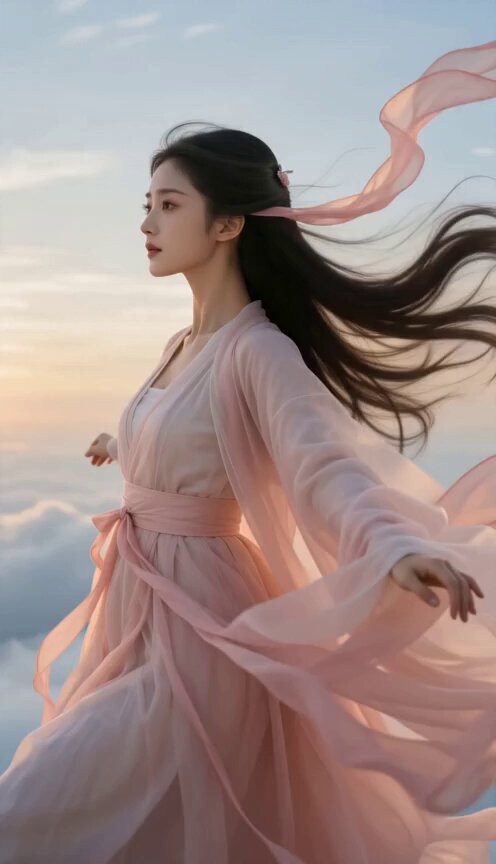
Glide weightlessly through clouds in flowing robes before meeting a celestial dragon.
The AI flying video generator needs to infer the body behind the reference and place it in depth. A clear silhouette, visible arms and legs, simple background, and centered subject give the model more information for a stable takeoff and flight.
Upload a clear full-body or three-quarter image with a readable pose, visible limbs, and enough surrounding space for movement.
Pick Superhero, Levitation, Skydiving, Anime, Witch, or Wuxia Flight. The preset fills the motion prompt without changing your upload or output settings.
Generate the video, review anatomy and camera tracking, then adjust speed, altitude, pose, environment, or duration when the flight needs a cleaner path.
Describe how the subject launches, their body orientation, altitude, speed, wind, route, environment, camera distance, and landing or final pose.
Start with one of these flight structures, then replace the subject, world, movement, weather, camera, and ending.
Glide just above wildflowers before rising over a lake.
Use the uploaded person image as the exact identity reference. Begin with the person floating horizontally half a meter above a meadow, then accelerate gently over wildflowers toward a lake. Track from the side at body height, let hair and clothing respond to the wind, skim above the water, and rise into a wide sunset shot.
Race through desert ruins on a carpet with grounded weight and wind.
Use the uploaded character image as the identity reference. Place the character on an ornate flying carpet racing low through ancient desert ruins. The carpet banks around pillars, lifts over falling debris, and climbs above a sand cloud while the camera follows close behind. Preserve the face, outfit, hands, and seated balance.
A handmade leaf canopy carries an explorer through a vast canyon.
Use the uploaded person image as the exact identity reference. Suspend the person beneath a large handmade leaf parachute and glide through a sunlit canyon. Alternate a first-person downward view with a close side-tracking shot, show believable straps and wind pressure, pass a waterfall, and finish in a wide aerial reveal.
An AI flying video generator animates a person or character from an image and prompt, creating takeoff, hovering, gliding, falling, or powered flight in a chosen environment and visual style.
Use a clear full-body or three-quarter image with visible limbs, a simple silhouette, and space around the subject. Avoid crowded scenes and heavily cropped bodies.
Yes. The Superhero Flight preset describes hovering, forward acceleration, banking, clouds, and cinematic camera tracking. You can edit every part of that prompt.
No. Selecting a preset fills the prompt only. Your uploaded images, model, aspect ratio, duration, resolution, and audio controls remain separate.
The reference guides identity and clothing, but fast motion, distant framing, rotations, and occlusion can change fine details. Clear images and simpler camera moves usually improve consistency.
Flight exposes the whole body while perspective and wind change quickly. A readable reference, one clear flight path, moderate speed, and fewer camera cuts give the model a more stable motion problem.
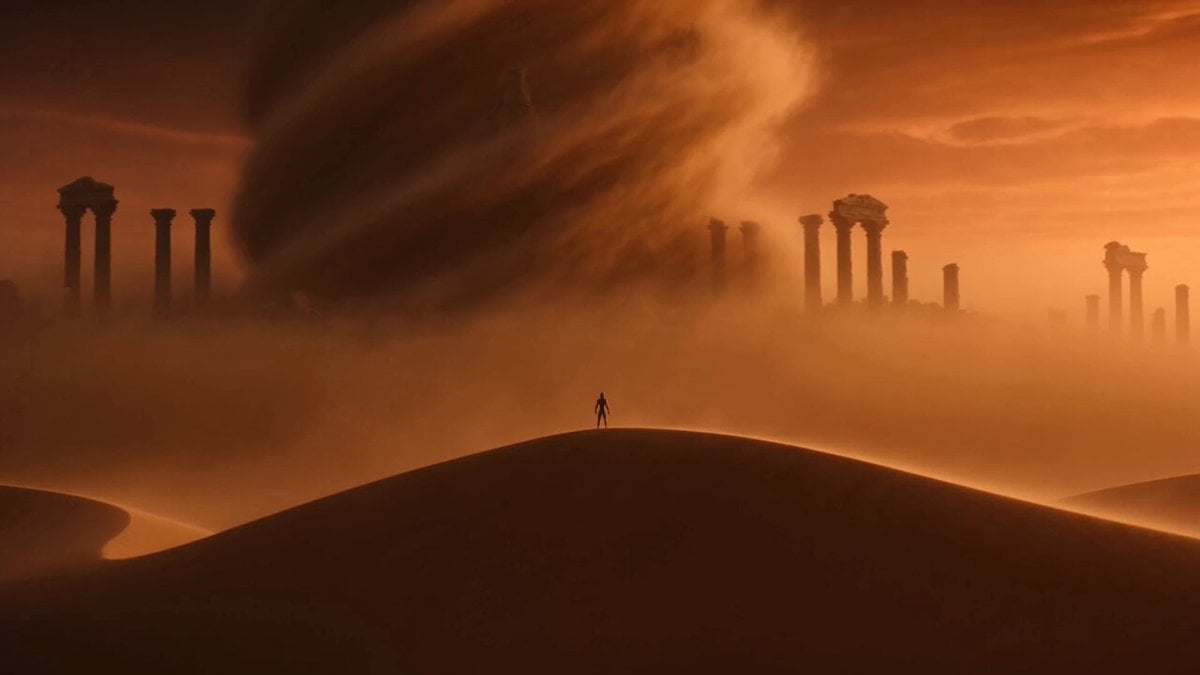 Image to VideoAnimate a still character with your own motion prompt.
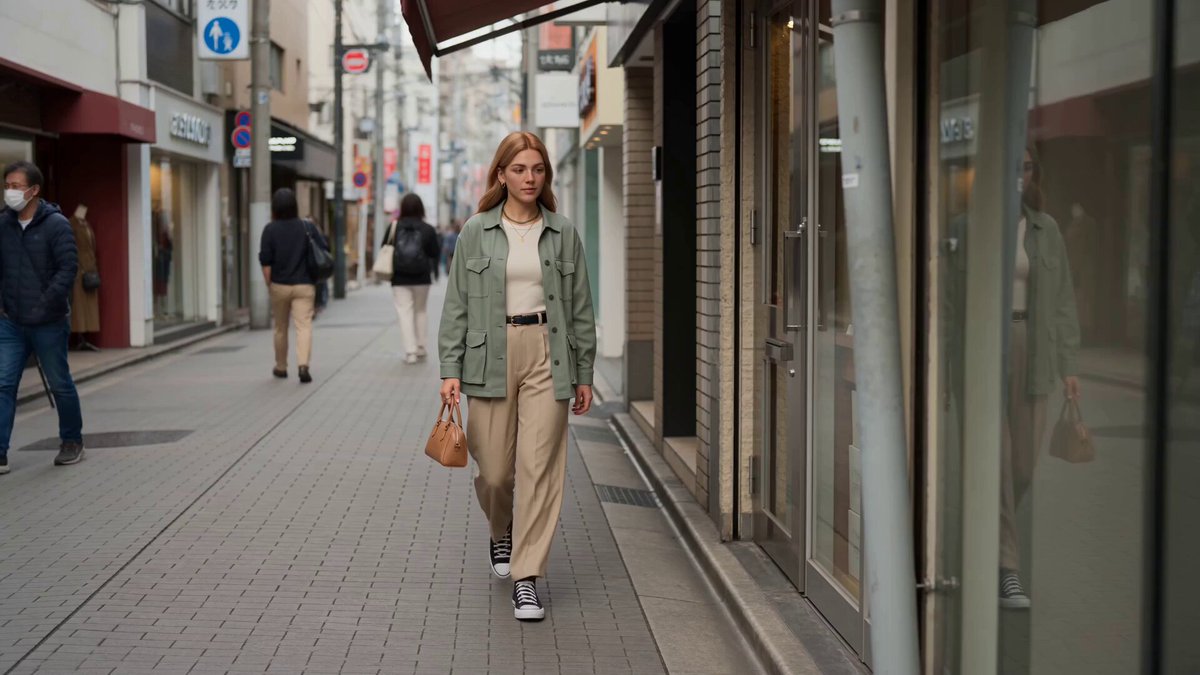 Reference to VideoGuide characters, objects, and styles with separate reference images.
 AI Camera Orbit Video GeneratorCreate circular camera moves around people, products, and scenes.
 AI Video Transition GeneratorConnect scenes with match cuts, wipes, morphs, and spins.
 AI Transformation Video GeneratorTurn a subject into a new character, machine, or creature.
 AI Dance Video GeneratorAnimate a person with selectable dance and choreography styles.
Add a clear character image, choose a flight style, and edit the pose, speed, route, environment, and camera before generating.
Generate flying video