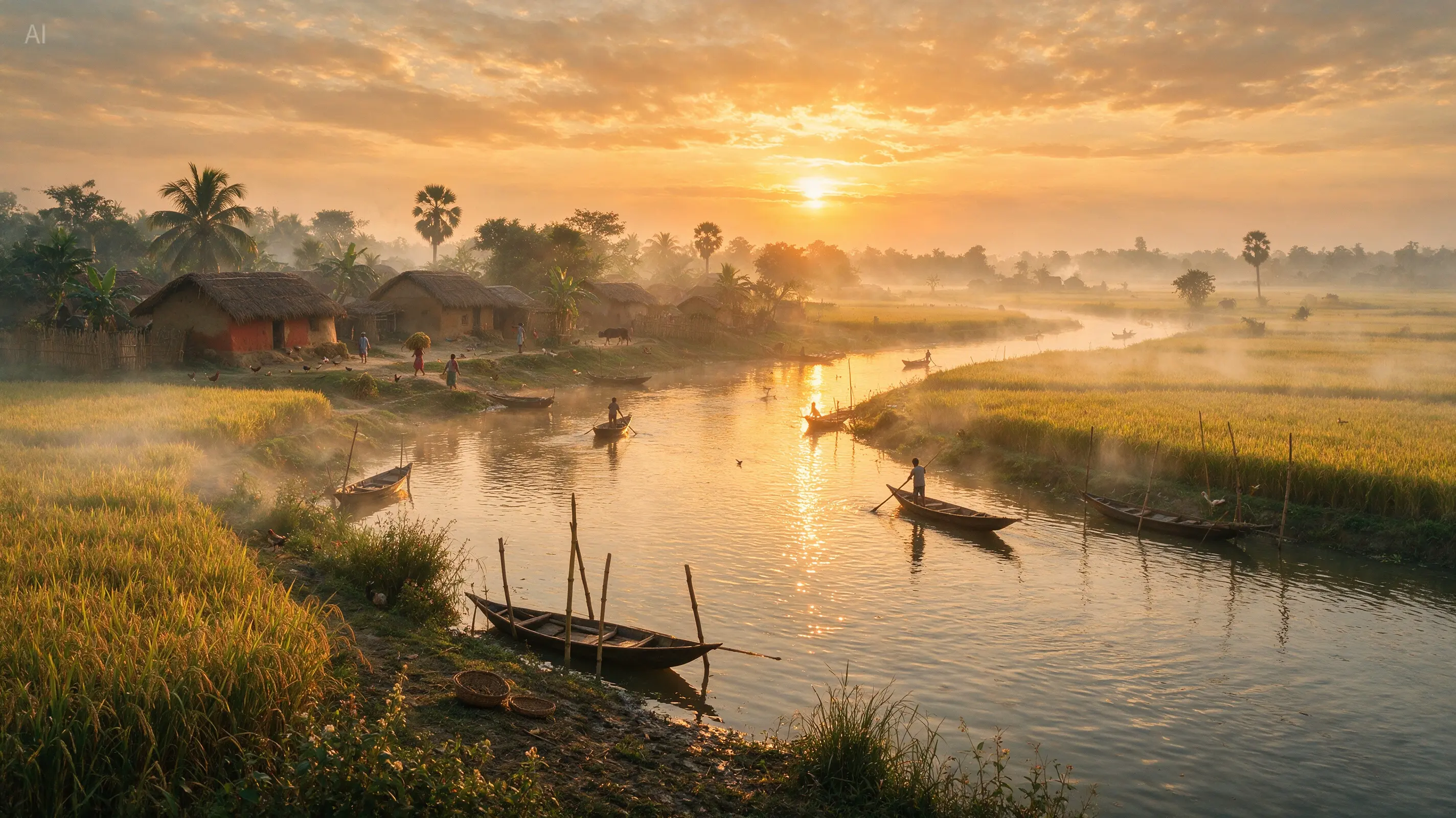
Cinematic photography
Describe location, time of day and light to build a believable photographic scene. This official Seedream example turns a river village, rice fields and mist into a coherent golden-hour landscape.
Turn a written idea into a finished visual with a text to image AI generator. Describe the subject and style, choose a model and output size, then generate from text alone or add an optional reference.
Generation requires an account and uses credits based on the model, resolution and quality you choose. Reference images are optional on this page. Failed tasks are refunded automatically.
A useful prompt does more than name an object. It gives the text to image model enough information to make decisions about composition, material, color and atmosphere. These visual directions show the range a clear prompt can cover without forcing every idea into the same aesthetic.
Describe location, time of day and light to build a believable photographic scene. This official Seedream example turns a river village, rice fields and mist into a coherent golden-hour landscape.
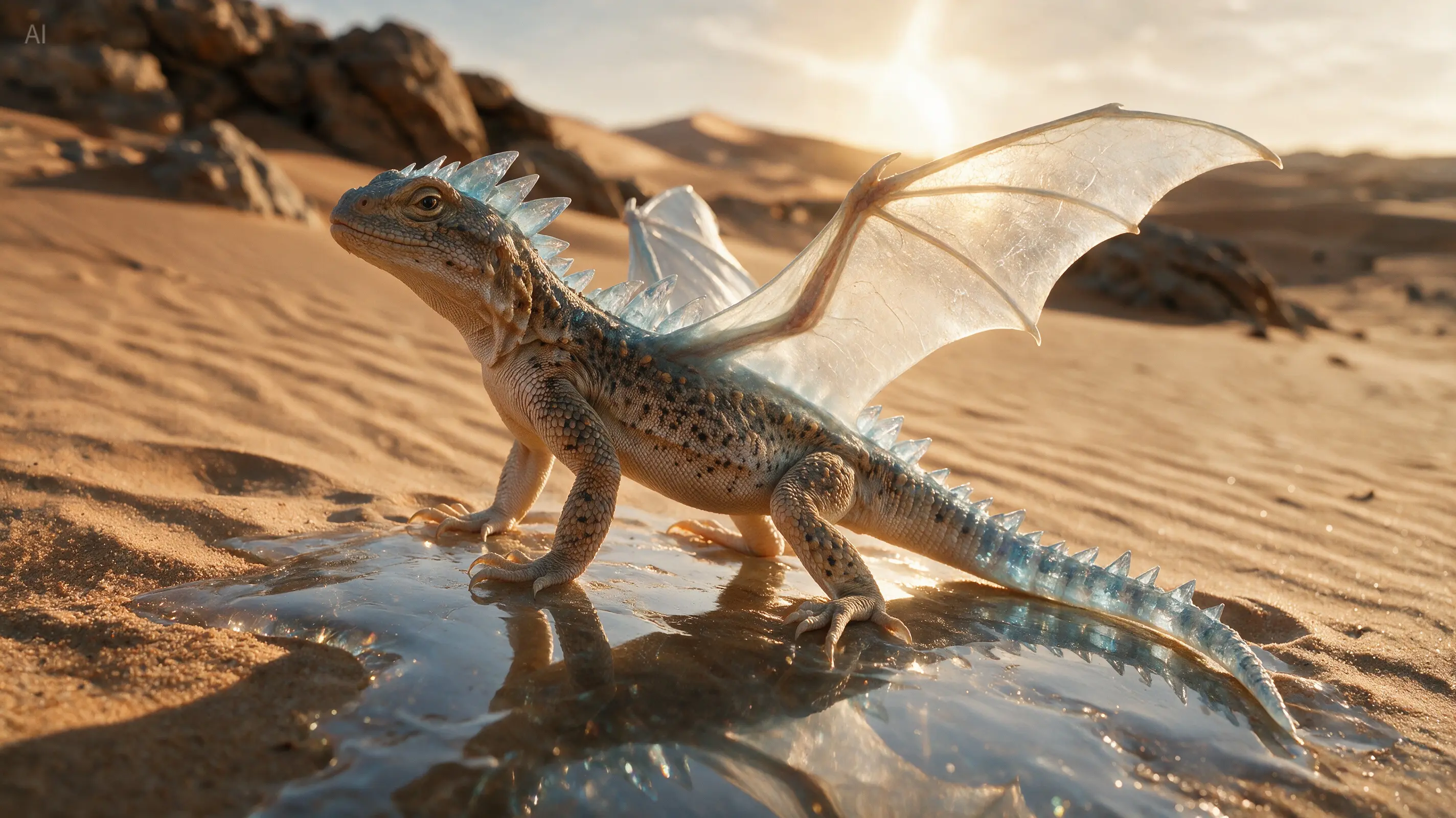
Combine a recognizable animal, a material treatment and natural lighting. The crystal-dragon example keeps reptile anatomy while adding transparent wings and mineral-like details.
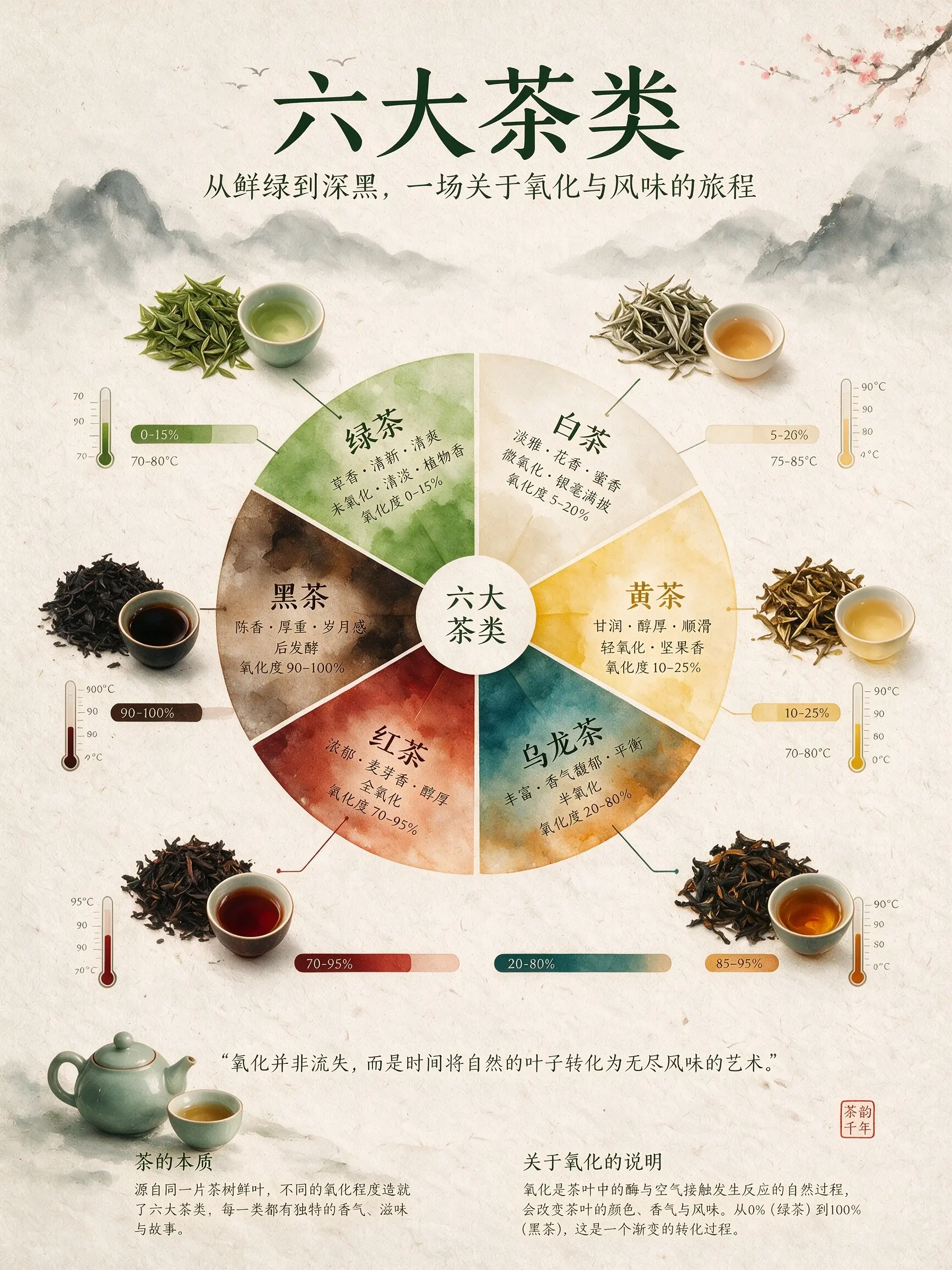
A prompt can specify hierarchy, illustrations, labels and a visual system instead of requesting a generic poster. This official Seedream example organizes six tea categories into a complete infographic.
ReelCine puts GPT Image 2, Seedream 5.0 Pro and the Nano Banana family in one generator. Start with a fast low-cost draft, then move to a higher-resolution or higher-quality option when the composition is working. Model descriptions explain the practical difference before you spend credits.
A strong text to image workflow lets you shape the output before generation and refine it after the first draft. These controls keep an image useful beyond the initial surprise.
Create square product tiles, vertical stories, portrait posters and wide campaign headers without cropping one master image into every channel. Supported ratios change with the selected model so the interface only shows valid choices.
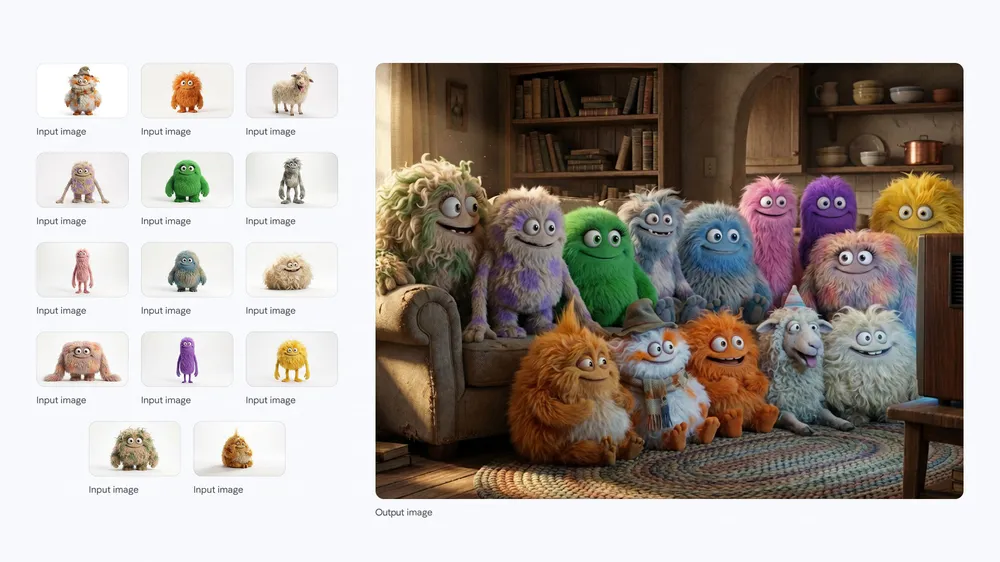
Choose 1K for exploration and higher resolution for images that need room for type, retouching or large placements. Available resolution and quality settings follow the real capability of each image model.
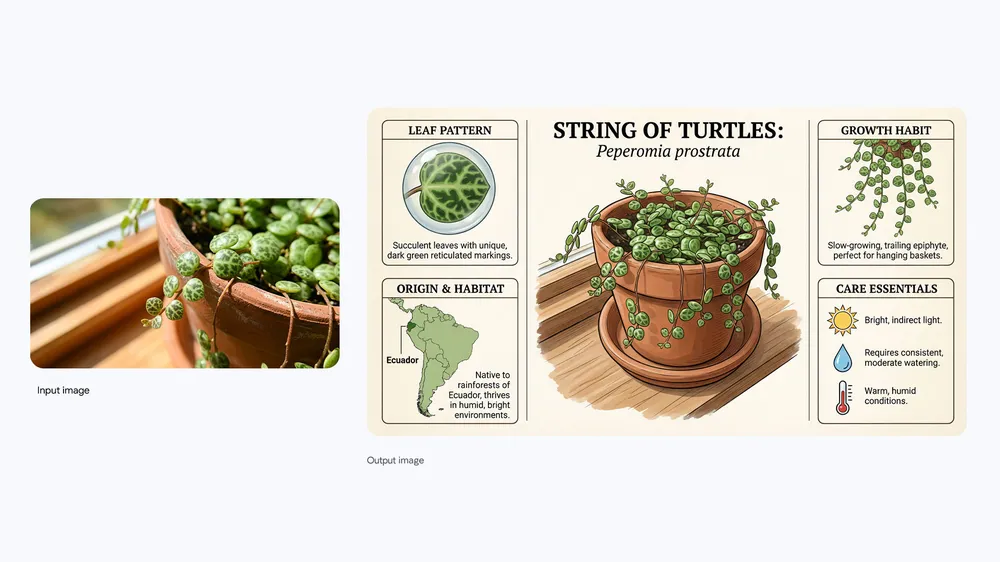
Text can start the image alone, but you can also add up to five references for palette, material or composition. The upload remains optional, so a blank canvas never becomes an extra form requirement.
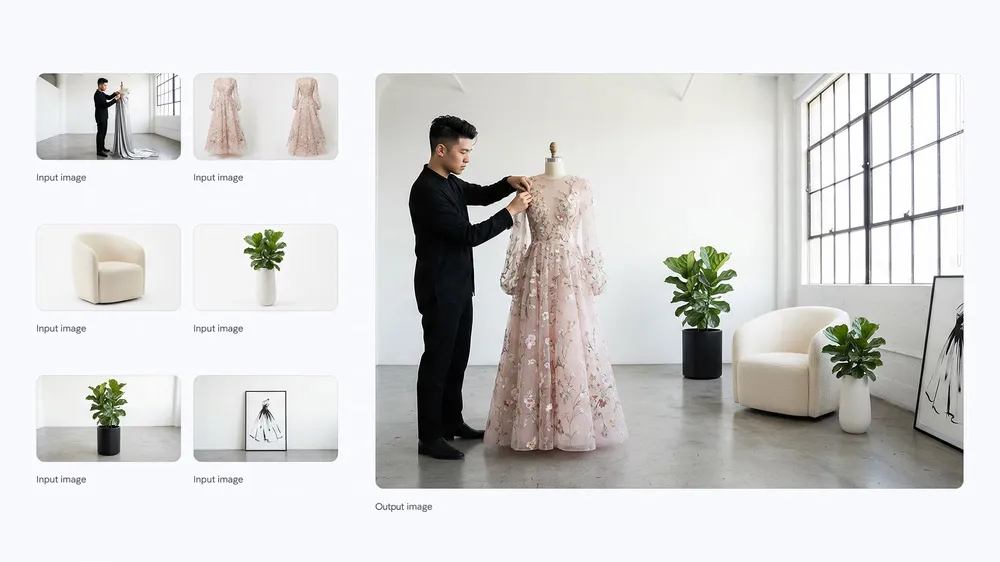
Every completed result stays connected to its prompt and settings. Return to a previous generation, reuse its direction, compare versions and download the image that fits the job instead of rebuilding a prompt from memory.
The generator keeps the first attempt simple while leaving room for precise iteration. Most useful results come from three deliberate steps rather than one oversized prompt.
Write the subject first, then add the setting, composition, light and visual treatment. A prompt such as “minimal ceramic speaker on a cobalt plinth, hard side light, premium product photograph” gives the model clear priorities.
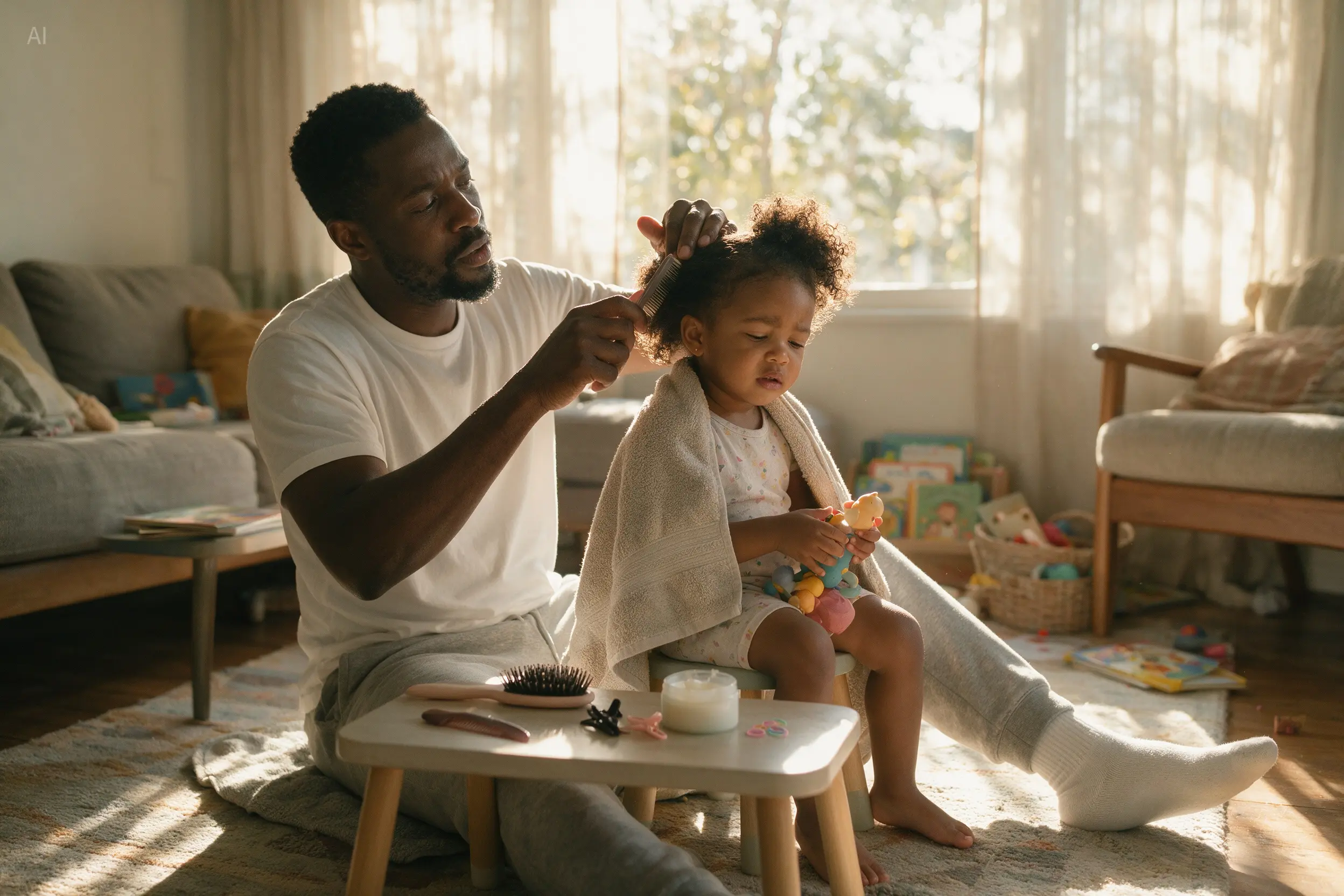
Select the model, aspect ratio, resolution and quality that match the destination. Use a lower-cost setting to test a direction, then increase resolution after the subject and framing are correct.
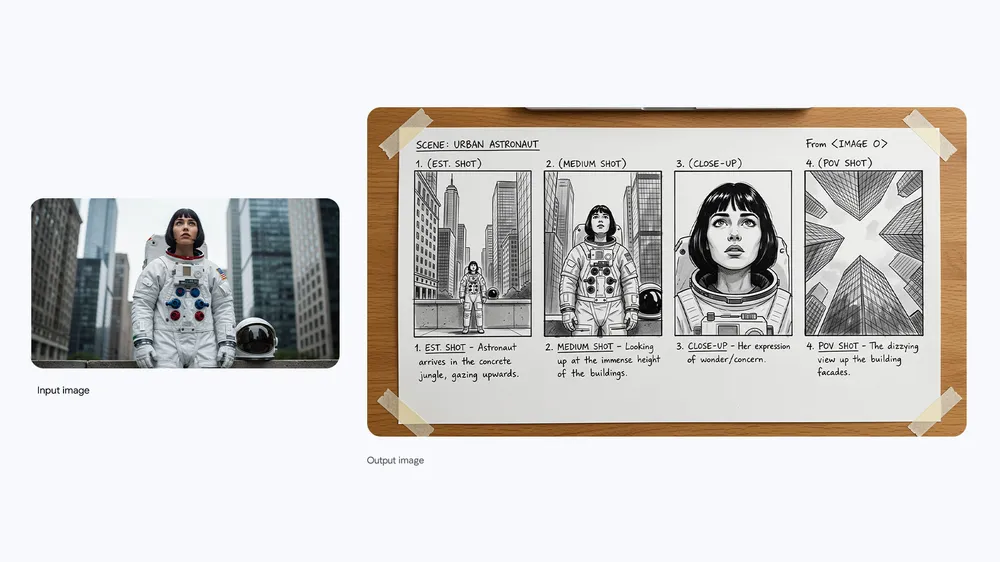
Review what changed, keep the parts that work and revise one instruction at a time. Naming the exact mismatch is more reliable than adding unrelated adjectives to an already crowded prompt.
Text to image generation is most valuable when the result has a destination. These practical workflows turn a prompt into an asset a creator, marketer or small team can actually use.
Explore location, atmosphere and camera language before planning a shoot or environment. A text to image AI generator can produce several art directions quickly, helping a team agree on the visual brief before production.
Build a creature concept by combining anatomy, material and environment instructions. Specify physical details and lighting so the result reads as one subject rather than disconnected fantasy keywords.
Generate an information hierarchy, visual theme and supporting illustrations in one composition. Treat generated text as a draft to review carefully before publishing factual material.
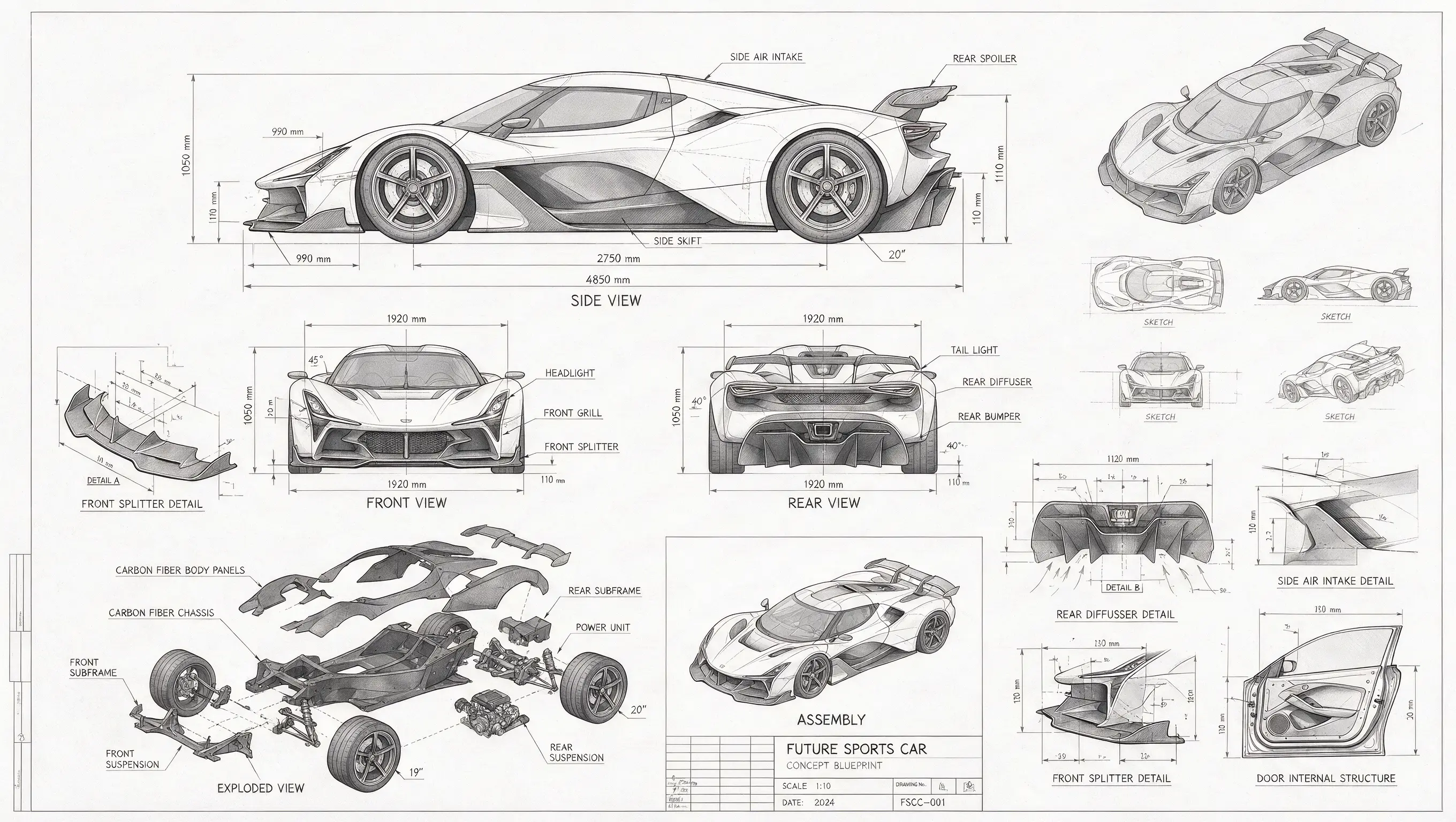
Visualize a product from several angles and add assembly or material callouts. Clear viewpoint and drawing-language instructions make technical concepts more useful than a generic request for a futuristic object.
Move beyond a single subject by defining each character, relative position and shared environment. The prompt can control the group composition as carefully as the appearance of each individual.
Turn a subject into an illustrated guide with labels, diagrams and structured sections. Generated concepts can establish the visual system while final copy and factual details receive a human review.
Browse real prompts and image sets from the ReelCine gallery. Open a card to study the full result, copy the prompt, or load it into the generator above as a practical starting point instead of guessing how the image was described.
Both workflows use the same image models, but they begin with different evidence. Choose the path that matches what you already have.
| Decision | Text to Image | Image to Image |
|---|---|---|
| Starting point | A written prompt; references are optional | One to five uploaded reference images plus an instruction |
| Best for | New concepts, scenes, illustrations and compositions | Restyling, controlled edits and visual continuity |
| Subject control | The model invents the subject from language | The uploaded image anchors subject, palette or structure |
| Typical iteration | Refine prompt, ratio, model and quality | Refine the change while naming what must stay consistent |
The generator displays the credit cost for the selected model, resolution and quality before generation. A fast draft can cost fewer credits than a high-quality 4K image, and failed tasks are refunded automatically.
A text to image AI generator converts a written description into a new image. The model interprets words about the subject, setting, composition, lighting and style, then produces pixels that match those instructions. ReelCine also lets you choose the model, aspect ratio, resolution and quality before generation.
You can explore the full generator and prepare a prompt without paying. Running a generation requires an account and credits. New-account or promotional credits may be available according to the current offer shown in the interface, and the exact credit cost appears on the generate button before you submit.
No. The image upload is optional on the text to image page. Leave it empty when you want the model to create a scene from language alone. Add a reference only when a palette, material, layout or existing visual should guide the result.
Start with the main subject and action, then add the environment, framing, light and medium. Put important constraints early. A concise prompt with a clear camera position and material description usually performs better than a long chain of vague quality adjectives. Change one variable at a time when refining it.
Choose based on the job rather than a universal ranking. Nano Banana options are useful for fast exploration, GPT Image 2 offers quality and background controls where supported, and Seedream 5.0 Pro is designed for controlled creation and text-rich visuals. The model menu shows current capabilities and credit cost.
Several available models support output up to 4K. The resolution selector updates when you change models, so it only presents sizes that the active model and provider can actually generate. Test the composition at a lower resolution first when you expect to make several prompt revisions.
Depending on the model, ReelCine supports square 1:1, portrait 2:3 and 3:4, landscape 3:2 and 4:3, vertical 9:16 and widescreen 16:9. Pick the destination ratio before generation so the model composes for the final frame instead of losing important details to a later crop.
Yes. Text to image AI is useful for product-scene concepts, campaign backgrounds, social visuals, posters and early layout assets. Avoid asking the model to reproduce protected logos or characters, and treat invented packaging text as a concept that should be replaced with your real brand artwork during design.
A failed task is refunded automatically. Long-running generations remain attached to your account, so you can leave the page and return through history. If the task completes but the creative result misses the prompt, revise the instruction and generate a new version; creative variations are not treated as technical failures.
Commercial use depends on your ReelCine plan, the selected model terms and the rights in any prompt or reference material you provide. Generating an image does not grant rights to a trademark, character, likeness or copyrighted work named in the request. Review the current terms before publishing client or paid campaign work.
Write the subject, choose the frame and generate a first visual. Add an optional reference when words alone are not enough to describe the direction.
Generate an Image