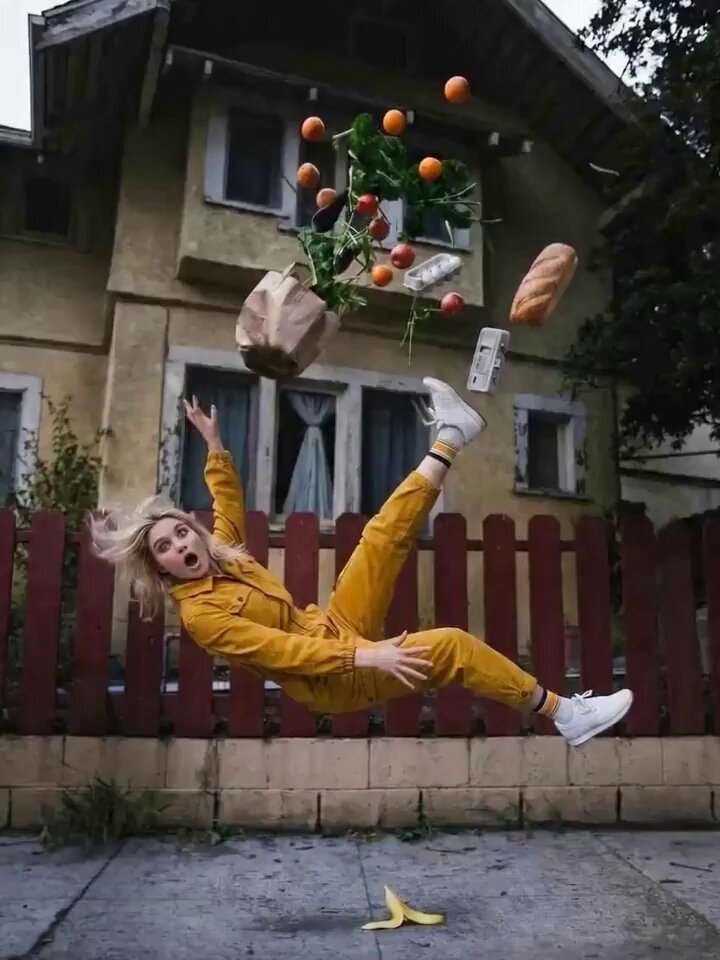
Orbit result
Bullet Time Orbit
Freeze the action while the camera circles through suspended motion and debris.
Use the AI Camera Orbit Video Generator to move a virtual camera around a person, product, vehicle, or scene. Choose a reviewed orbit style, add a clear visual reference, and edit the camera path before generating.
Preview the camera path, then edit the orbit height, direction, speed, radius, subject motion, or setting for your own shot.
Compare smooth portrait circles, frozen-time moves, product reveals, vehicle shots, fashion transitions, and environmental orbits. Selecting a style changes only the prompt and preview.
Freeze the action while the camera circles through suspended motion and debris.
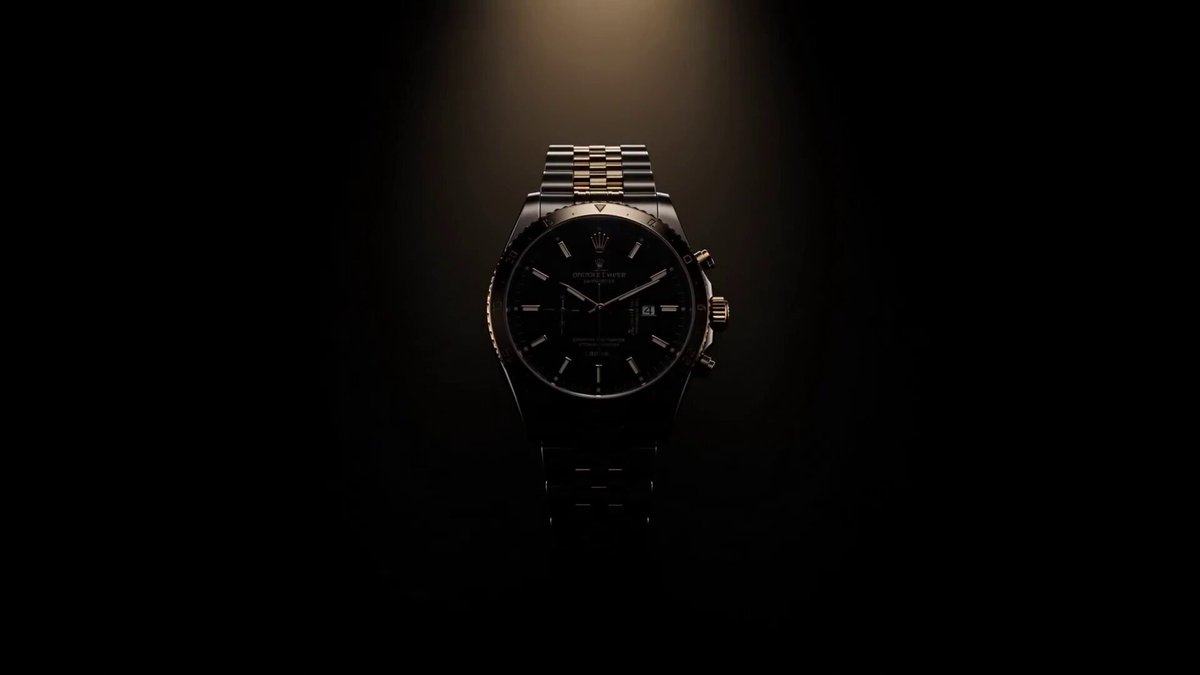
A polished studio orbit that reveals a product's form and surface details.
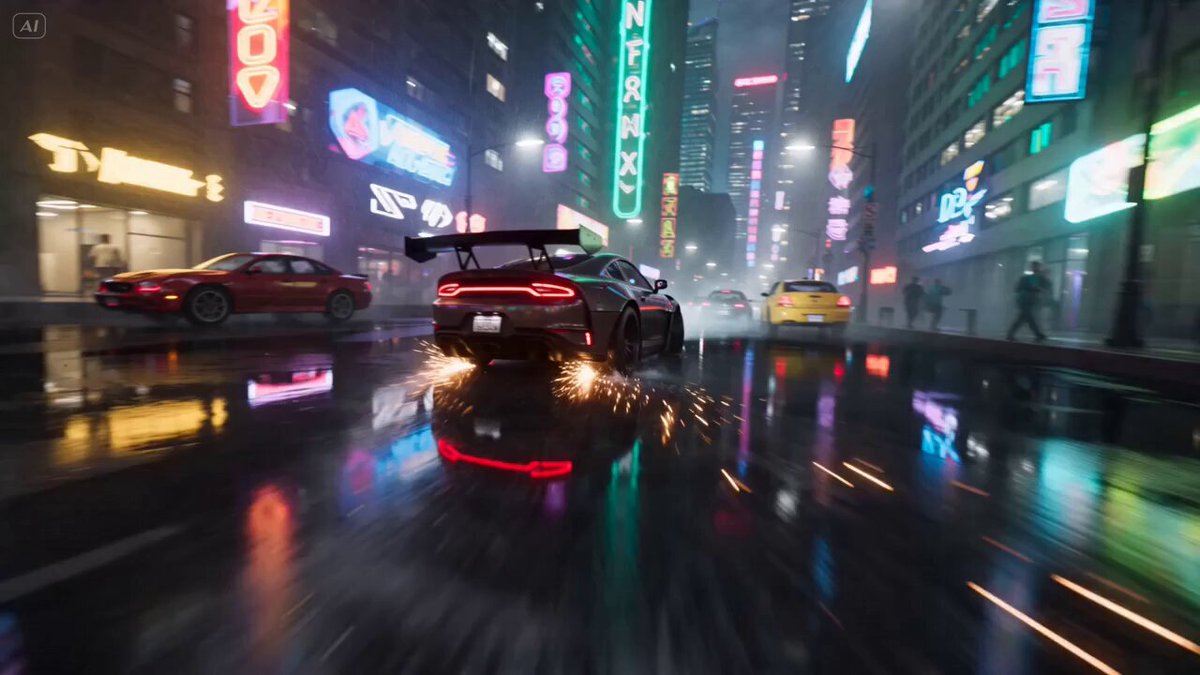
A low cinematic orbit around a vehicle with reflections and road-level energy.
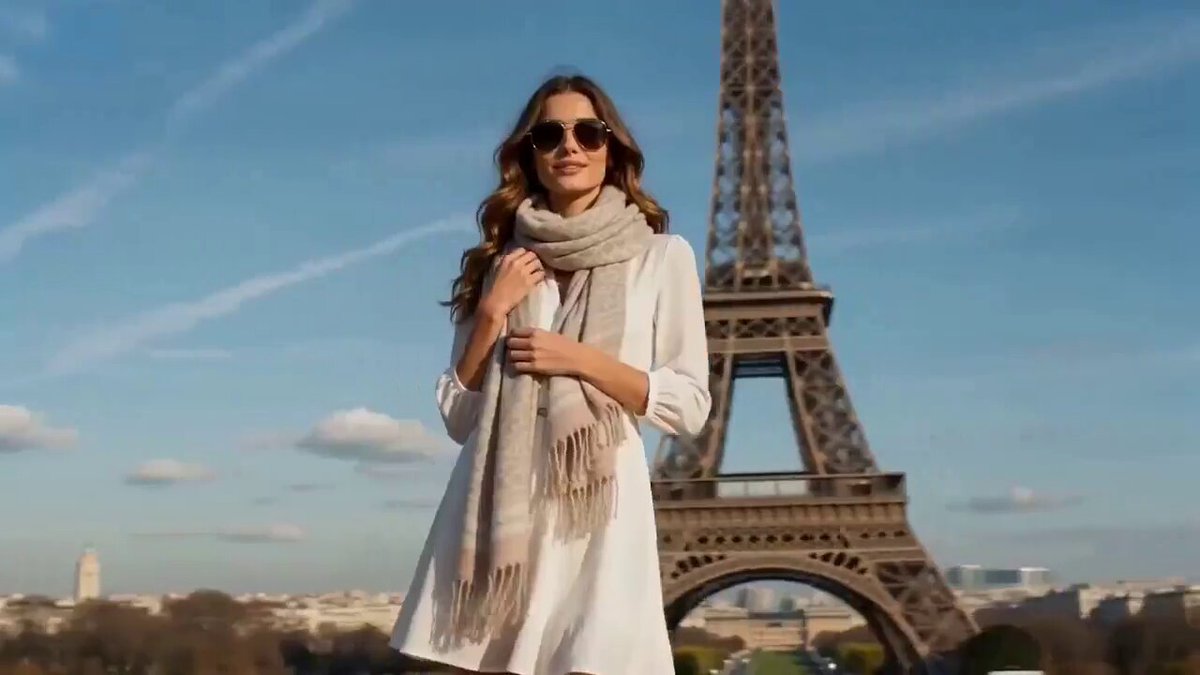
A continuous fashion orbit with clean parallax and seamless location changes.
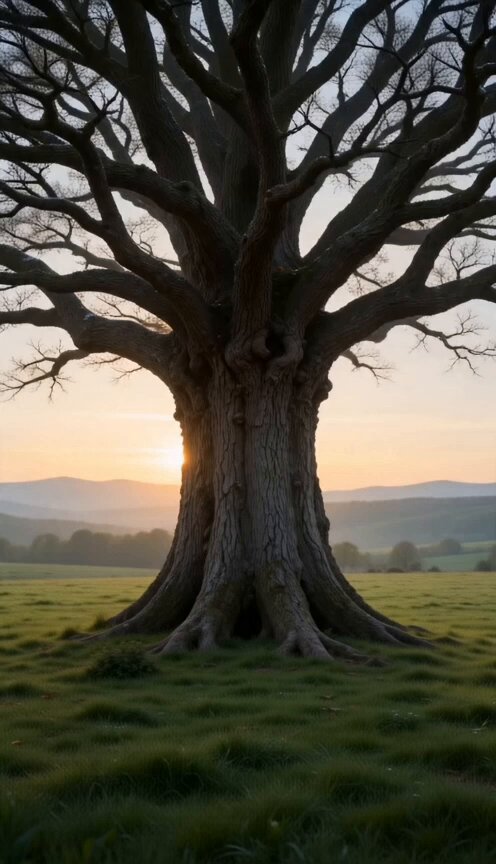
A gentle circular move around a natural landmark as the environment changes.
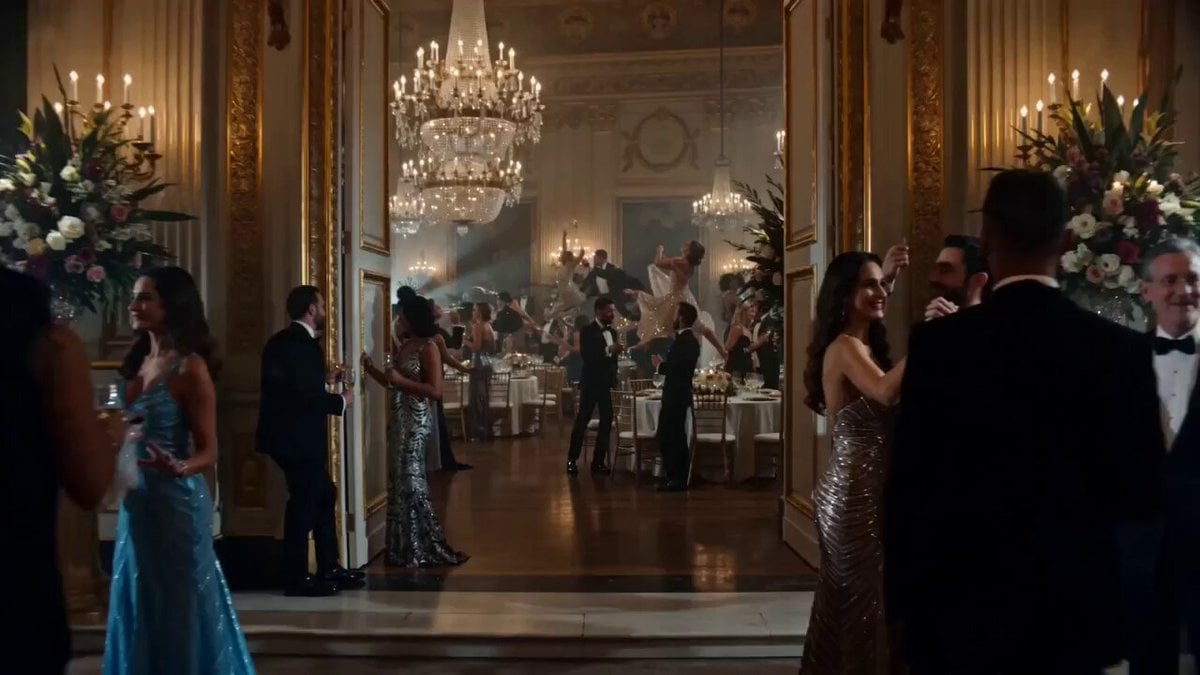
Move through a frozen group scene while gestures and objects remain suspended.
Use a clear subject with a readable silhouette and some surrounding space. A single image gives the model the visible side of the subject; views hidden from the camera must be synthesized, so a generated orbit is a creative reveal rather than an exact 3D scan.
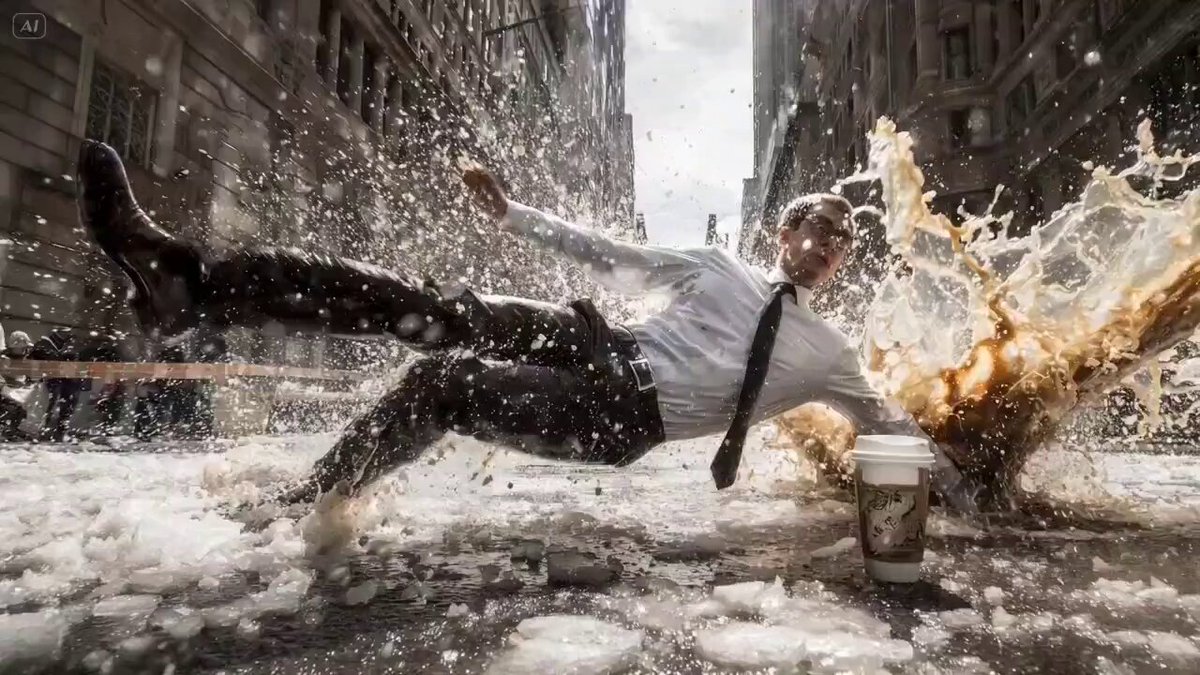 Starting frame
Start from text, add a centered subject image, or use start and end frames when the selected model supports them. Leave visible space around the subject for the camera path.
Pick a reviewed orbit preset. Its editable prompt fills automatically while your current model and output settings stay in place.
Check the subject shape, background parallax, orbit direction, and newly revealed surfaces. Refine the camera wording when the path moves too far or too fast.
Each preset fills only the prompt, so your model, duration, ratio, resolution, audio, and uploads stay unchanged. Edit the orbit direction, height, radius, speed, lens, subject motion, and environmental movement before generating.
Use these complete prompts as starting points, or borrow their path, subject action, parallax, lighting, and ending.
Coffee hangs in the air as the camera circles a perfectly frozen moment.
Use the uploaded image or frames as the visual reference and keep the person recognizable. Freeze the subject just after tossing a cup of coffee, with the liquid suspended in a detailed arc and the cup held naturally. Circle once at eye level while the person, coffee, droplets, clothing, and room remain still, then let the coffee return gently to the cup. Keep the camera radius stable and the background geometry coherent.
A small flame reveals a painted dreamscape during a measured circular move.
Use the uploaded subject and setting as the visual reference. Place a small glowing flame on the ground, then begin a slow circular orbit around the subject as a surreal painted world becomes visible from each side. Preserve the subject silhouette, keep the flame anchored, use soft atmospheric depth, and complete the move without cuts or sudden zooming.
A playful clay astronaut meets a friendly character during a gentle lunar orbit.
Use the uploaded image or frames as the visual reference. Render the subject as a polished clay character on a small moon while a friendly alien appears nearby. Move the camera in a gentle half orbit that reveals planets and Earth behind them, using warm rim light, readable silhouettes, stable character designs, and smooth parallax across the lunar surface.
The AI Camera Orbit Video Generator creates a new video in which a virtual camera circles a subject or scene. Choose a preset, add an image or supported frames, edit the prompt, and generate the camera movement.
Yes. One image can guide the visible identity, shape, and setting. Because it does not contain a complete 3D model, the generator must invent surfaces and background areas that were hidden in the original view.
The presets ask the camera to move around a mostly stable subject. You can edit the prompt to let the subject turn, pose, walk, or interact while the camera continues along its orbit.
Clear people, products, vehicles, sculptures, characters, and natural landmarks can all work. The most reliable inputs have a distinct silhouette, stable lighting, and visible space around the subject.
Yes. Edit the prompt to specify clockwise or counterclockwise movement, a low or high camera, a tight or wide radius, a slow reveal, or a fast bullet-time sweep.
No. The model generates plausible unseen views from the supplied image and prompt. Use a real multi-angle capture or 3D workflow when every hidden label, surface, dimension, or mechanical detail must remain exact.
 Image to video generatorAnimate a still image with a completely custom camera and motion prompt.
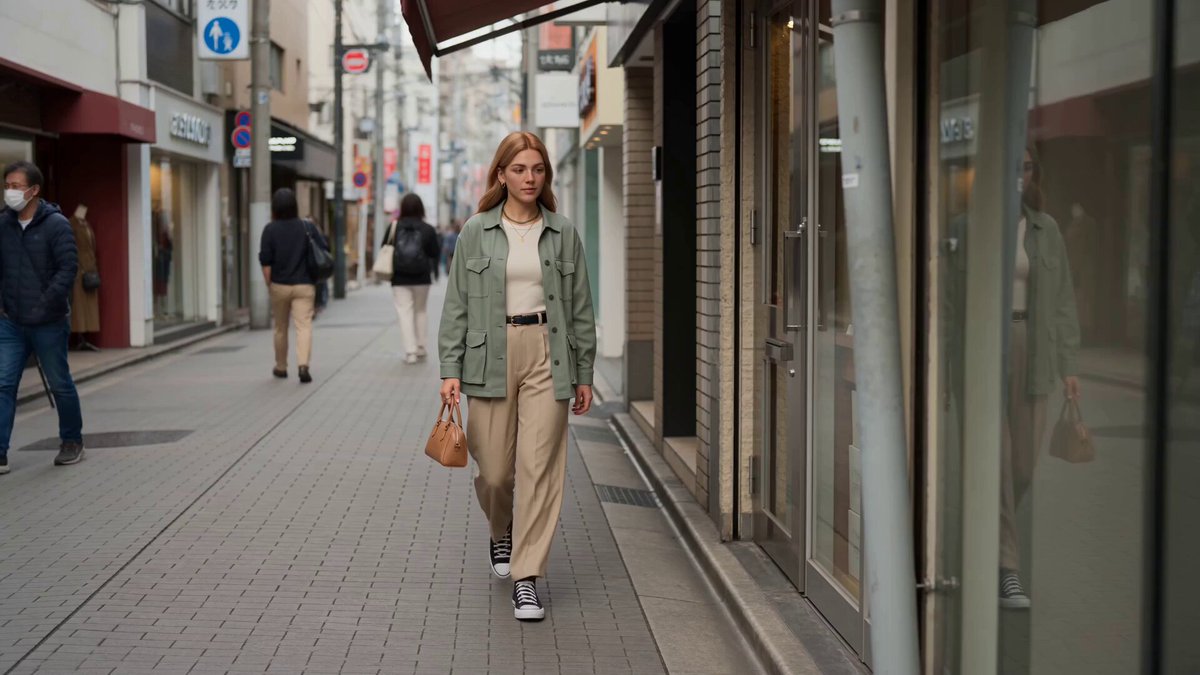 Reference to videoGuide a new shot with character, scene, style, or motion references.
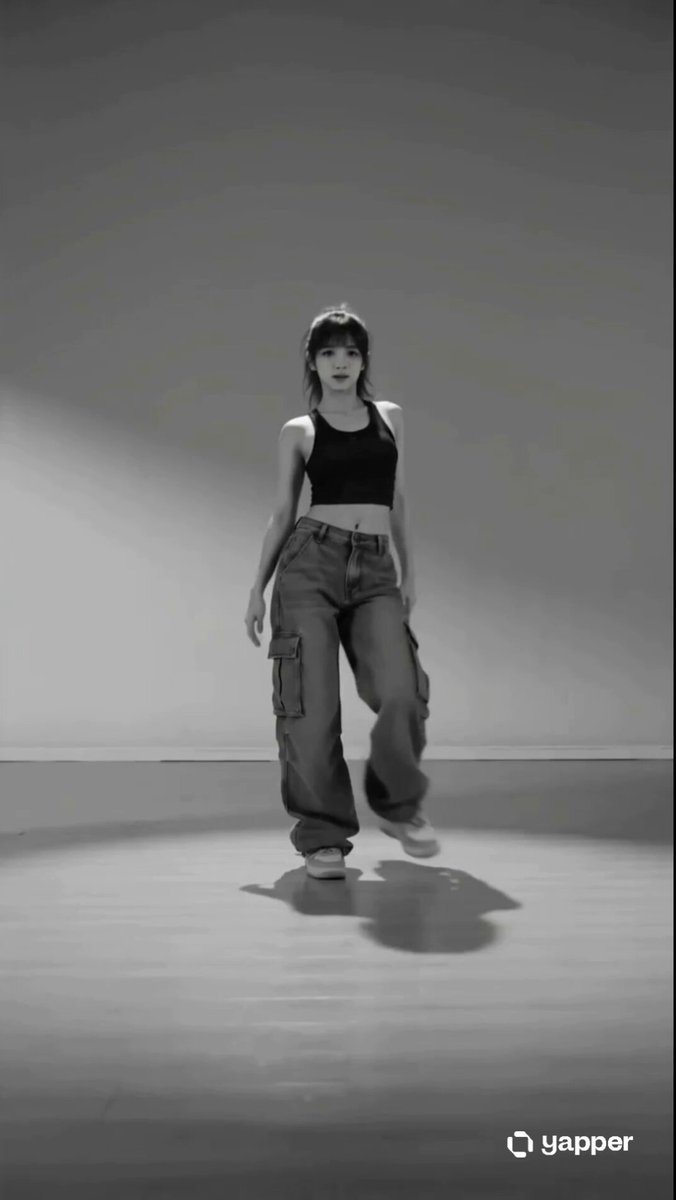 AI dance video generatorAnimate a person with editable dance movement presets.
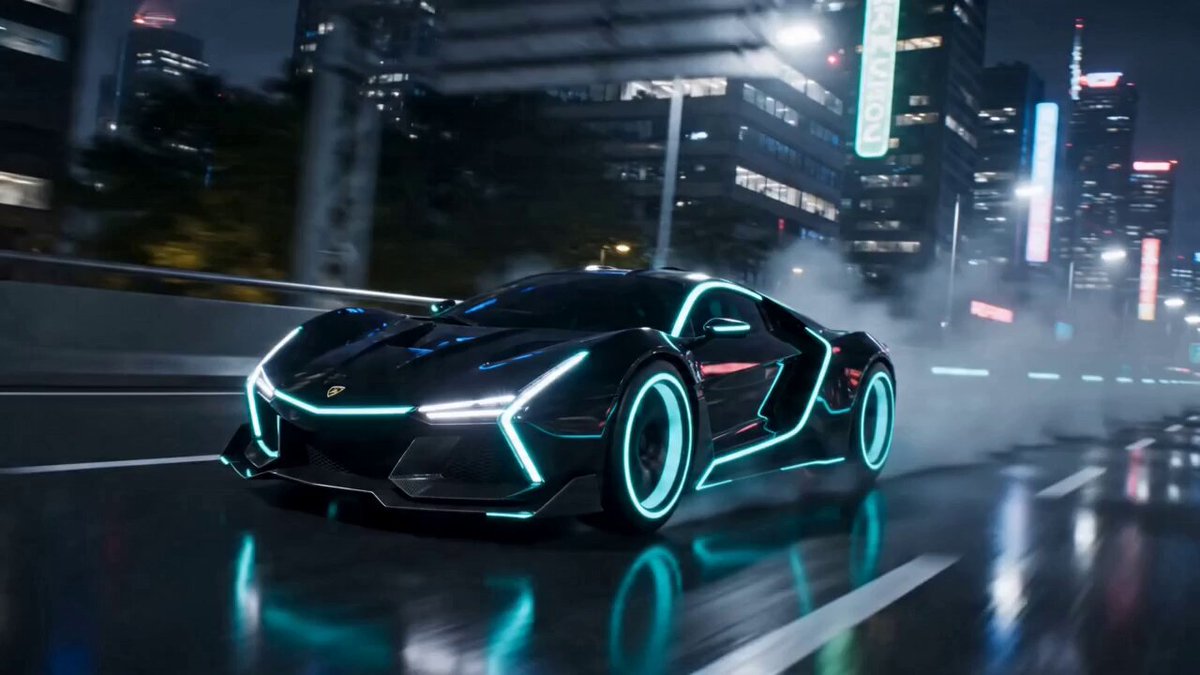 AI transformation video generatorTurn a person, object, creature, or vehicle into a new form.
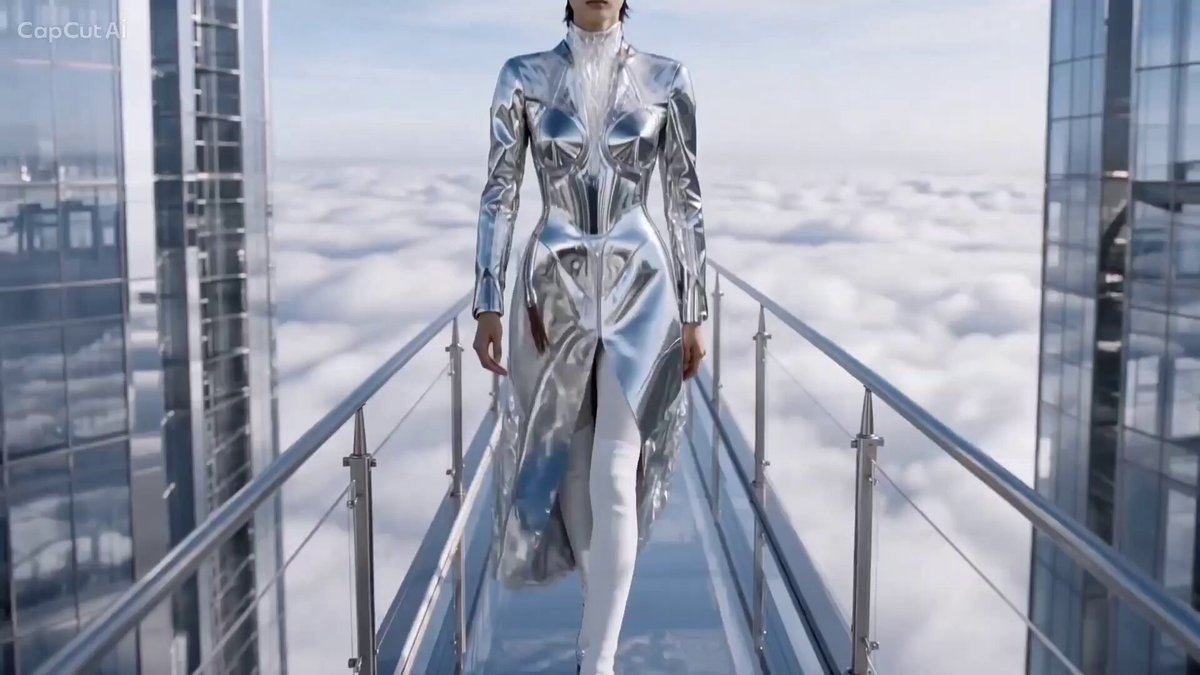 AI catwalk video generatorCreate a fashion walk with runway-ready prompts and examples.
 AI hug video generatorBring referenced people, characters, or pets together in an embrace.
Choose an orbit style, add a clear subject or scene, and edit the direction, height, radius, speed, and motion before generating.
Generate orbit video