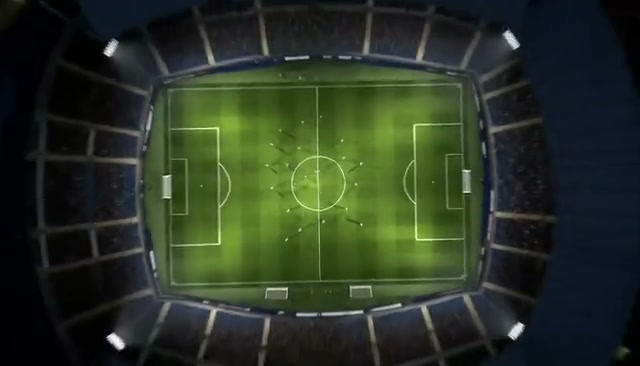
Generated motion
Stadium to Orbit
Pull straight above a floodlit stadium until the pitch becomes a dot on Earth.
The AI Earth Zoom Out Video Generator starts from a location image and pulls through the city, clouds, atmosphere, and orbit to reveal the whole Earth.
Examples show the motion language of each preset. Your result follows your uploaded material and edited prompt.
Compare Earth zoom out video examples for a wide stadium pullback or a vertical rooftop-to-orbit move, then customize the start and speed.
Pull straight above a floodlit stadium until the pitch becomes a dot on Earth.
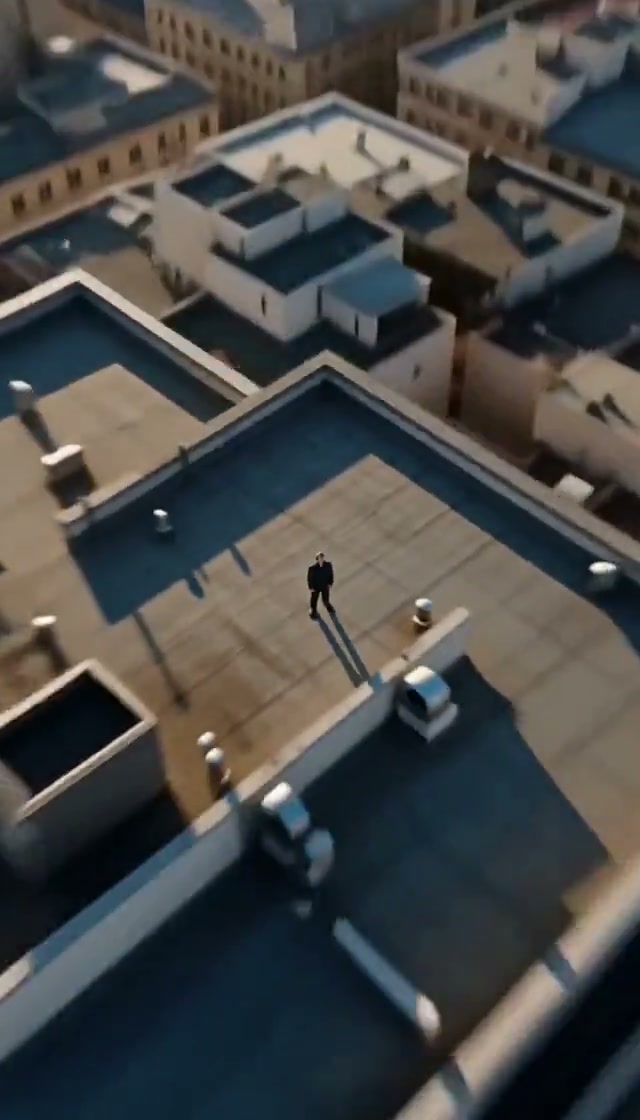
Rise from one rooftop through the city grid, coastline, clouds, and atmosphere.
An Earth zoom out video needs visible architecture, terrain, or streets that can expand from ground level toward orbit.
Visible architecture, terrain, or surrounding streets give the expanding shot details it can carry from ground level toward orbit.
Compare the reviewed earth zoom out examples and select the movement that fits your idea.
Adjust the prefilled prompt and any available generator controls, then generate your video.
A preset fills the motion instructions only. You can edit every detail while the generator keeps its normal compatible controls.
Start with one of these Earth zoom out video prompts or write a variation for another location.
Pull above a famous landmark until the continent appears.
Begin on the uploaded landmark with its exact architecture and lighting. Pull straight upward in one continuous accelerating shot through the city, region, cloud layer, and atmosphere, finishing on the full Earth in space.
Rise from a shoreline through clouds into a blue-planet reveal.
Start above the uploaded beach and preserve its coastline. Accelerate upward as the shore becomes part of a larger coast, pass through thin clouds and the atmosphere, and end with the blue Earth against black space.
Begin with one person and reveal their place on Earth.
Use the uploaded image as the exact opening frame. Pull upward from the person and immediate surroundings, expand through streets and city blocks, reveal the region and continent, then finish with Earth in orbit without a cut.
Use a clear location with recognizable surroundings, architecture, terrain, or streets. Those details help the camera pullback establish larger scales.
The presets ask for continuous upward movement from the starting frame through city, region, clouds, atmosphere, and orbit without hard cuts.
Yes. Keep enough environment around the subject so the effect can connect that starting point to the wider location.
Yes. The rooftop style uses a vertical 9:16 example, while the stadium style demonstrates a landscape composition.
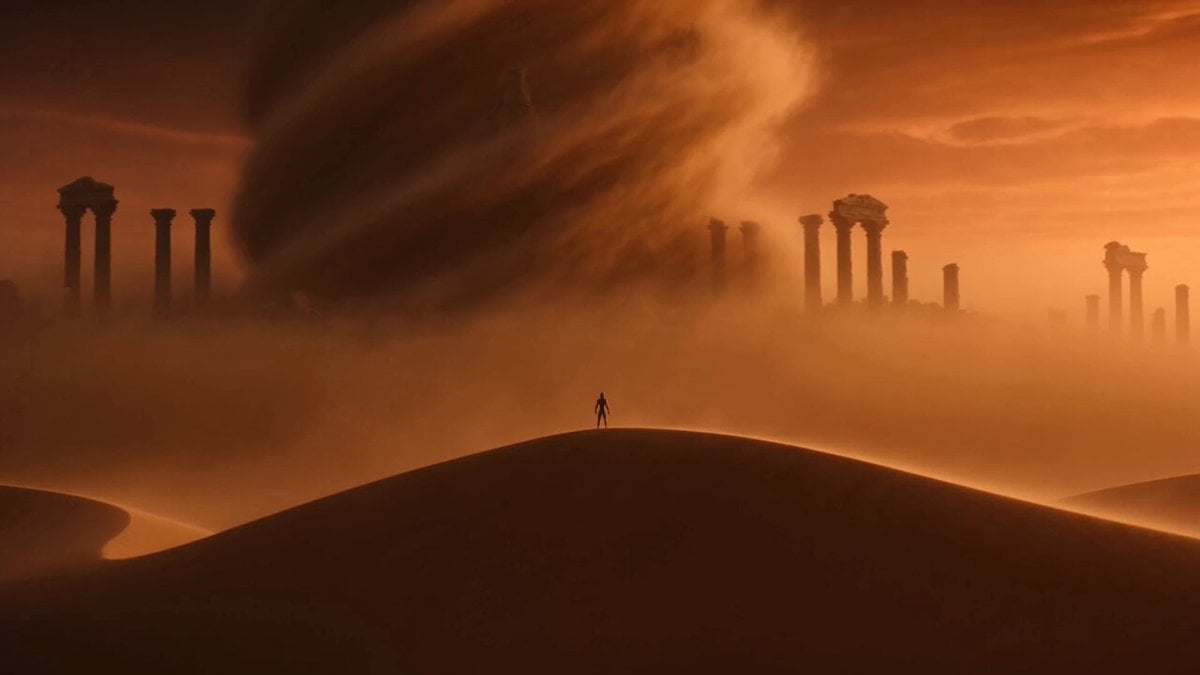 Image to VideoAnimate a location image with custom motion.
 Camera OrbitMove the camera around a person or object.
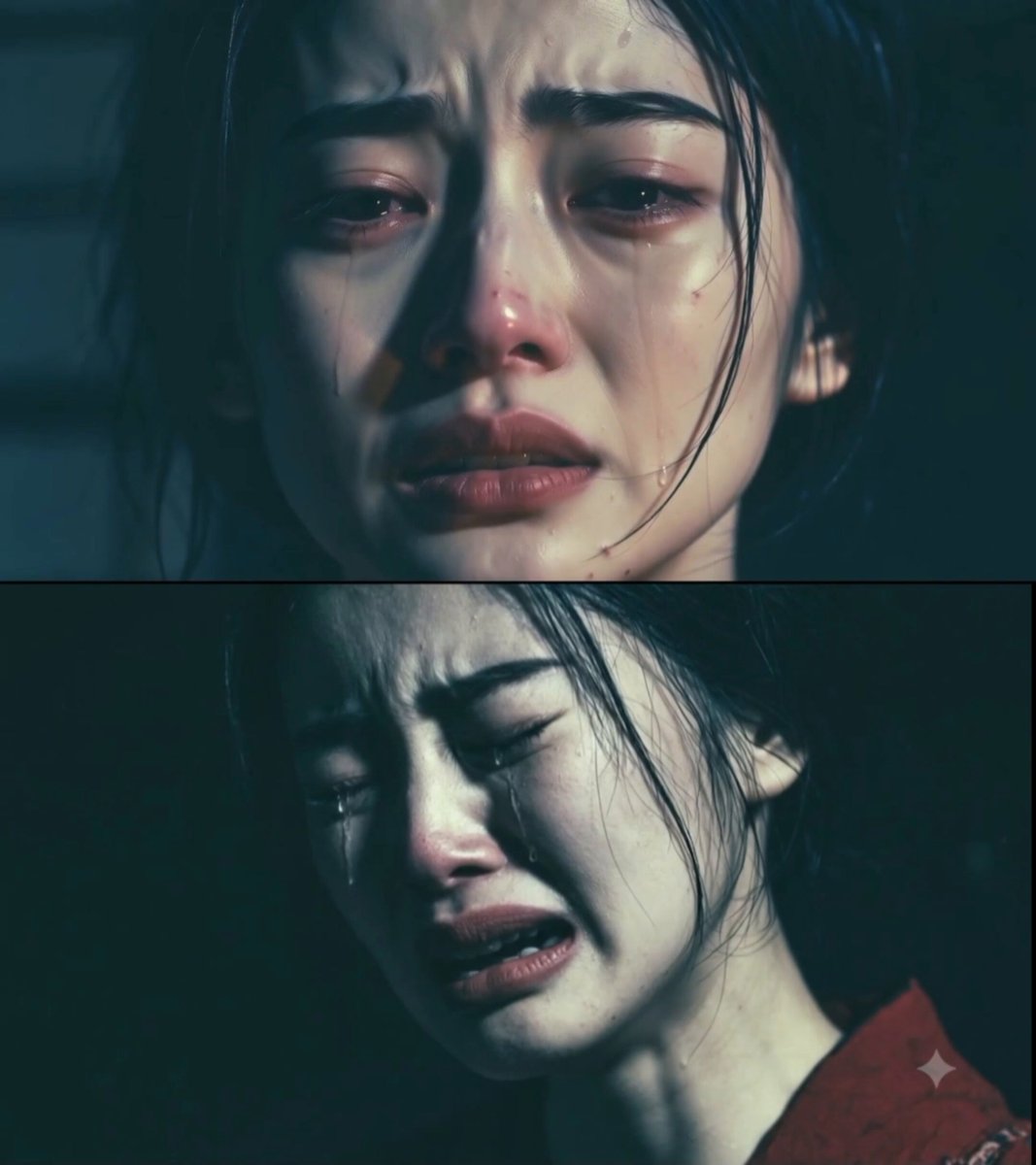 Dolly ZoomCreate a cinematic depth-changing camera move.
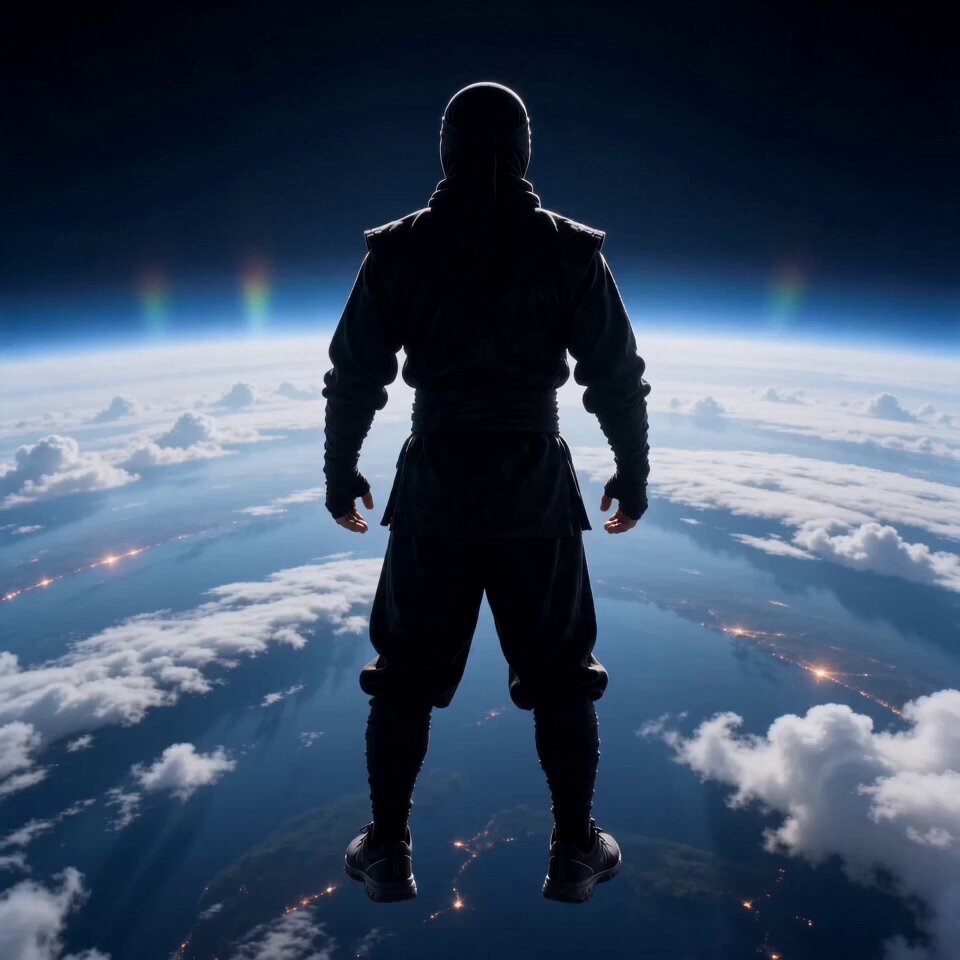 AI FlyingLift a person into a cinematic flight.
 Video TransitionConnect two visual states with a smooth change.
 AI TransformationTransform a subject while preserving continuity.
Upload a starting location, choose an Earth zoom out video style, and control the continuous path from ground to orbit.
Generate video