Generated effect
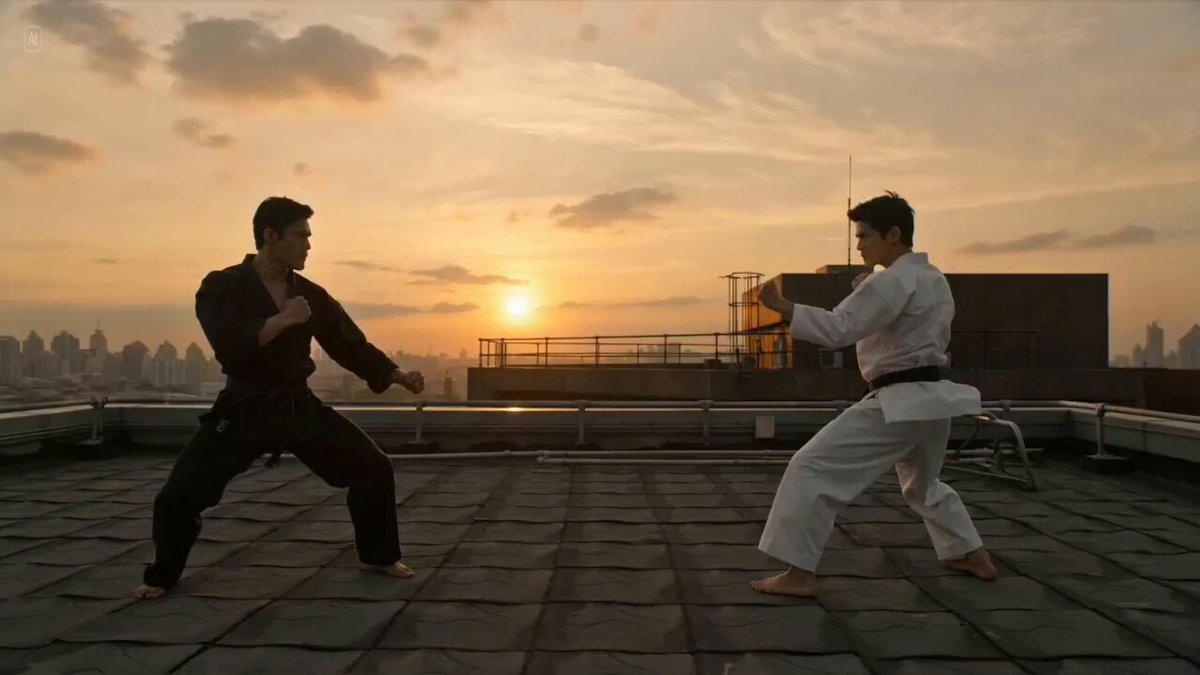
Martial Arts Fight
Stage fast punches, kicks, blocks, and a controlled finishing move.
The AI Fight Video Generator turns character references into a choreographed fight scene with martial arts, anime, sword, cartoon, and ninja styles.
Examples show the motion language of each preset. Your result follows your uploaded material and edited prompt.
Compare five featured fight styles, then edit the choreography, setting, weapons, pacing, and camera movement.
Stage fast punches, kicks, blocks, and a controlled finishing move.
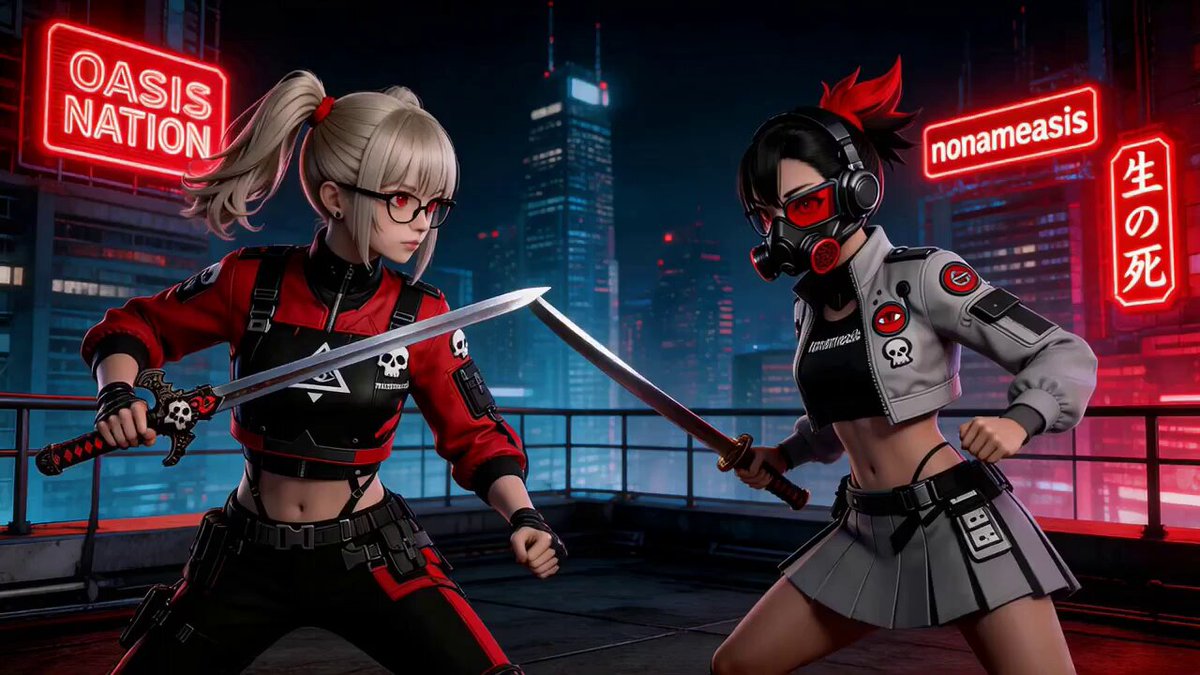
Use fast anime action, sharp dodges, and energetic weapon clashes.
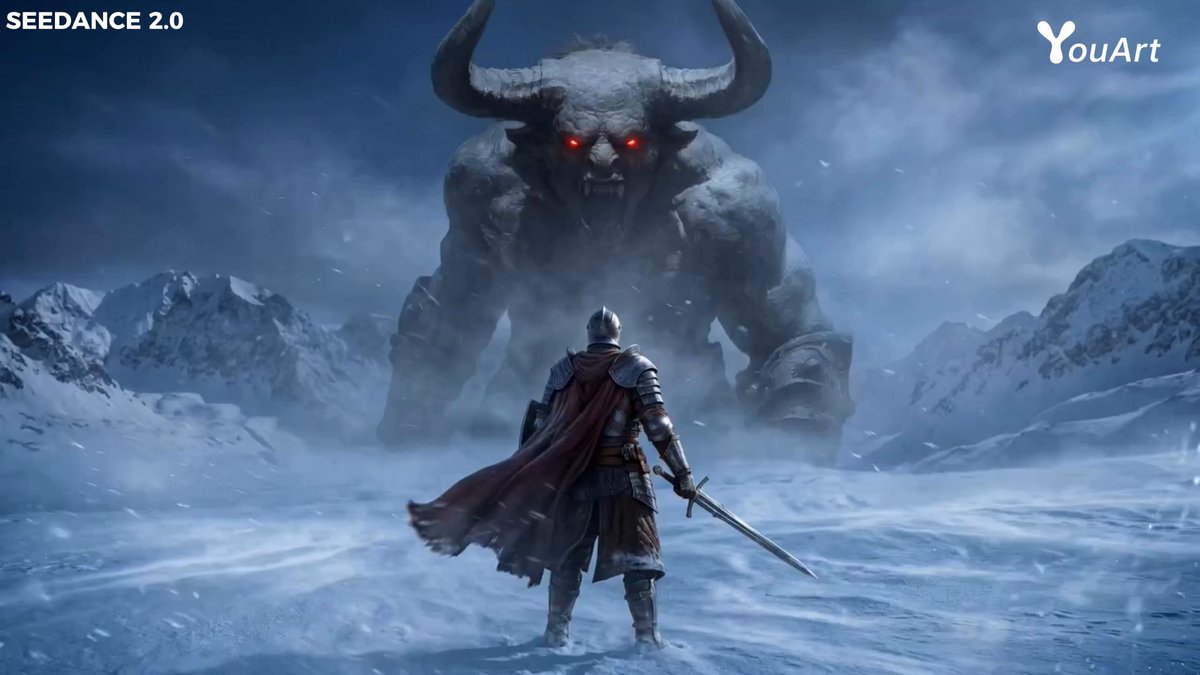
Build a cinematic weapon duel with parries, dodges, and clear spacing.
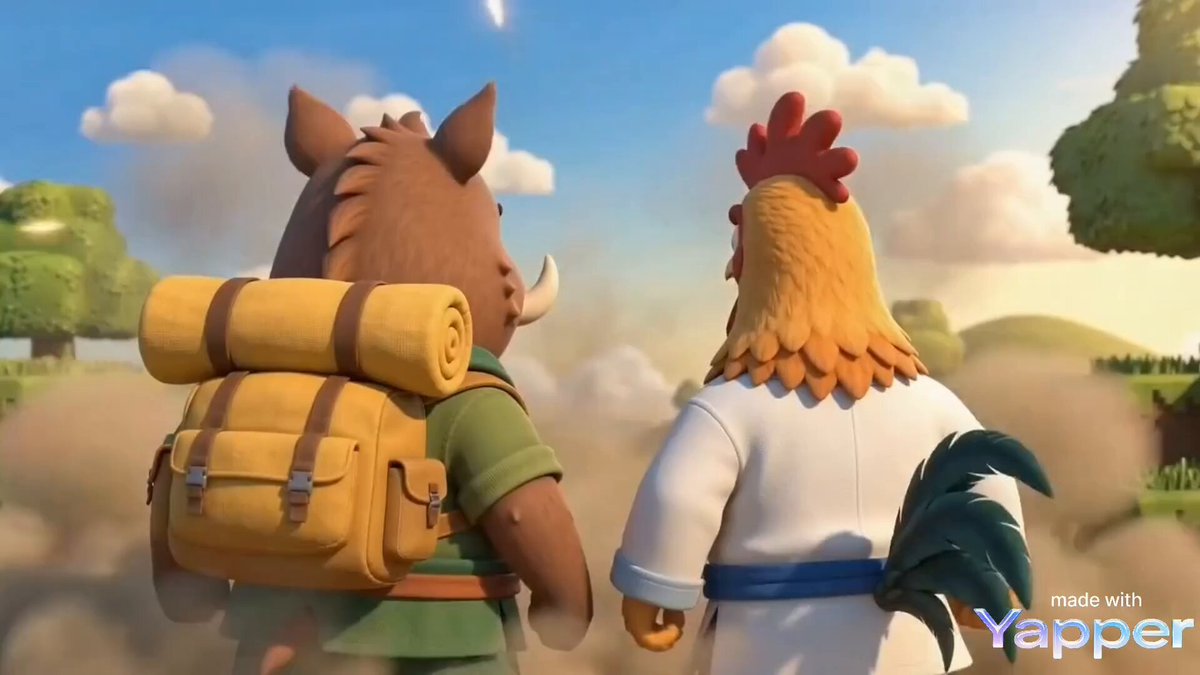
Turn the showdown into exaggerated, playful cartoon choreography.
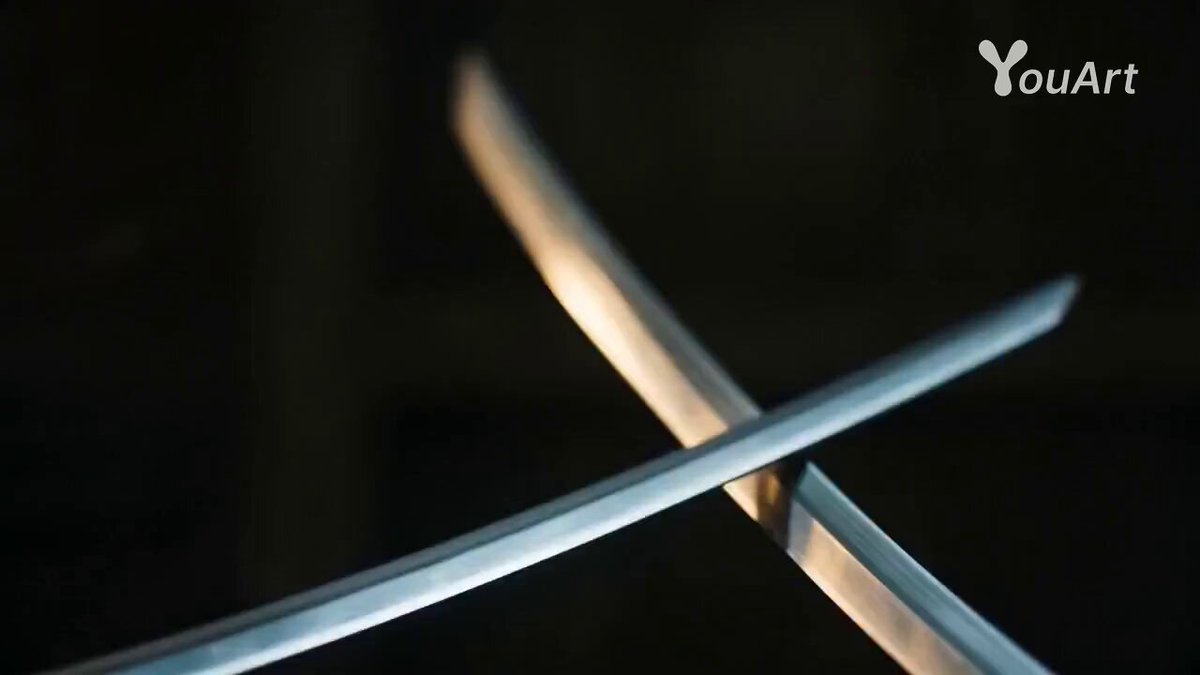
Use quick evasive movement and precise strikes in a shadowy action scene.
Distinct faces, clothing, and silhouettes help the generator keep each fighter recognizable throughout fast choreography.
Distinct faces, clothing, and silhouettes help the generator keep each fighter recognizable throughout fast choreography.
Compare the reviewed ai fight examples and select the result that fits your idea.
Adjust the prefilled prompt and any available generator controls, then generate your video.
A preset fills the action prompt only. You can change the fighting style, attacks, weapons, setting, pacing, camera motion, and finish.
Start with one of these ai fight prompts or write your own variation.
Create a measured martial arts exchange inside a dojo.
Preserve both referenced fighters. Stage a choreographed dojo duel with guarded footwork, clean blocks, quick counters, and a controlled finishing move with no visible injury.
Use fast movement and a dramatic skyline backdrop.
Keep both fighters recognizable during a fictional rooftop showdown with rapid punches, evasive movement, one spinning kick, and smooth camera tracking at sunset.
Create a non-graphic sword fight in a fantasy setting.
Preserve the referenced characters and weapons. Stage a cinematic fantasy sword duel with clear parries, dodges, sparks at impact, and a decisive but non-graphic final clash.
Use images with clear faces, outfits, and silhouettes. The fixed Reference mode keeps the generator’s compatible reference controls available.
Yes. Reference mode can use the generator’s available reference slots. Distinct clothing and silhouettes help keep the characters separate.
Martial Arts Fight appears first and is selected by default. Five styles are featured, with an additional jungle sword option in the selector.
The page prompts specify fictional or choreographed action with non-graphic impacts and no gore or visible injury.
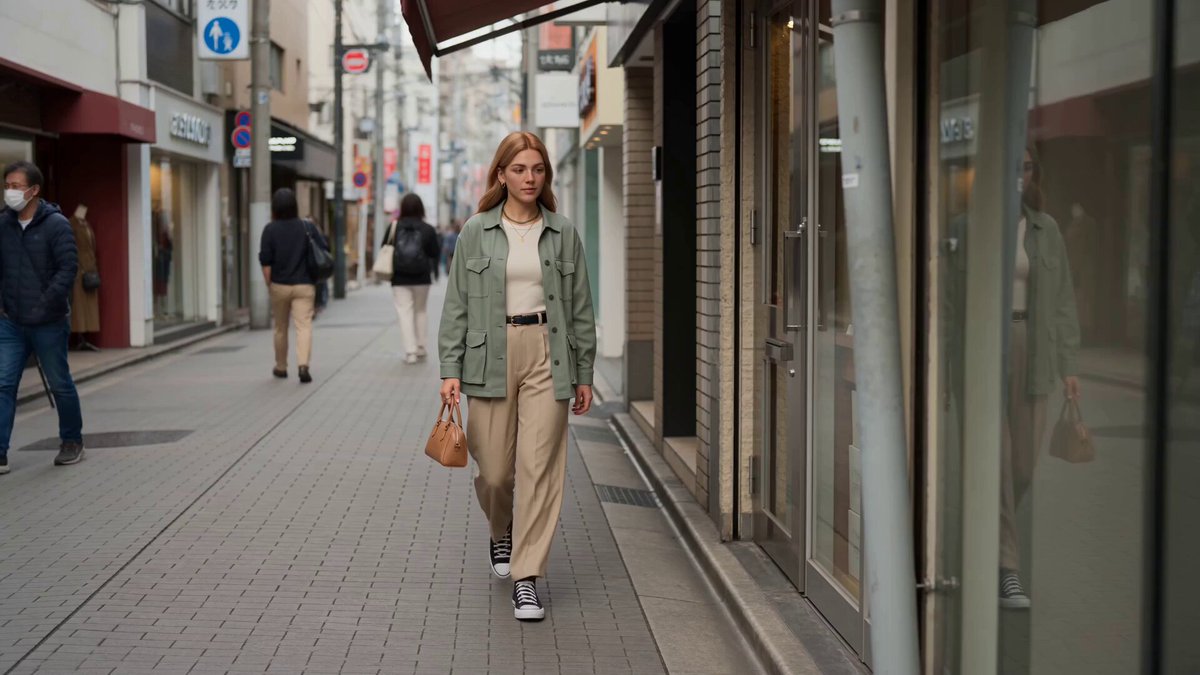 Reference to VideoCreate custom motion from character references.
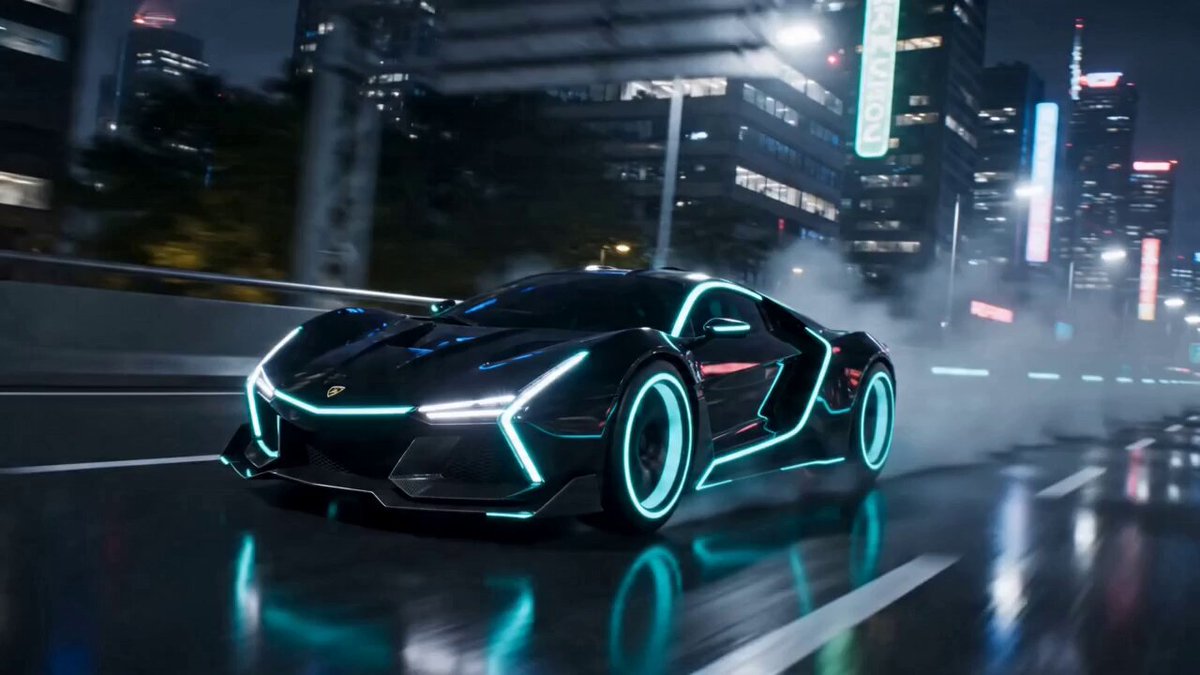 AI TransformationTransform a character before or after the action.
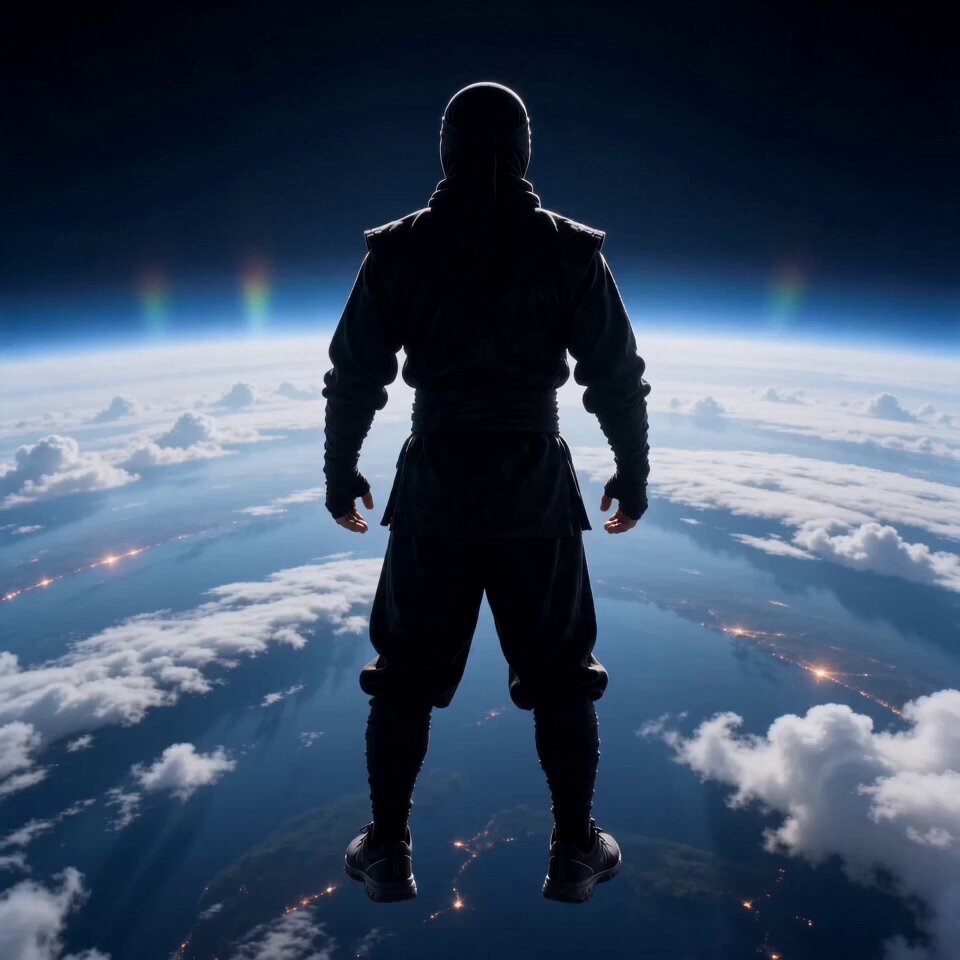 AI FlyingBuild a cinematic airborne action scene.
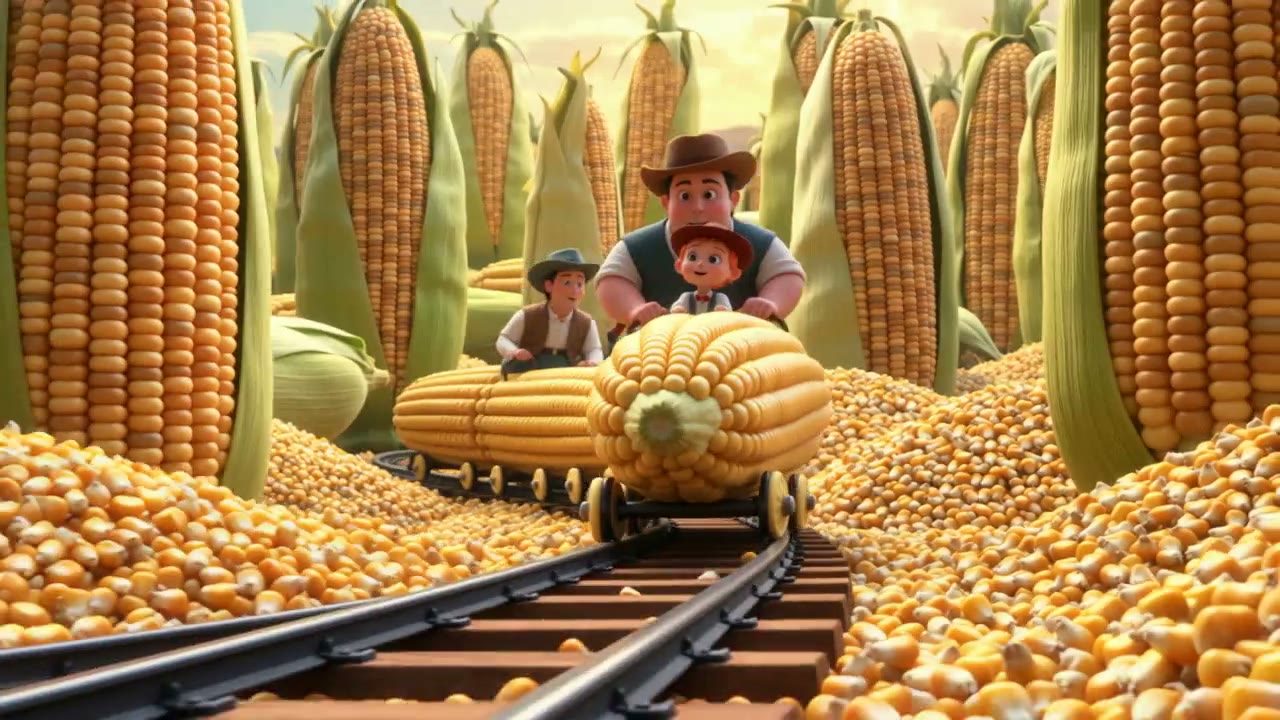 AI Animation GeneratorCreate stylized animated characters and scenes.
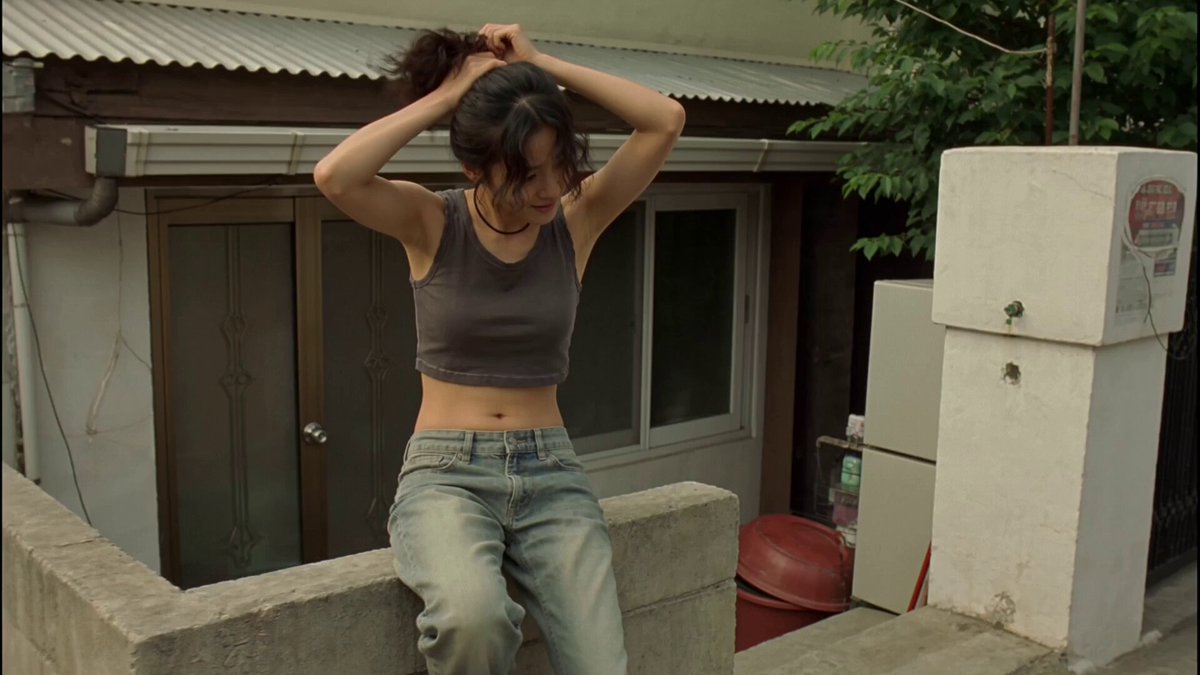 Video to VideoRestyle existing action footage while preserving its motion.
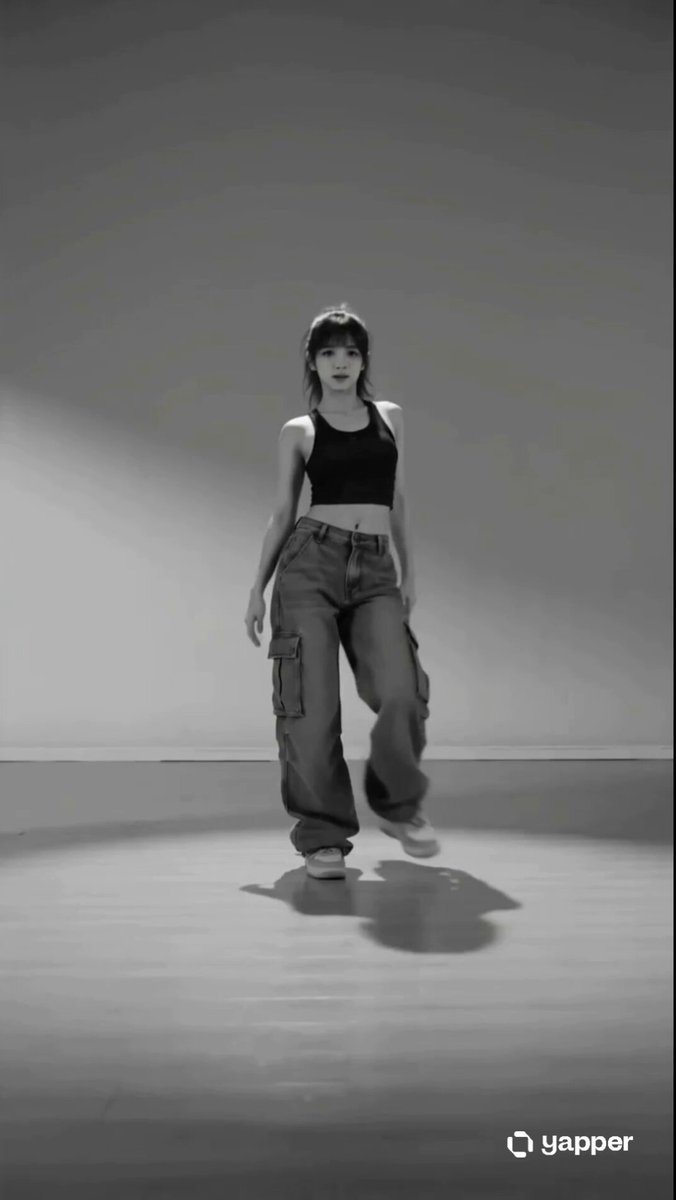 AI DanceExplore full-body movement and choreography.
Add character references, choose a fight style, and edit the prompt to direct the choreography and setting.
Generate video