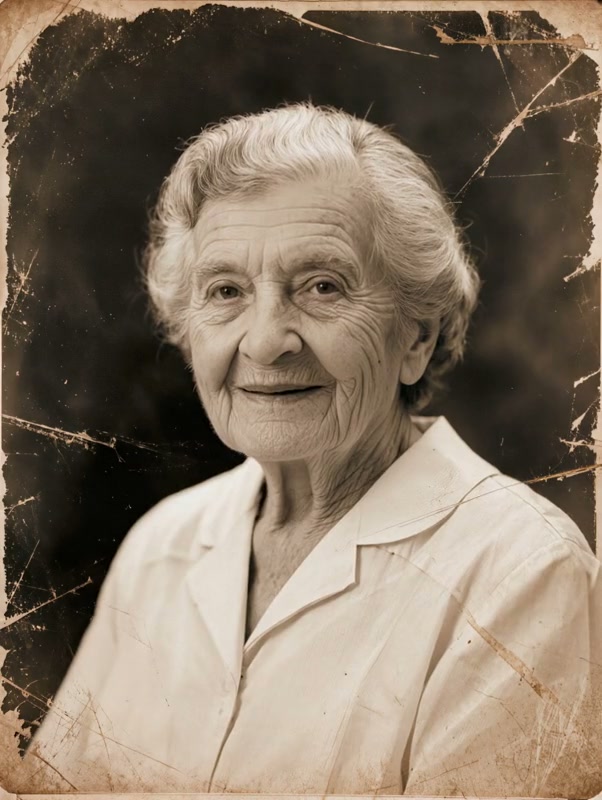
Generated motion
Animate Old Photo
Add a soft blink, faint smile, and subtle breathing while preserving the aged photograph.
Animate Old Photos with AI and turn a treasured picture into a subtle, lifelike video while preserving the people, texture, and character of the original.
Examples show the motion language of each preset. Your result follows your uploaded material and edited prompt.
Compare old photo animation examples built to preserve identity, aged texture, and the original photographic character.
Add a soft blink, faint smile, and subtle breathing while preserving the aged photograph.
To animate old photos naturally, use a well-scanned image with readable faces so subtle movement does not change the people.
A well-scanned image with readable faces gives the model enough detail to create controlled movement without changing the people.
Compare the reviewed animate old photos examples and select the movement that fits your idea.
Adjust the prefilled prompt and any available generator controls, then generate your video.
A preset fills the motion instructions only. You can edit every detail while the generator keeps its normal compatible controls.
Use these old photo animation prompts as a starting point, or write a variation for your own memory.
Add a shared glance and gentle smiles to a vintage family portrait.
Preserve the complete vintage family portrait and its original texture. Add one natural blink, subtle breathing, and small warm smiles as the people briefly glance toward one another. Keep the camera locked and the movement restrained.
Create a calm blink and slight head movement in a single portrait.
Animate the old portrait with one soft blink, a faint smile, and a very small head tilt. Preserve the exact identity, age, clothing, grain, scratches, lighting, and framing. Keep the camera still.
Give several people coordinated, minimal motion without changing the composition.
Bring the group photo gently to life. Preserve every person and the original arrangement. Add subtle breathing, occasional blinks, and tiny natural expression changes with no camera movement or modernized details.
A clear source image and restrained prompt help preserve identity. The preset asks for small movements and explicitly prevents face replacement, age changes, and modernized details.
No. You can use a faded or monochrome photo directly. A light restoration may help when facial details are badly obscured, but the original texture can remain part of the result.
Yes. Use a scan where each face is visible and keep the requested movement subtle so several identities remain stable in the same frame.
The preset tells the model to preserve the original monochrome or faded color treatment. You can edit the prompt if you intentionally want a different look.
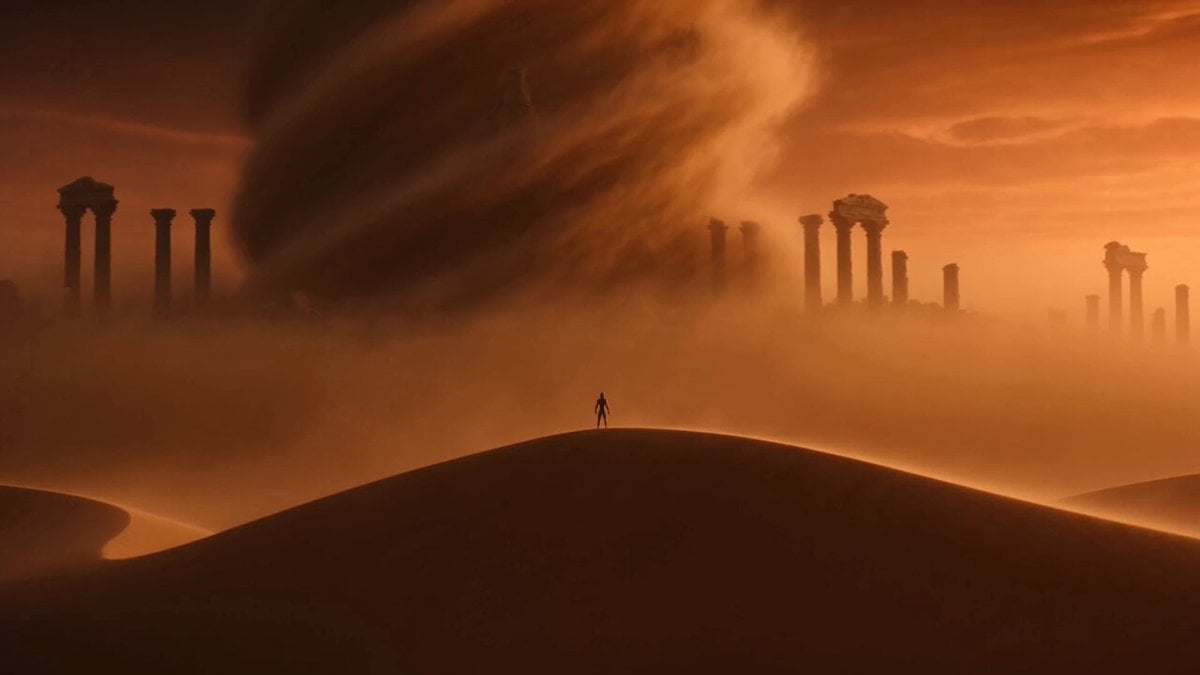 Image to VideoAnimate any still image with a custom motion prompt.
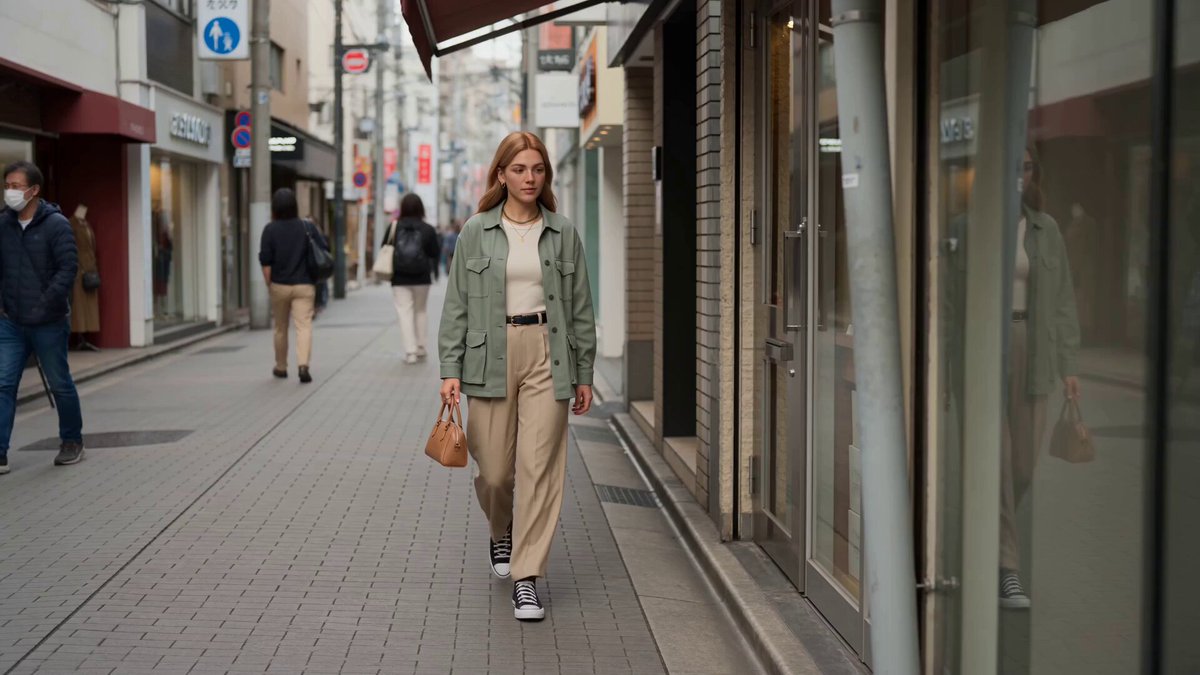 Reference to VideoGuide a video with additional visual references.
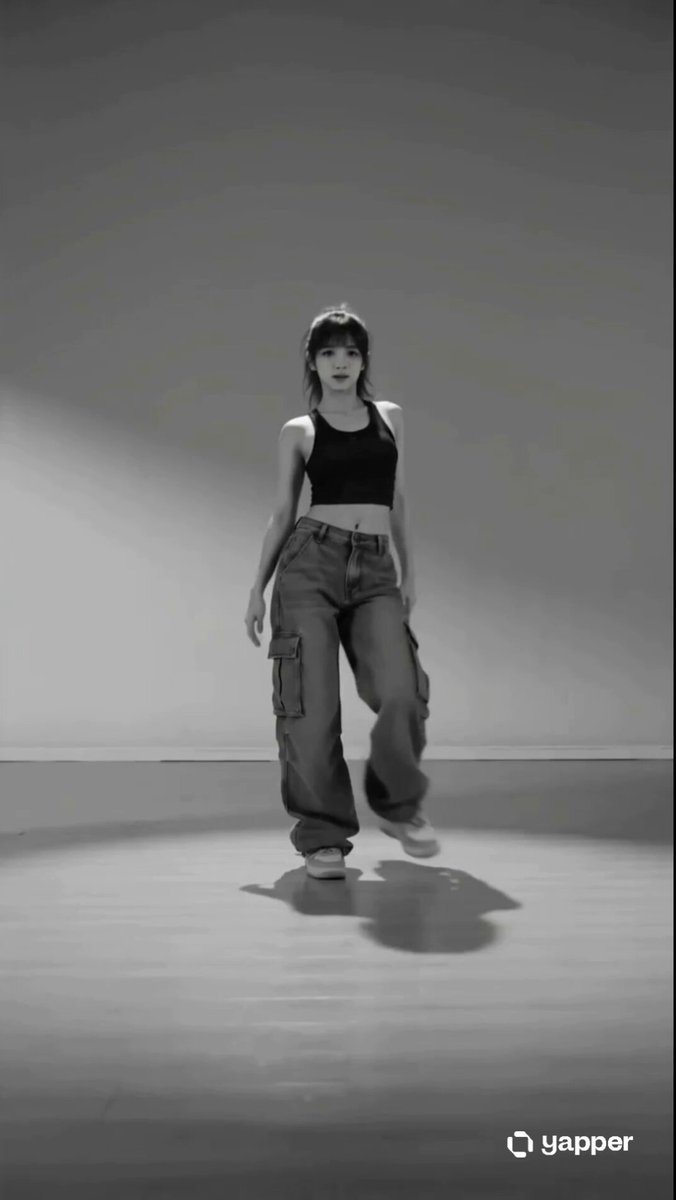 AI DanceApply a selected dance routine to a person.
 AI HugCreate a natural hug from reference images.
 AI KissTurn a paired photo into a kiss video.
 Dolly ZoomAdd a dramatic cinematic camera effect.
Upload a treasured picture, choose the gentle old photo animation style, and shape the final movement with an editable prompt.
Generate video