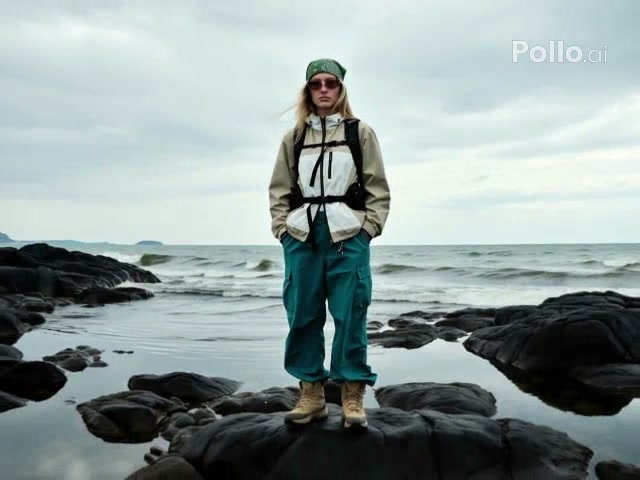
Generated effect
Drone Pullback
Rise and pull away from a centered subject to reveal the wider landscape.
The AI Aerial Pullback Video Generator expands a close image into a smooth rising camera reveal across coasts, ice fields, cities, and landscapes.
Examples show the motion language of each preset. Your result follows your uploaded material and edited prompt.
Compare four aerial pullback styles and choose how the camera retreats, rises, or arcs around the starting scene.
Rise and pull away from a centered subject to reveal the wider landscape.
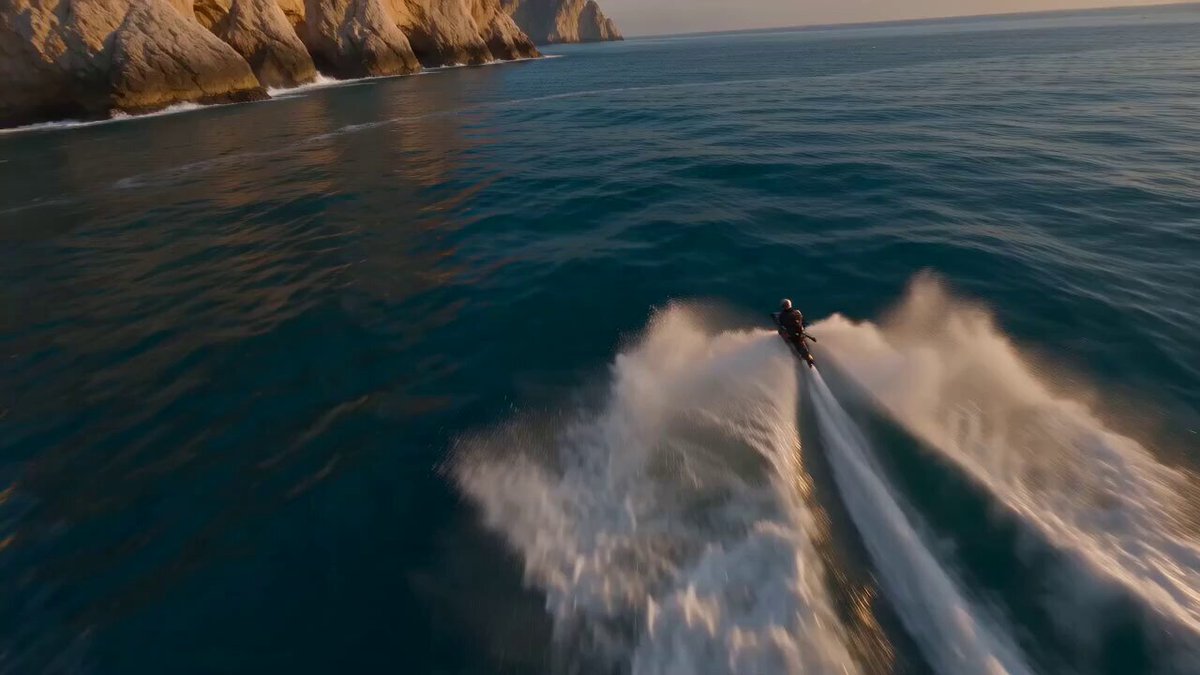
Reveal cliffs, water, roads, and shoreline through a wide coastal retreat.
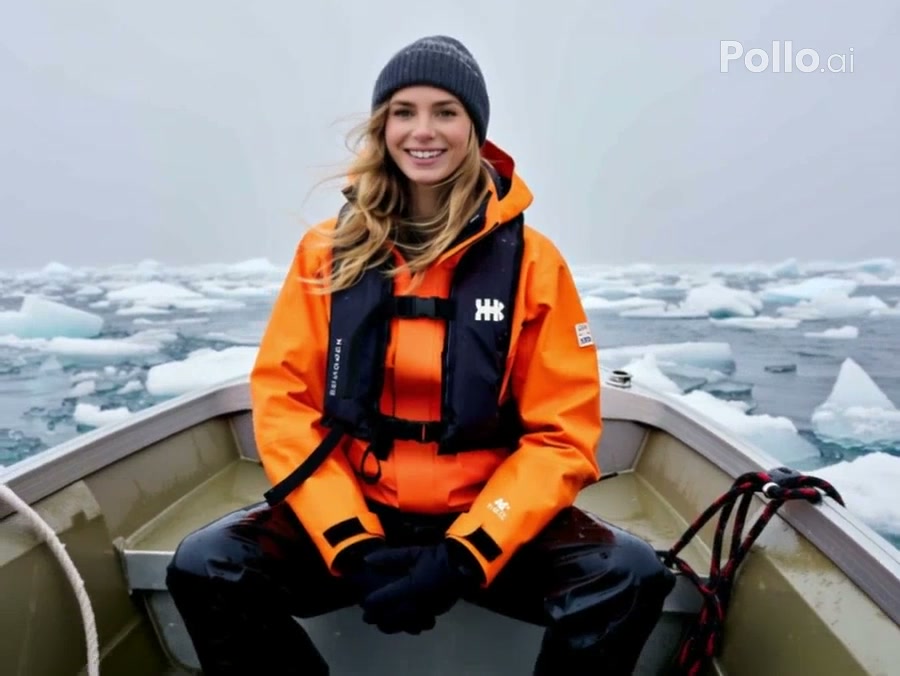
Pull away from a boat or explorer to reveal a wide field of floating ice.
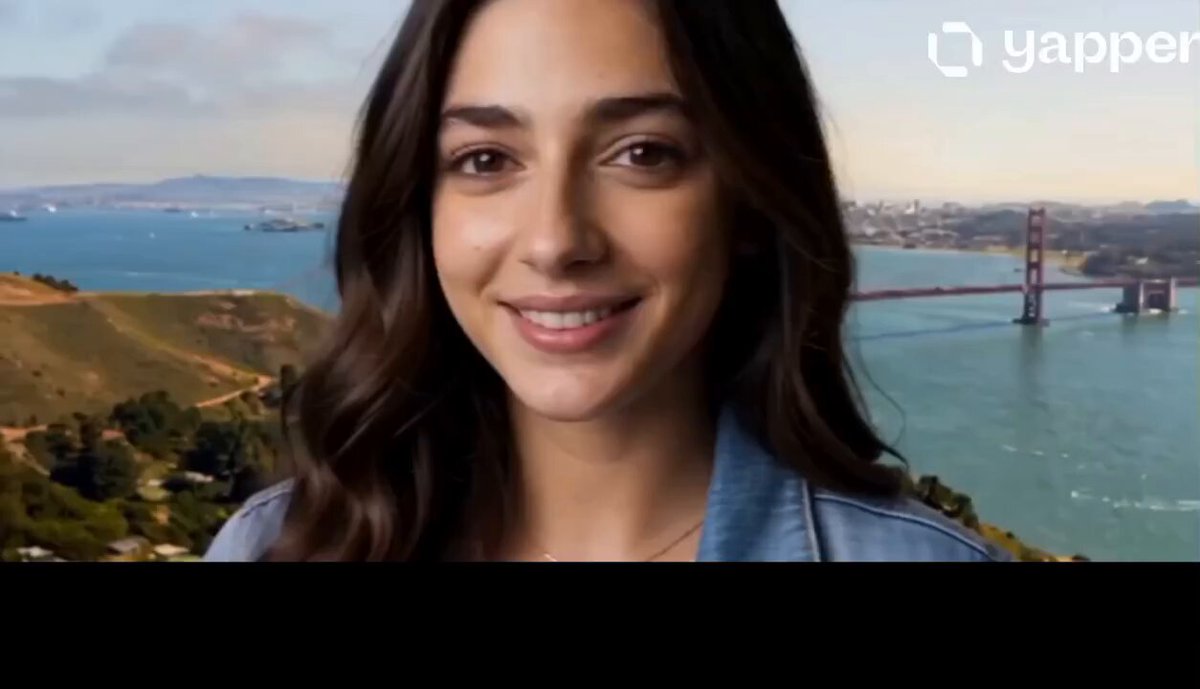
Combine a gentle orbit with a rising pullback around a centered subject.
A clear foreground subject and some surrounding space help the model extend the environment while the camera moves backward and upward.
A clear foreground subject and some surrounding space help the model extend the environment while the camera moves backward and upward.
Compare the reviewed aerial pullback examples and select the result that fits your idea.
Adjust the prefilled prompt and any available generator controls, then generate your video.
The preset fills the camera instructions only. You can edit the altitude, retreat speed, orbit amount, revealed environment, and ending scale.
Start with one of these aerial pullback prompts or write your own variation.
Pull from a street subject into a connected urban view.
Begin close to the subject on a city street, then pull backward and rise smoothly to reveal the block, surrounding roads, rooftops, and skyline in one continuous camera move.
Open a small trail scene into a sweeping mountain landscape.
Start close to the hiker or trail marker, then retreat upward like a stabilized drone to reveal the valley, mountain ridges, vegetation, and atmospheric depth.
Rise from a shoreline subject to show the full island.
Begin near the shoreline subject, then move backward and upward over the water to reveal the beach, vegetation, cliffs, and the full island without cuts.
It is a continuous camera move that begins close to a subject or scene, then moves backward and rises to reveal a much wider environment.
Aerial Pullback ends at a landscape, city, or regional aerial scale. Earth Zoom Out continues through the atmosphere until the planet is visible.
Drone Pullback appears first and is selected by default. You can switch to coastal, ice-field, or orbit variations.
Yes. Edit the prompt to control altitude, speed, environment detail, and the scale of the final view.
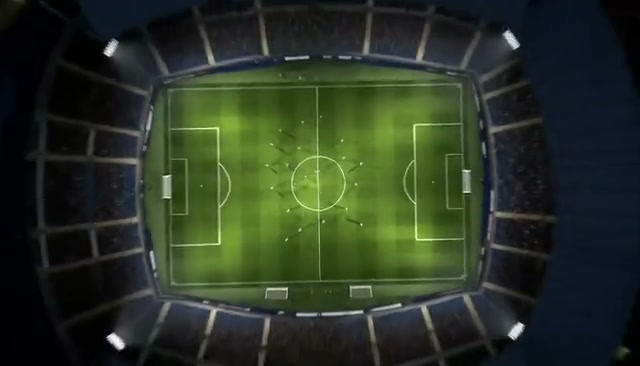 Earth Zoom OutContinue a pullback from the ground into orbit.
 Camera OrbitRotate smoothly around a subject or object.
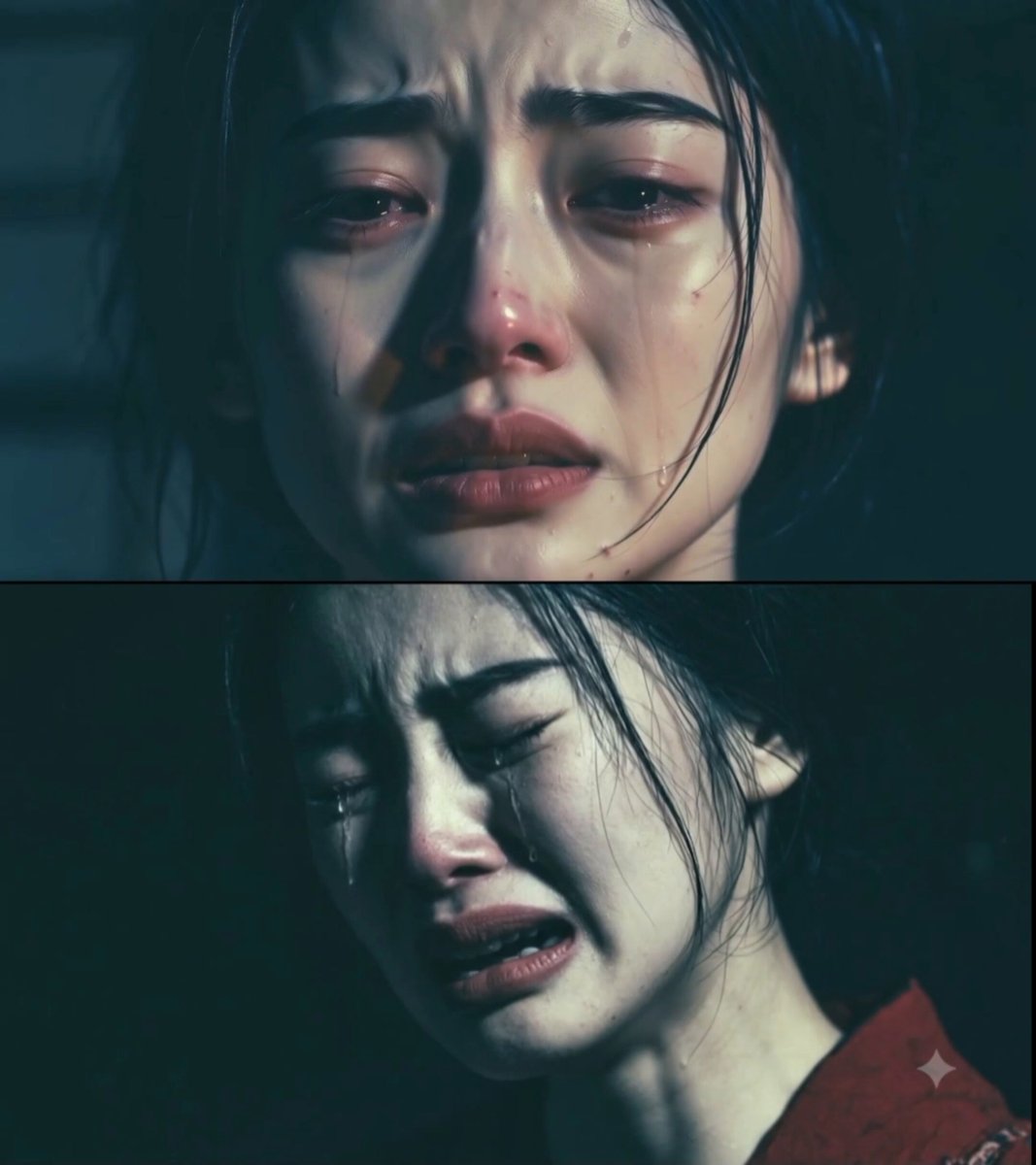 Dolly ZoomCreate a vertigo-style camera movement.
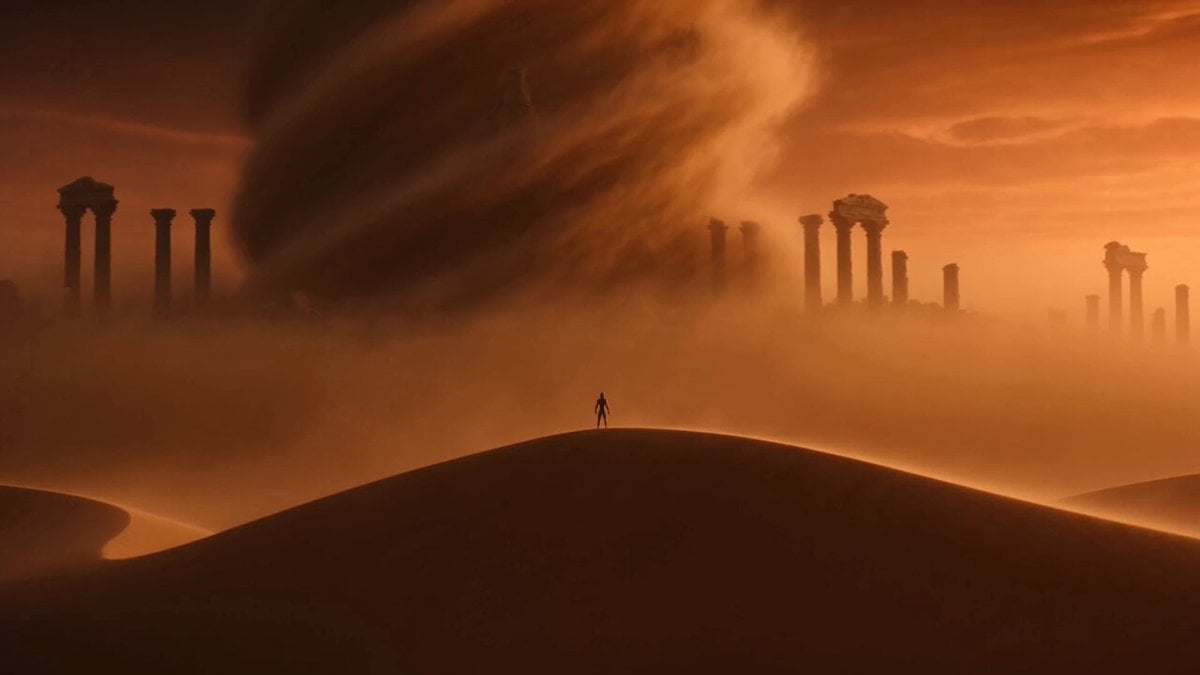 Image to VideoAnimate an image with a custom camera prompt.
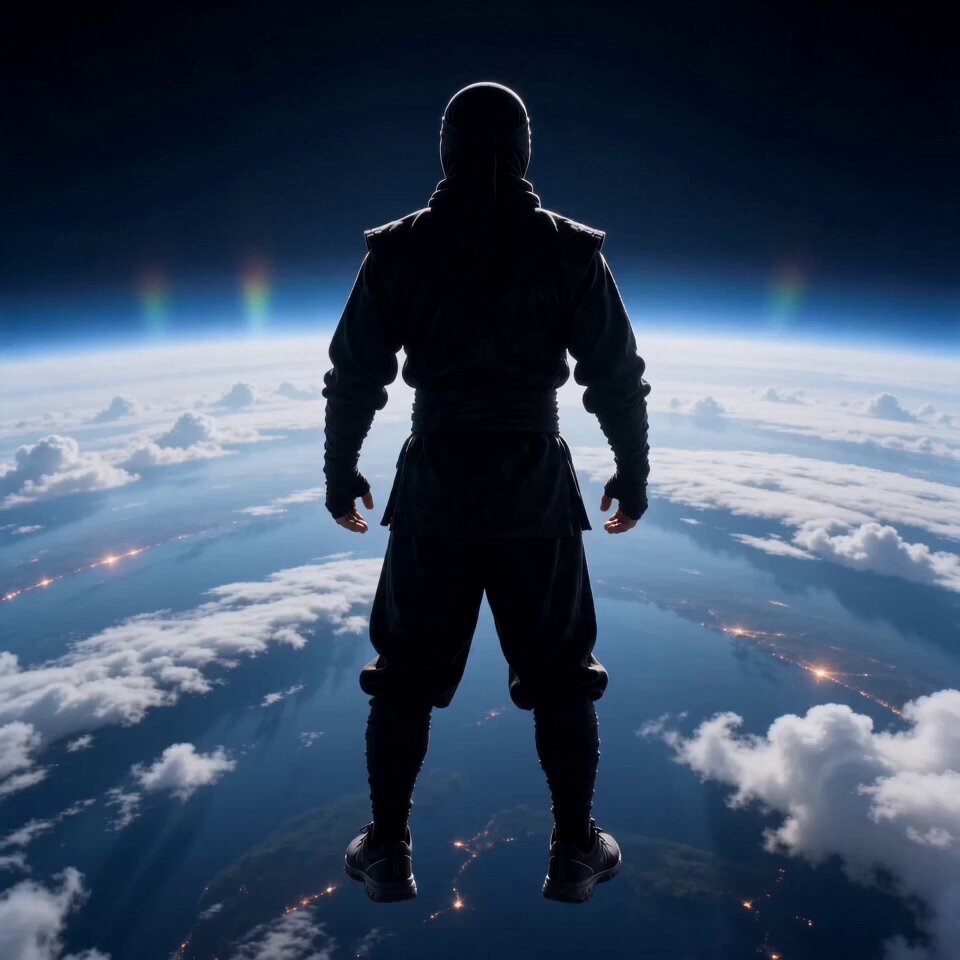 AI FlyingLift a subject into a cinematic aerial scene.
 Video TransitionConnect scenes with a controlled cinematic transition.
Add a subject or scene image, choose a camera path, and edit the prompt to control the wider reveal.
Generate video