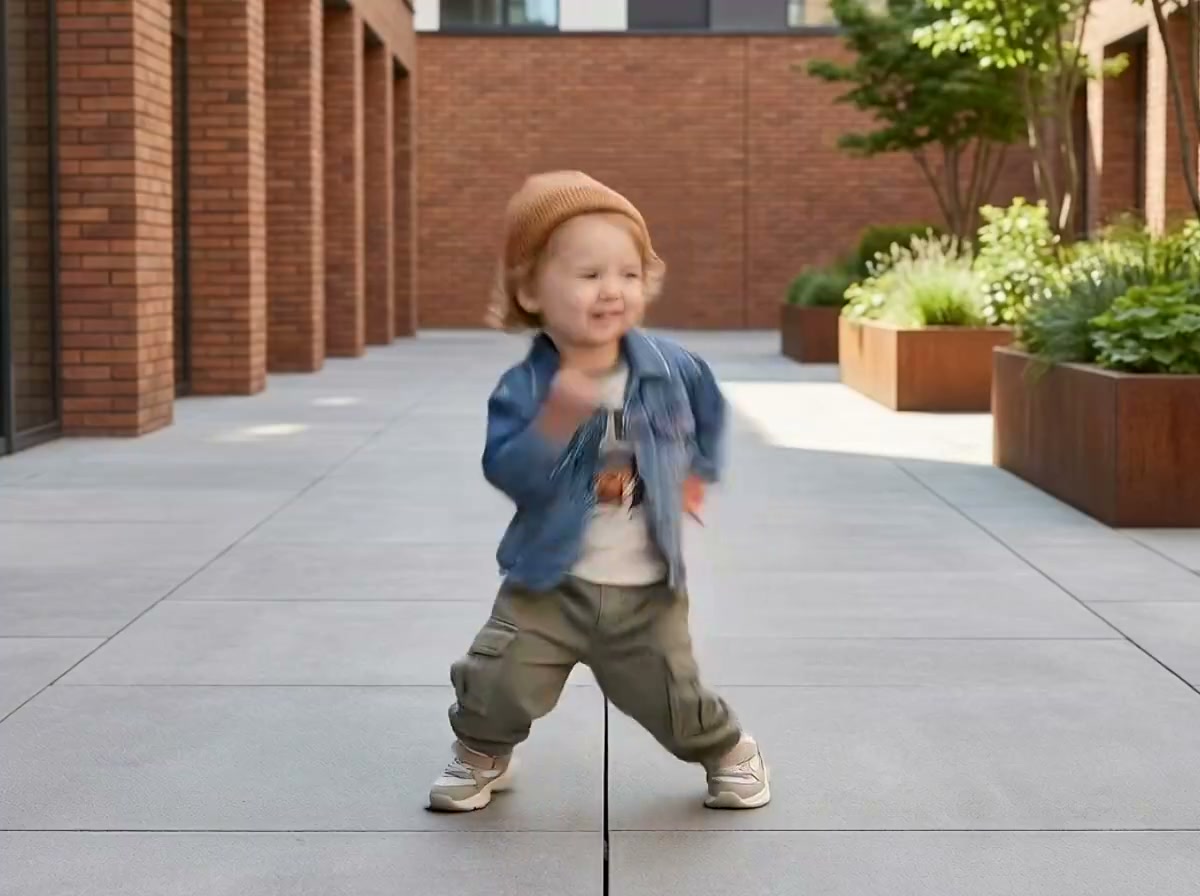
Generated motion
Viral Baby Dance
Use bouncy footwork and quick gestures for a short trend-ready dance clip.
The AI Baby Dance Video Generator turns baby references into a playful video with viral, K-pop, pop, modern, bounce, and smooth-sway choreography.
Examples show the motion language of each preset. Your result follows your uploaded material and edited prompt.
Compare six baby dance video styles, then edit the movement, expression, setting, and rhythm in the prompt.
Use bouncy footwork and quick gestures for a short trend-ready dance clip.
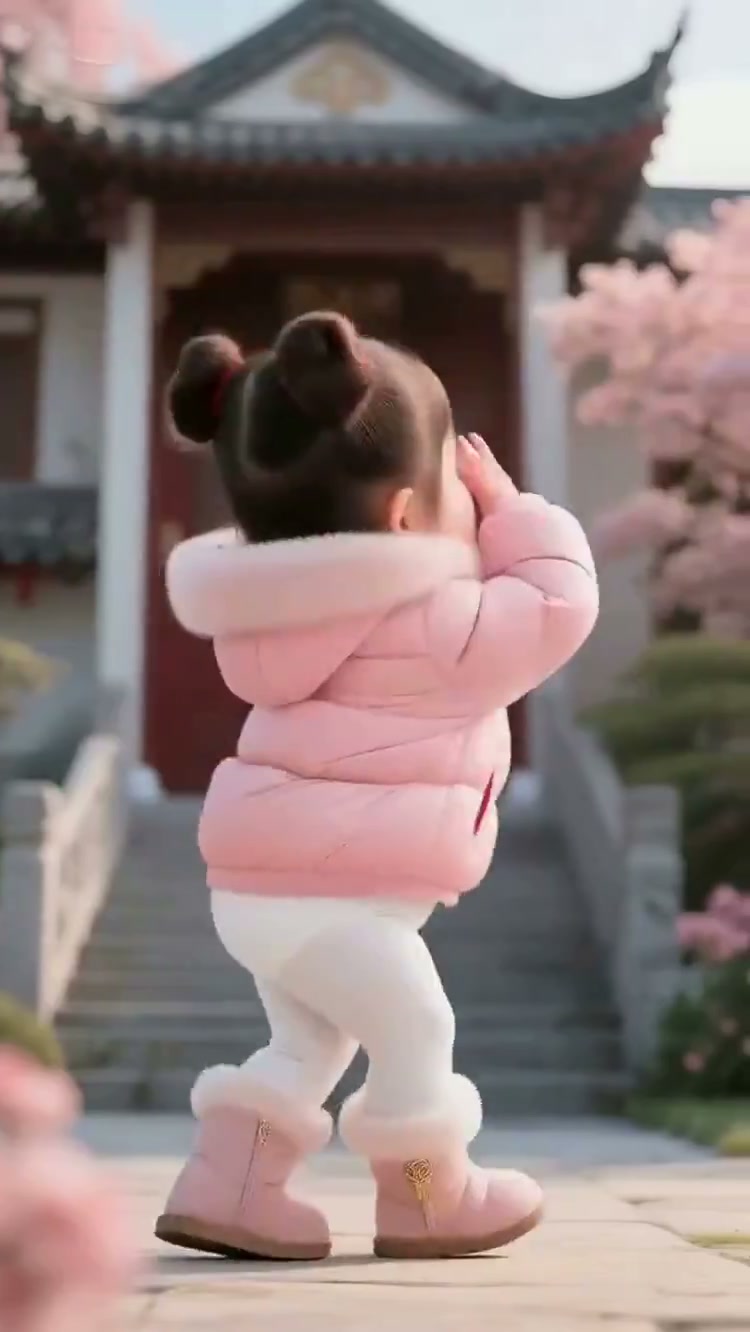
Perform cute K-pop steps with cheek poses, hand waves, and upbeat timing.
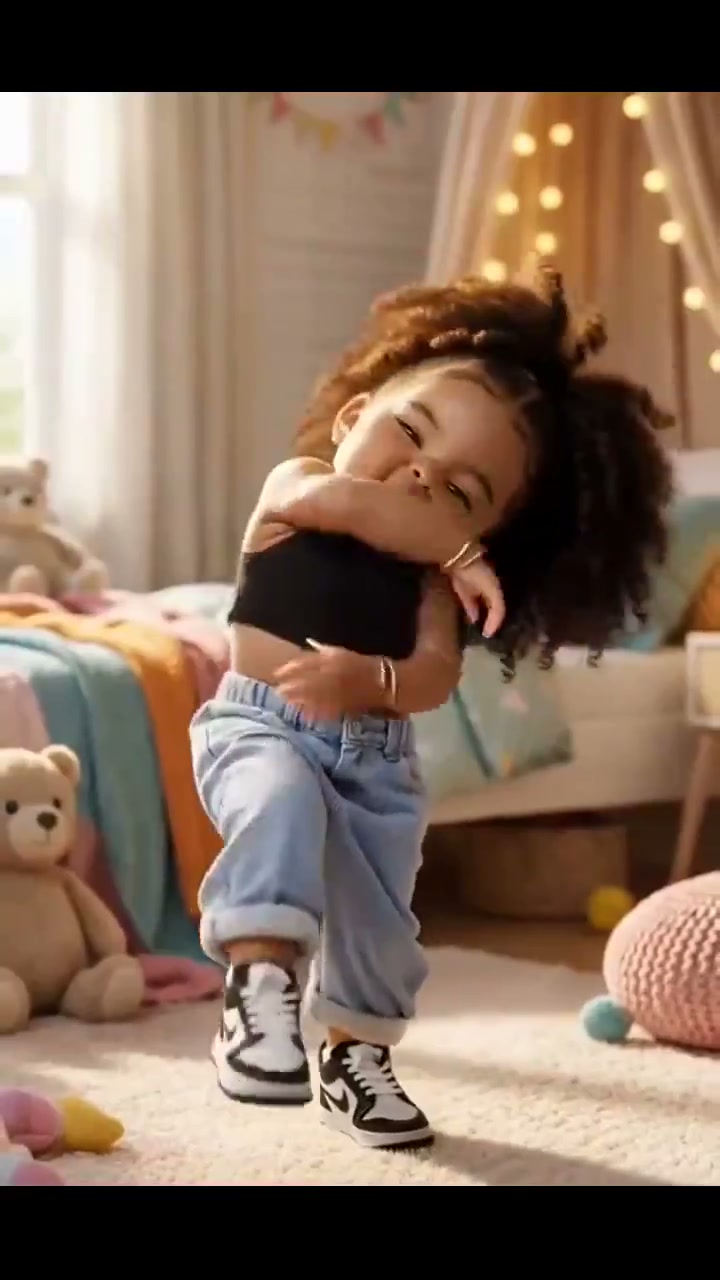
Add playful pop-star gestures, shoulder movement, and confident rhythm.
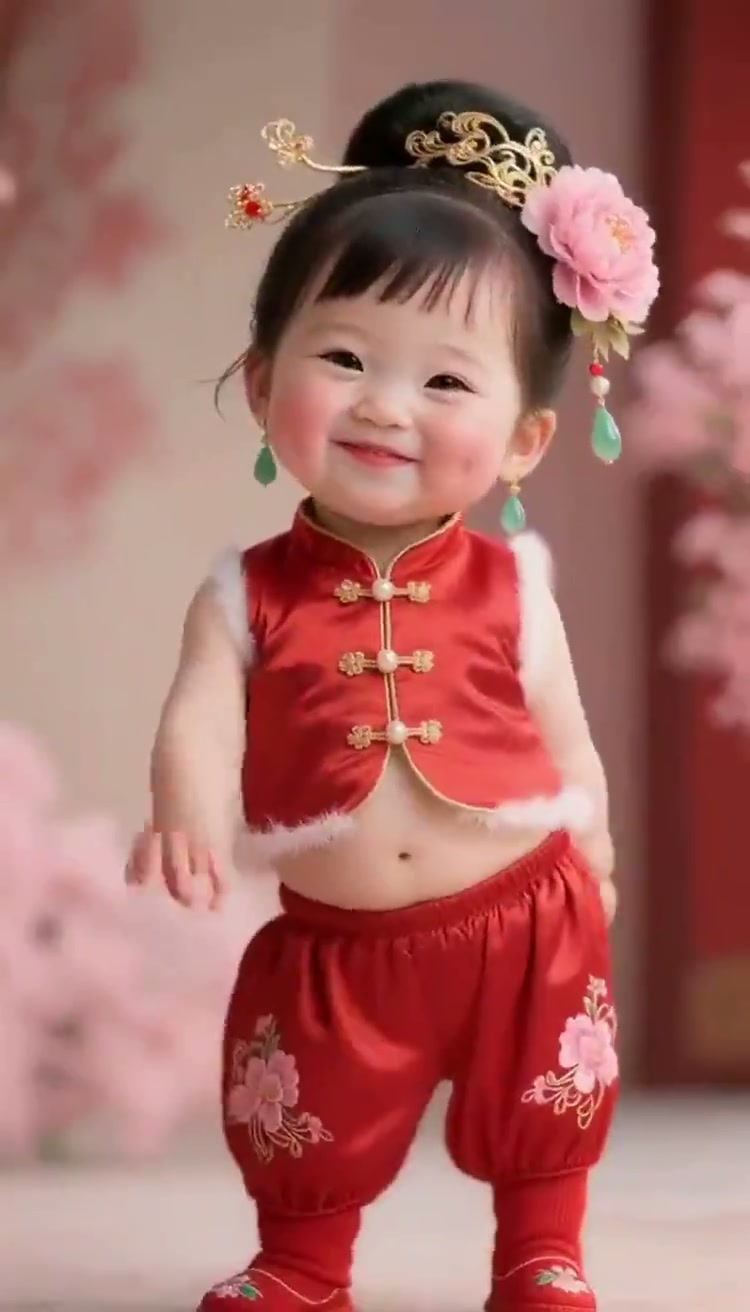
Combine hand claps, gentle side steps, and cheerful modern dance movement.
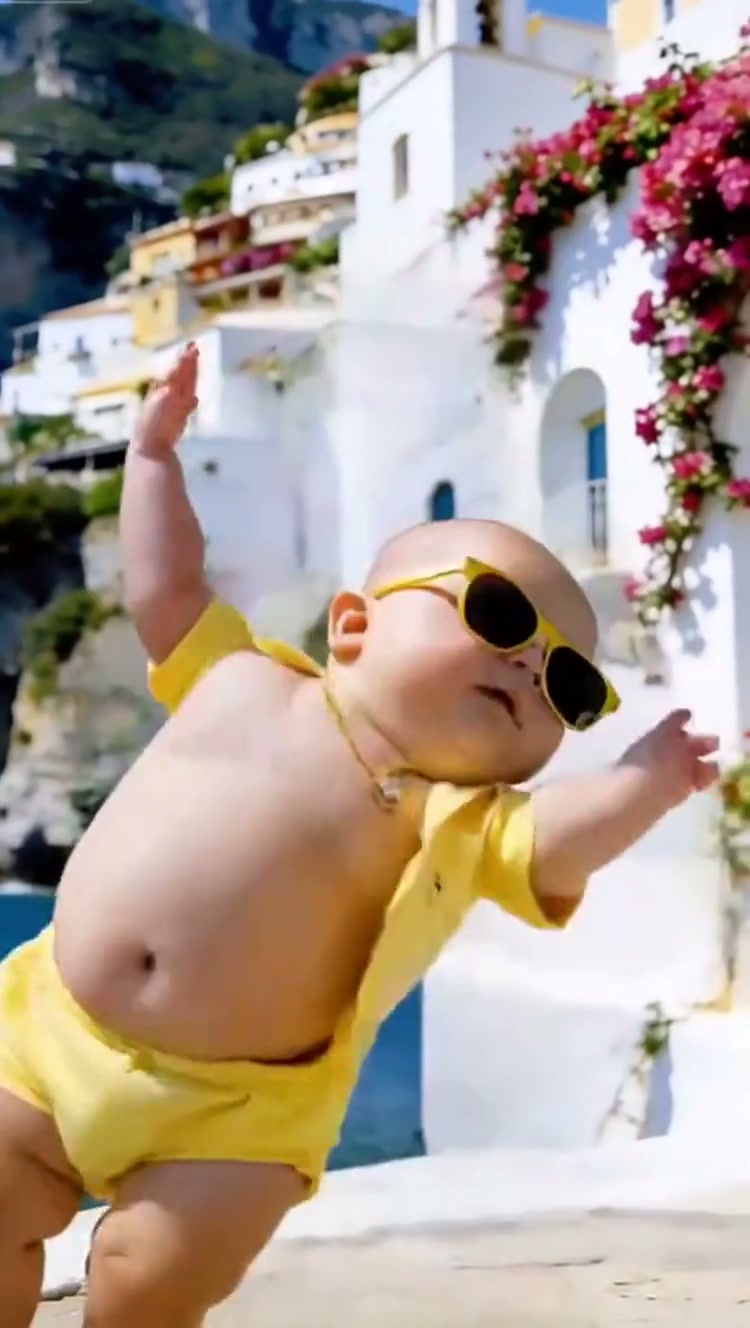
Bounce gently from side to side with relaxed arms and a playful attitude.
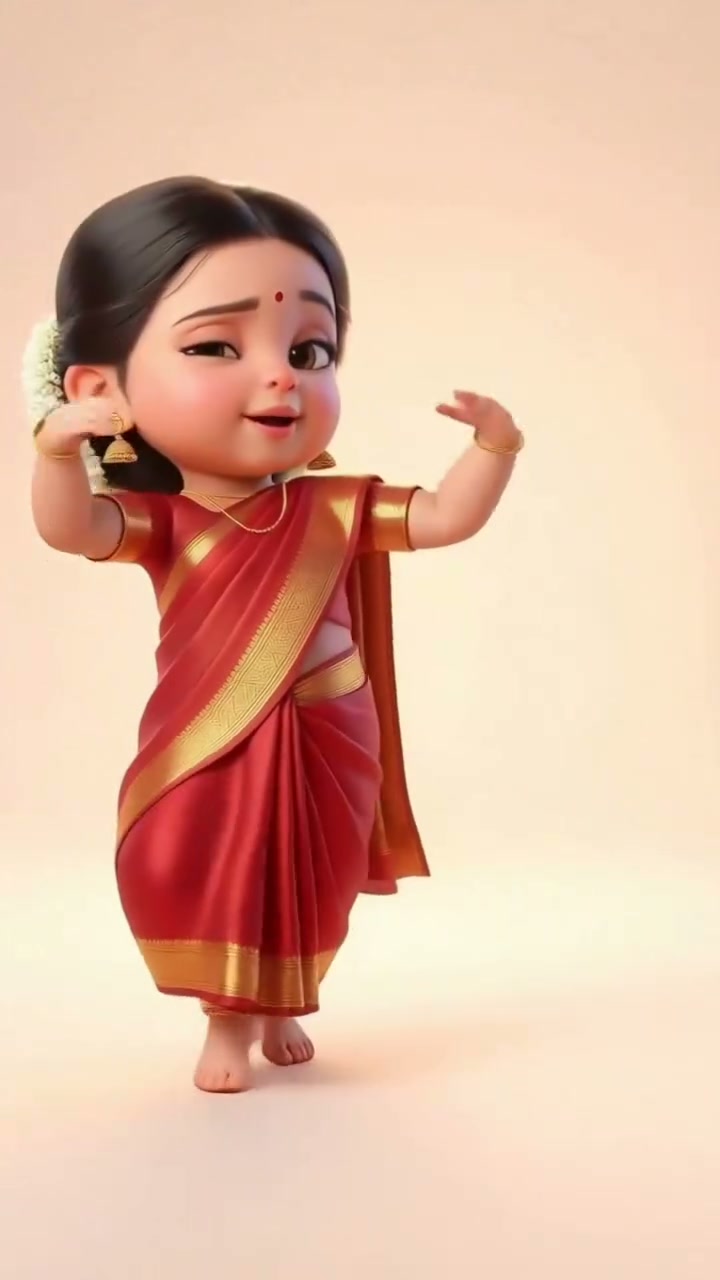
Use soft turns, graceful arm extensions, and a relaxed side-to-side sway.
A baby dance video works best when the face, body outline, and clothing remain clear enough to preserve the baby during movement.
A visible face, body outline, and clothing help the model keep the baby recognizable while applying the selected dance movement.
Compare the reviewed baby dance examples and select the movement that fits your idea.
Adjust the prefilled prompt and any available generator controls, then generate your video.
A preset fills the motion instructions only. You can edit every detail while the generator keeps its normal compatible controls.
Start with one of these baby dance video prompts or write your own choreography variation.
Add cheerful steps and claps beside birthday decorations.
Preserve the baby from the references. Create a cheerful birthday dance with gentle steps, rhythmic claps, shoulder bounces, and a happy finish beside colorful decorations.
Create a relaxed, playful routine in a familiar room.
Keep the baby identity and clothing stable. Add small side steps, relaxed arm swings, playful head bobs, and a smooth rhythmic groove in a cozy living room.
Use confident gestures and a bright stage-like finish.
Turn the referenced baby into a playful pop performer with coordinated steps, pointing gestures, small hip sways, and a confident final pose under soft colorful lights.
Use clear images where the face, clothing, and body outline are readable. The generator keeps its normal reference controls, so you can provide the visual material available to you.
Viral Baby Dance appears first and is selected by default. You can switch among all six styles before generating.
Yes. Selecting a style fills its motion prompt, and the complete prompt remains editable for different gestures, rhythm, setting, and mood.
The prompts explicitly preserve the baby’s proportions and request playful, balanced, age-appropriate motion with stable identity.
Add your references, choose a baby dance video style, and edit the prompt to shape the movement and setting.
Generate video