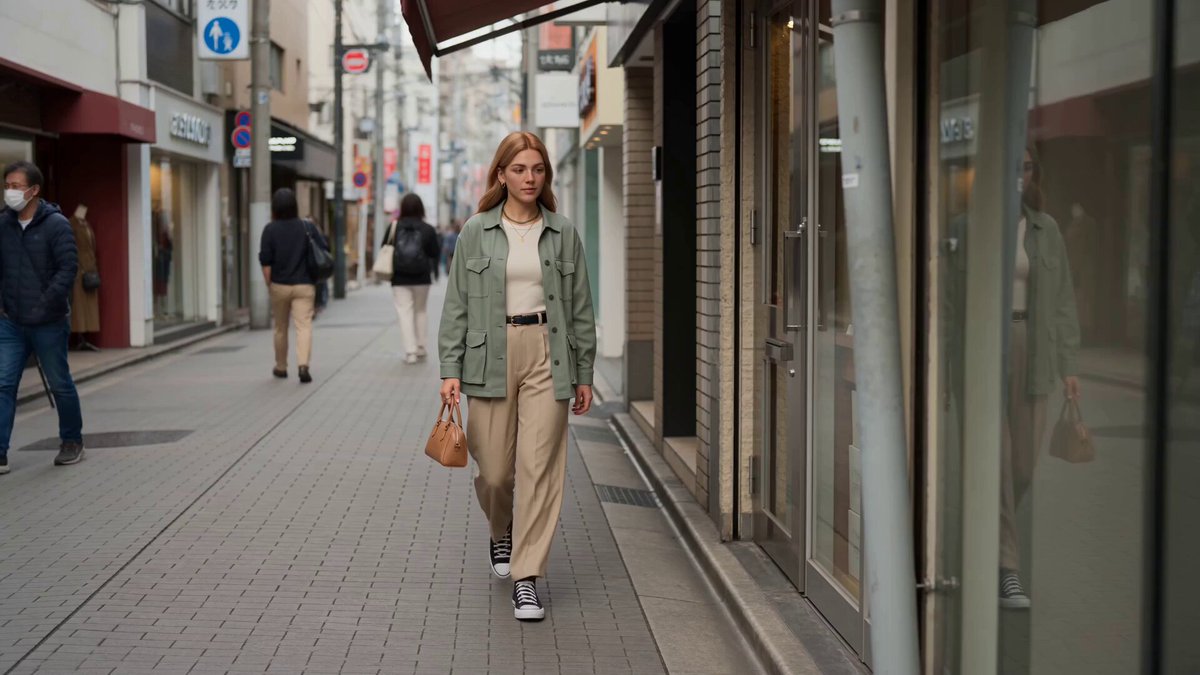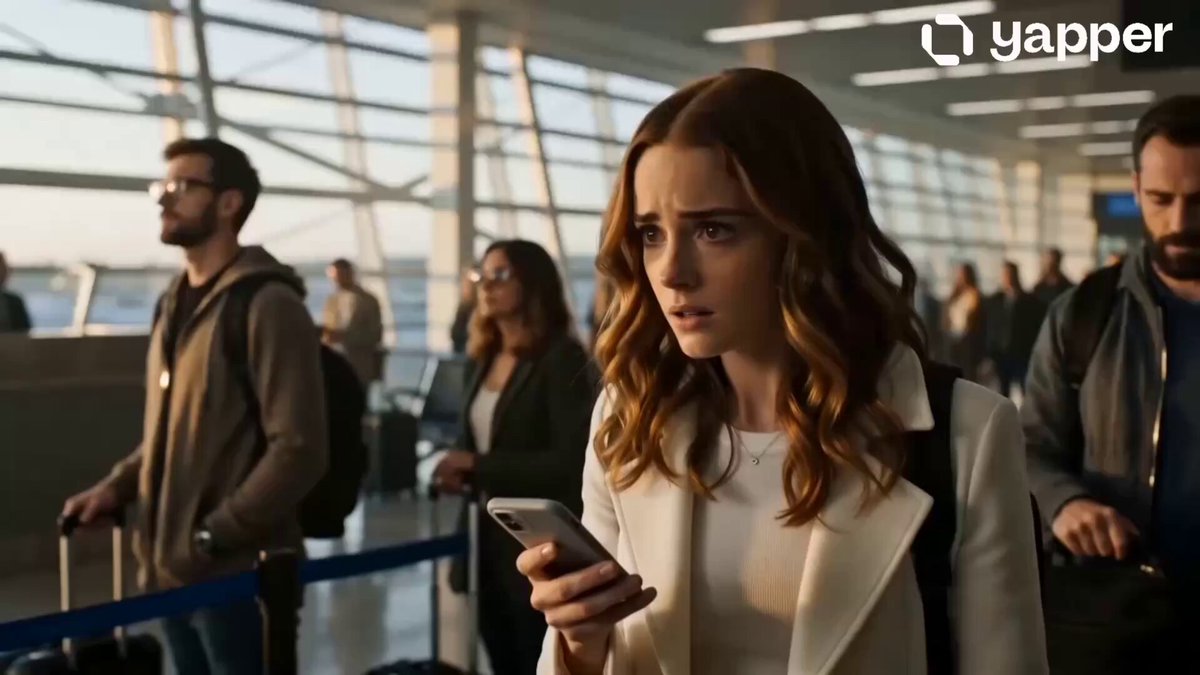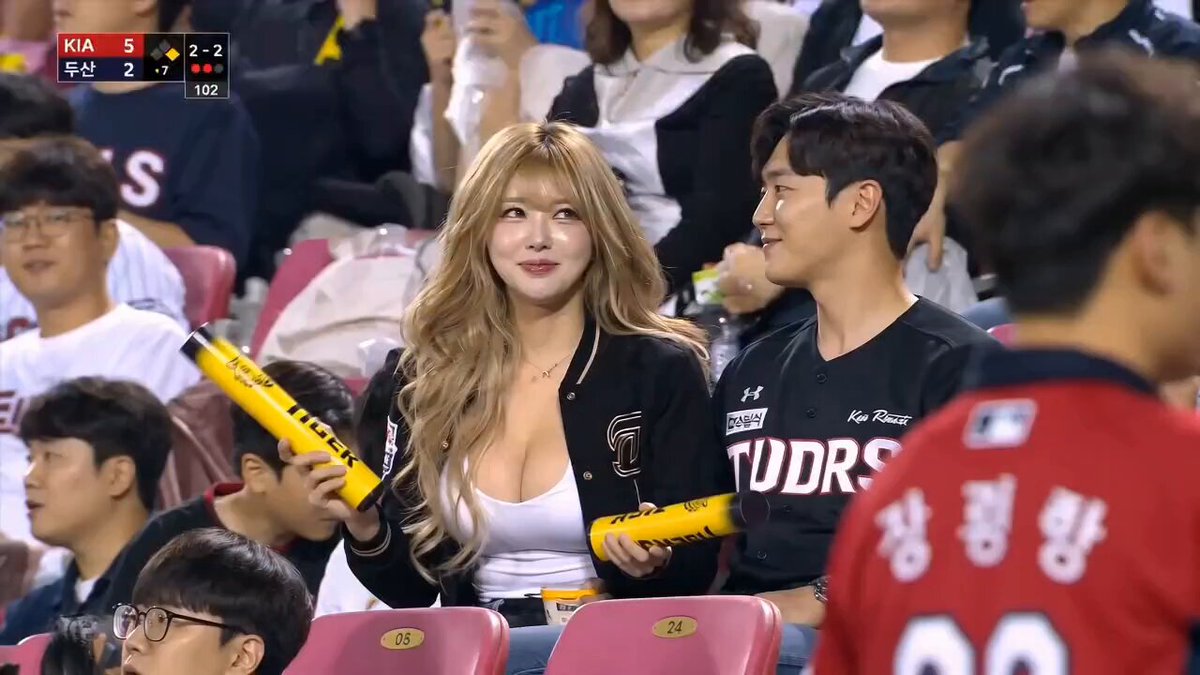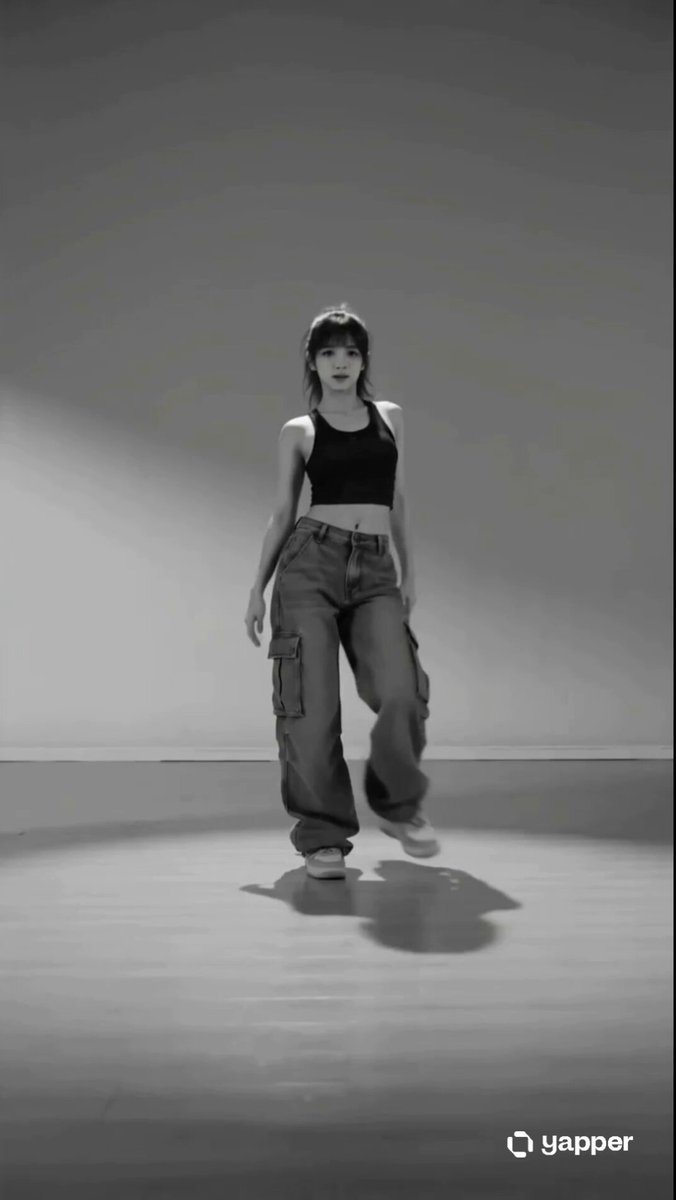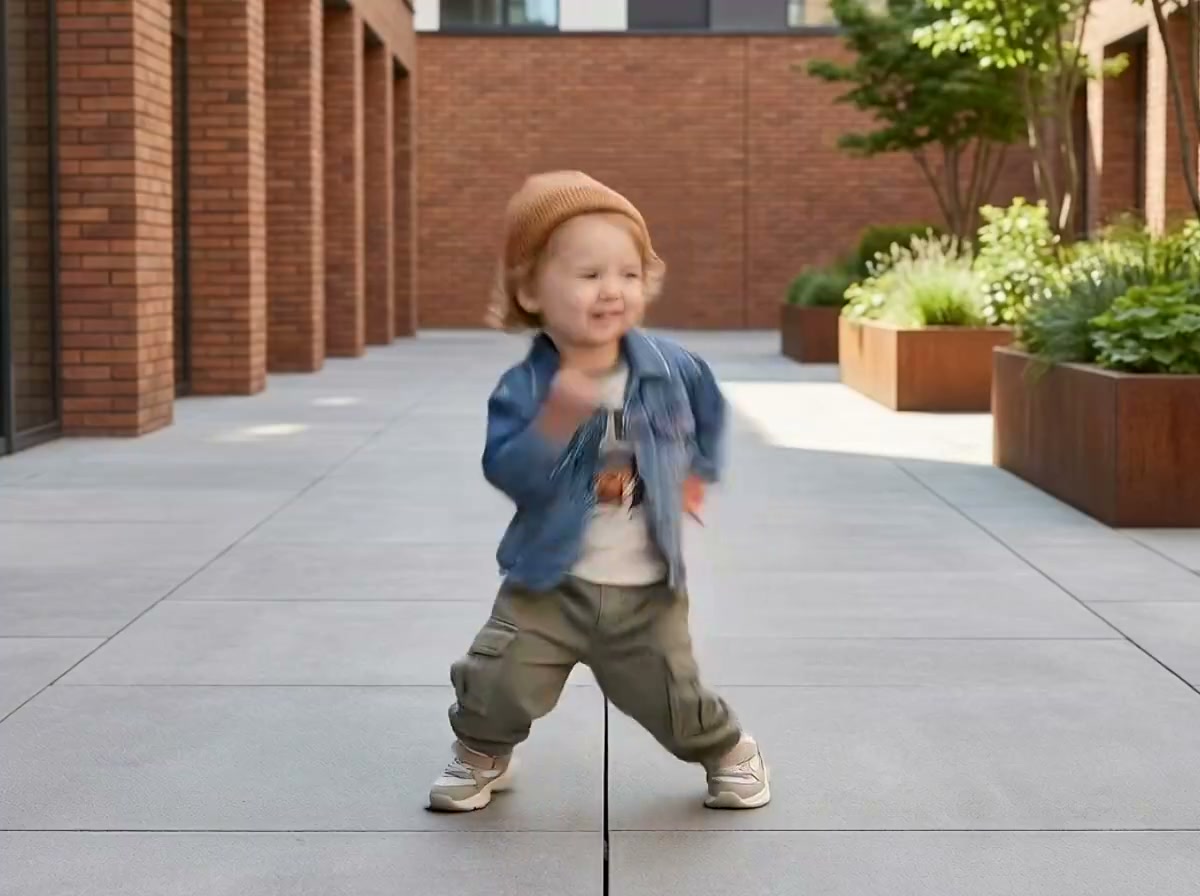
Generated motion
Couple Hand Heart
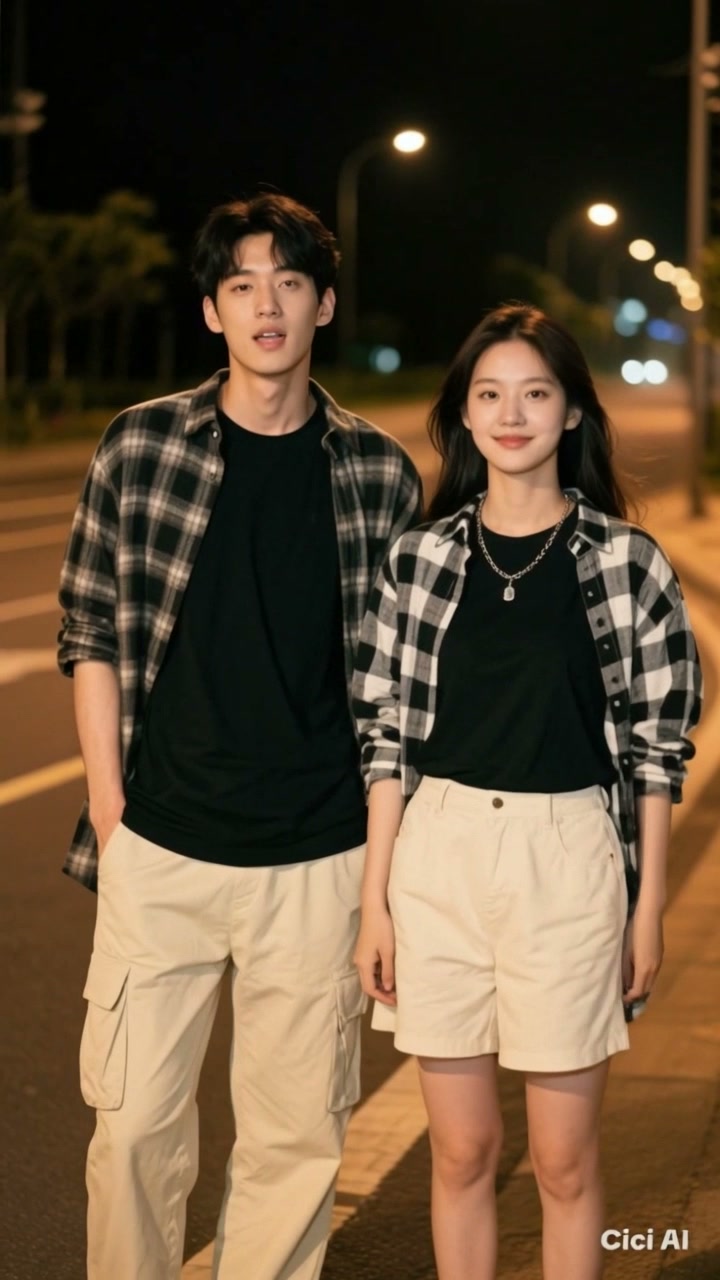
Two people turn toward the camera and form one shared heart with natural timing.
The AI Hand Heart Video Generator creates a coordinated heart-hands video from your references, with both people completing a clear shared gesture.
Examples show the motion language of each preset. Your result follows your uploaded material and edited prompt.
Compare hand heart video styles for a natural couple interaction or a direct-to-camera gesture, then edit the scene and timing.
Two people turn toward the camera and form one shared heart with natural timing.
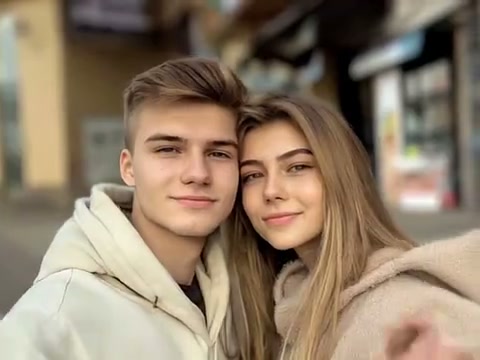
Create a direct-to-camera heart gesture with playful smiles and clear hand movement.
A hand heart video works best with references that clearly show both faces, shoulders, and hands for a coordinated final gesture.
References with readable faces, shoulders, and hands help the model preserve both identities and coordinate the final gesture.
Compare the reviewed hand heart examples and select the movement that fits your idea.
Adjust the prefilled prompt and any available generator controls, then generate your video.
A preset fills the motion instructions only. You can edit every detail while the generator keeps its normal compatible controls.
Start with one of these editable hand heart video prompts or write your own variation.
Form a shared heart against a warm sunset.
Preserve both people from the references. Place them together at sunset, let them exchange a warm glance, turn toward the camera, and raise their hands in sync to form one clear shared heart.
Use a candid laugh before the heart-hands pose.
Keep both identities stable. Begin with a playful candid laugh, then have the pair face the camera and coordinate their hands into a large symmetrical heart, holding the finished gesture clearly.
Create a polished hand-heart moment under evening lights.
Place the referenced pair beneath soft city lights. They step closer, smile toward the lens, lift their arms together, and form a readable heart shape with natural fingers and stable faces.
The effect is designed for a visible pair. Clear references help the model preserve both identities while coordinating their hands.
Yes. The selected style fills the motion prompt, and you can edit the setting, lighting, mood, and camera direction before generating.
The gesture depends on keeping two people recognizable. Reference mode provides the generator with the visual material it needs while retaining its normal upload controls.
Choose images where shoulders, arms, and hands are readable, and keep the final gesture simple and held for a clear moment.
Add your references, choose a hand heart video style, and adjust the editable prompt for the gesture and setting you want.
Generate video