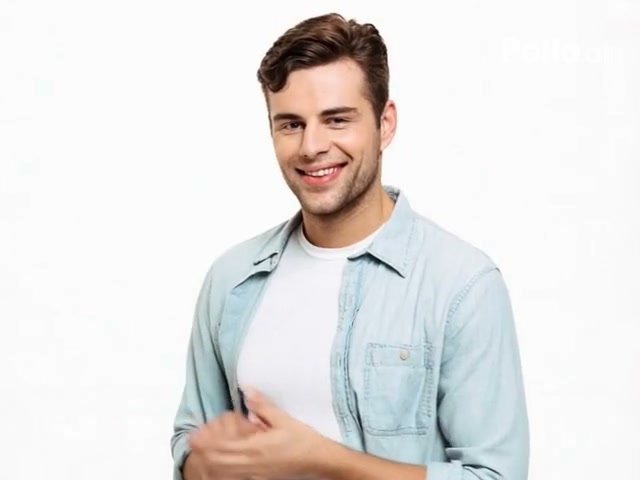
Generated effect
Muscle Transformation
Build visible definition through a smooth, progressive body transformation.
The AI Muscle Video Generator turns a person photo into a progressive muscle transformation with bodybuilder, suit, and anime power-up styles.
Examples show the motion language of each preset. Your result follows your uploaded material and edited prompt.
Compare four AI muscle video styles, then edit the physique, pose, energy, and setting in the prompt.
Build visible definition through a smooth, progressive body transformation.
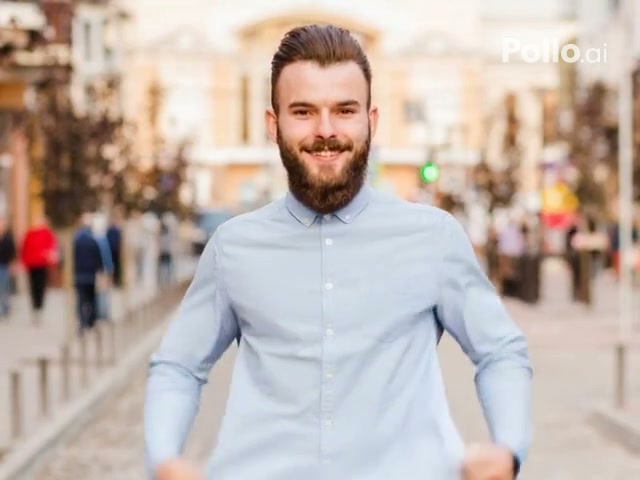
Reveal a competition-style physique with a strong double-biceps finish.
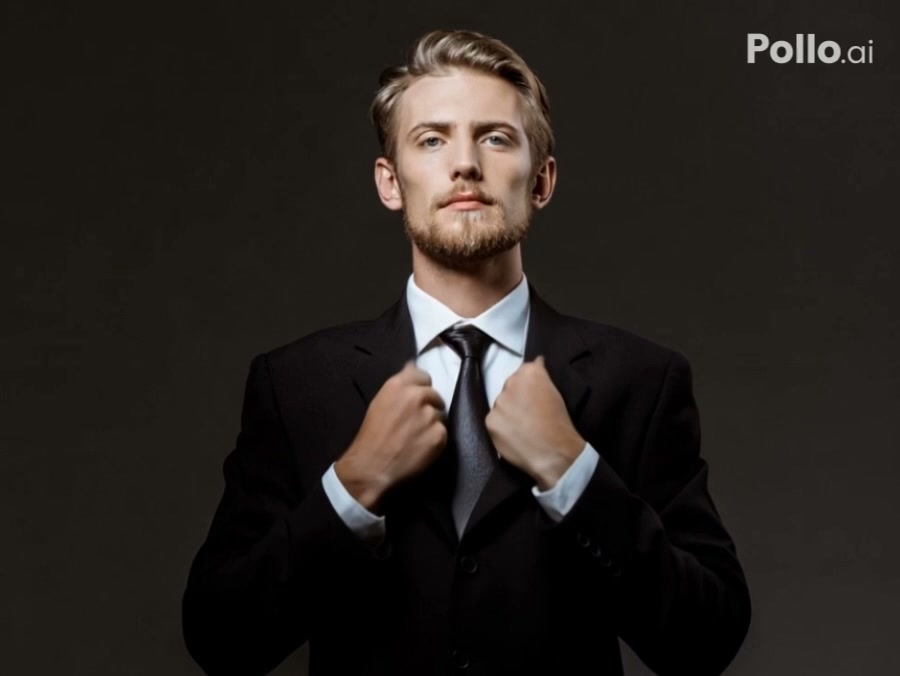
Reveal a muscular physique beneath formal clothing with a controlled flex.
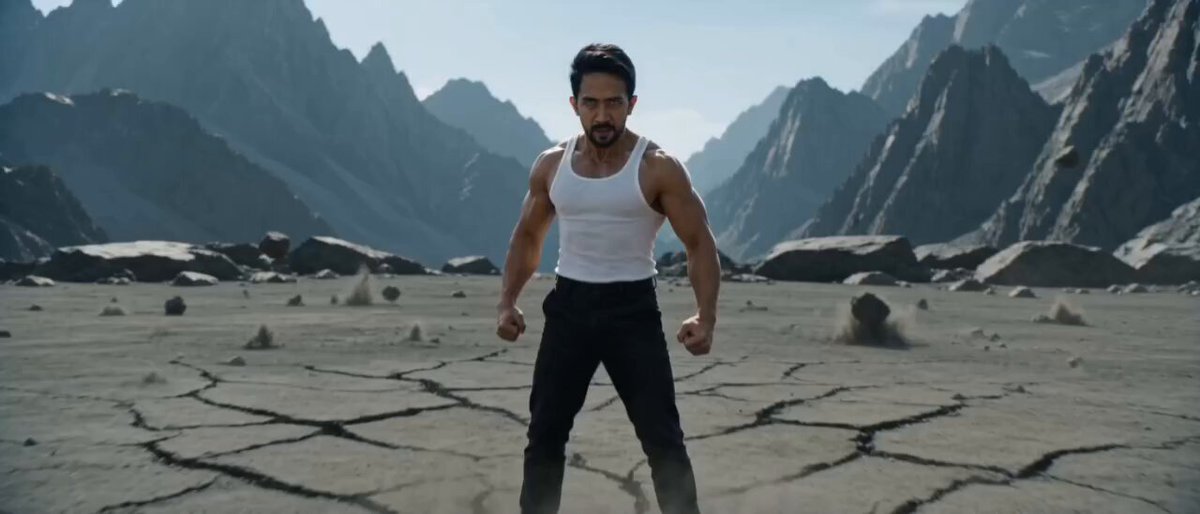
Combine a muscular transformation with anime-style energy and impact.
An AI muscle transformation works best when the face, shoulders, arms, torso, and clothing are easy to distinguish.
An AI muscle transformation works best when the face, shoulders, arms, torso, and clothing are easy to distinguish.
Compare the reviewed muscle examples and select the result that fits your idea.
Adjust the prefilled prompt and any available generator controls, then generate your video.
The selected preset fills only the prompt. You can change muscle definition, pose, transformation intensity, energy effects, and setting before generating.
Start with one of these muscle prompts or write your own variation.
Build a controlled athletic transformation in a gym.
Preserve the person from the uploaded image. Gradually build defined shoulders, arms, chest, and torso in a modern gym, then finish with a confident but natural flexing pose.
Add heroic proportions and a restrained energy surge.
Keep the person recognizable while their physique develops into heroic proportions. Add subtle air distortion and brief sparks, then finish in a grounded powerful stance.
Create a stylized muscle reveal with bold action energy.
Transform the subject into a muscular comic-book hero with a clear progressive build, controlled impact lines, stable facial identity, and a strong final pose.
Use a clear photo with one readable person, visible shoulders and torso, and limited occlusion. The generator keeps its normal image controls available.
Muscle Transformation appears first and is selected by default. You can switch among all available styles before generating.
Yes. Edit the prefilled prompt to request athletic definition, bodybuilder proportions, a restrained change, or a more stylized power-up.
The prompts ask the model to preserve the face, hairstyle, clothing cues, pose, and background, although generated details can still vary.
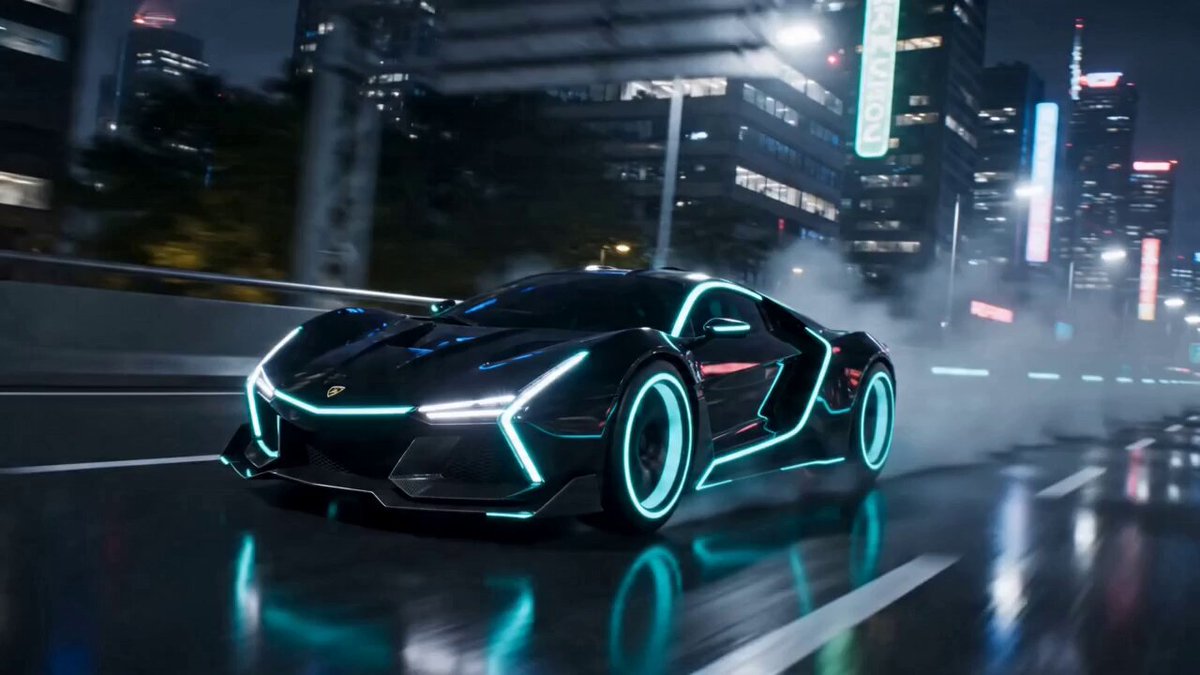 AI TransformationCreate a broader character or object transformation.
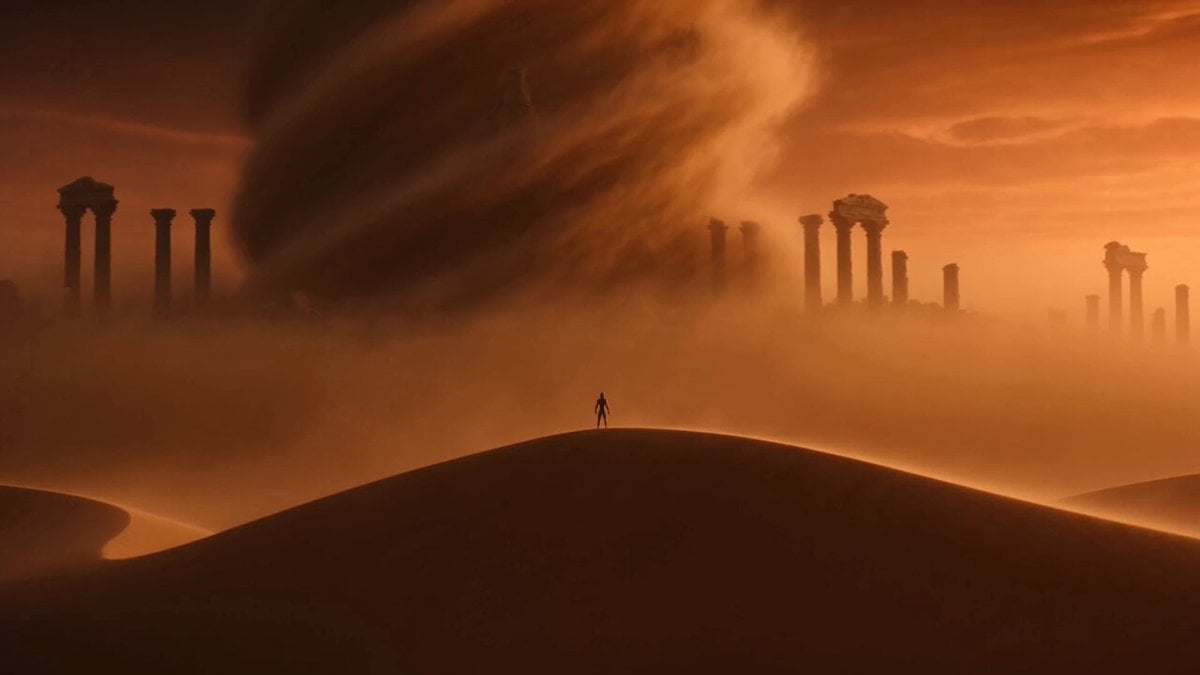 Image to VideoAnimate an image with a fully custom prompt.
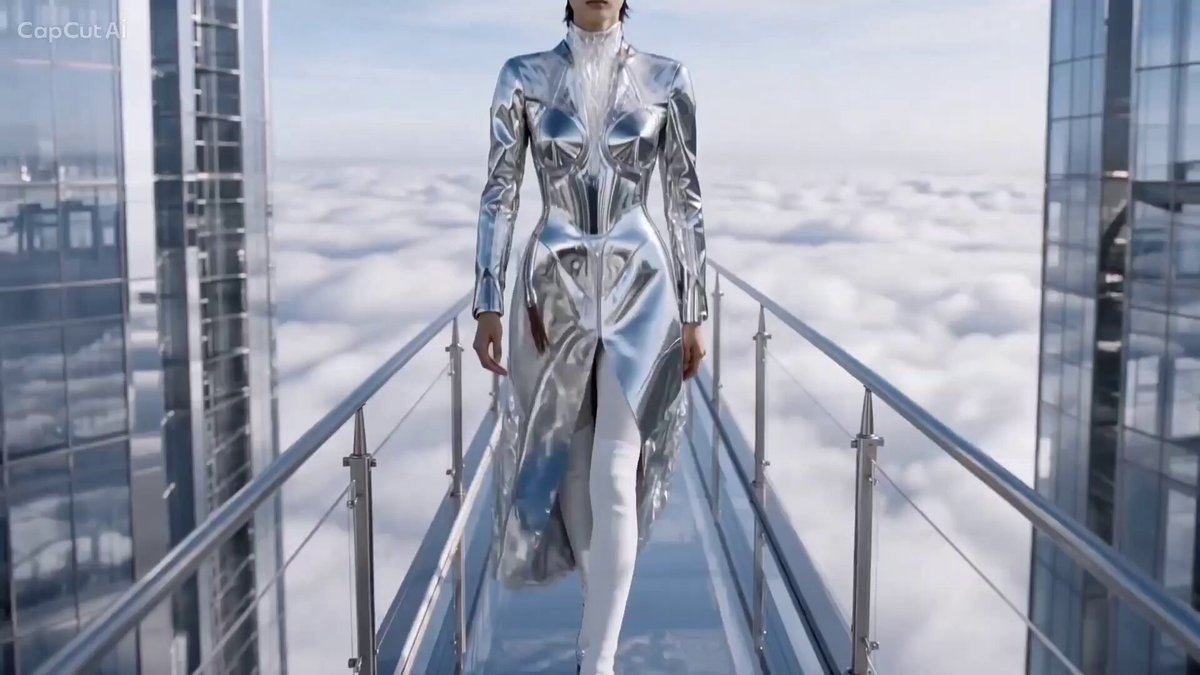 AI CatwalkApply a confident walk and fashion pose.
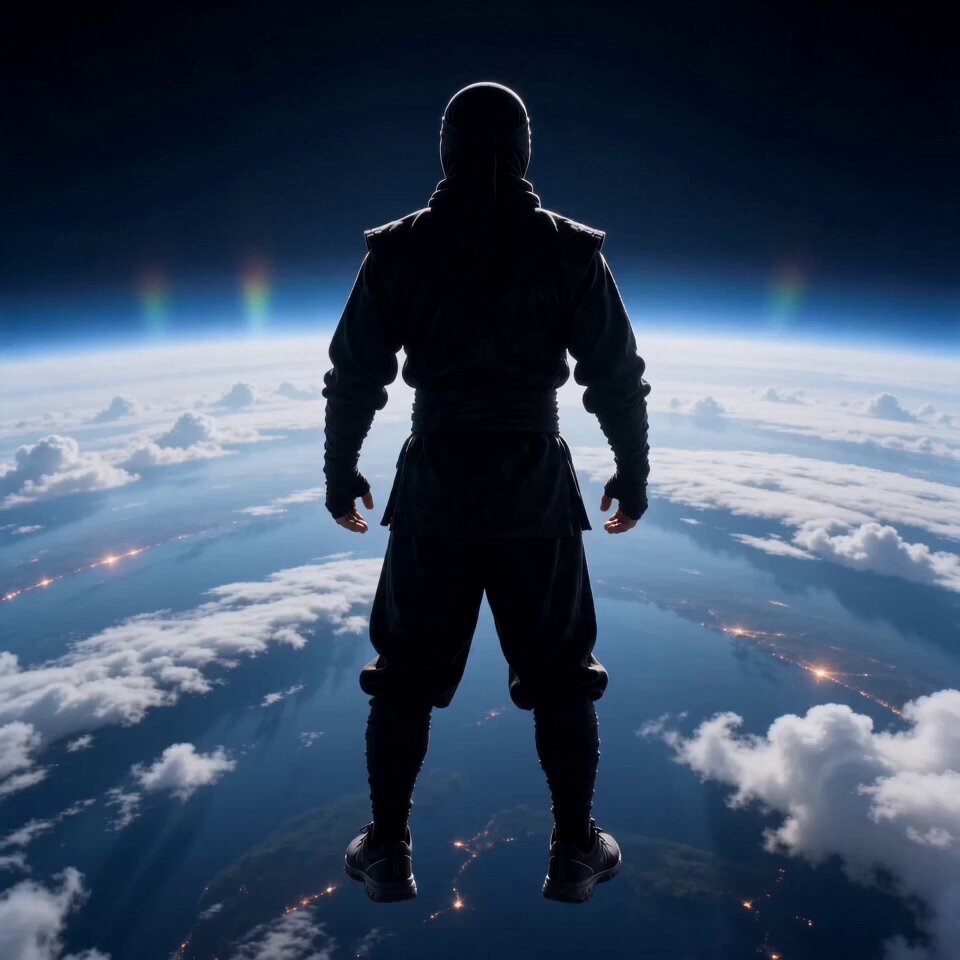 AI FlyingTurn a person into a cinematic flying scene.
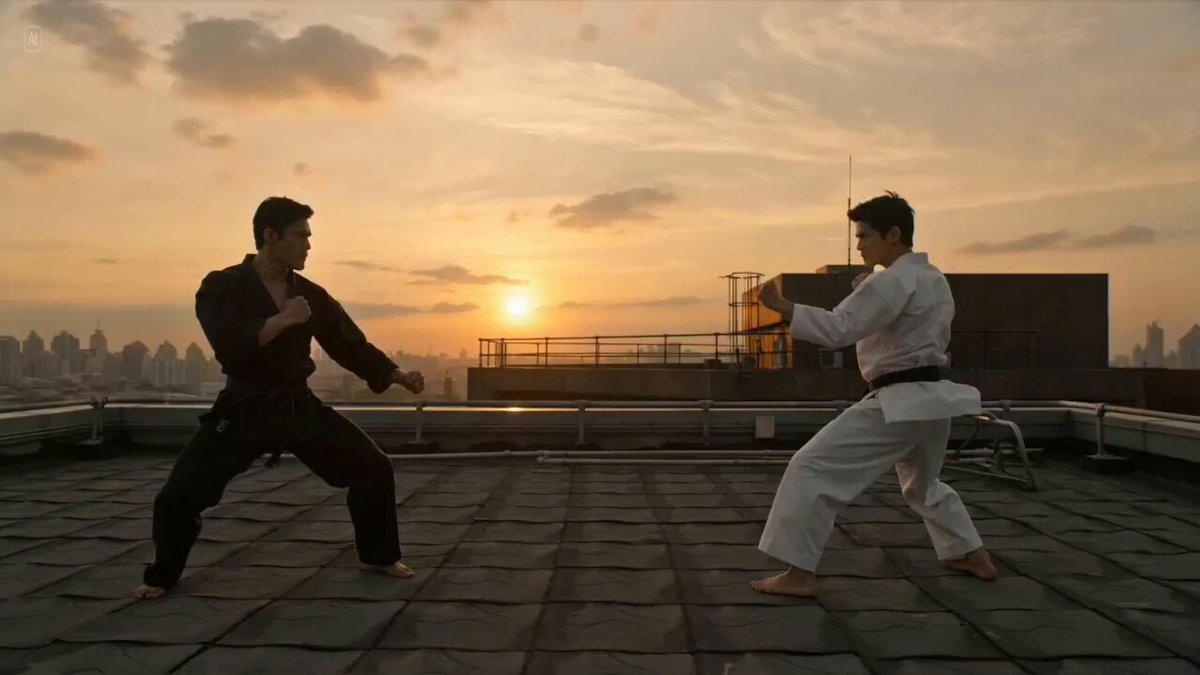 AI FightTurn a muscular character into a choreographed action scene.
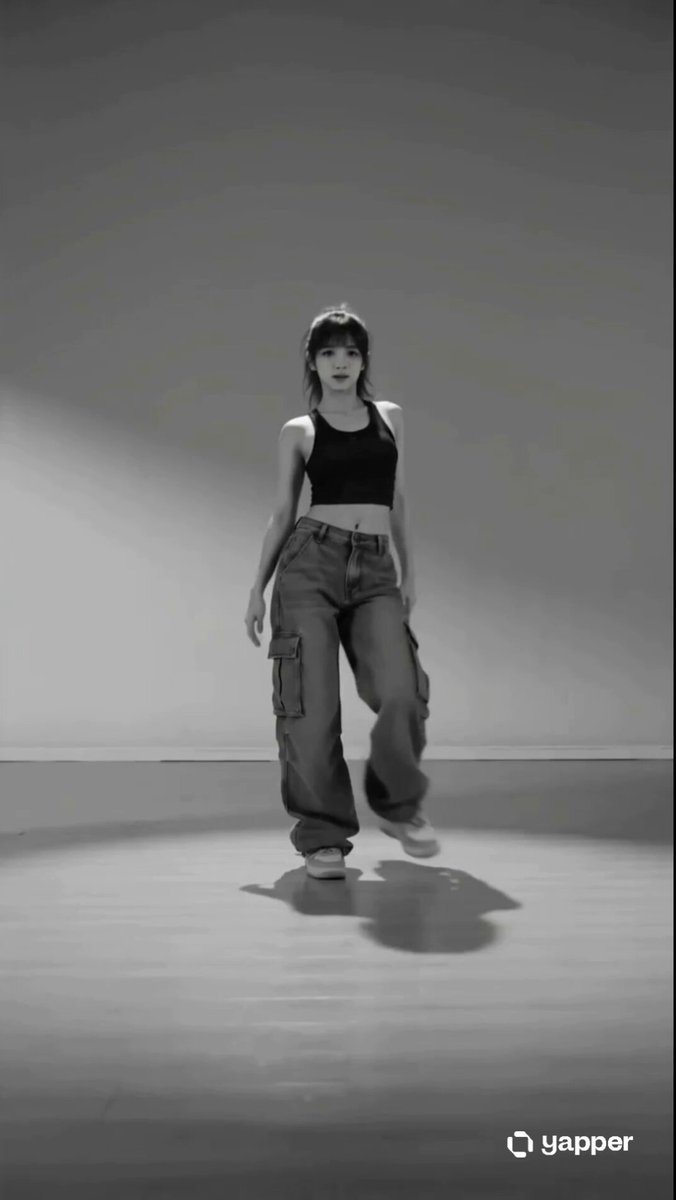 AI DanceApply full-body movement and editable choreography.
Add a person photo, choose a muscle transformation style, and edit the prompt to control the physique and final pose.
Generate video