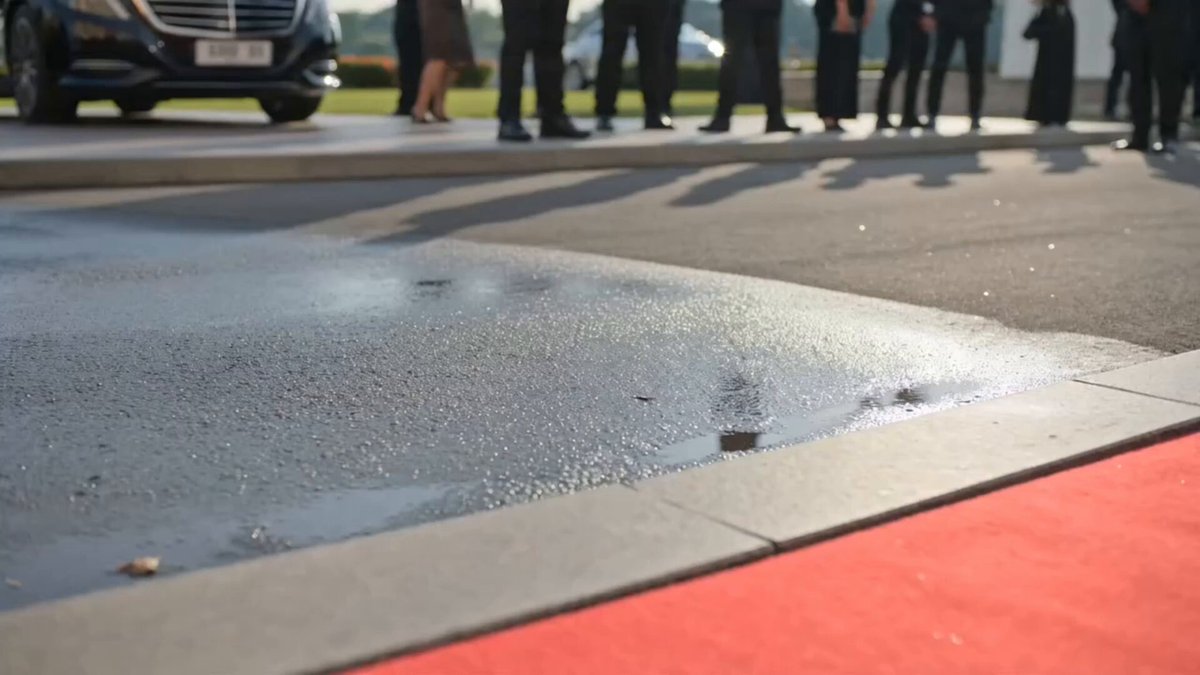
Generated motion
Cinematic Arrival
Step from a luxury car into a sweeping hero reveal with photographers ahead.
The AI Red Carpet Video Generator turns a person photo into a cinematic entrance with fashion walks, camera flashes, confident poses, and festival atmosphere.
Examples show the motion language of each preset. Your result follows your uploaded material and edited prompt.
Compare red carpet video styles for the entrance, walk, pose, camera flashes, and event atmosphere you want.
Step from a luxury car into a sweeping hero reveal with photographers ahead.
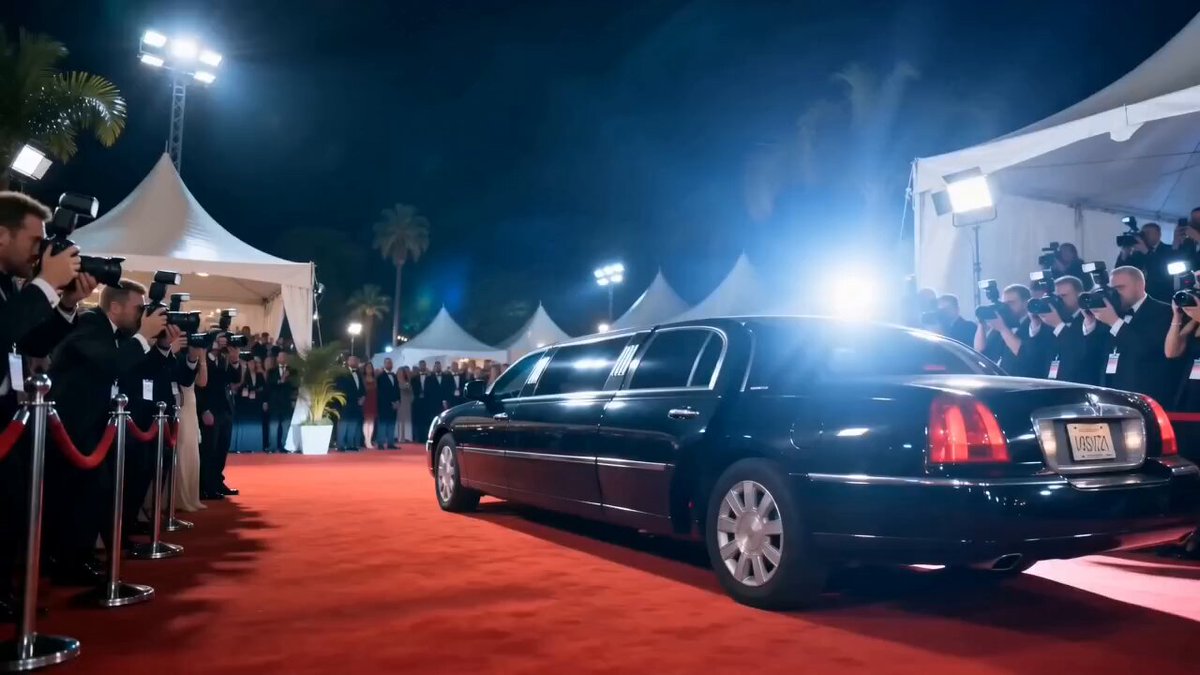
Walk, pause, and pose with confident runway energy under bright camera flashes.
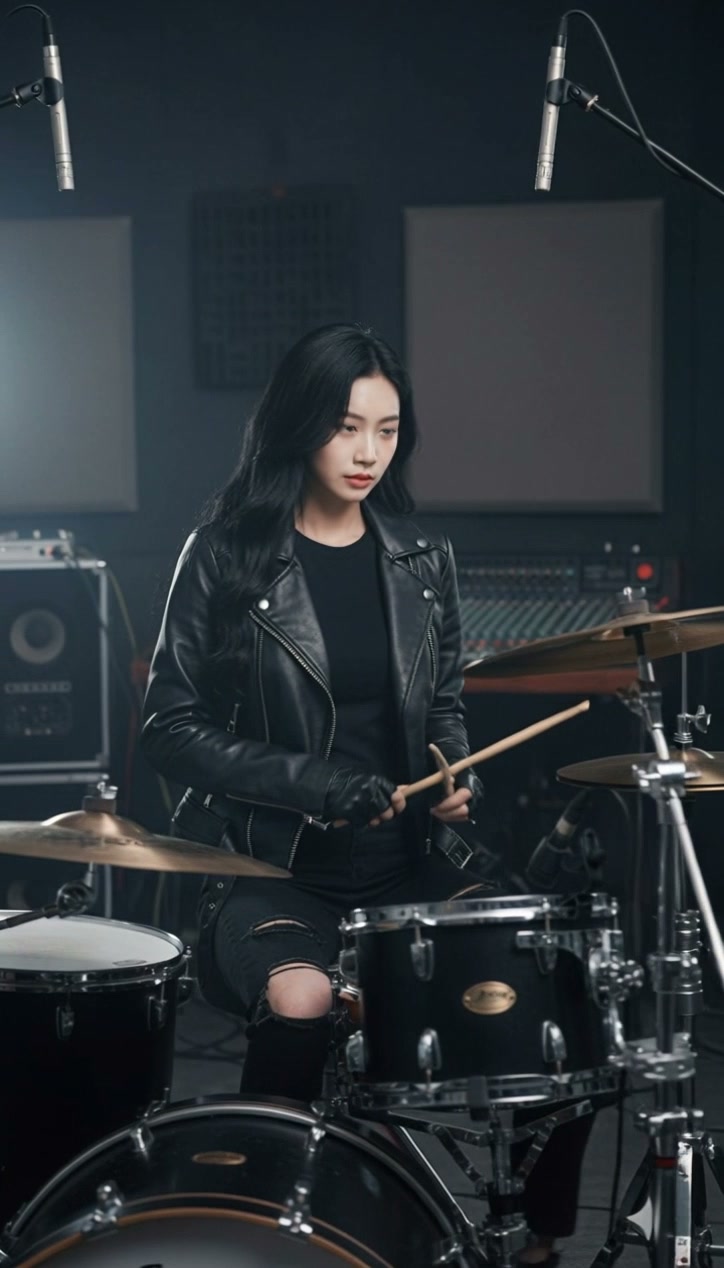
Transform an everyday scene into a flash-filled red carpet entrance without a hard cut.
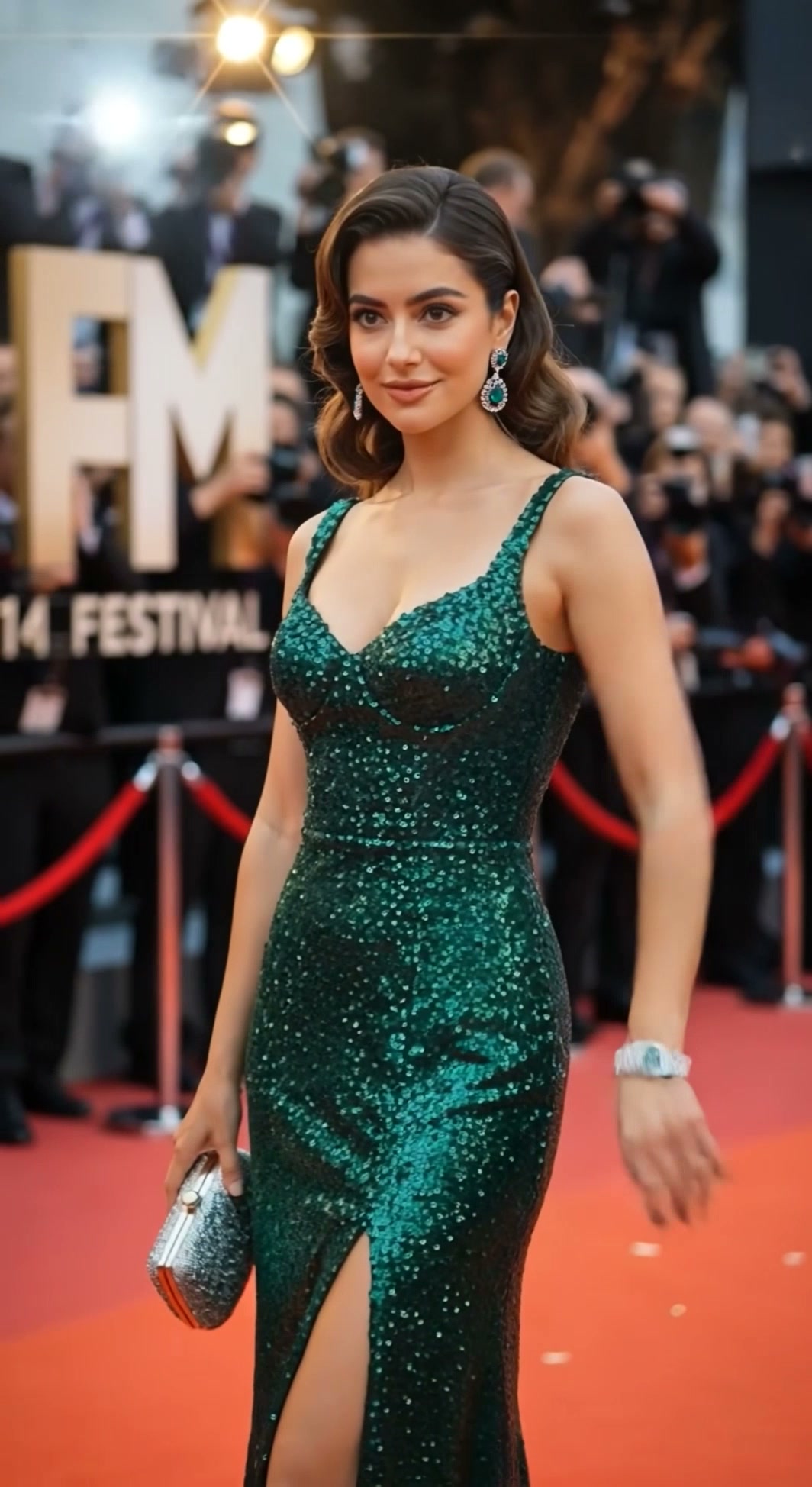
Wave to photographers as flashes and celebratory confetti fill a festival carpet.
A red carpet video works best with a readable outfit and body pose that support walking, turning, and posing under event lighting.
A readable outfit and body pose give the model enough context for walking, turning, and posing under event lighting.
Compare the reviewed red carpet examples and select the movement that fits your idea.
Adjust the prefilled prompt and any available generator controls, then generate your video.
A preset fills the motion instructions only. You can edit every detail while the generator keeps its normal compatible controls.
Start with one of these red carpet video prompts or write your own premiere-night variation.
Step from a luxury car into a wall of camera flashes.
Preserve the uploaded person and outfit. Begin beside a black limousine, let the subject step onto the carpet, adjust their look, and walk confidently toward photographers as flashes fire.
Walk to the press line and hold a polished hero pose.
Place the subject at a film premiere. They walk down the red carpet, pause at the press line, turn smoothly, and hold a confident hero pose under bright flash photography.
Show the outfit with a graceful turn and continued walk.
Keep the subject identity and clothing stable. Create a polished red carpet walk, a graceful turn that reveals the outfit, a brief camera-facing pose, and a confident exit toward the venue.
You can create the atmosphere and camera language of a premiere while preserving the person in your uploaded image. The prompt avoids replacing the face with a real celebrity.
Use a full-body or three-quarter portrait with one clear subject, visible clothing, and enough space around the body for walking and posing.
You can edit the prompt, but preserving the uploaded outfit usually gives the most stable result. Large wardrobe changes may reduce identity and fabric consistency.
The presets change the action and scene: car arrival, fashion walk, seamless red carpet transition, or festival entrance with confetti.
 Image to VideoAnimate any portrait with a custom prompt.
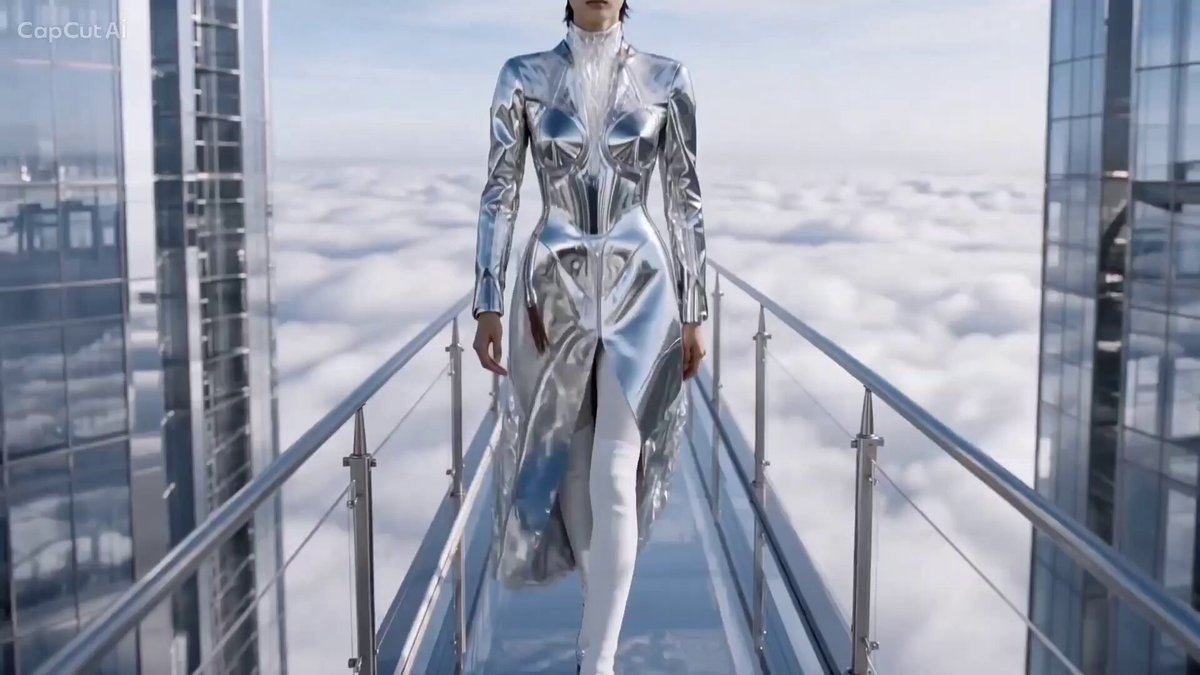 AI CatwalkCreate a focused runway walk and fashion pose.
 Camera OrbitCircle a subject with cinematic camera movement.
 Dolly ZoomAdd a dramatic push-pull camera effect.
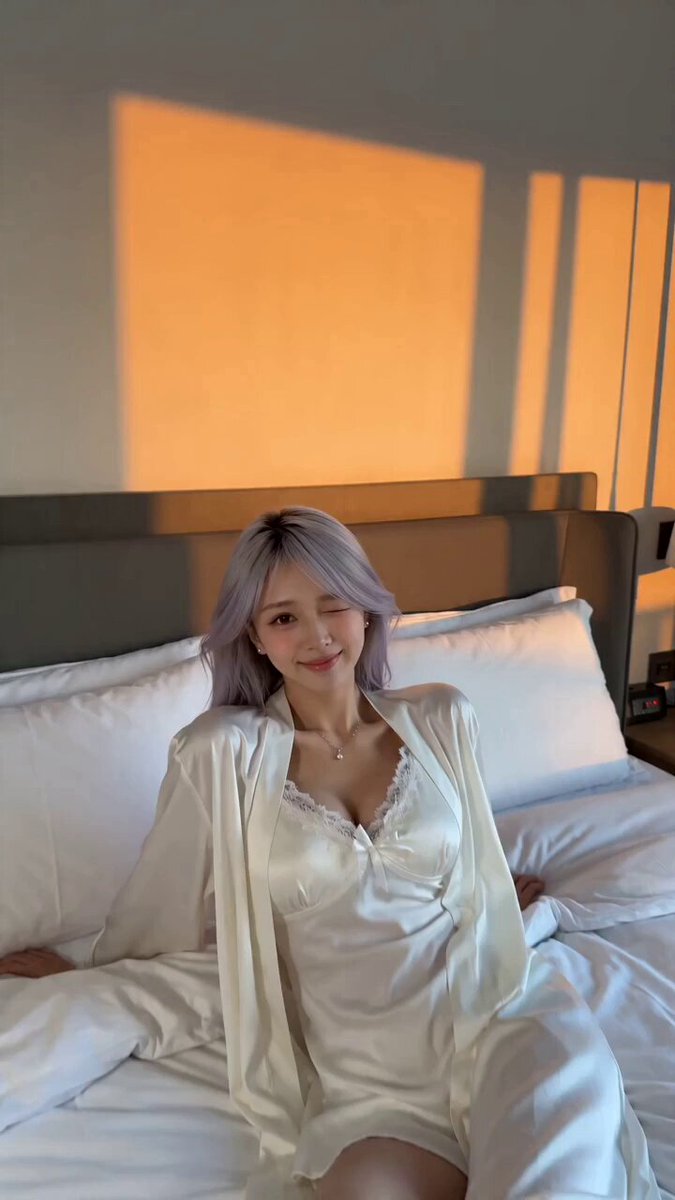 Video TransitionCreate a smooth transformation between scenes.
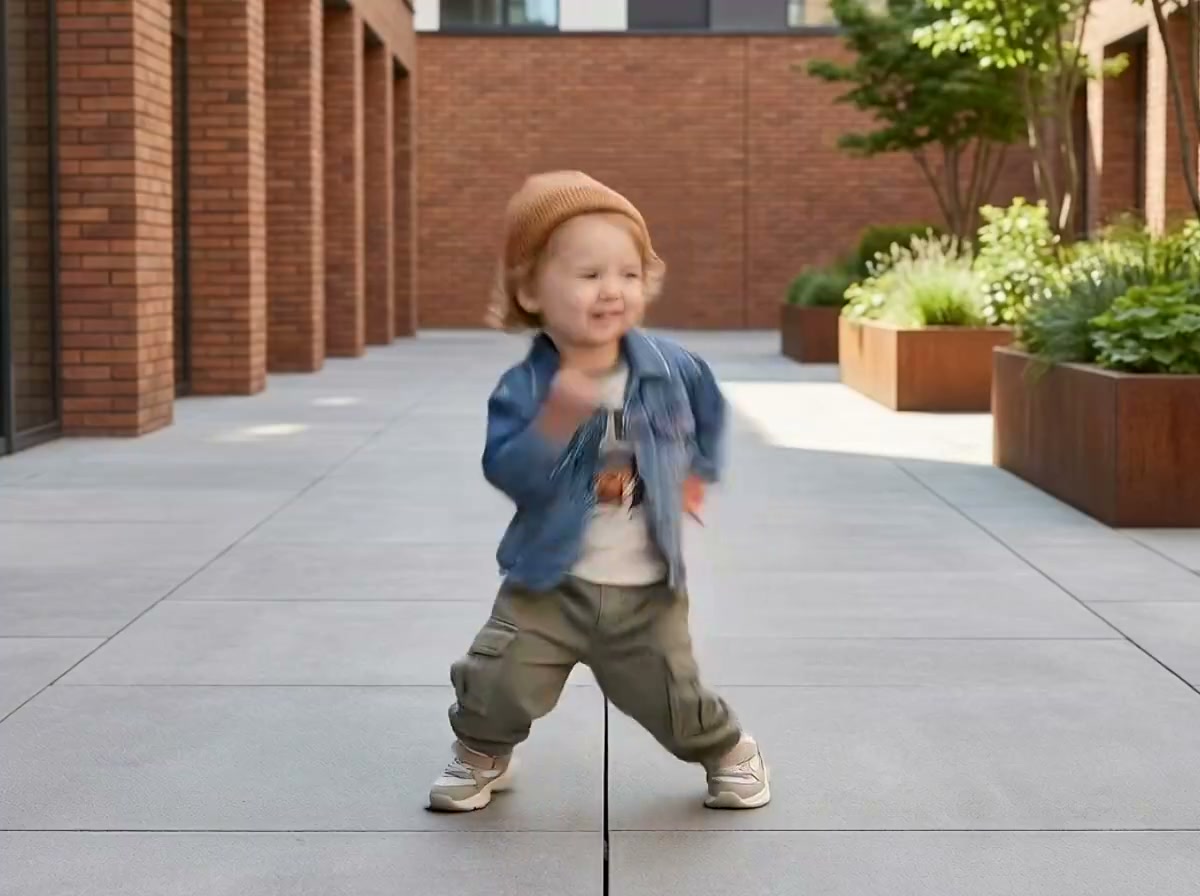 Baby DanceGenerate a playful dance from baby references.
Upload a portrait, choose a red carpet video style, and edit the prompt to control the walk, pose, flashes, and event mood.
Generate video